Cleaner, continuous line art
Focus on hair, eyes and clothing outlines to reduce rough edges and compression artifacts.

Give anime artwork more room without turning it into a photograph. The anime preset focuses on continuous line art, crisp color boundaries and the original character style.
Preserve character design, expression, pose and palette while refining lines and reducing compression artifacts.
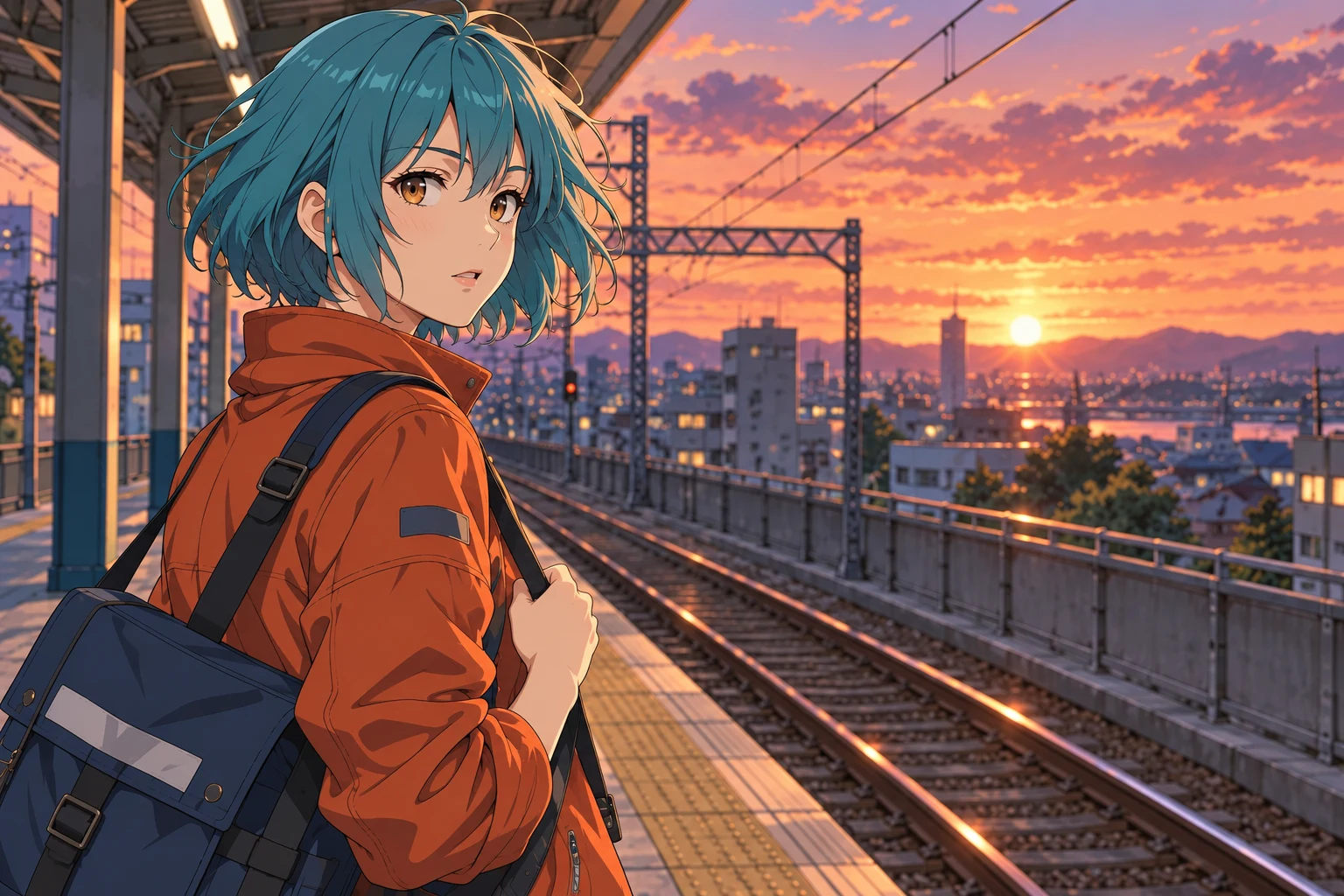
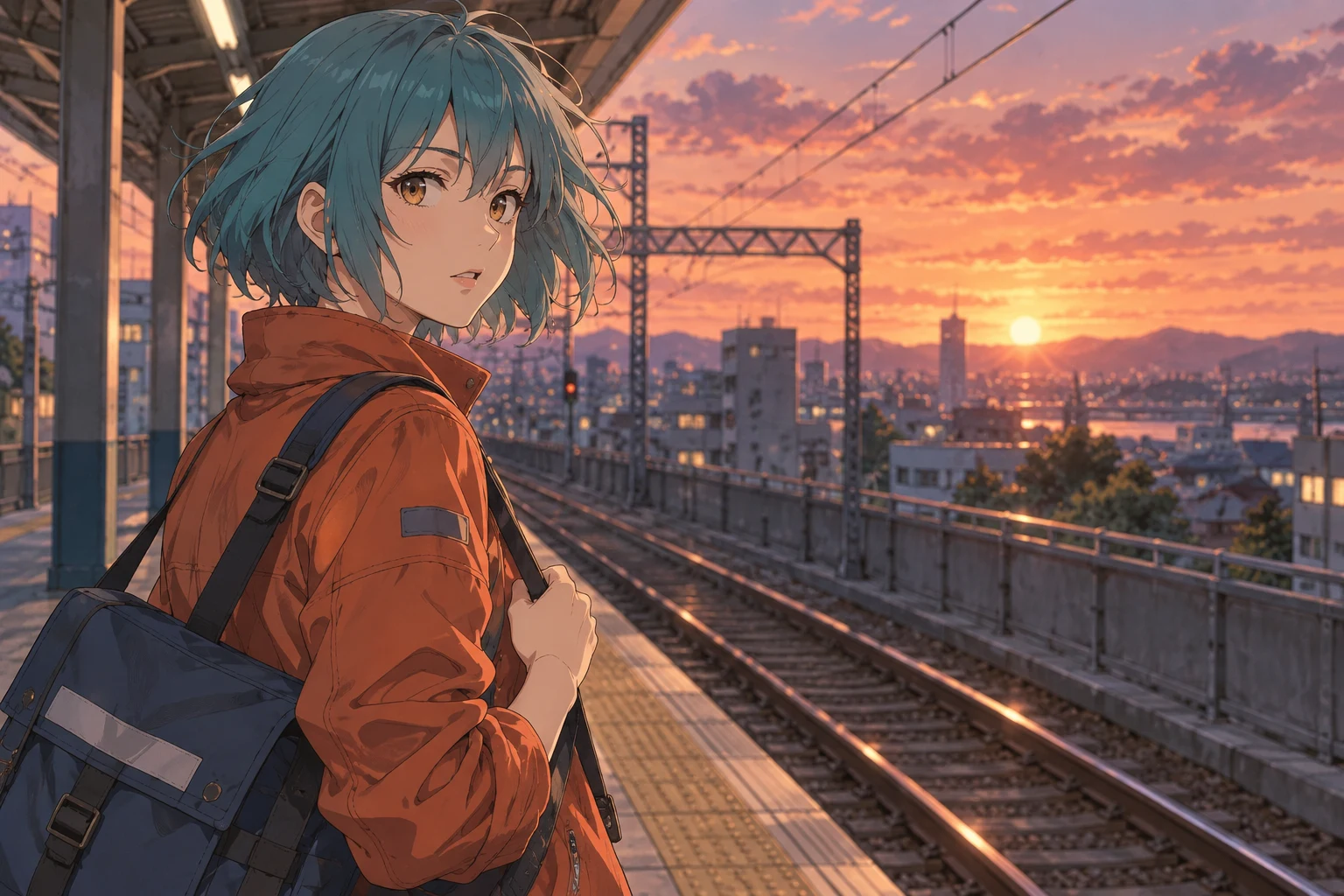
Both the source and enhanced images below are AI-generated illustrations of the intended effect, not GPT Image 2.5 benchmark results.
Upload your image or load an example below. This page’s enhancement preset is already selected.
Look for smooth line continuity around eyes and hair, distinct color boundaries and consistent cel shading. The anime preset keeps character design and pose in the instructions. Use HD redraw for detail refinement or the smart-upscale tab for 2× and 4× enlargement.
Focus on hair, eyes and clothing outlines to reduce rough edges and compression artifacts.
Refine color boundaries while preserving the palette and shading, without turning the image photorealistic.
Ask for the character design, expression, pose and setting to retain the original illustration style.
Explore the intended changes at both image and detail level, then load a source image to try the preset.
Both the source and enhanced images below are AI-generated illustrations of the intended effect, not GPT Image 2.5 benchmark results.
Teal hair, an orange jacket and a sunset platform form distinct color areas. Compare eye and hair lines, then jacket edges and distant buildings.
What the preset asks for
Keep the character, pose, palette and cel shading; refine continuous lines without photorealistic skin.
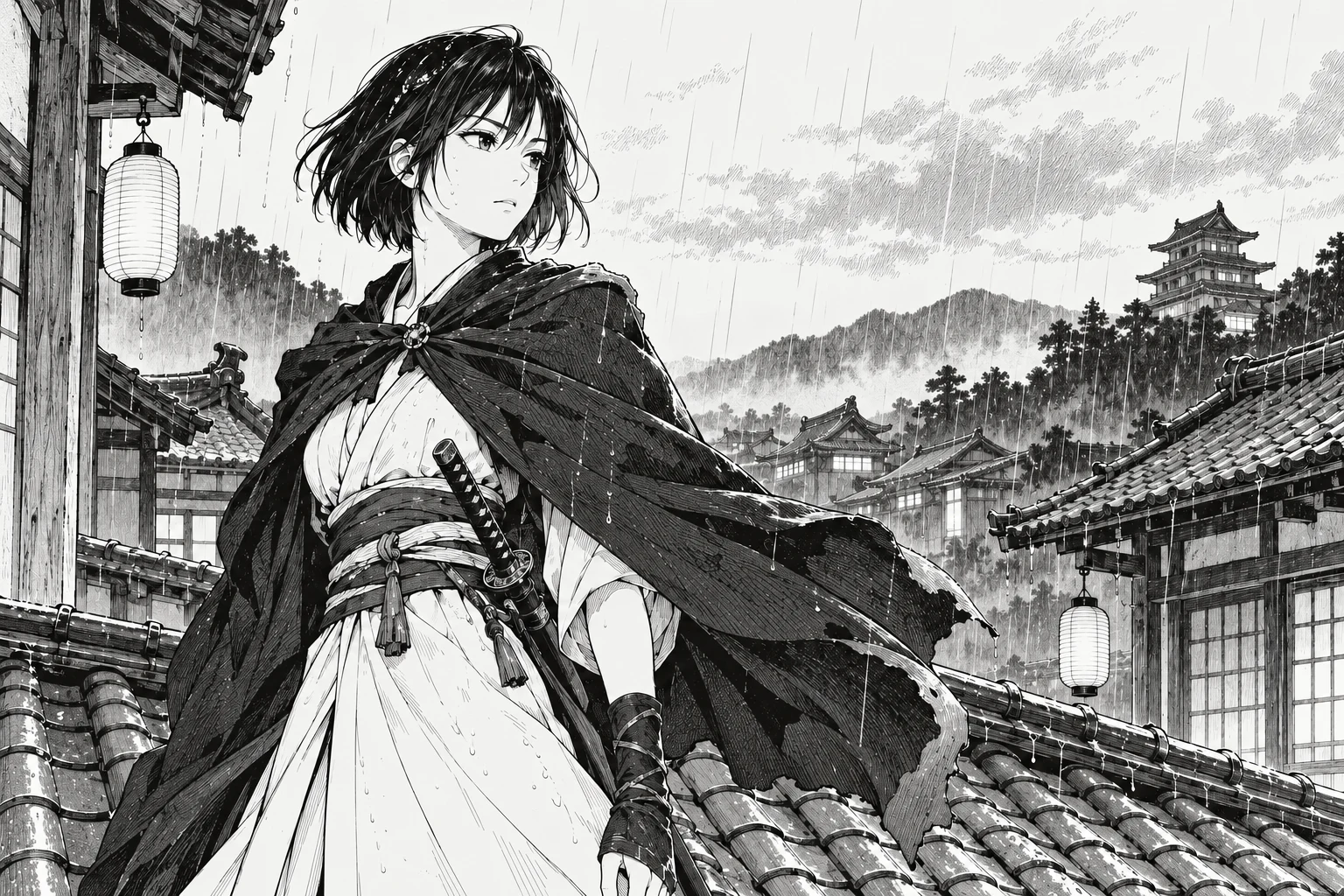
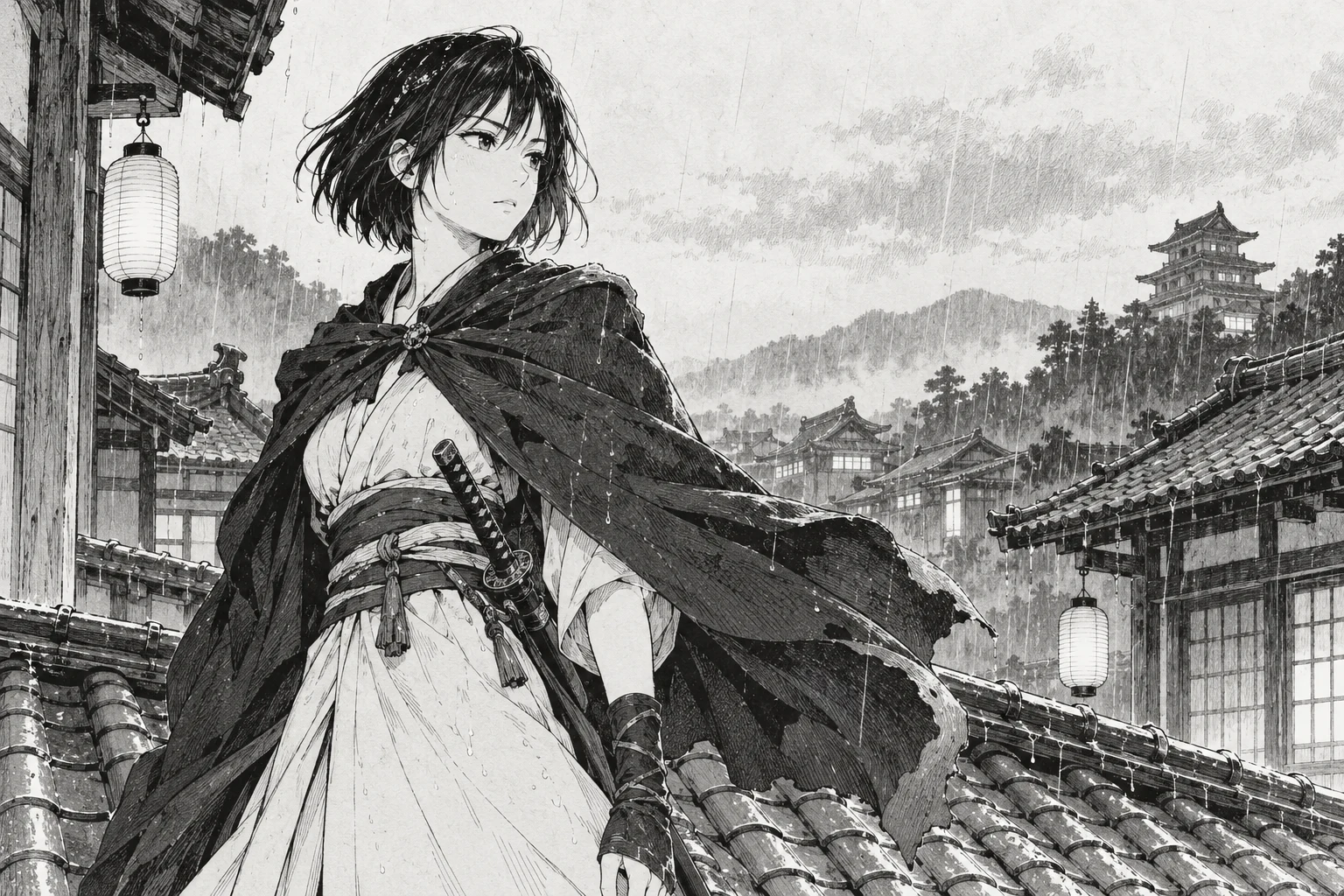
Monochrome manga builds depth through line weight and hatching. Compare eyes, cloak edges and roof lines while retaining the ink style and reducing scan noise.
What the preset asks for
Keep the monochrome style, pose and hatching; clarify fine lines without adding color or realism.
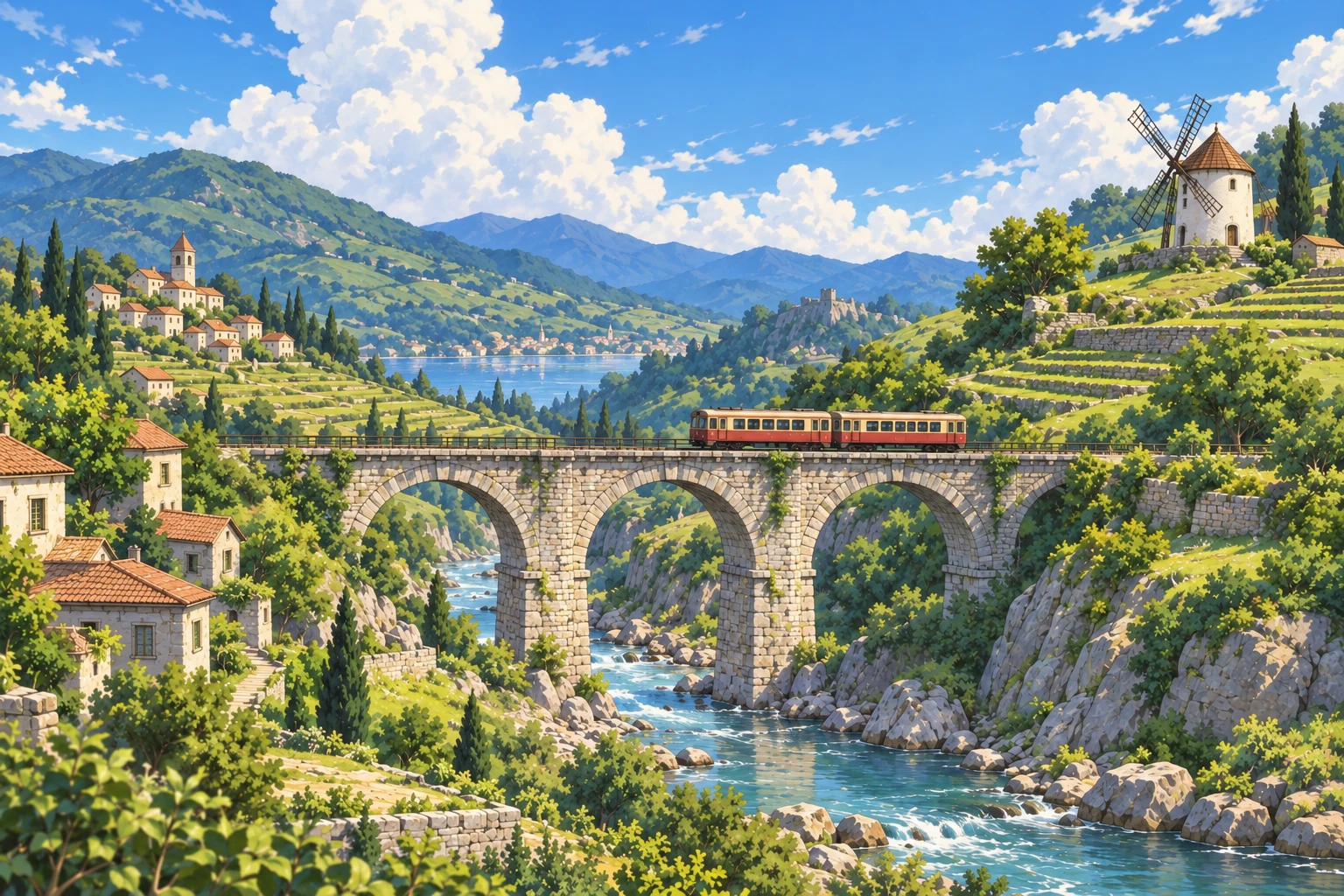
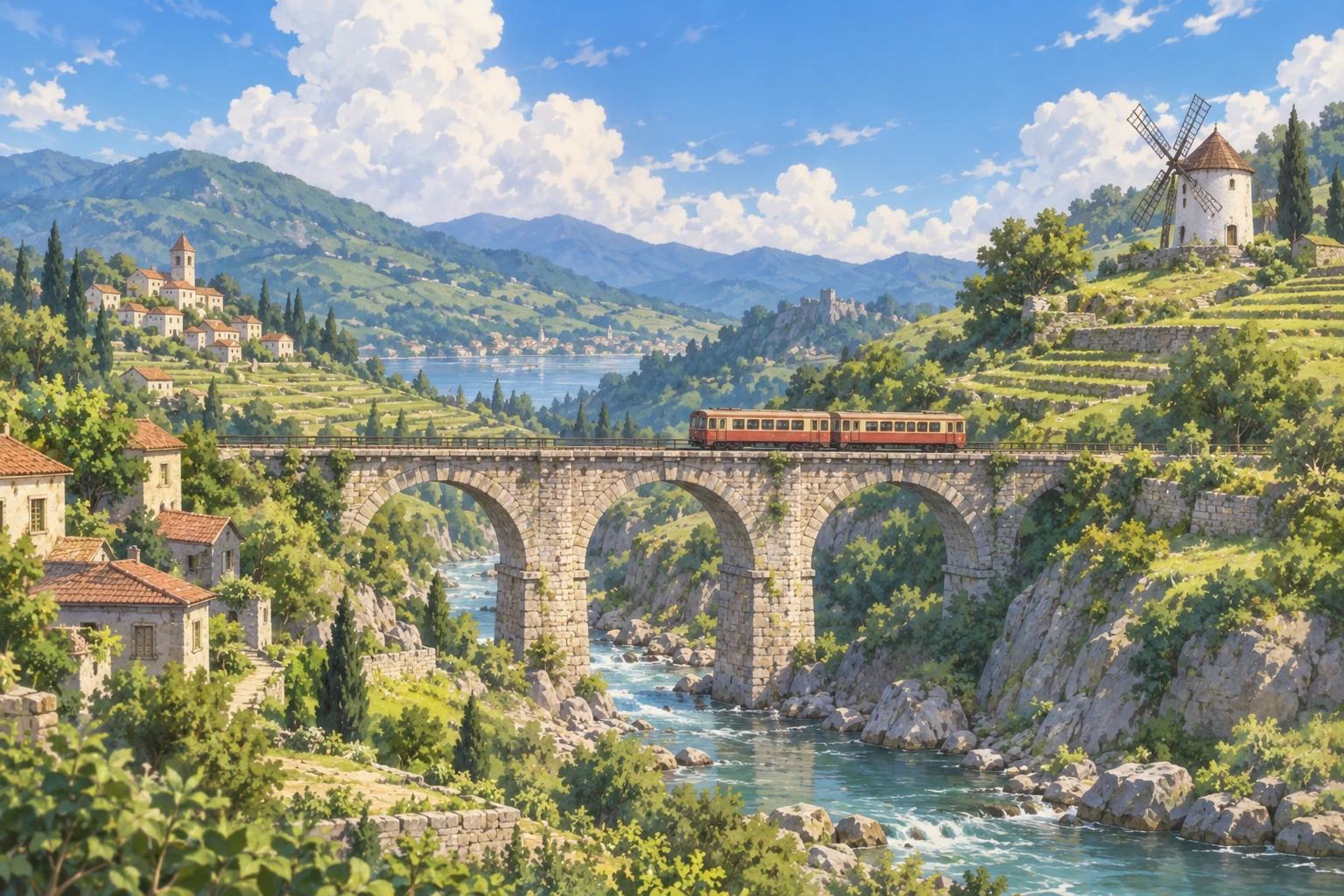
Background art calls for structure and depth. Examine train windows, bridge outlines and hillside foliage while keeping painted colors and perspective.
What the preset asks for
Keep the bridge, train, windmill and cloud layout; refine structural edges while retaining painted texture.
These close-ups use the same comparison images. Move the slider to examine texture, edges and color.
Keep expressions and character design while refining lines and compression.
Retain ink strokes and hatching while refining fine lines and scan noise.
Refine architectural edges and distant detail while keeping a painted illustration style.
Choose a JPG, PNG, or WebP image. Start with the original file rather than a screenshot of a screenshot.
The task preset is selected for you. Choose medium or high quality and 2K or 4K output. Leave the ratio on auto to keep the original proportions.
Generate one image, drag the comparison slider to inspect details, then download the version you want.
Use the task preset on this page to improve lighting, edges or materials when the image itself needs work.
Anime line art and cel shadingUse the separate 2× or 4× workflow when your main goal is a larger image.
AI image upscalerUse the anime HD-redraw preset when the source has rough lines or compression artifacts and you want detail refinement. Choose smart upscale for straightforward 2× or 4× enlargement. Keep the ratio on auto to retain the composition.
The anime preset explicitly asks to retain the illustration style, cel shading and character design, avoiding photorealistic skin or new decoration.
Choose 2× or 4× smart upscale for a larger image. Try the anime HD redraw preset when lines are rough or color boundaries contain compression artifacts.
HD redraw uses GPT Image 2.5 Sunburst. The smart-upscale tab provides a separate 2× or 4× enlargement workflow.
GPT Image 2.5 redraw requires sign-in and credits. The workspace shows the cost for your selected quality and resolution. Smart upscale has its own daily guest allowance and pricing.
Upload JPG, PNG or WebP. Original files usually retain more detail than chat thumbnails or screenshots.
After generation, the workspace shows your source and result. Drag the slider to compare matching areas, then save the output with the download button.
No. Loading an example places its source image in the workspace and selects the preset. A processing task starts only when you click Generate. The displayed comparisons are AI-generated illustrations.
Choose an image, compare the generated result and download the version you prefer.
Upload an imageGPT Image 2.5 · Sunburst
Anime line art and cel shading
Preserve character design, expression, pose and palette while refining lines and reducing compression artifacts.
Upload an image for AI HD redrawing, the aspect ratio will be preserved
Supports JPEG, JPG, PNG, BMP, WebP, HEIC. Max 10MB.
Please log in to use this feature