Keep shape and proportions
Keep the jar outline, lid structure and original viewpoint while improving clarity.

Make product photos clearer for listings, catalogs and close-ups. The product preset focuses on detail and subtle lighting while retaining the item’s shape, logo, color and material.
Refine clarity without redesigning the product, replacing the background or adding props.
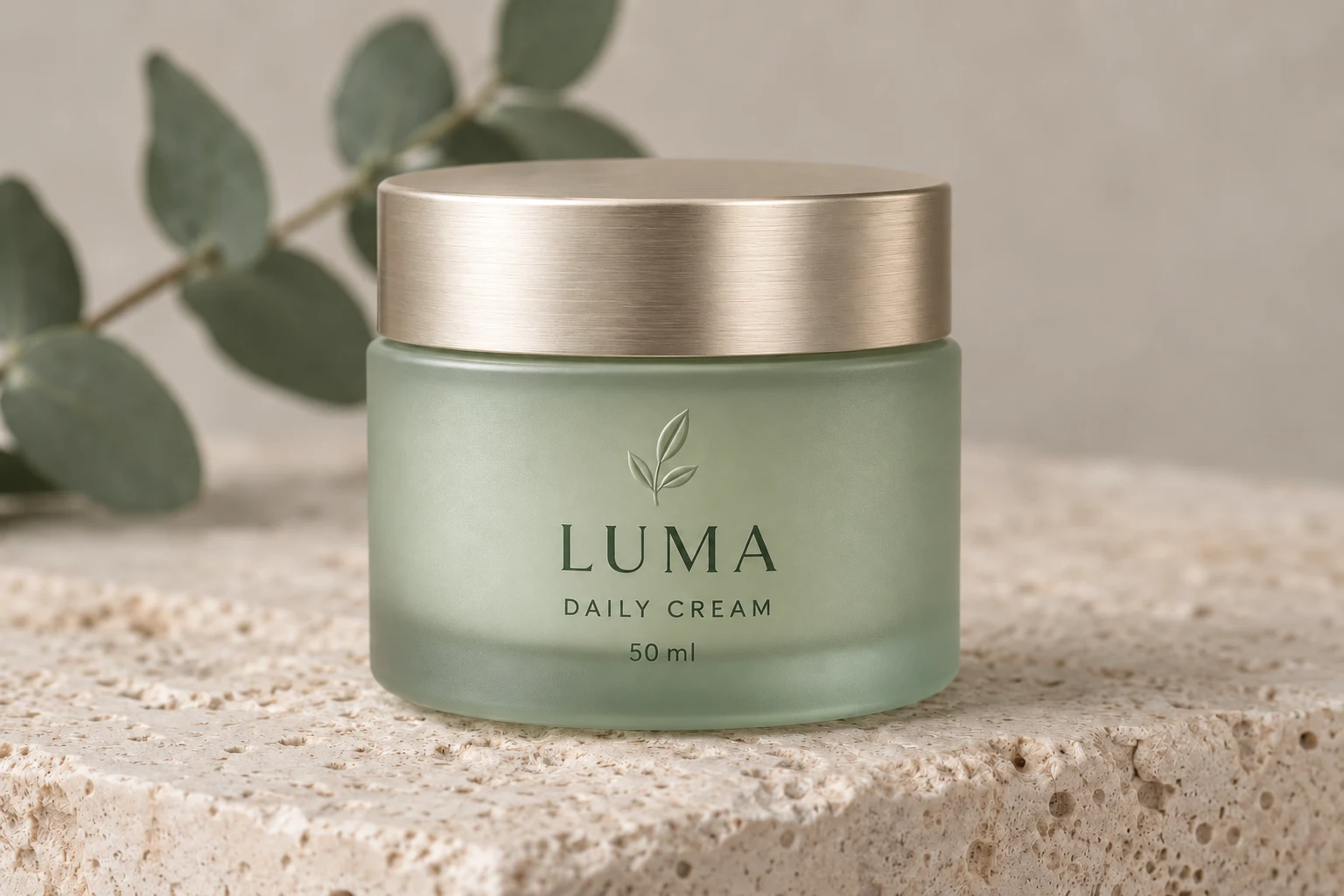
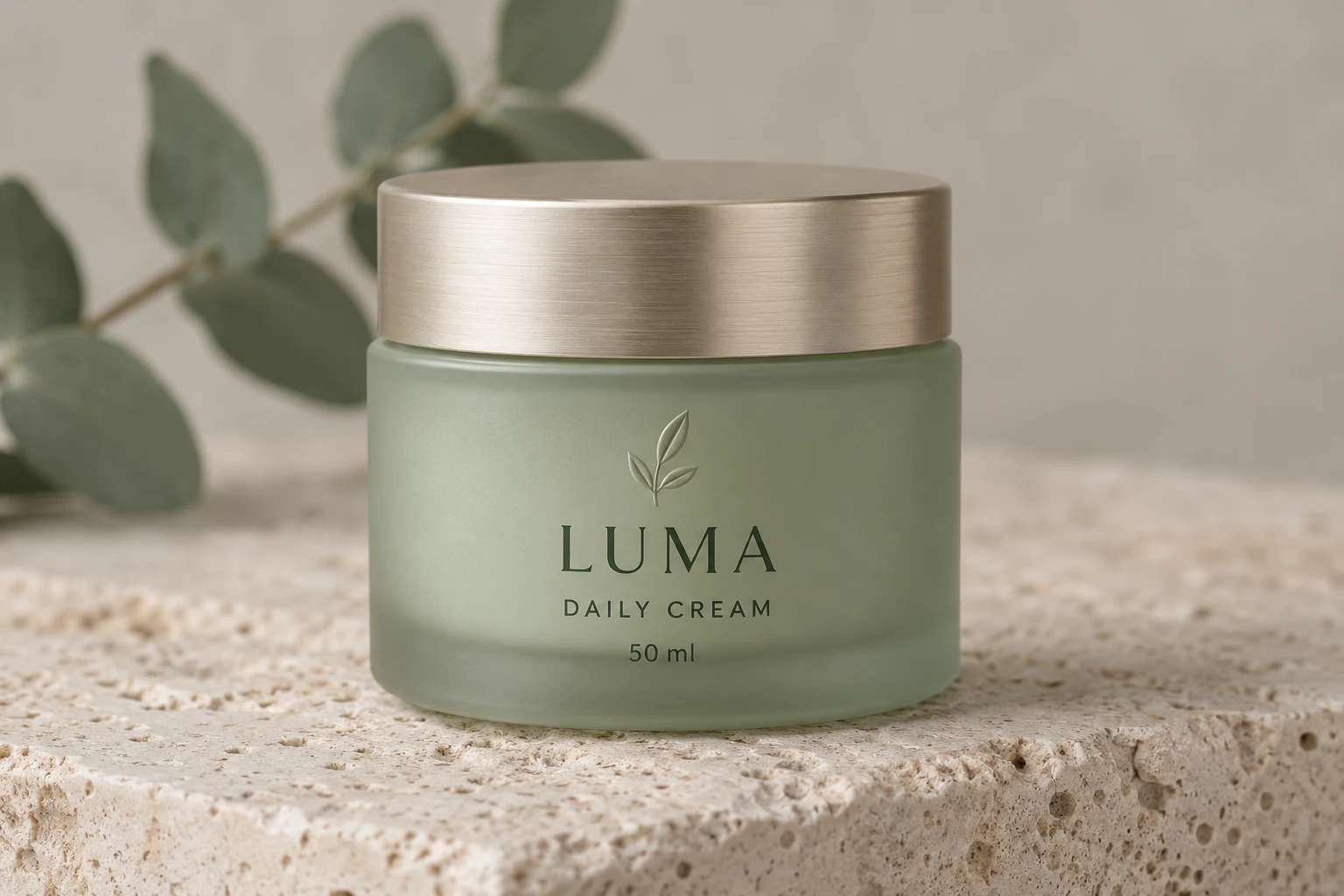
Both the source and enhanced images below are AI-generated illustrations of the intended effect, not GPT Image 2.5 benchmark results.
Upload your image or load an example below. This page’s enhancement preset is already selected.
Start with the product silhouette and proportions. Then compare logos and labels, followed by the surface finish: metal reflections, fabric weave or plastic texture. The product preset includes separate preservation instructions for geometry, branding, color and material.
Keep the jar outline, lid structure and original viewpoint while improving clarity.
Ask for existing branding and readable text to stay in place, focusing on label edges and print detail.
Retain metal reflections and soft frosted glass while improving light without redesigning the product.
Explore the intended changes at both image and detail level, then load a source image to try the preset.
Both the source and enhanced images below are AI-generated illustrations of the intended effect, not GPT Image 2.5 benchmark results.
This example brings together product shape, branding and two finishes. Compare the full jar, then examine the logo, metal and glass close-ups below.
What the preset asks for
Preserve jar proportions, the LUMA label and palette; improve clarity and local light without changing the background.
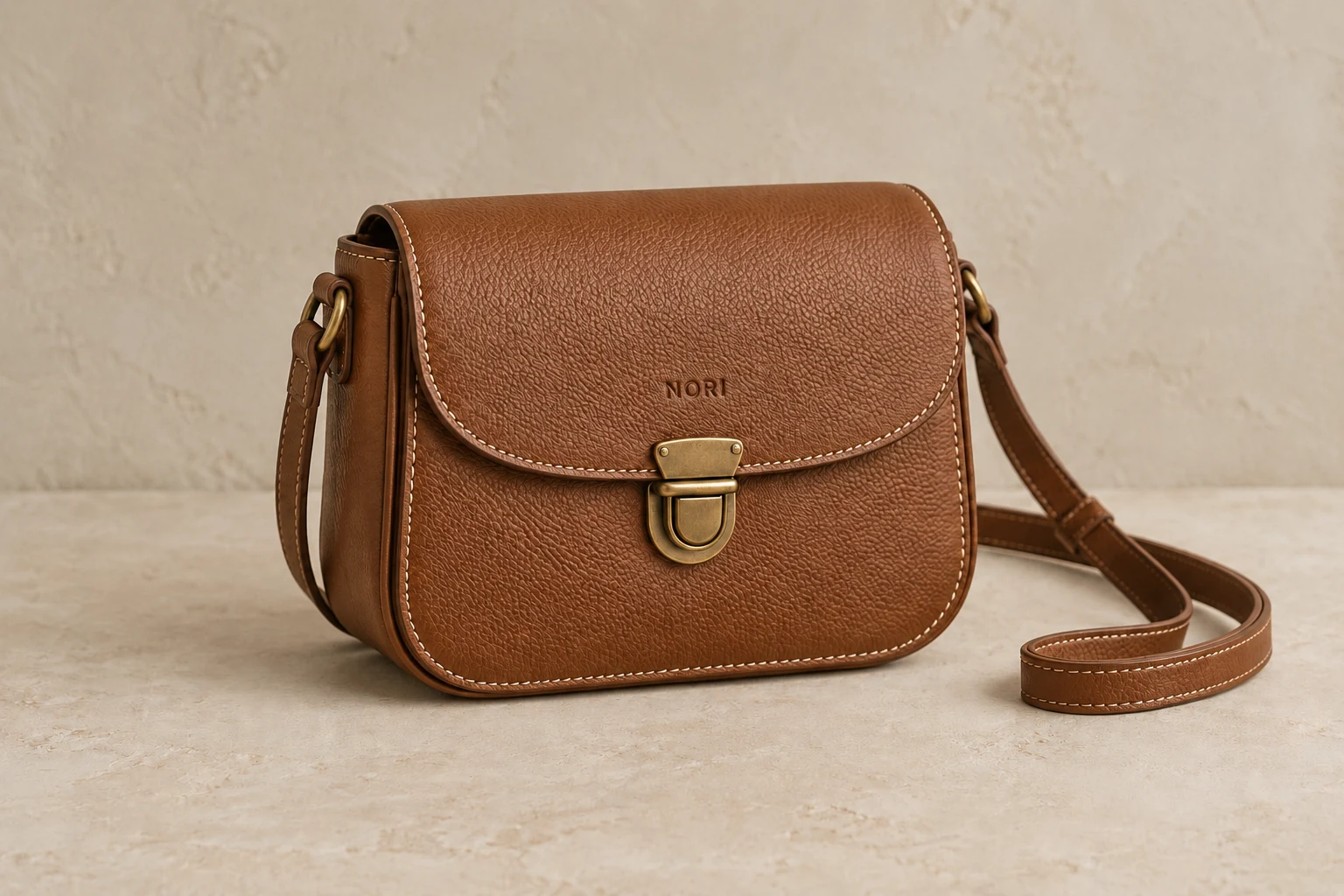
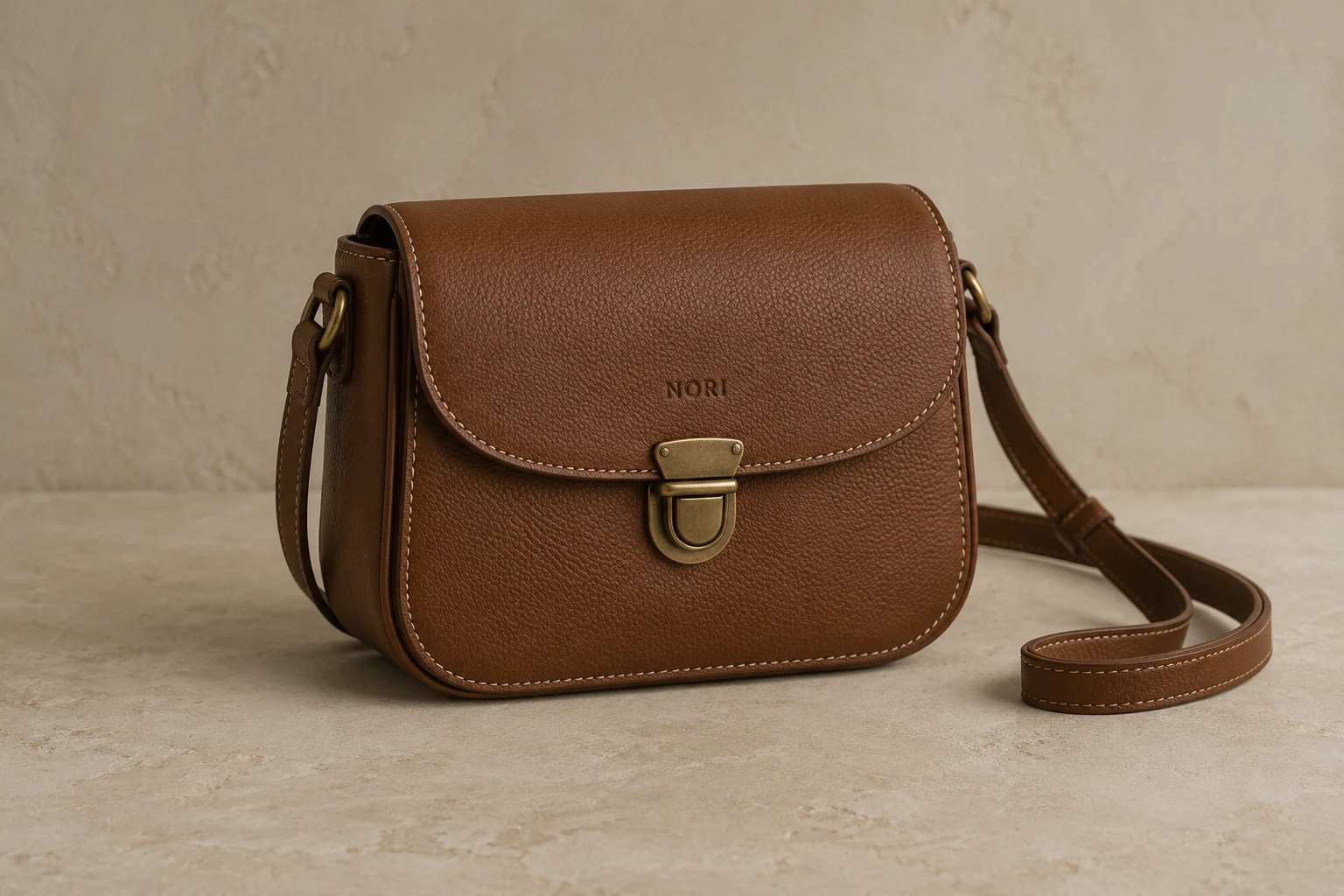
Leather grain, edge stitching and metal hardware need different treatment. Compare the silhouette, NORI embossing and strap to see how detail retains the original material.
What the preset asks for
Keep the bag shape, strap and embossed branding; refine grain and stitches without changing leather color.
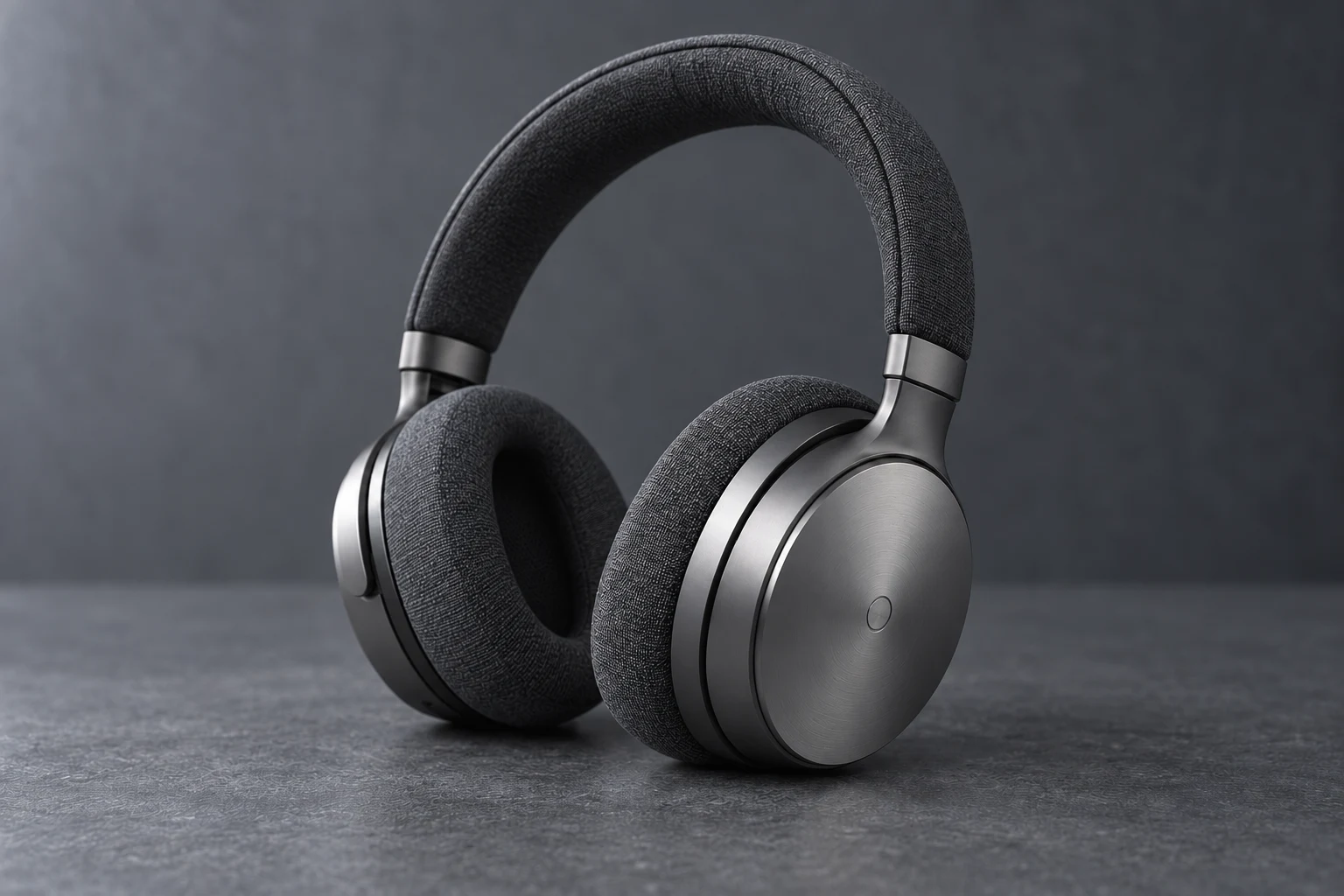
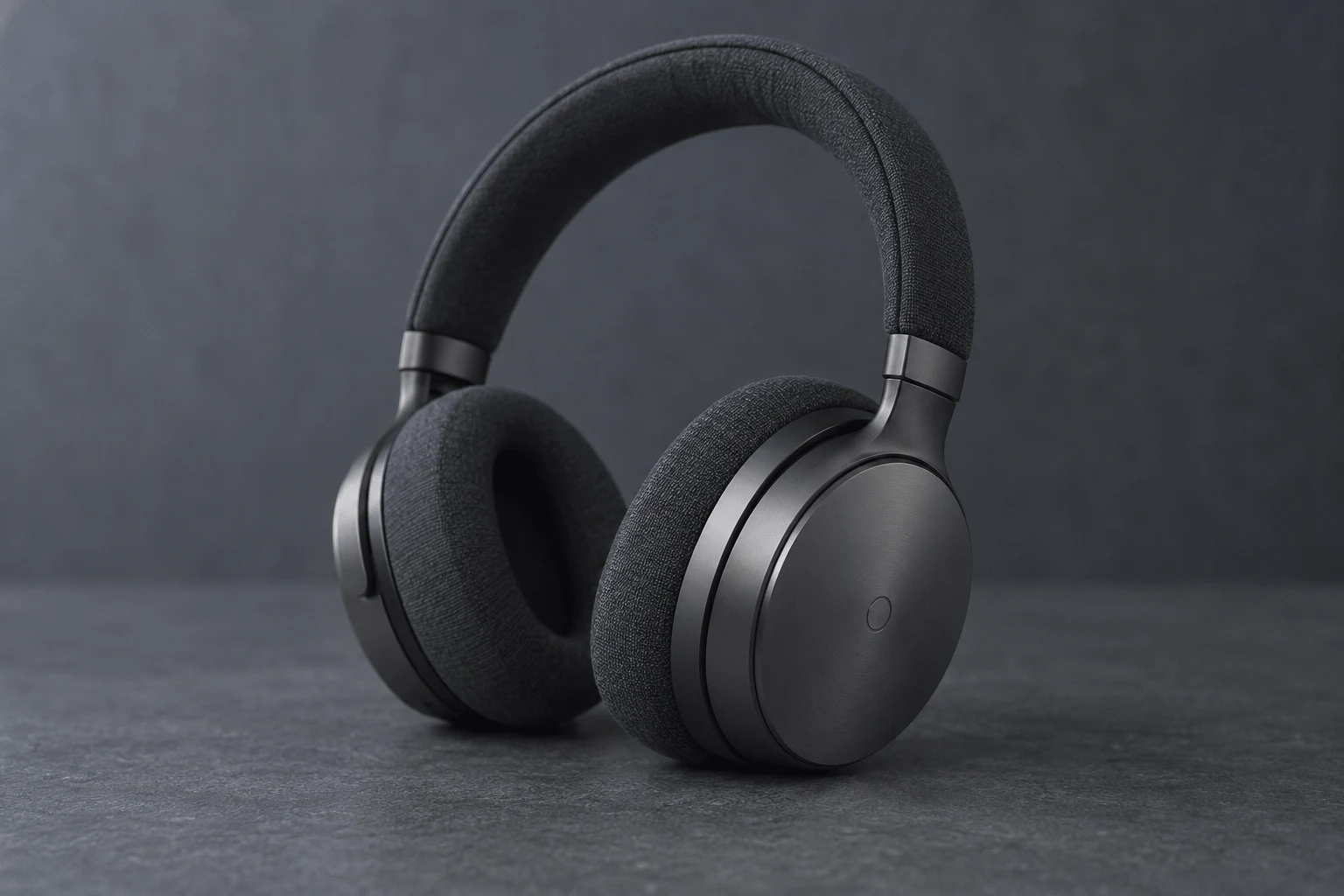
Dark headphones combine metal earcups with fabric cushions. Examine joints, the circle mark and weave so brighter detail still retains the dark metal finish.
What the preset asks for
Keep proportions and joints; improve metal reflections and fabric detail without adding marks or accessories.
These close-ups use the same comparison images. Move the slider to examine texture, edges and color.
Make the subject, label and surface detail easier to see.
Improve existing catalog images while retaining their composition.
Refine visible detail in metal, glass, fabric and other materials.
Choose a JPG, PNG, or WebP image. Start with the original file rather than a screenshot of a screenshot.
The task preset is selected for you. Choose medium or high quality and 2K or 4K output. Leave the ratio on auto to keep the original proportions.
Generate one image, drag the comparison slider to inspect details, then download the version you want.
Use the task preset on this page to improve lighting, edges or materials when the image itself needs work.
Product shape, logo and materialUse the separate 2× or 4× workflow when your main goal is a larger image.
AI image upscalerThe preset instructs GPT Image 2.5 to retain the original geometry, proportions, logo, label text, colors and material. Use the original product photo with a readable logo and keep the ratio on auto for a close comparison.
This preset focuses on the quality of an existing product photo and asks to keep its background and props. Background replacement is a separate edit, best completed before enhancement.
Upload a source with a readable label whenever possible. The preset asks to keep existing text rather than invent unreadable content; tiny or missing lettering cannot be reliably recovered.
HD redraw uses GPT Image 2.5 Sunburst. The smart-upscale tab provides a separate 2× or 4× enlargement workflow.
GPT Image 2.5 redraw requires sign-in and credits. The workspace shows the cost for your selected quality and resolution. Smart upscale has its own daily guest allowance and pricing.
Upload JPG, PNG or WebP. Original files usually retain more detail than chat thumbnails or screenshots.
After generation, the workspace shows your source and result. Drag the slider to compare matching areas, then save the output with the download button.
No. Loading an example places its source image in the workspace and selects the preset. A processing task starts only when you click Generate. The displayed comparisons are AI-generated illustrations.
Choose an image, compare the generated result and download the version you prefer.
Upload an imageGPT Image 2.5 · Sunburst
Product shape, logo and material
Refine clarity without redesigning the product, replacing the background or adding props.
Upload an image for AI HD redrawing, the aspect ratio will be preserved
Supports JPEG, JPG, PNG, BMP, WebP, HEIC. Max 10MB.
Please log in to use this feature