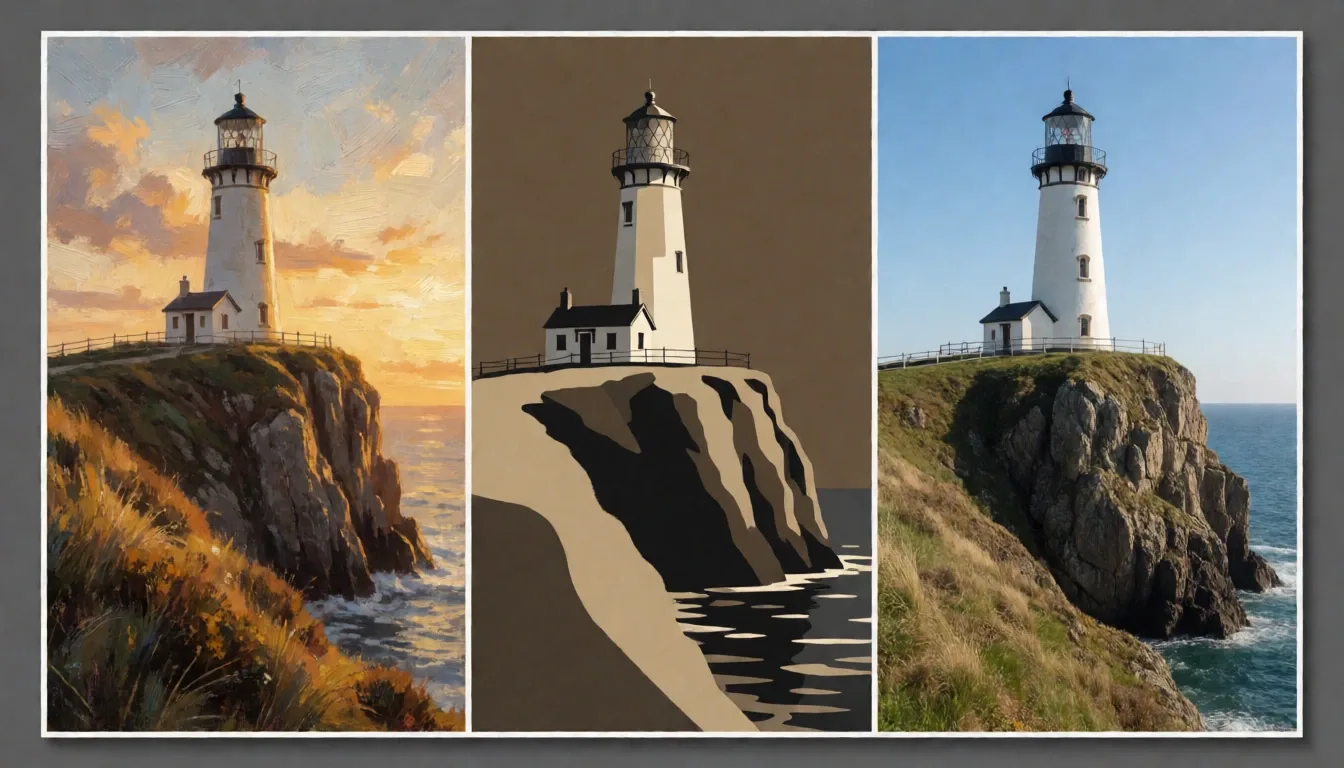
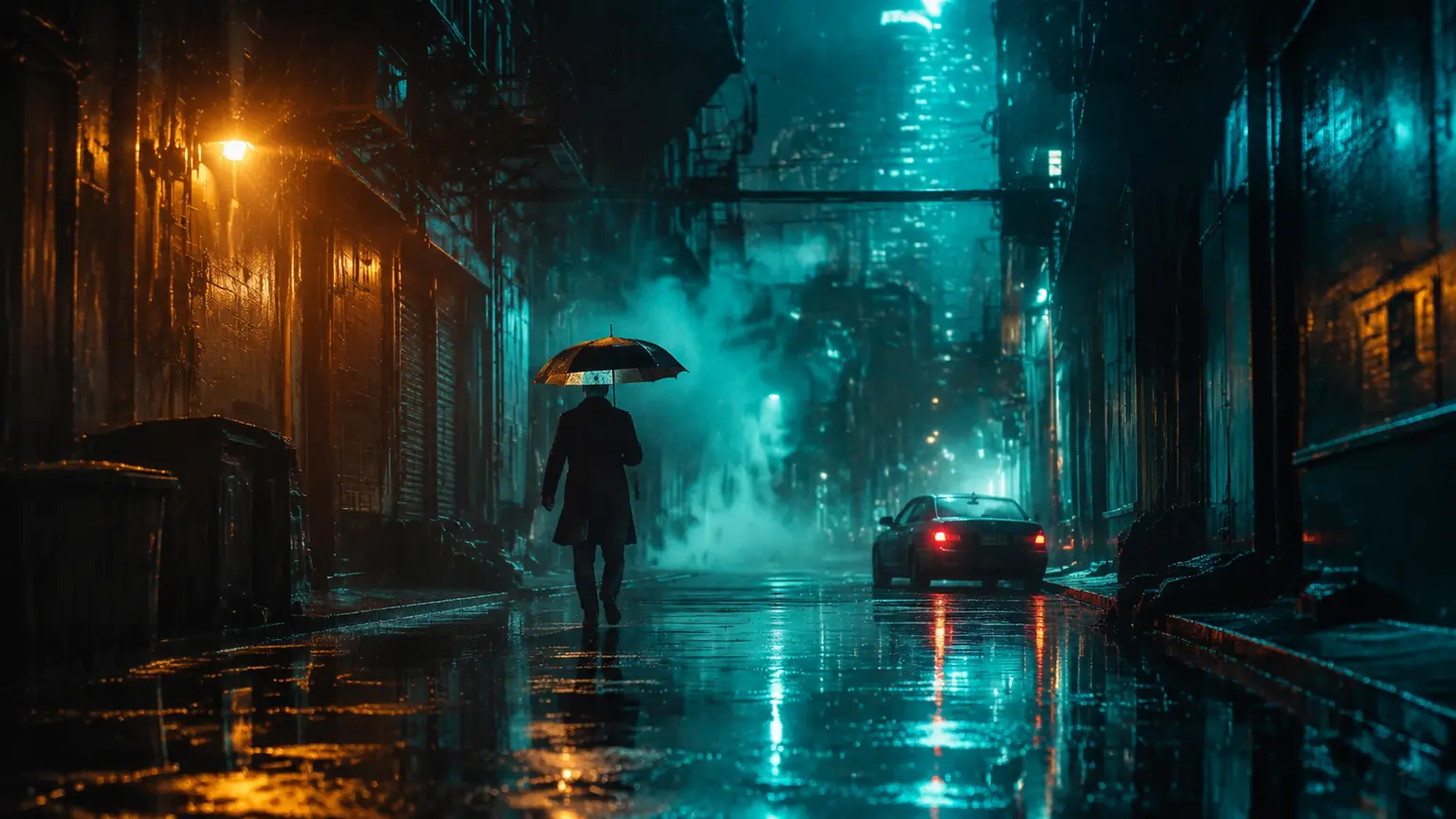
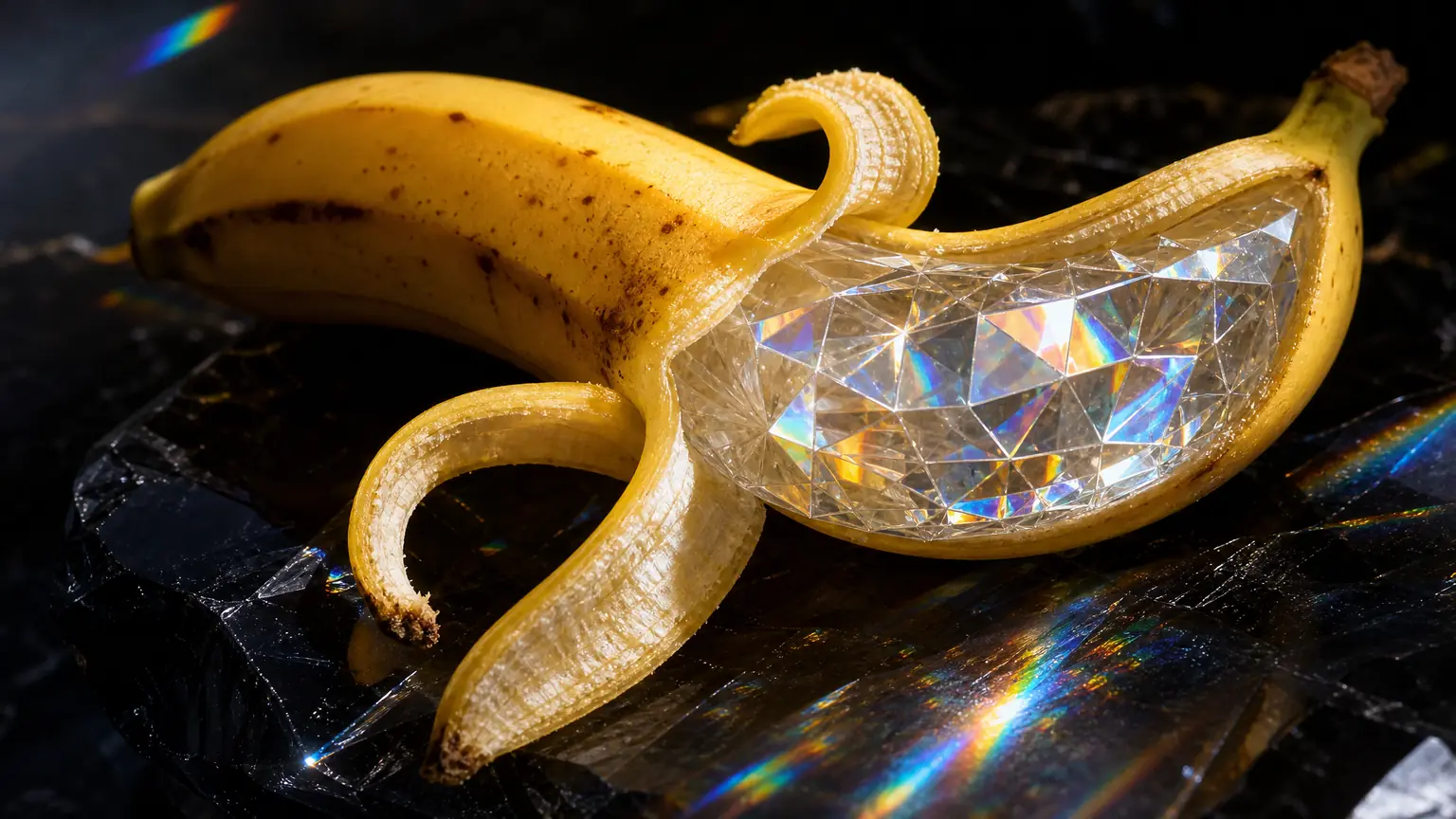
This guide takes you from a blank page to a 2K export using Krea 2 Turbo — the speed edition of Krea AI's first foundation image model — on PixMind, the exact workflow we used to produce every image in this article. All controls and limits below were verified on the live PixMind model API on 2026-10-05; the generator interface is always the source of truth.
What you're working with
- Text-to-image only: one flowing prompt in, one image out per run
- 11 aspect ratios from 1:2 to 2:1, at 1K or 2K resolution
- Optional seed (0–1,048,576) for reproducing a look
- 16 credits per image; prompts up to 20,000 characters
Step 1: Open the Krea 2 Turbo generator
Go to pixmind.io/ai-image/krea. The generator sits directly under the banner and is already bound to the model ID krea-2-turbo — no model picker to configure. Sign in if you haven't; the generator shows the credit price before each run.
Step 2: Write a natural-language prompt
Krea 2 responds to flowing sentences, not tag lists. The official prompting guidance recommends detailed natural-language descriptions, and in our sessions the difference is visible: a paragraph describing light, mood, and setting beats a comma soup of keywords almost every time.
Use this formula for your first attempts:
[shot type] of [subject] in [setting], [light],
[palette/mood], [medium or style reference]
Three worked examples (these are the actual prompts behind this article's figures):
Editorial photography:
Editorial fashion photograph: a model in a relaxed ivory linen suit and leather
sandals on a sunlit Mediterranean veranda with terracotta pots and bleached linen
curtains moving in the breeze, soft morning side light, gentle 35mm film grain,
warm neutral palette, quiet luxury magazine aesthetic.
Graphic print:
Risograph-style art print: large overlapping sun and wave motifs printed in
fluorescent pink and ultramarine blue with visible misregistration and overprint
texture, coarse paper grain, bold graphic shapes, no text, gallery-quality poster.
Cinematic scene:
Night photograph of a narrow ramen bar alley after rain: red paper lanterns,
steam rising from an open kitchen window, wet asphalt mirroring the light, a
single bicycle against the tiled wall, cinematic 35mm photography, shallow
depth of field.
Two habits worth building: name the light (side light, dusk, neon) because it does more for the result than any adjective, and when you want a poster look, add "no text" — this model isn't a typography engine.
Step 3: Choose aspect ratio and resolution
The route supports eleven ratios, and choosing up front beats cropping later:
| You're making | Ratio to pick |
|---|---|
| Social square post | 1:1 |
| Story / Reel frame | 9:16 |
| Website hero, slide backdrop | 16:9 |
| Portrait poster, editorial page | 2:3 or 4:5 |
| Print advertisement | 5:4 |
| Banner, leaderboard | 2:1 |
| Tall pillar page graphic | 1:2 |
Set resolution to 1K for exploration — it's the same 16 credits but faster feedback while you're still auditioning directions. Save 2K for the final frame (Step 5).
Step 4: Generate, read the result, re-roll
Run the prompt. You'll get one image per run — that's by design, not a limitation to work around: Krea 2 was trained to return genuinely different aesthetics from a repeated prompt, so the re-roll is the exploration tool.
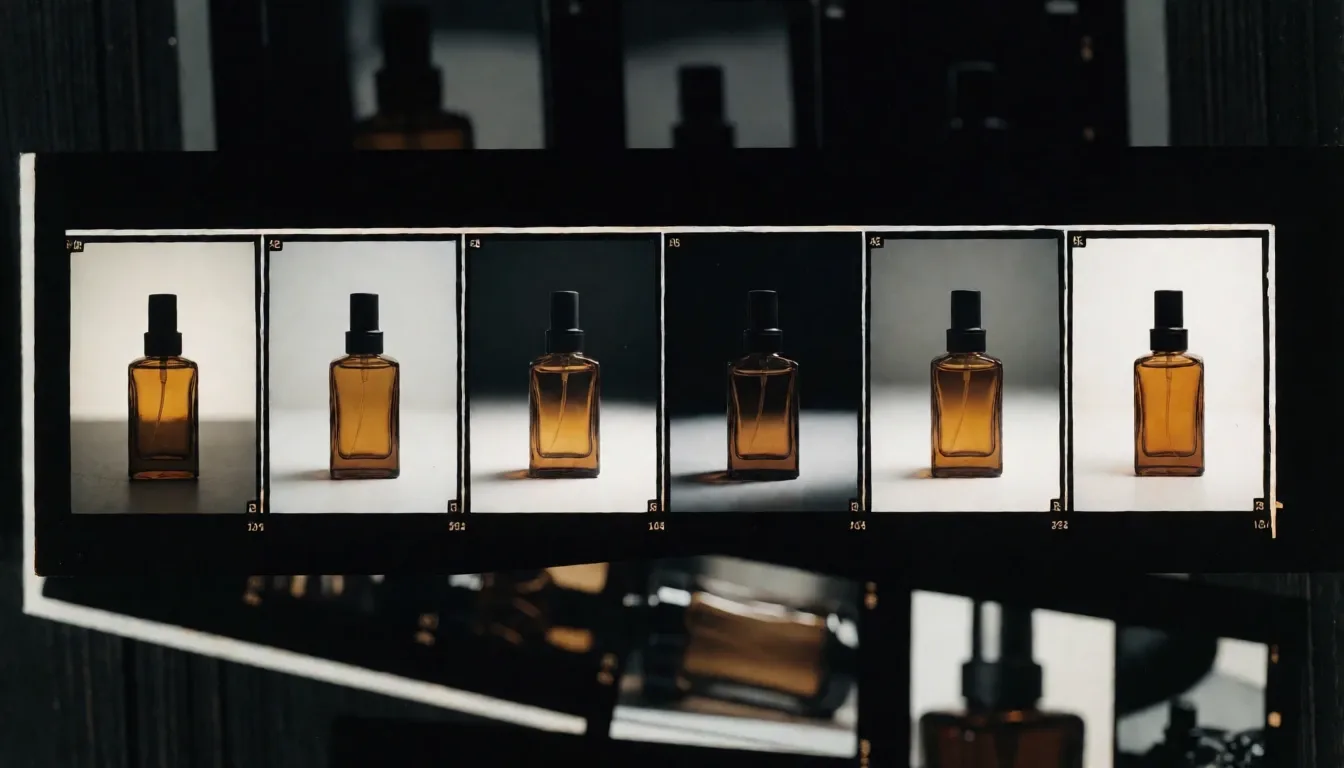
Read each result against the brief, not against "do I like it": Is the subject right? Does the light match the deliverable? Is there clean negative space for the layout? Keep the frames that pass, re-roll the rest, and adjust the prompt in small steps so you can tell what each change did.
Step 5: Lock the look with a seed, then re-render at 2K
When a frame is close but not final, set a seed (any value from 0 to 1,048,576). With the seed fixed, the model's random starting point is fixed too — re-running the same prompt reproduces the look, and you can tune the wording while the aesthetic holds steady. Share the seed and prompt with teammates and they can regenerate your frame exactly.
Then switch resolution from 1K to 2K and re-render. The same seed and prompt at 2K give you the finished frame: fabric texture, edge detail, and micro contrast that survive zooming, cropping, and print.
Step 6: Export and hand off
Download the 2K frame. For the handoff, record five things alongside the file: prompt, seed, aspect ratio, resolution, and generation date. A result without its controls is inspiration; a result with them is a reproducible asset.
Troubleshooting
Results feel generic. Add specifics: name the light direction, the era, the medium, one concrete object in the scene. Generic prompts get the model's average answer.
Wrong framing. Don't crop afterward — set the ratio in the generator (Step 3) and name the crop in the prompt ("wide panoramic composition", "tight vertical portrait").
Fine detail is missing. You're likely judging a 1K draft. Re-render at 2K with the same seed before concluding the model can't do it.
Can't reproduce a frame you liked. That's the seed you skipped in Step 4. From now on, set a seed once a frame earns a second look — it costs nothing and preserves the option.
You need text in the image. Stop and switch models: small text is unreliable on this route. Nano Banana Pro renders readable headlines and accepts reference images.
You need to start from an existing photo. This route is text-to-image only. Use a reference-capable model (Flux Kontext Pro, Midjourney) for the edit, or see our model comparison for the right pick.
Frequently asked questions
How much does Krea 2 Turbo cost per image?
16 credits in the PixMind studio — a snapshot verified on 2026-10-05. The generator shows the final price before each run.
Do I need a seed for every generation?
No. Seeds are optional — skip them while exploring, set one when a frame is worth keeping or reproducing.
What's the best prompt length for Krea?
One to three flowing sentences covering subject, setting, light, palette, and mood. The input accepts up to 20,000 characters, but quality beats length after the essentials are named.
Can I generate multiple images at once?
One image per run on this route. Iteration means re-rolling — which suits the model's diversity-oriented training anyway.
Why does the same prompt give different images?
That's intended. Krea 2 "thrives on ambiguity" — repeated prompts return varied, finished aesthetics rather than near-duplicates. Use a seed when you want a repeat instead.
Is Krea 2 Turbo good for logos and text?
No — it's tuned for aesthetics and speed, not typography. For text-in-image work, use Nano Banana Pro.
Start your first session
Open the Krea 2 Turbo generator, paste the editorial photography example from Step 2, and give it three re-rolls. Once one frame feels right, set a seed, switch to 2K, and export. That's the whole workflow — the rest is practice. For the deeper evaluation of what this model is worth, read our Krea 2 Turbo review.