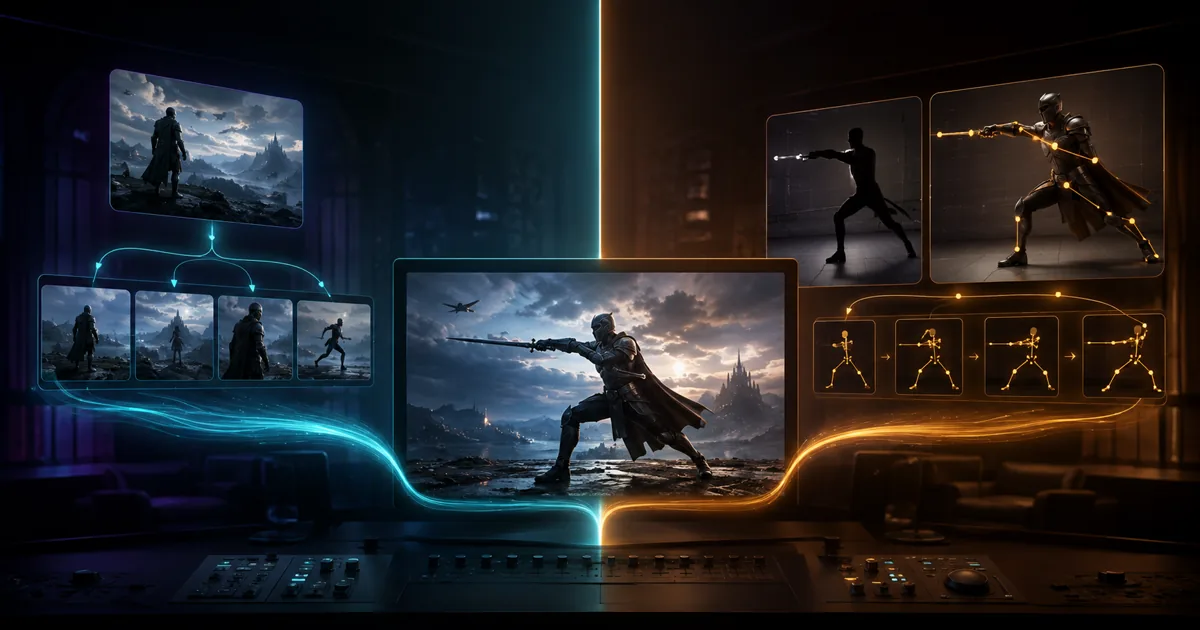
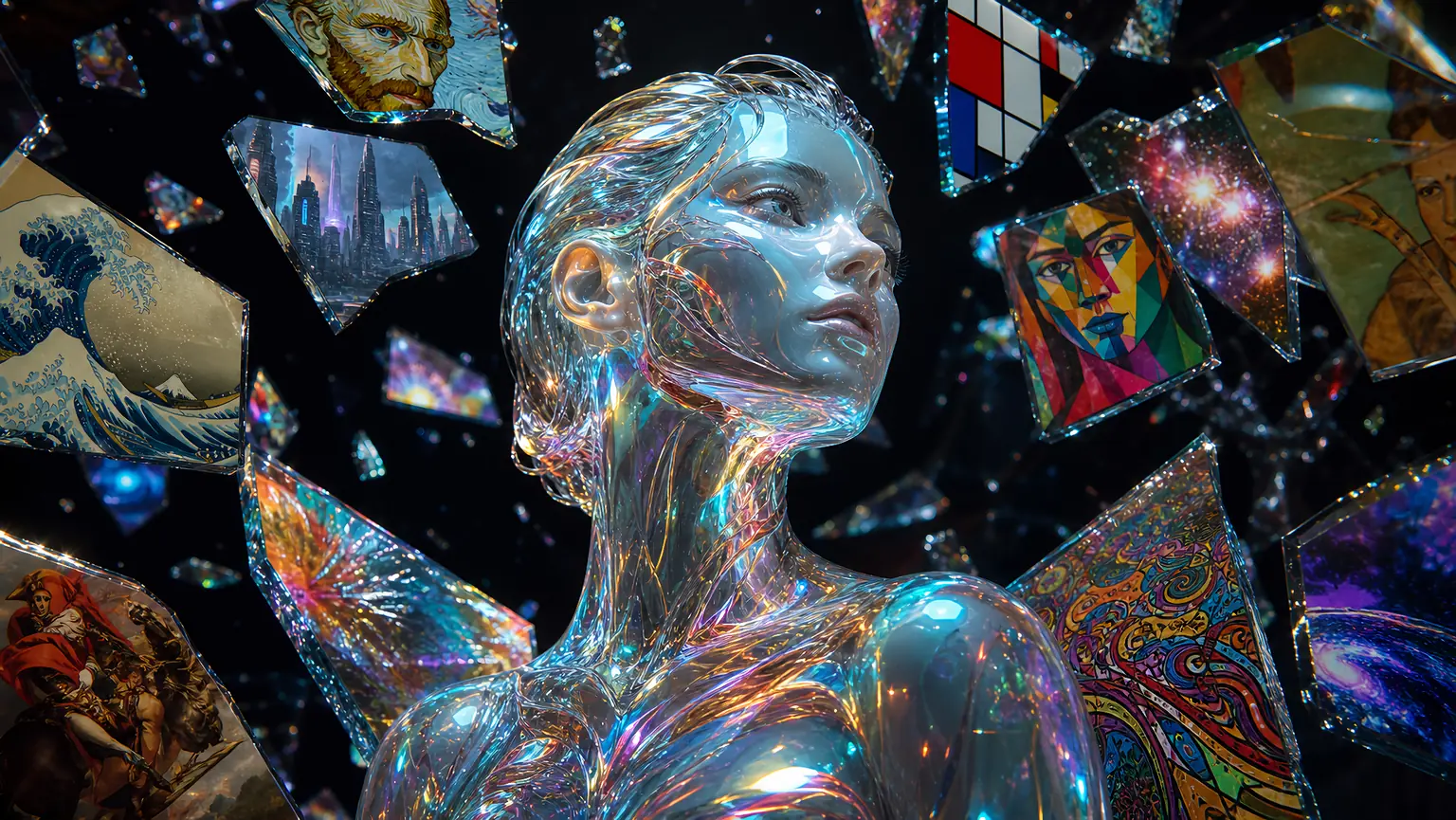
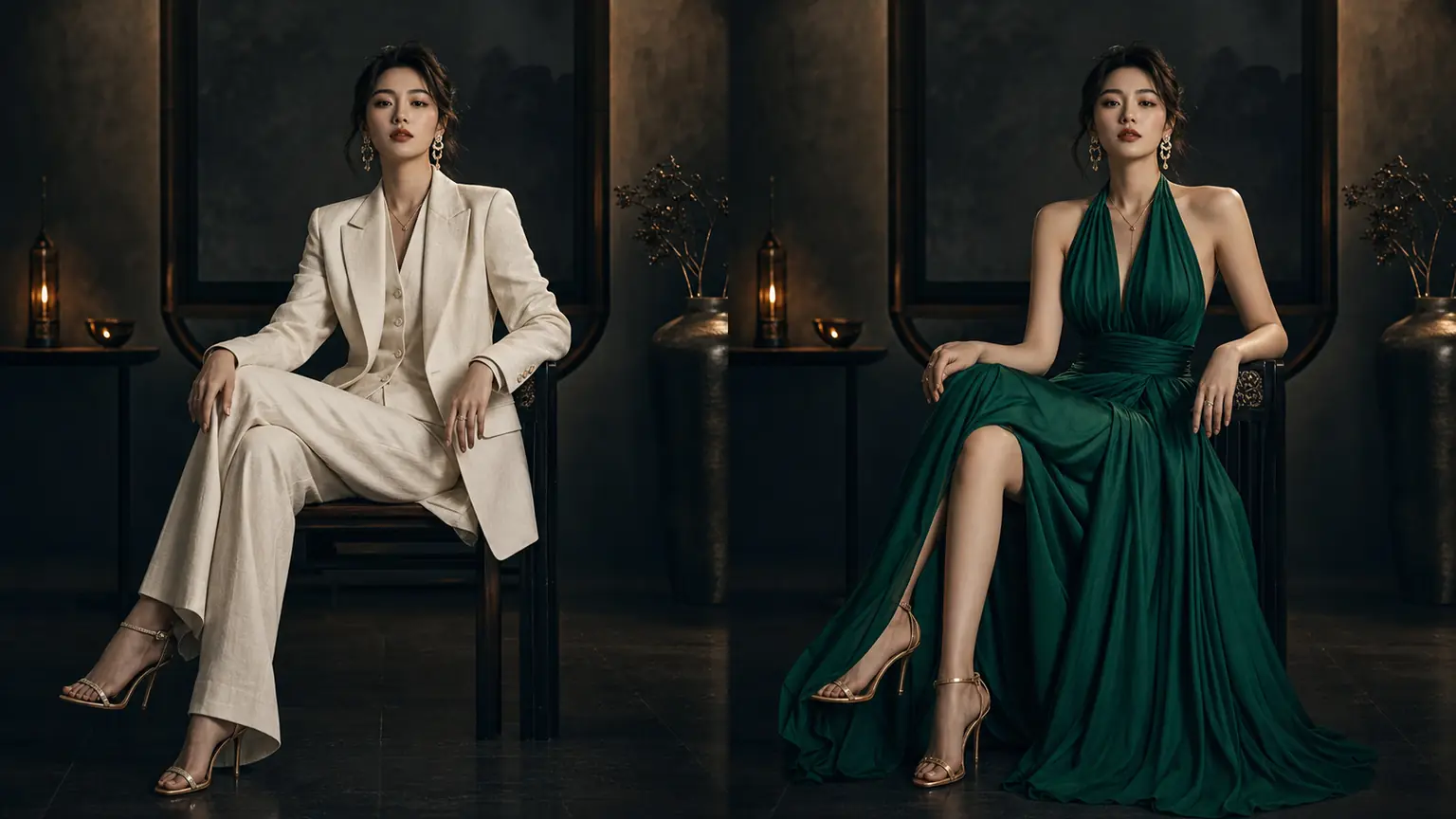
Krea 2 Turbo arrived on PixMind with a specific promise: an image model built for taste, distilled for speed. We spent a working session with it — every image in this review was generated with krea-2-turbo on PixMind — and came away with a clear picture of where it earns its 16 credits and where it doesn't.
Review verdict
- Buy it for: fast art-direction exploration where you want one prompt to return genuinely different, finished aesthetics instead of four near-duplicates.
- Skip it for: in-image text, reference-image editing, and character consistency — the current PixMind route is text-to-image only.
- Cost: 16 credits per image (studio snapshot verified 2026-10-05; the generator always shows the final price).
- Best pairing: explore on Krea 2 Turbo, then re-render or edit the winner with a reference-capable model.
What is Krea 2 Turbo?
Krea 2 is Krea AI's first image model built completely from scratch, announced on May 12, 2026 and positioned as "an image model built for aesthetics." The family has two public branches: Raw, an undistilled base intended for fine-tuning and LoRA training, and Turbo, the speed-optimized edition for everyday generation.
Turbo is the one PixMind hosts, under the model ID krea-2-turbo. The official announcement describes it as retaining as many Krea 2 capabilities as possible while running much faster — roughly two seconds per image on Krea's own infrastructure. The open weights (released June 22, 2026 under the Krea 2 Community License) add technical precision: a 12-billion-parameter Diffusion Transformer distilled to eight inference steps at guidance 0.0.
One distinction matters for this review. On Krea's own platform, Turbo works with style references, moodboards, and LoRAs. The current PixMind route exposes the model as text-to-image only — no reference images, no image-to-image. Everything below reviews the model as PixMind serves it.
Hands-on: what generating with it feels like
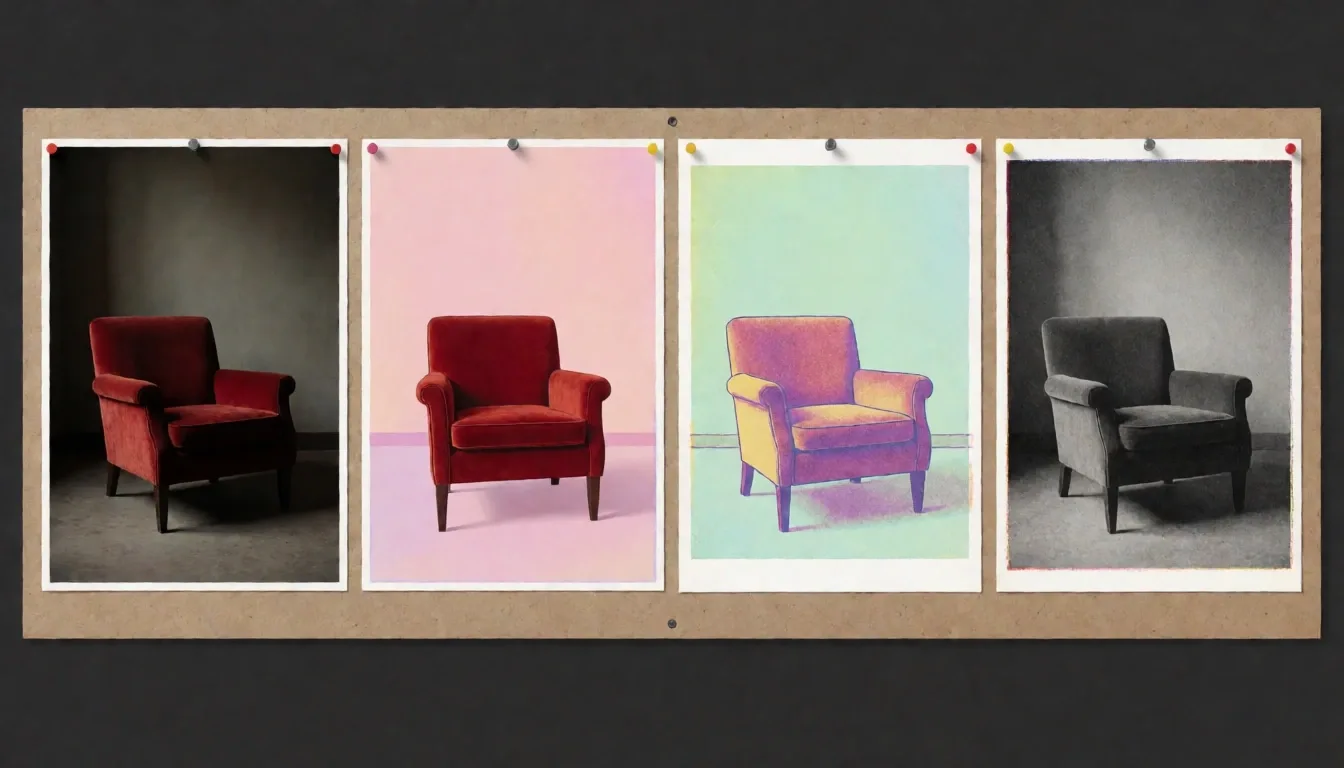
The defining experience is variety without effort. The model was trained to thrive on ambiguity — repeat a simple prompt and you get genuinely different, fully finished images rather than the same concept four times. In practice, that turns the ideation loop into the product: describe a subject once, re-roll cheaply, and let the model show you which art direction the concept wants to become.
Speed, honestly measured
Krea's two-second figure is their benchmark on their infrastructure. On PixMind, queue and provider times add a short wait — expect seconds, not minutes, and treat the generator's live status as the accurate number. The practical takeaway survives the caveat: iterating is cheap enough that you'll re-roll five directions before a heavier model finishes one render.
Formats and resolution
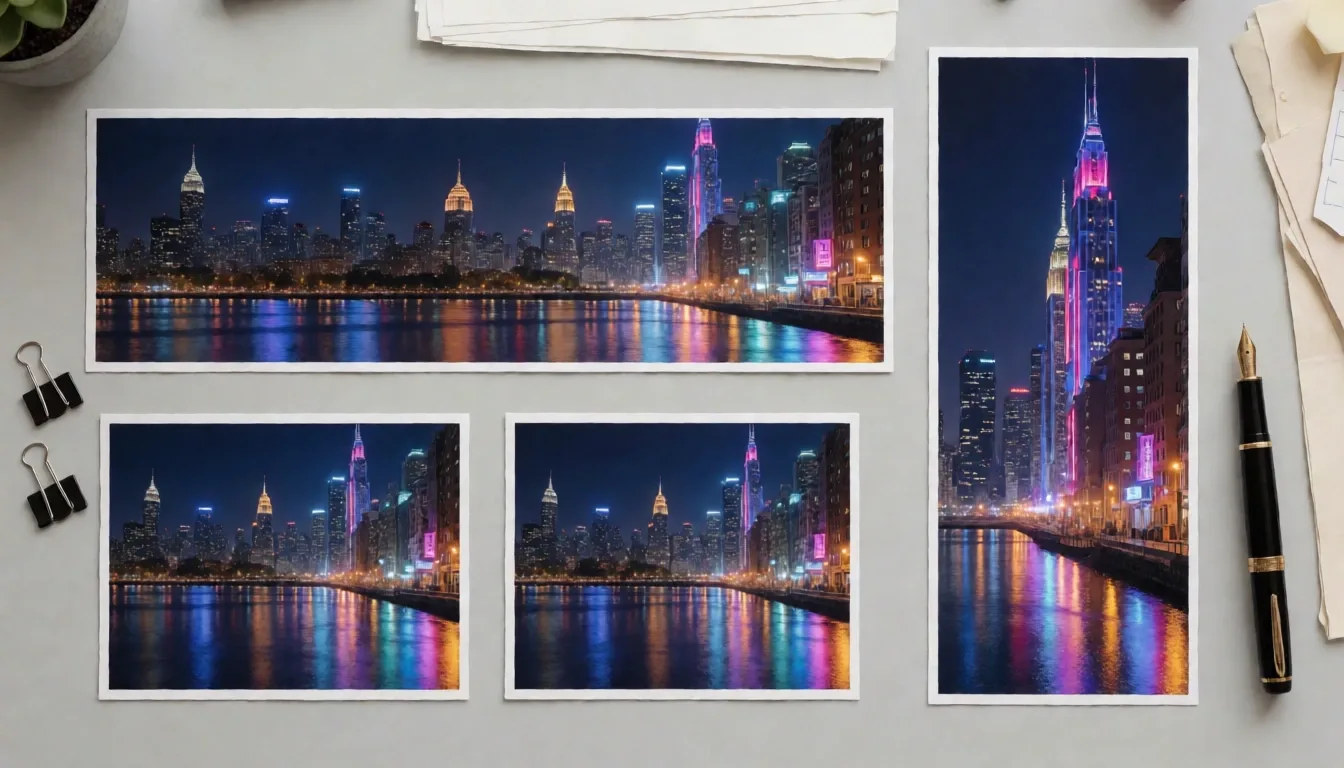
The route covers 11 aspect ratios — the standard set (1:1, 4:3, 3:4, 3:2, 2:3, 16:9, 9:16) plus the less common 5:4, 4:5, 1:2, and 2:1 — at 1K or 2K resolution. That print-adjacent coverage is a real differentiator; 5:4 and 2:1 slots usually require cropping after generation elsewhere.
Prompting: sentences, not tags
Krea 2 responds better to flowing natural language than to comma-separated tag soup. The input accepts up to 20,000 characters, and long descriptive sentences holding six or more specified elements routinely land in a single pass. Two more controls round out the route: a seed (0–1,048,576) for reproducing a look, and one image per run — you re-roll rather than batch.
Where Krea 2 Turbo is strong
- Aesthetic breadth. Editorial photography, risograph overprints, ink wash, flat concept art, and cinematic stills all live inside one model without prompt gymnastics. This is the model's core identity, and it holds.
- Iteration economics. At 16 credits per image, a hundred-image exploration session costs the same as roughly twenty images on Midjourney V8.2 (79 credits, same verified snapshot).
- Format coverage. 11 native ratios including 1:2 and 2:1 banners and 5:4 print crops.
- 2K finals. Draft at 1K, then re-render the winner at 2K with the same seed — fabric texture and micro detail survive zoom and print.
- Reproducibility. Seed control means a look you find at 10:00 still exists at 17:00, and your teammates can regenerate it exactly.
Where it falls short
- Text-to-image only on this route. No reference images, no image-to-image, no style transfer. If your workflow starts from an existing photo or a product shot, use a reference-capable model instead.
- Distilled fine detail. Turbo trades some precision for speed — the official guidance steers you to Krea 2 Medium or Large on Krea's platform when fidelity matters most. Very fine texture and small in-image text deserve a close look before publishing.
- One image per run. No batch generation; iteration is manual re-rolls.
- Faces, hands, and text need review. True of every current image model, but the speed that makes re-rolling cheap also means the responsibility to check lands on you more often per hour.
How the alternatives compare (verified same day)
| Model on PixMind | Credits/image | Inputs | Best at |
|---|---|---|---|
| Krea 2 Turbo | 16 | Text-to-image | Aesthetic exploration, fast iteration, 11 ratios |
| Nano Banana Pro | 12 | Text + references | Readable in-image text, reference editing, 4K |
| Midjourney V8.2 | 79 | Text + references | Signature stylized illustration |
| Seedream 5.0 Pro | varies by resolution | Text + references | Photoreal campaign visuals |
Snapshot verified 2026-10-05 from the live PixMind model API; the generator is always the source of truth.
Who should use it
Use Krea 2 Turbo when the art direction is still open — moodboards, campaign concepts, pitch decks, poster exploration, storybeat frames. Any job where the question is "which look?" rather than "this exact look, please."
Look elsewhere when the job is text-in-image (Nano Banana Pro), a locked style signature (Midjourney), or starting from reference photos (either of those). The realistic workflow we found ourselves using: explore on Krea 2 Turbo at 16 credits, then finish the chosen frame on a reference-capable model.
Frequently asked questions
Is Krea AI free to use?
Krea's own app offers a free trial tier. On PixMind, Krea 2 Turbo costs 16 credits per image — new PixMind accounts include trial credits, and the generator shows the exact price before you run.
Is Krea 2 Turbo good for beginners?
Yes — natural-language prompting means you write a normal sentence and get a finished image. The seed and ratio controls are optional, not required, for a first generation.
Can Krea 2 Turbo render text inside images?
Small text is unreliable — it's a distilled model tuned for aesthetics and speed, not typography. For posters with readable headlines, use Nano Banana Pro instead.
Does Krea 2 Turbo support reference images on PixMind?
Not on the current route — it's text-to-image only. Krea's own platform and the open-source ecosystem add style references, moodboards, and LoRAs on the same base model.
Is Krea 2 Turbo or Midjourney better?
For open-ended aesthetic exploration at 16 credits, Krea 2 Turbo. For Midjourney's signature stylized finish with reference support at 79 credits, V8.2. Our full comparison breaks the decision down by job.
Can I use the images commercially?
Krea's model license claims no IP rights over generated outputs, and usage follows PixMind's terms of service. As with any AI image, review trademarks, recognizable people, and product claims before commercial use.
Try it yourself
Open the Krea 2 Turbo generator on PixMind, describe one scene in a full sentence, and give it three re-rolls before judging — the model's diversity is the feature you're testing. For the full how-to workflow, see our Krea tutorial.