Text or image
Start with a shot brief or use an approved visual anchor for subject and composition.

Native 30-second multimodal production
Generate continuous single-shot video up to 30 seconds in one pass, with up to 50 multimodal references, native 4K, and region-level editing — no stitching, no sequence breaks.
Exact route workspace
Current controls and charged credits come from the live generator. Confirm them before submitting.
Current PixMind inputs
Start with a shot brief or use an approved visual anchor for subject and composition.
Define both endpoints, then describe only the physical motion and camera path between them.
Assign identity, setting, motion, and sound to separate image, video, and audio references.
Long-form multimodal route
Seedance 2.5 extends the 2.0 multimodal architecture: longer native duration, the highest reference limit among commercial models, and region-level editing that preserves overall consistency.
01
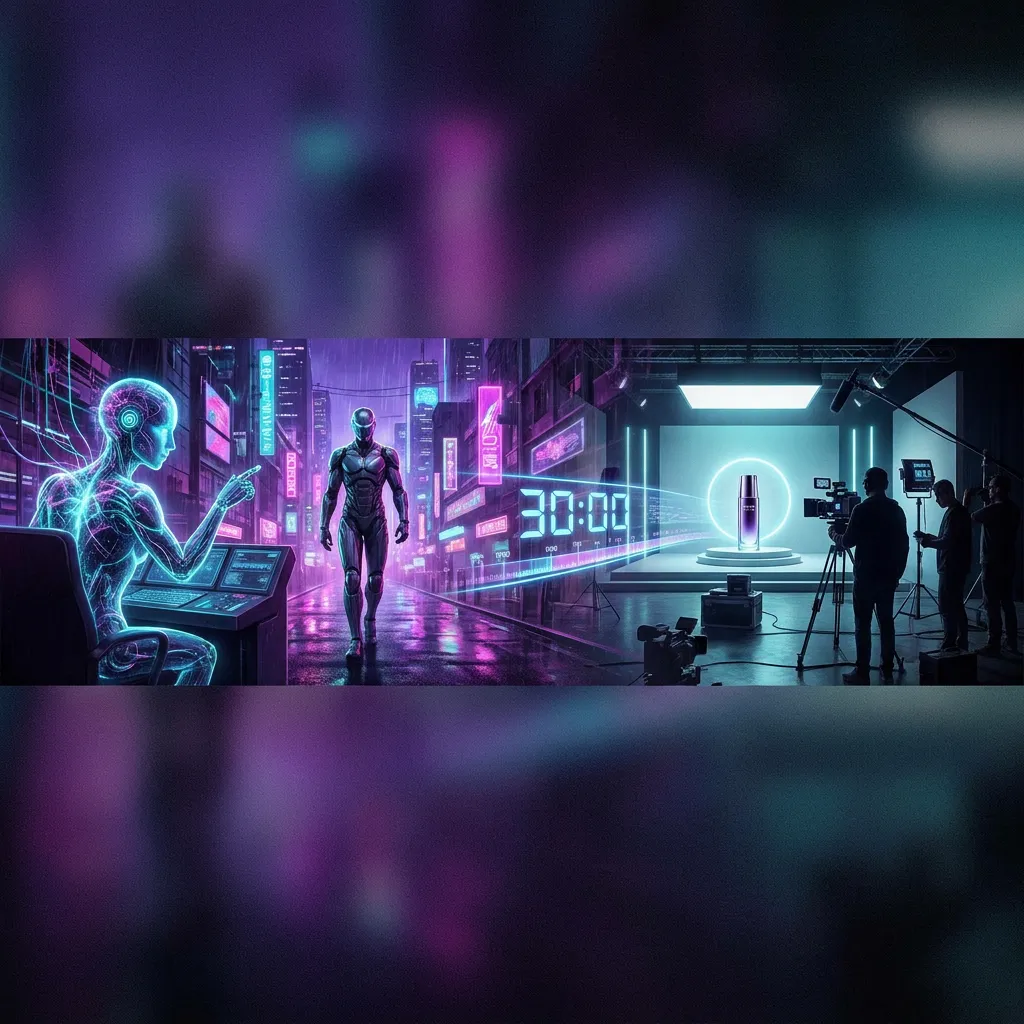
Direct a continuous 30-second take in one generation instead of stitching multiple 5–15s clips.
02
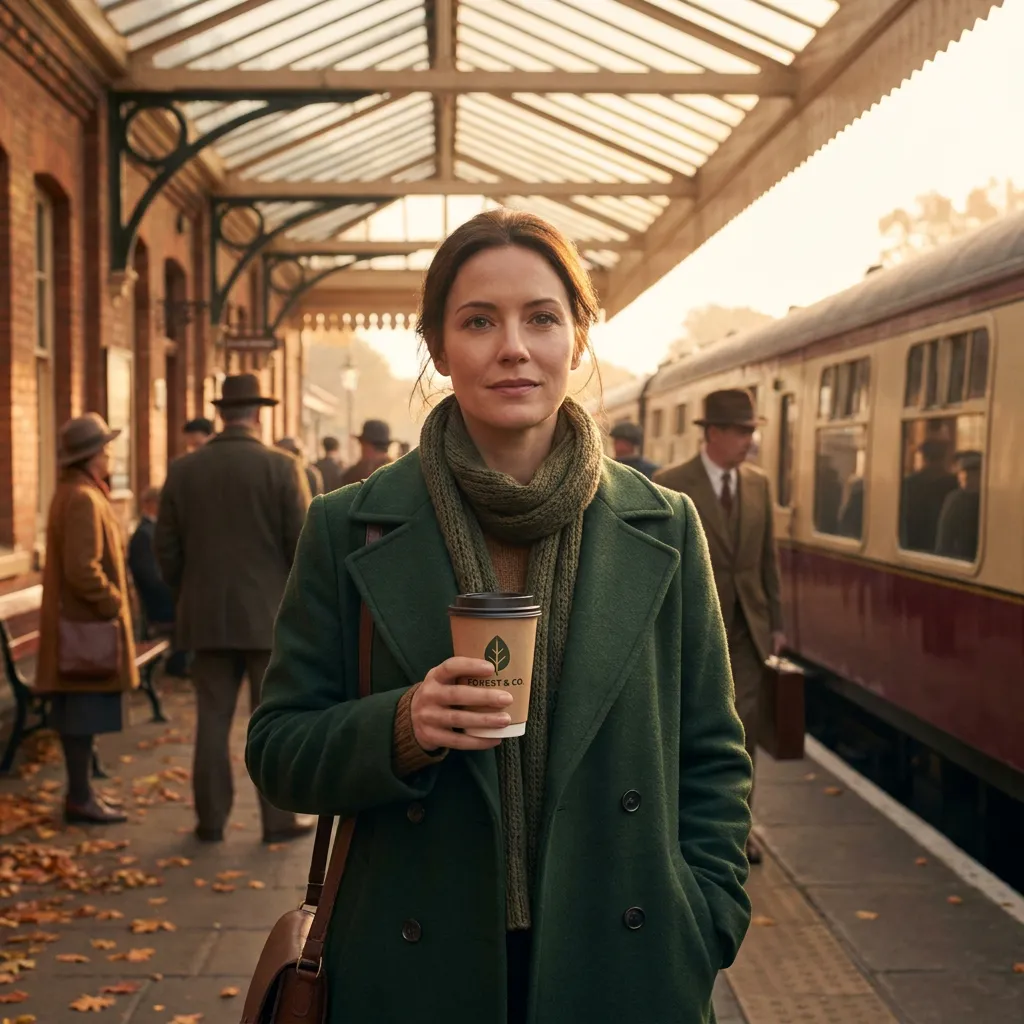
Combine up to 50 image, video, text, and audio inputs to control characters, scenes, style, and sound together.
03
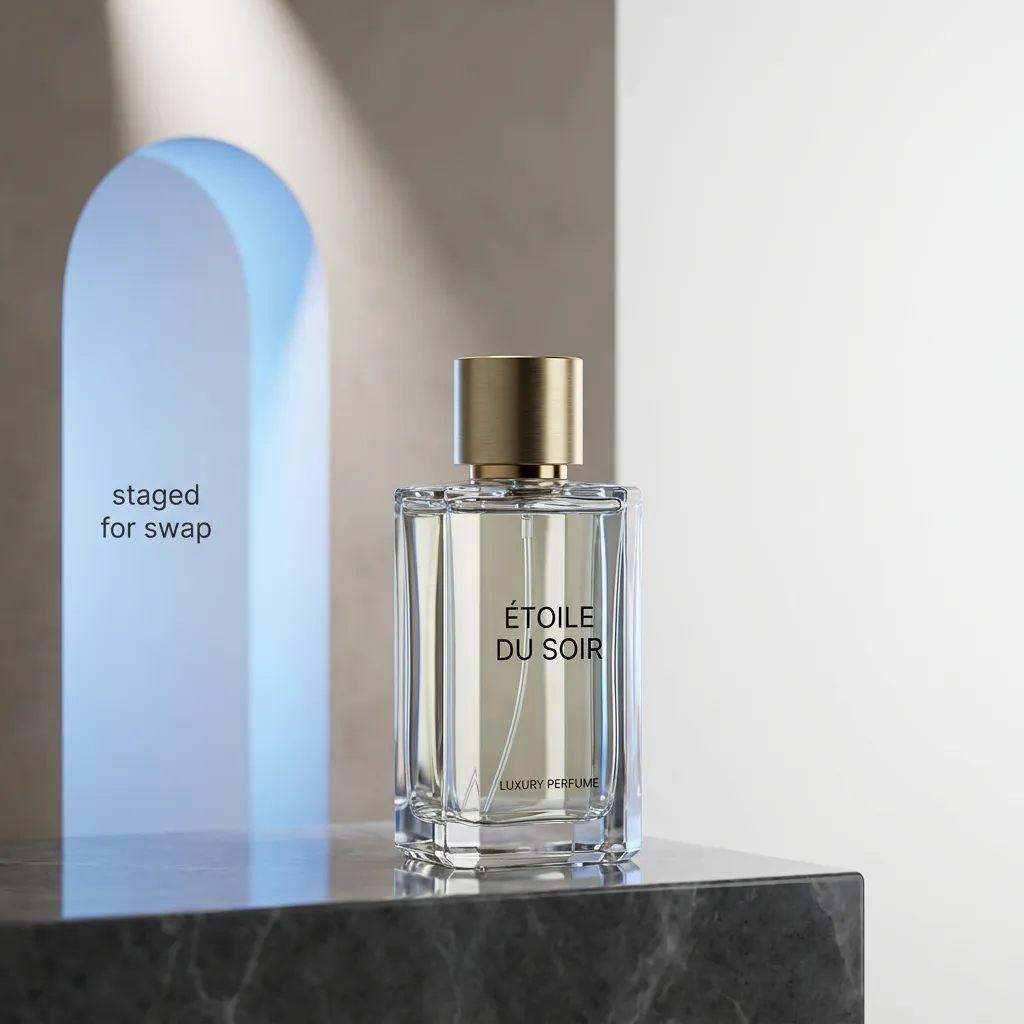
Change a product, prop, or background area while the rest of the clip keeps its motion, lighting, and identity.
04
Output crisp 4K natively for large displays, product films, and high-DPI social.

05
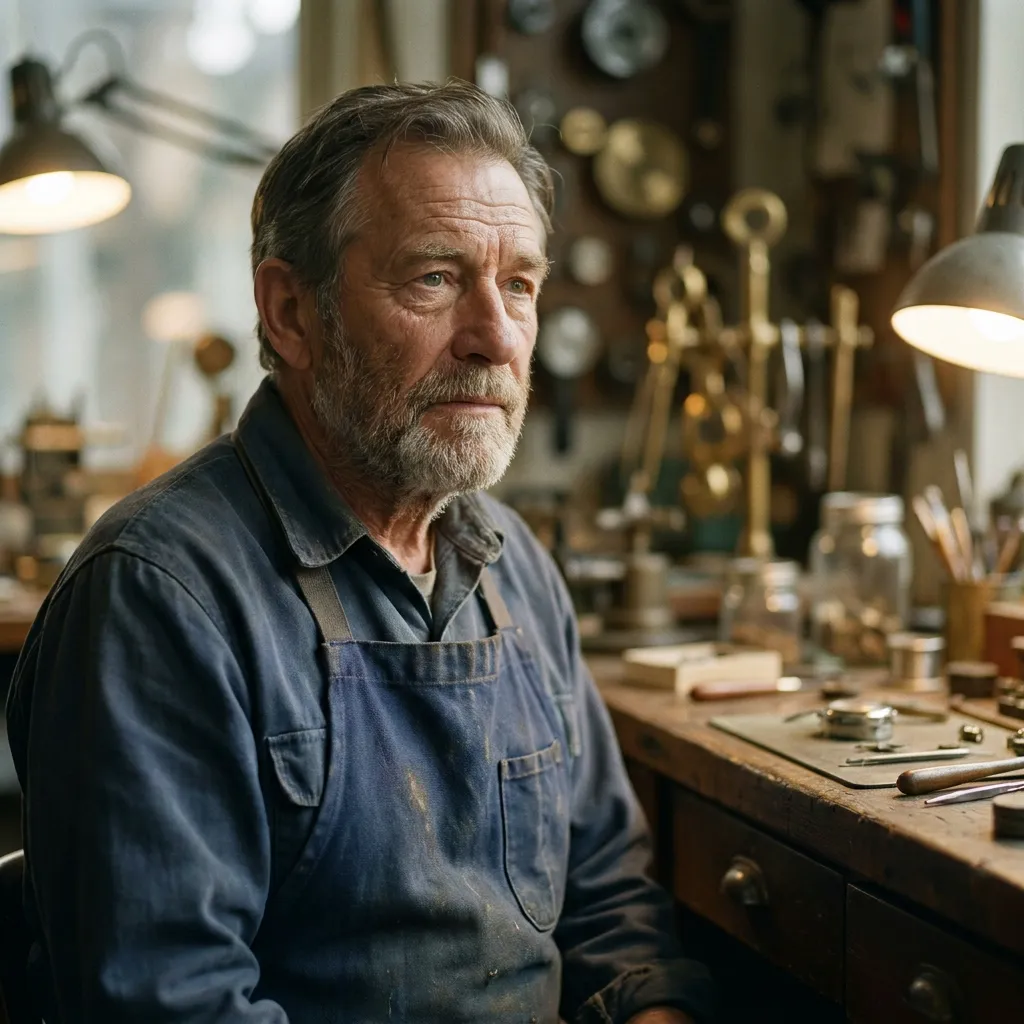
Keep identity, eyelines, and lip-sync stable while directing a 30-second performance with linked room sound.
06
Test opening beats as controlled variants while preserving the same product, palette, and final packshot.
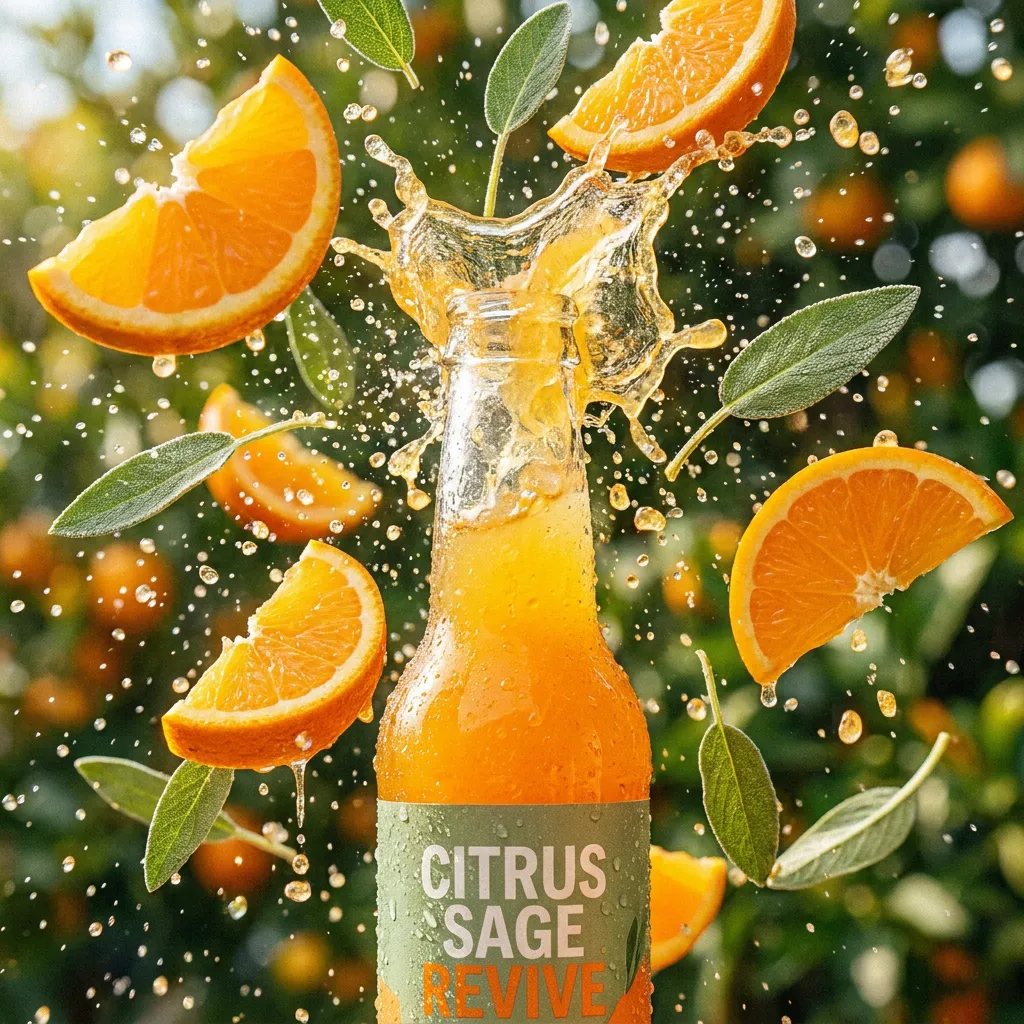
Route comparison
The table separates the current PixMind route snapshot from ByteDance family-level claims. Credits and exposed controls should be rechecked in the generator.
| Version | Best for | Inputs | Duration | Resolution | Audio | Credit snapshot |
|---|---|---|---|---|---|---|
| Seedance 2.0 Pro | Complex multimodal references and selected final takes | Text, image, video, and audio references | 5, 10, or 15 seconds | 480p, 720p, 1080p; 4K requires live verification | Audio-capable route | Read from the live generator |
| Seedance 2.5Current | Native 30-second single-shot video with up to 50 multimodal references | Text, image, video, and audio references (up to 50) | Up to 30 seconds in a single shot | 480p, 720p, 1080p, native 4K | Audio-capable route | Read from the live generator |
| Seedance 2.0 Fast | Storyboard beats, camera A/B tests, and social hooks | Text, image, video, and audio references | 5, 10, or 15 seconds | 480p or 720p | Audio-capable route | Read from the live generator |
| Seedance 2.0 Mini | Testing reference fit, composition, and prompt conflicts | Text, image, video, and audio references | 5, 10, or 15 seconds | 480p or 720p | Audio-capable route | Read from the live generator |
| Seedance 1.5 Pro | Existing image-led prompts and controlled migration tests | Text or up to two images in the current response | Live generator is final; API fields conflict | 480p, 720p, or 1080p | Audio-capable route | 40-point API snapshot; confirm live |
The 1.5 Pro response reports 40 points, but its duration fields conflict. Pro, Fast, and Mini do not expose a stable points field in the verified endpoint snapshot.
What to watch after testing
Use a complete subject, clean edges, readable depth, and enough space for the requested movement.
Separate subject action from camera movement and avoid stacking several large changes in one short shot.
Move to 2.0 Pro when the shot needs multimodal references, first/last frames, or more explicit audio direction.
How to use this version
Give every image, video, text, or audio input a single explicit role (identity, shape, motion, palette, or rhythm).
Fix identity, wardrobe, props, screen direction, and the ending composition before adding complex motion.
Edit one region per pass and review identity, geometry, lighting, and timing in the full clip each time.
Read the live generator for the current credits at the chosen duration and resolution before submitting.
Version-specific prompts
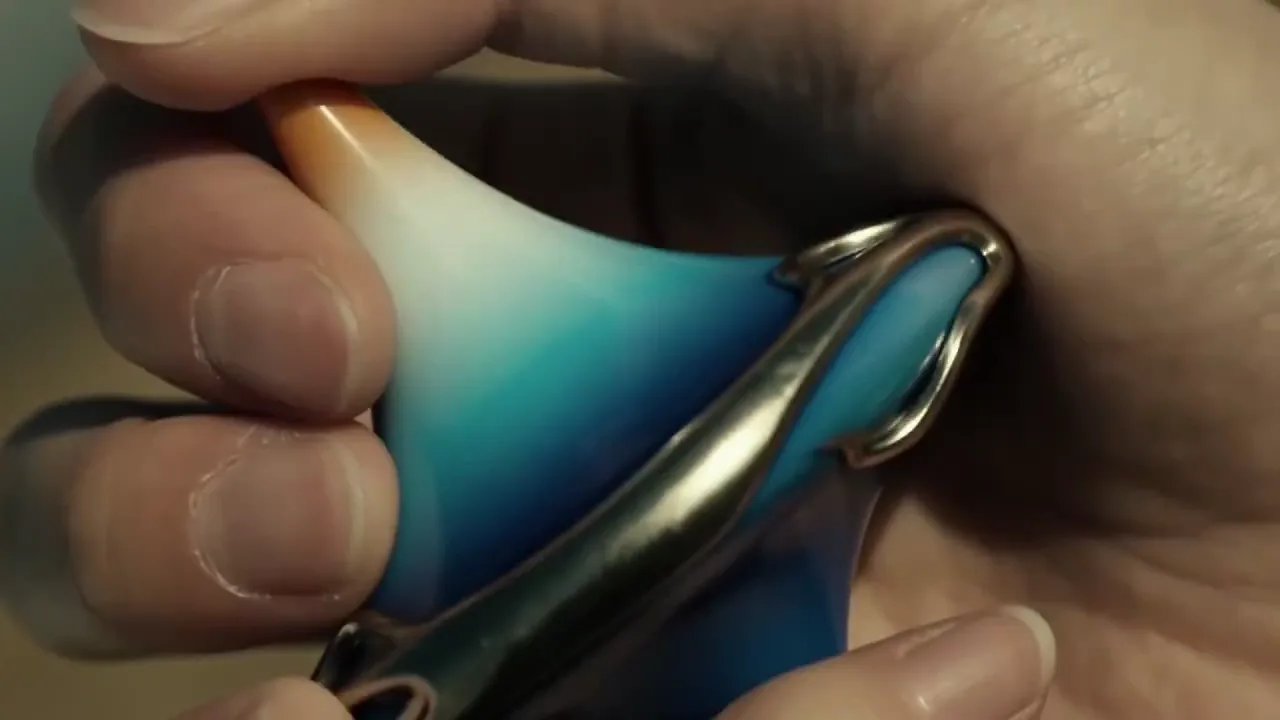
Prompt 01
Use the full native duration for one continuous reveal.
One continuous 30-second take. Use @Image 1 for exact product shape and @Image 2 for the studio palette. Slow controlled orbit around the product, one subtle environmental interaction at the midpoint, finish on the approved hero composition. Preserve shape, material, ports, and color. No generated text.
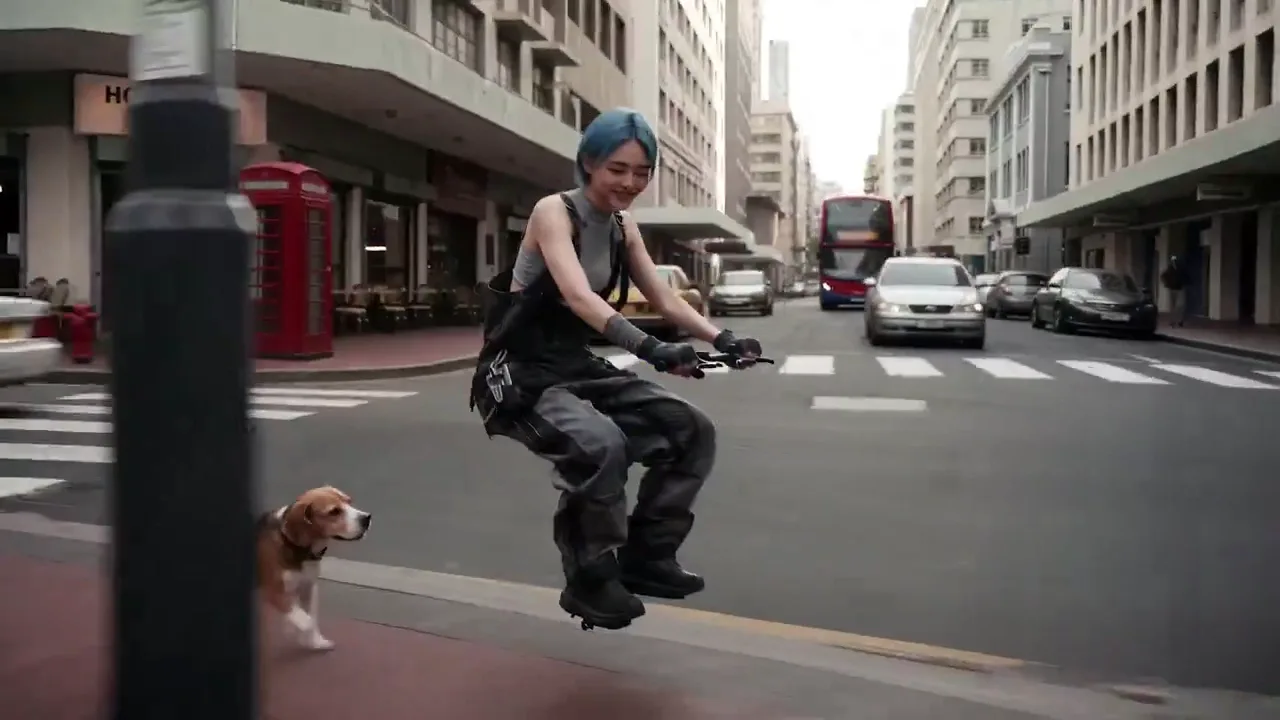
Prompt 02
Coordinate identity, motion, and sound across references.
Keep the character from @Image 1 unchanged. Use @Video 1 only for the body motion and @Audio 1 for the ambient rhythm. The character walks through the station, pauses, and looks toward the exit. Preserve facial features, wardrobe, and left-to-right screen direction.
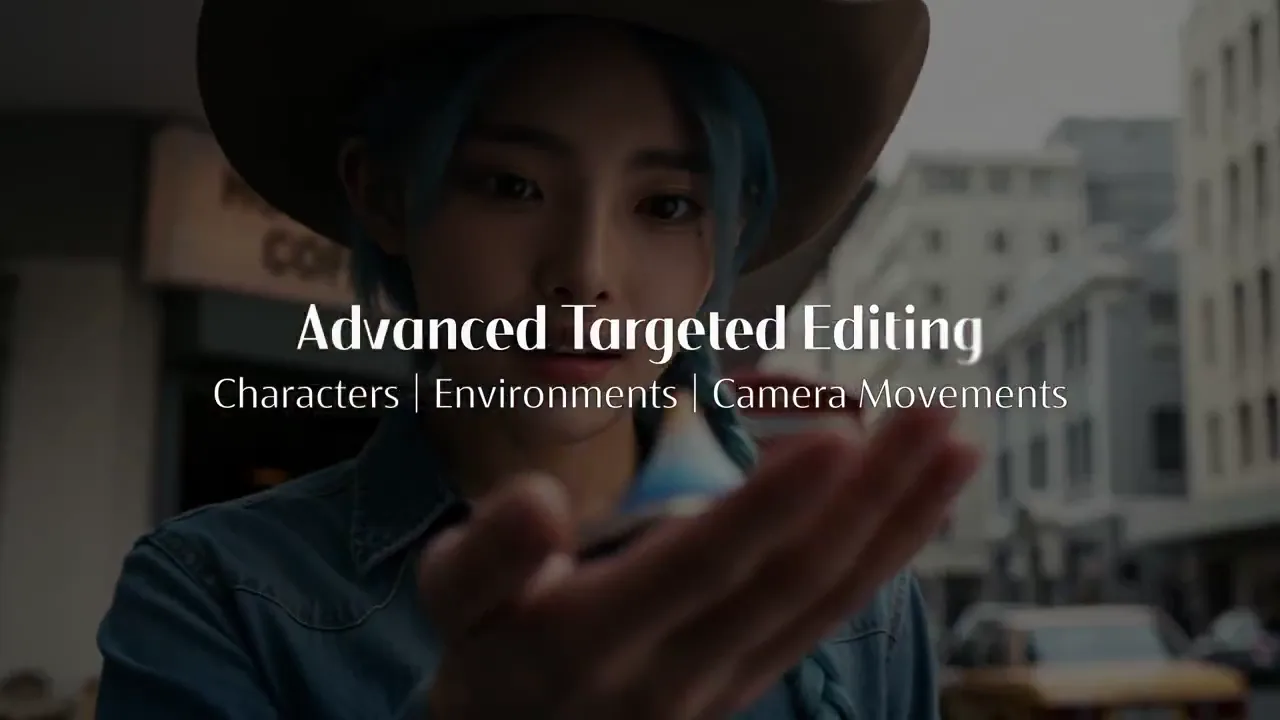
Prompt 03
Change one area without re-generating the shot.
Keep the full clip motion, lighting, and identity fixed. Only replace the background product on the right shelf with the object in @Image 2, matching perspective, scale, and reflections. Do not alter the subject or camera path.
Pro
Quality-first multimodal video with reference and audio control.
View versionPro
Native 30-second single-shot video with up to 50 multimodal references, 4K output, and region-level editing.
Fast
The faster Seedance 2.0 route for iteration-heavy social, campaign, and previsualization workflows.
View versionMini
A lighter Seedance 2.0 option for testing multimodal ideas before committing to a quality-first render.
View versionPro
A proven image-to-video option with broad aspect ratios and resolution control for straightforward reference-led shots.
View versionNative single-shot video up to 30 seconds, up to 50 multimodal references (image, video, text, audio), region-level editing that preserves consistency, and native 4K output.
2.0 generates 5–15s clips with up to 9 references; 2.5 extends single-shot duration to 30 seconds, raises the reference limit to 50, and adds region-level editing.
Pass up to 50 inputs across image, video, text, and audio in one request. Give each a single explicit role and remove assets that compete for the same property.
Yes. Region-level editing lets you change a specific area while the rest of the clip keeps its motion, lighting, and identity. Edit one region per pass and review the full clip each time.
Single-shot clips up to 30 seconds and resolutions up to native 4K. Confirm the exact options in the live generator before submitting.
Pricing is not yet published. Read the live generator for the current credits at your chosen duration and resolution before submitting.
Yes. The unified audio-video architecture generates synchronized audio in the same task when the selected mode supports it. Review speech, lip movement, source matching, distortion, and timing before publishing.
Review identity, faces, hands, product geometry, text, logos, continuity, dialogue, and audio timing frame by frame across the full clip. Confirm rights for every uploaded person, brand, voice, image, video, and audio asset.
Next production step
Return to the family hub for route selection, current parameter notes, and migration guidance.