Text or image
Start with a shot brief or use an approved visual anchor for subject and composition.

Lightweight concept validation
Use Seedance 2.0 Mini to check whether references, composition, and a simplified shot instruction work together before spending effort on a final-quality route.
Exact route workspace
Current controls and charged credits come from the live generator. Confirm them before submitting.
Current PixMind inputs
These modes come from the connected PixMind route verified on July 13, 2026. Available controls can change, and the live generator is final.
Start with a shot brief or use an approved visual anchor for subject and composition.
Define both endpoints, then describe only the physical motion and camera path between them.
Assign identity, setting, motion, and sound to separate image, video, and audio references.
Concept-validation route
Mini is positioned as a concept-validation route while stable cost and speed evidence is incomplete. Use it to find conflicts and reduce the prompt, not to claim Pro-equivalent output.
01
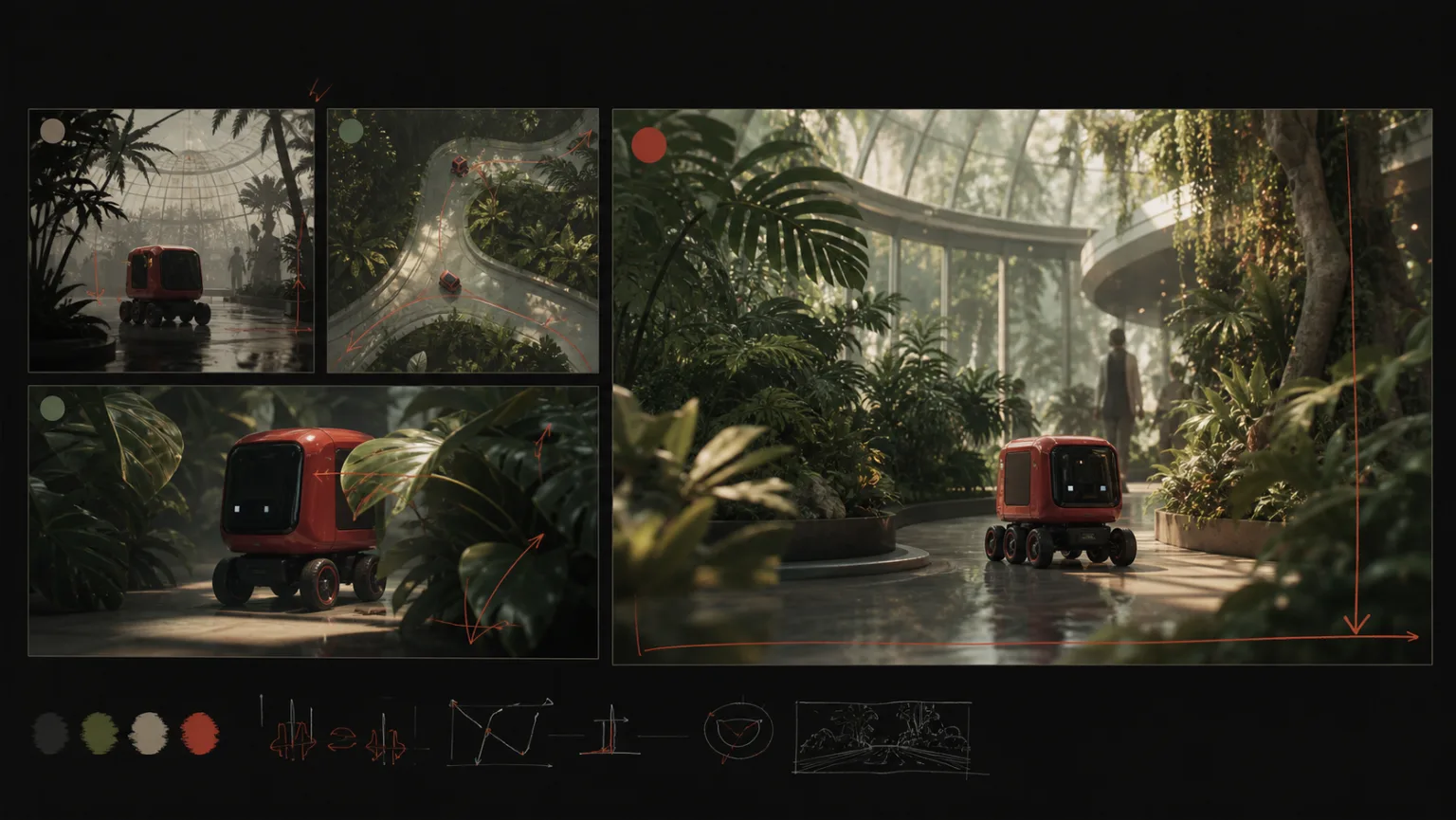
Confirm that identity, product, setting, and motion references point toward one compatible shot.
02
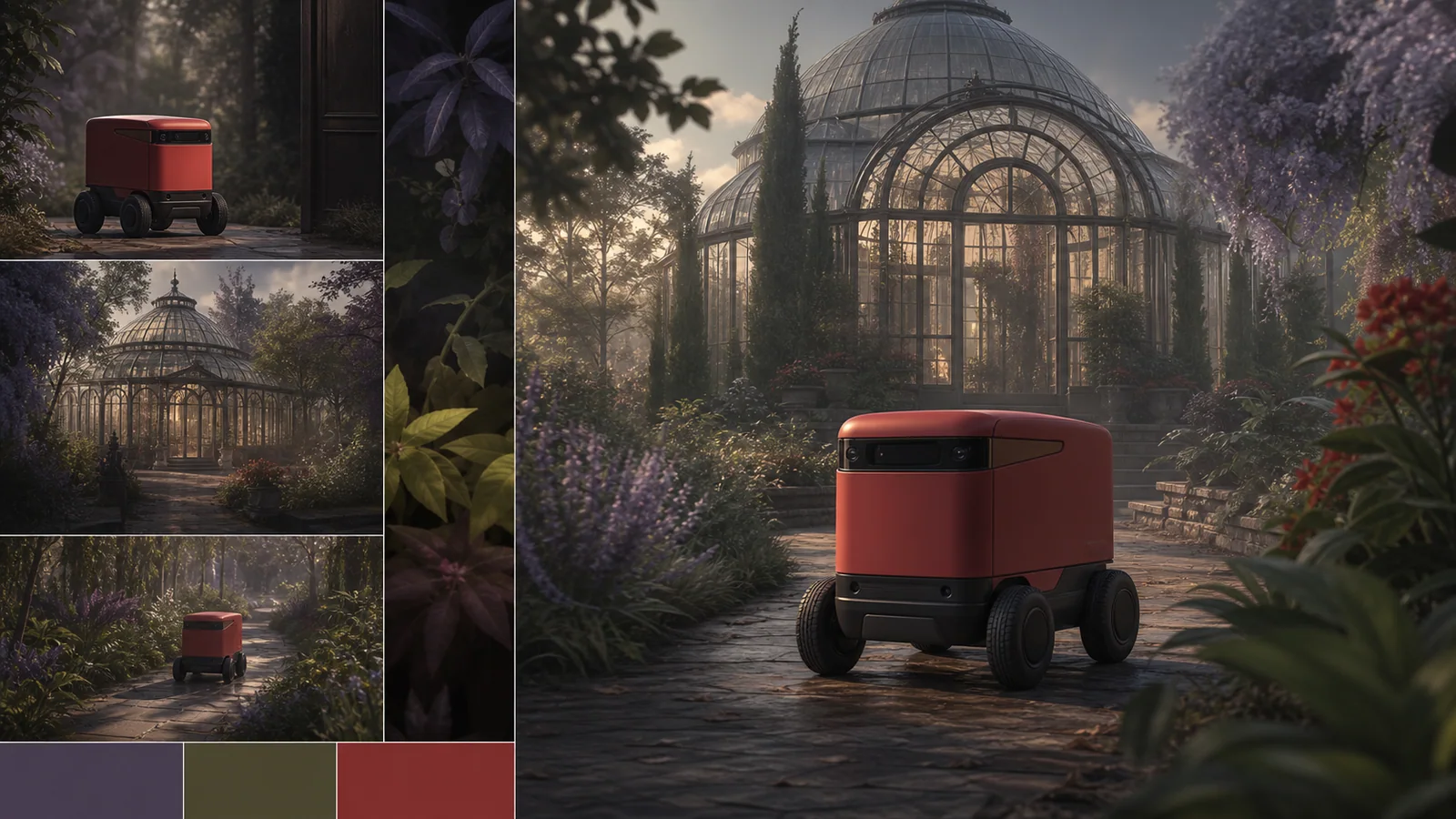
Remove instructions that compete over subject appearance, camera movement, lighting, or the ending frame.
03
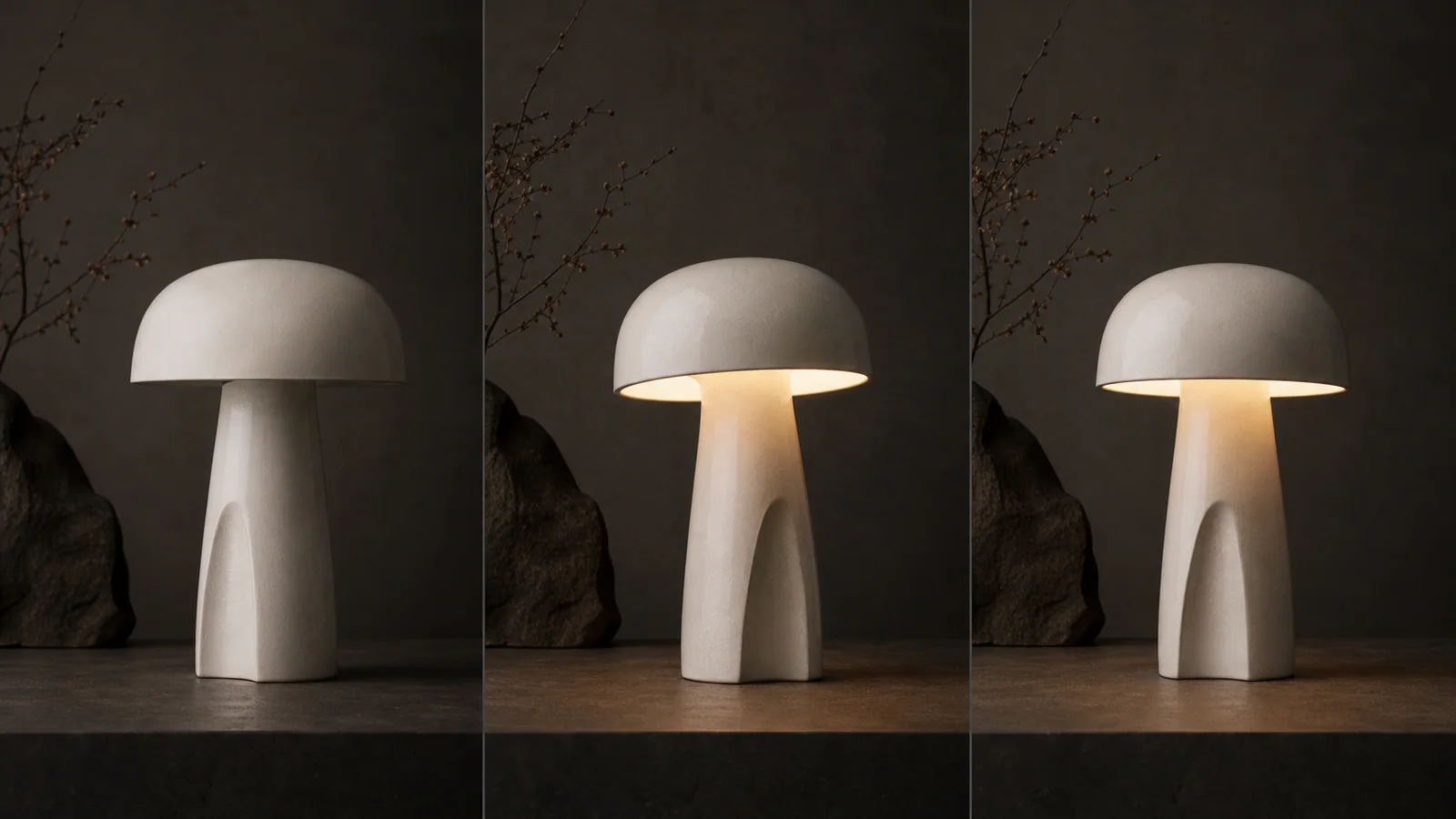
Validate subject scale, negative space, screen direction, and crop before adding detailed motion.
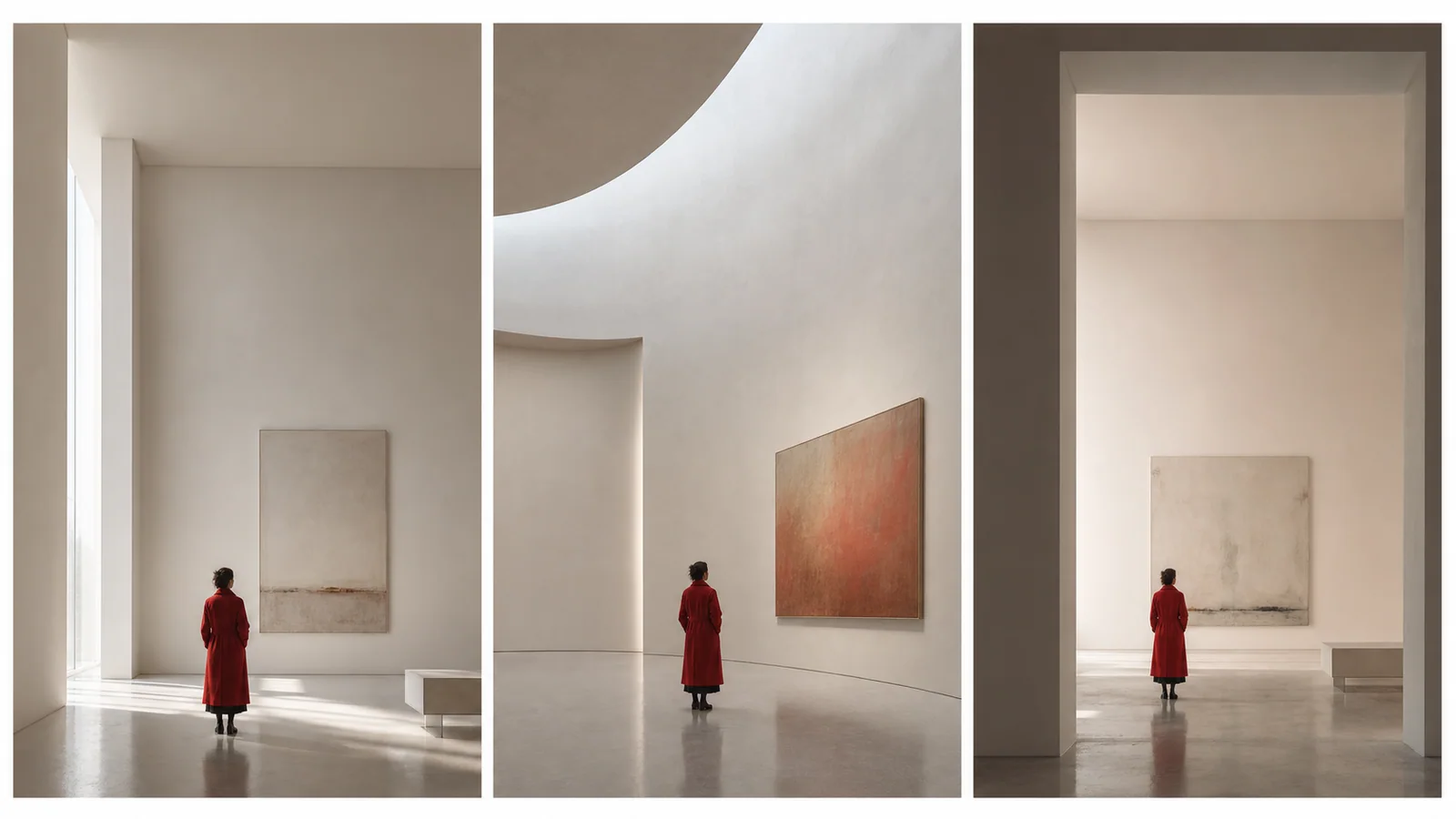
Carry forward the concise prompt and the smallest reference set that produced a coherent direction.
Route comparison
The table separates the current PixMind route snapshot from ByteDance family-level claims. Credits and exposed controls should be rechecked in the generator.
| Version | Best for | Inputs | Duration | Resolution | Audio | Credit snapshot |
|---|---|---|---|---|---|---|
| Seedance 2.0 Pro | Complex multimodal references and selected final takes | Text, image, video, and audio references | 5, 10, or 15 seconds | 480p, 720p, 1080p; 4K requires live verification | Audio-capable route | Read from the live generator |
| Seedance 2.5 | Native 30-second single-shot video with up to 50 multimodal references | Text, image, video, and audio references (up to 50) | Up to 30 seconds in a single shot | 480p, 720p, 1080p, native 4K | Audio-capable route | Read from the live generator |
| Seedance 2.0 Fast | Storyboard beats, camera A/B tests, and social hooks | Text, image, video, and audio references | 5, 10, or 15 seconds | 480p or 720p | Audio-capable route | Read from the live generator |
| Seedance 2.0 MiniCurrent | Testing reference fit, composition, and prompt conflicts | Text, image, video, and audio references | 5, 10, or 15 seconds | 480p or 720p | Audio-capable route | Read from the live generator |
| Seedance 1.5 Pro | Existing image-led prompts and controlled migration tests | Text or up to two images in the current response | Live generator is final; API fields conflict | 480p, 720p, or 1080p | Audio-capable route | 40-point API snapshot; confirm live |
The 1.5 Pro response reports 40 points, but its duration fields conflict. Pro, Fast, and Mini do not expose a stable points field in the verified endpoint snapshot.
What to watch after testing
Start with the minimum inputs needed to answer one concept question, then add detail only after the direction works.
When a test fails, remove competing actions, styles, and references before writing a longer prompt.
Mini is treated as a concept-validation route; this page does not call it the cheapest or fastest option.
How to use this version
Decide whether the test is about reference fit, composition, motion, or prompt clarity.
Start with only the references required to answer that question.
Remove conflicting references and secondary actions before adding more detail.
Send the approved composition, prompt, and reference roles to Pro without reopening the concept.
Version-specific prompts
Prompt 01
Check whether two references can share one shot.
Use @Image 1 only for the product shape and @Image 2 only for the studio palette. Static three-quarter hero composition, soft side light, one subtle clockwise turn, clean negative space. Do not change geometry or add text.
Prompt 02
Find the smallest instruction that preserves the idea.
One subject, one action, one camera move. The ceramic lamp turns on as the camera makes a slow 20-degree arc. Preserve shape, material, background layout, and final centered composition. No secondary motion.
Prompt 03
Validate framing before complex movement.
Vertical 9:16 composition test. Keep the character in the lower center third with clear headroom and space above for interface copy. Minimal walking motion, locked camera, stable wardrobe and background.
Pro
Quality-first multimodal video with reference and audio control.
View versionPro
Native 30-second single-shot video with up to 50 multimodal references, 4K output, and region-level editing.
View versionFast
The faster Seedance 2.0 route for iteration-heavy social, campaign, and previsualization workflows.
View versionMini
A lighter Seedance 2.0 option for testing multimodal ideas before committing to a quality-first render.
Pro
A proven image-to-video option with broad aspect ratios and resolution control for straightforward reference-led shots.
View versionThis page does not make that claim. Check the live generator for current credits and test measured speed under the same queue conditions.
Keep the approved framing, concise prompt, reference assignments, and non-negotiable details. Remove failed variants and conflicting assets.
The connected Mini route currently exposes text or image generation, first and last frame control, and multimodal reference mode with image, video, and audio inputs.
Start with one production question: whether the references are compatible, the composition reads, one motion works, or the prompt is clear. Do not test all four at once.
The connected configuration lists 480p or 720p. Duration fields are not stable enough to repeat as a guarantee, so use the exact choices displayed in the live generator.
Remove secondary actions and conflicting references, reduce the brief to one subject, one action, and one camera instruction, then rerun the same composition before adding detail.
The route reports audio capability and accepts audio in multimodal reference mode. For concept validation, map only essential beats or cues and review the full result for timing and distortion.
No stable Mini credit field appears in the verified endpoint snapshot. Confirm the live price before submitting and compare routes using actual charged credits, not model names.
Sources verified July 13, 2026
ByteDance Seedance 2.0 official launchSeedance 1.5 Pro technical reportNext production step
Use the approved composition, reduced prompt, and explicit reference roles as the starting brief for the quality route.