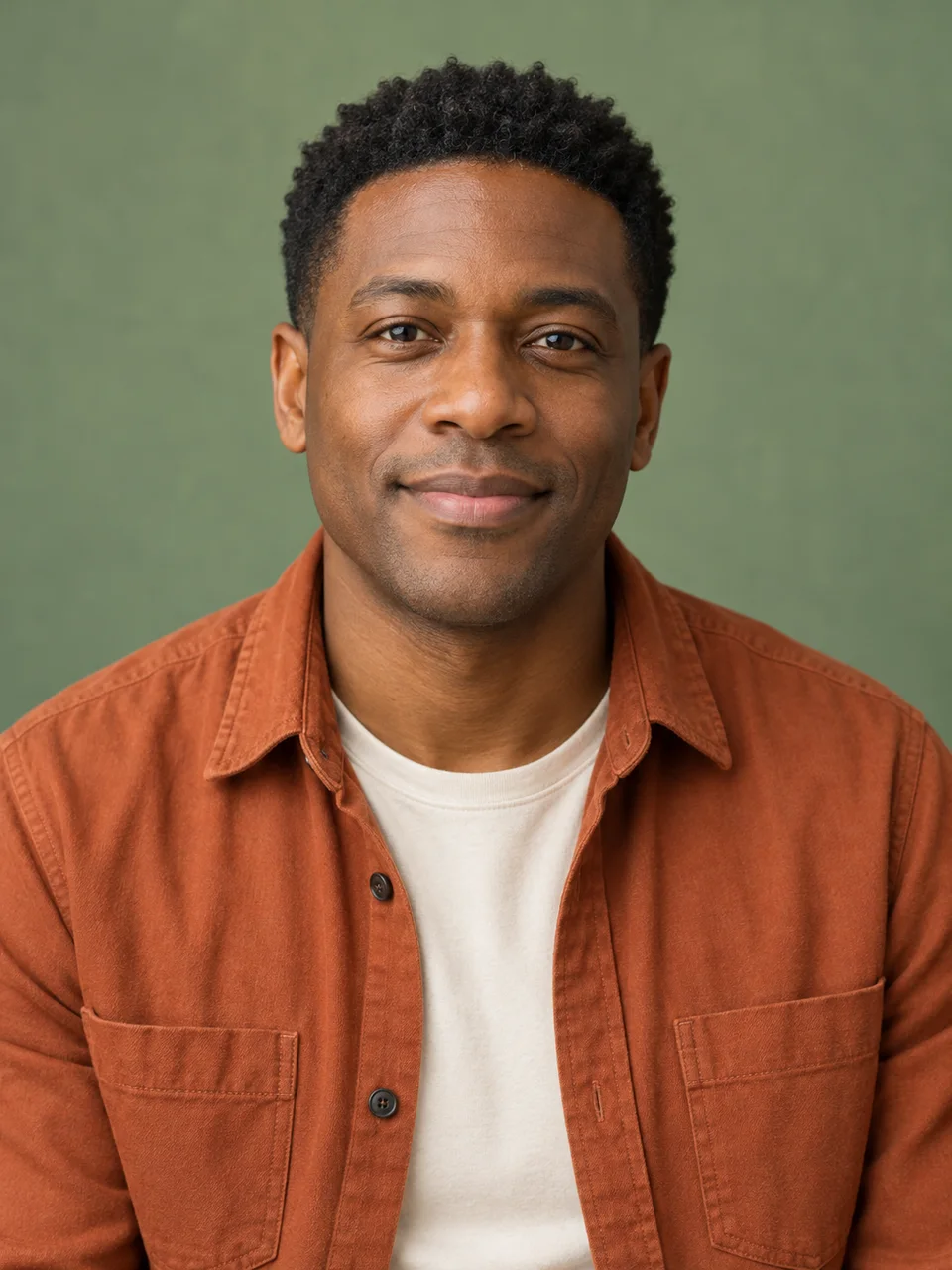
Daniel
Course introductions
Script
“Welcome to today's lesson. We will explore one idea, work through an example, and try it together.”Use this photo

AI Talking Photo
Upload a single portrait photo, type a script, and get a talking video with natural lip-sync — no camera, no acting, no video editing.
Script
“Hello! I wanted to send a little message to brighten your day. Thank you for being part of my story.”
Lina
Speaking video example
Upload a clear JPG, PNG or WebP portrait, up to 20 MB.
Or start with an original photo
New users: 2 free Avatar trials + 2 free Talking Photo trials, up to 20 seconds each
Photo training is charged at the selected video model’s price
These are original AI-generated photo materials. Create a photo avatar first; once training is ready, generate its speaking video.
New users: 2 free Avatar trials + 2 free Talking Photo trials, up to 20 seconds each
Select a ready avatar above to write a script and make it talk.
Upload audio
Use the voice and words in your recording to make the photo speak.
Turn static headshots into speaking videos — no recording, no editing, just a photo and a script.
Daniel
Script
“Welcome to today's lesson. We will explore one idea, work through an example, and try it together.”Use this photo
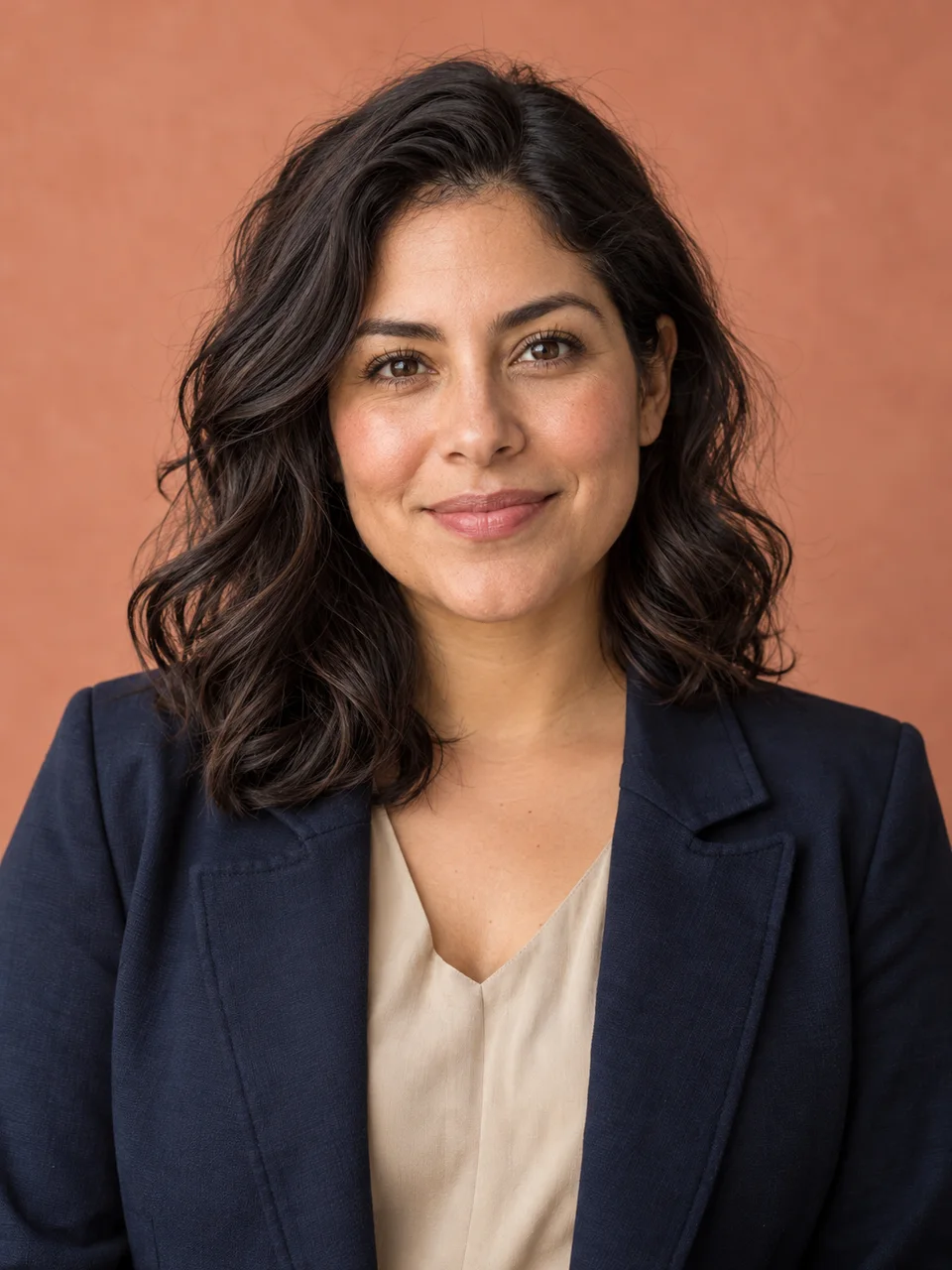
Elena
Script
“Meet a simpler way to get started. Here is what the product does and how it fits into your day.”Use this photo
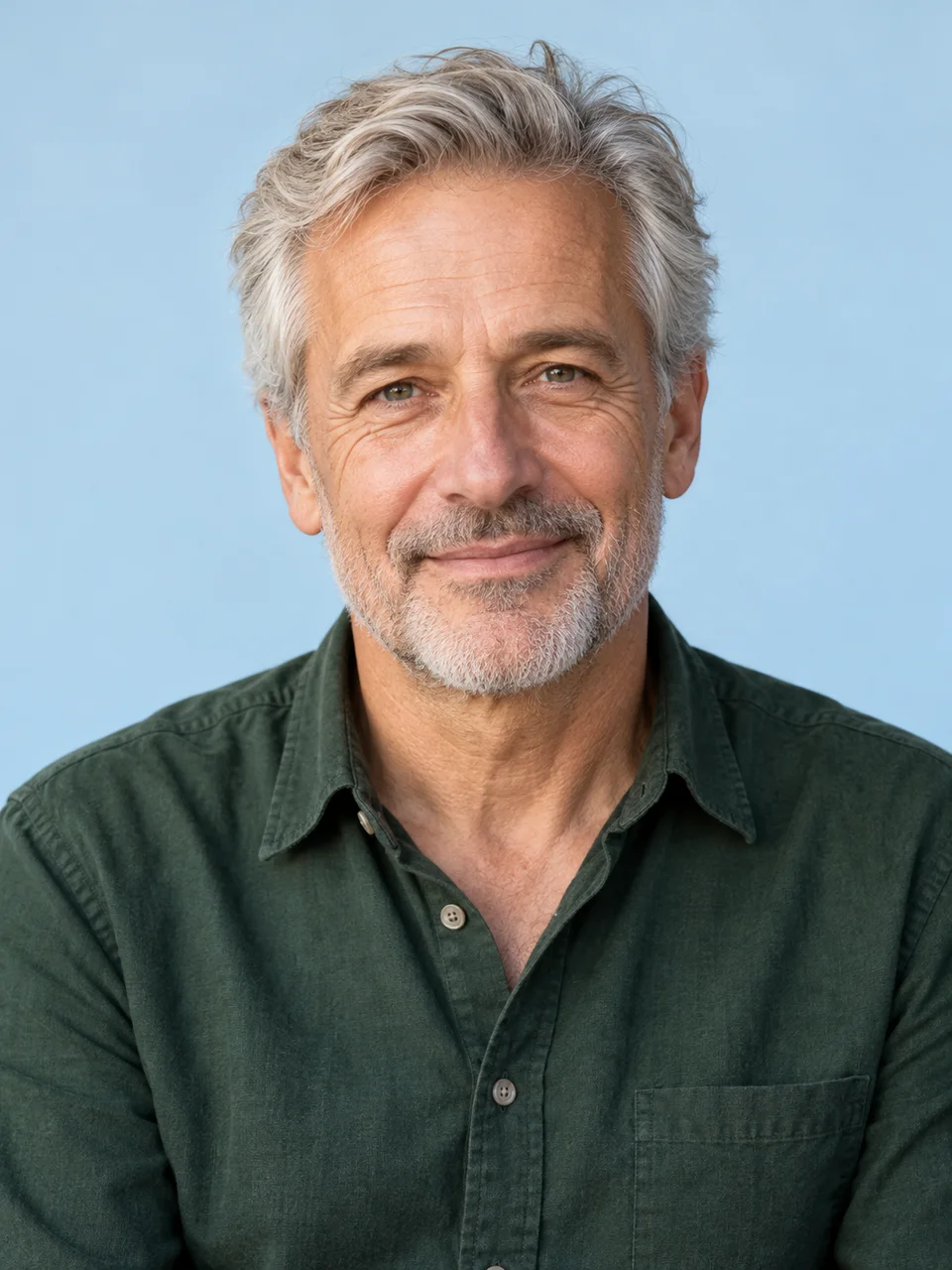
Thomas
Script
“Hello! I wanted to send a little message to brighten your day. Thank you for being part of my story.”Use this photo
These are original AI-generated photo materials. Create a photo avatar first; once training is ready, generate its speaking video.
Upload a clear JPG, PNG or WebP portrait, up to 20 MB.
Choose a library voice or upload a sample to clone your own voice. Your photo and voice are selected separately.
Your photo speaks your script with lip-synced motion. Download as MP4.
Clone your voice from an audio sample, save it to your library, and turn new scripts into speech with Base or Pro. Create voiceovers for videos, podcasts and courses.
Choose a presenter video and clone your AI avatar, or upload your own footage. Add a script and voice to create product explainers, lessons and social videos.
Choose a library voice or upload a sample to clone your own voice. Your photo and voice are selected separately.
A clear, front-facing portrait with good lighting and nothing covering the mouth. Close-up headshots animate better than wide or group shots.
Training runs in the background. Check My avatars for queued, training, ready or failed status; timing depends on the material and queue.
Choose a library voice or upload a sample to clone your own voice. Your photo and voice are selected separately.
Speech synthesis and avatar rendering use the account's credit rules. They are separate steps; this page does not quote a fixed video price.
Product demos, greetings, course intros, social posts and ads — anywhere a speaking face is more engaging than plain text.
These are original AI-generated photo materials. Create a photo avatar first; once training is ready, generate its speaking video.
Only ready avatars can generate video. Wait for training to finish; if training fails, delete the failed avatar and try clearer material.
Preview and download the result, or save it to your asset library. The provider's temporary video link expires after 24 hours.
Choose a library voice or upload a sample to clone your own voice. Your photo and voice are selected separately.
Make my photo talk