Limited timeAnnual membership:30% offplus unlimited access to GPT Image, MiniMax H3, and more
Share PixMind, earn 20% recurring commission · Join the affiliate program
Upgrade now
Pixmind

VIDEO IN. IDEAS OUT.

Get the spoken words from a TikTok video

Capture a spoken hook, recipe or short explanation. Paste a TikTok video link or upload the clip, then review and export the transcript.

Video URL or file upload

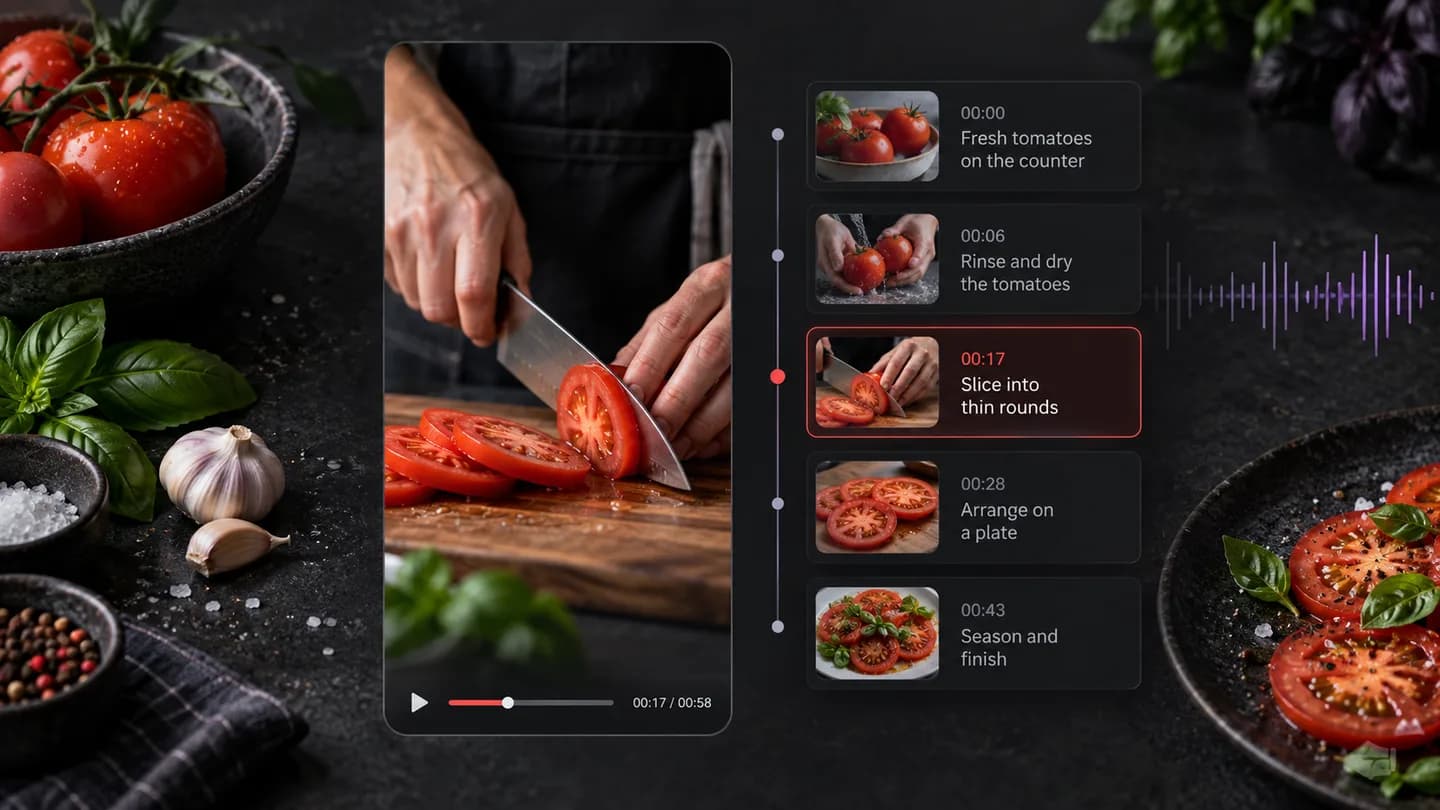
Turn a short cooking explanation into timed text. Keep the spoken quantities and steps, then ask for a structured recipe based on what was actually said.
Illustrative workflow example · Recipe clip to editable instructions

Add your video

Processing your video

Recipe clip to editable instructions

Separate what is spoken from what is shown

Use the transcript to study wording and timing. Accessible platform captions may be used; otherwise the workflow transcribes speech. Text drawn into the video image is a separate visual-analysis task.

TikTok speech transcript with timestamps

Turn a short cooking explanation into timed text. Keep the spoken quantities and steps, then ask for a structured recipe based on what was actually said.

Extract a hook, translate the wording or develop a script

From source video to useful output

  1. 01

    Paste a link or upload

    Use a supported video URL or choose a video or audio file from your device.

  2. 02

    Choose your output

    Select the source language and the transcript, summary or visual analysis you need.

  3. 03

    Keep working with the result

    Copy or export the output, ask a follow-up question, or prepare your next creative brief.

Choose the output you need

ToolOutputYour next step
Video to Text — Transcribe Video with TimestampsTimestamped transcript and TXT/SRT/VTT exportsEdit captions, collect quotes or ask about the transcript
Video Summarizer — Key Points and Chapters OnlineOverview, key points and timestamped chaptersCheck details or turn the ideas into a new script
Video to Script — Extract a Scene-by-Scene StoryboardScene-by-scene script and visual production cuesRefine the storyboard and create your next video

Questions before you start

Can I paste a TikTok share link?

Yes. Paste the URL for a specific TikTok video. Supported short links are resolved by the backend; a profile or photo post is not a video transcript input.

Does TikTok always provide captions?

No. Availability varies by video and the platform response. The service uses accessible supported captions when possible and otherwise attempts speech transcription.

Can it read text printed over the TikTok video?

A speech transcript captures captions or spoken audio, not all text rendered into the image. Use the visual analysis tools when on-screen labels and scene details matter.

What if a TikTok short link fails?

Try the full link for the individual video. If the platform still blocks access, switch to uploading a clip you are authorized to process.

Can I export the text as subtitles?

Yes. Export TXT for writing or SRT/VTT for timed subtitle editing. Check names, timing and short phrases before using generated captions.

How can I isolate the opening hook?

Read the first transcript segments or ask the follow-up panel to identify the opening spoken hook. This analyzes wording; a visual hook requires frame analysis.

Will it work on a music-only clip?

A clip without intelligible speech may have little or no transcript. Video to Prompt can help analyze the visual style instead of inventing spoken content.

Can I rewrite the transcript for my own video?

Ask the result panel for an original script aimed at your audience. Specify the product, tone and duration, and review the adaptation before creating new media.

Bring the source. Leave with a starting point.

Add a video link or upload a file, choose the output, and continue working with the result.

Analyze your video