
AI Product in Hand Generator
Product in Hand Examples
Showing 140 examples · choose a category below
PixMind AI Product in Hand
Let people see your product in use
Turn a product photo into a natural hand-held scene. Show its size, texture and everyday context in images ready for listings, campaigns and social posts.
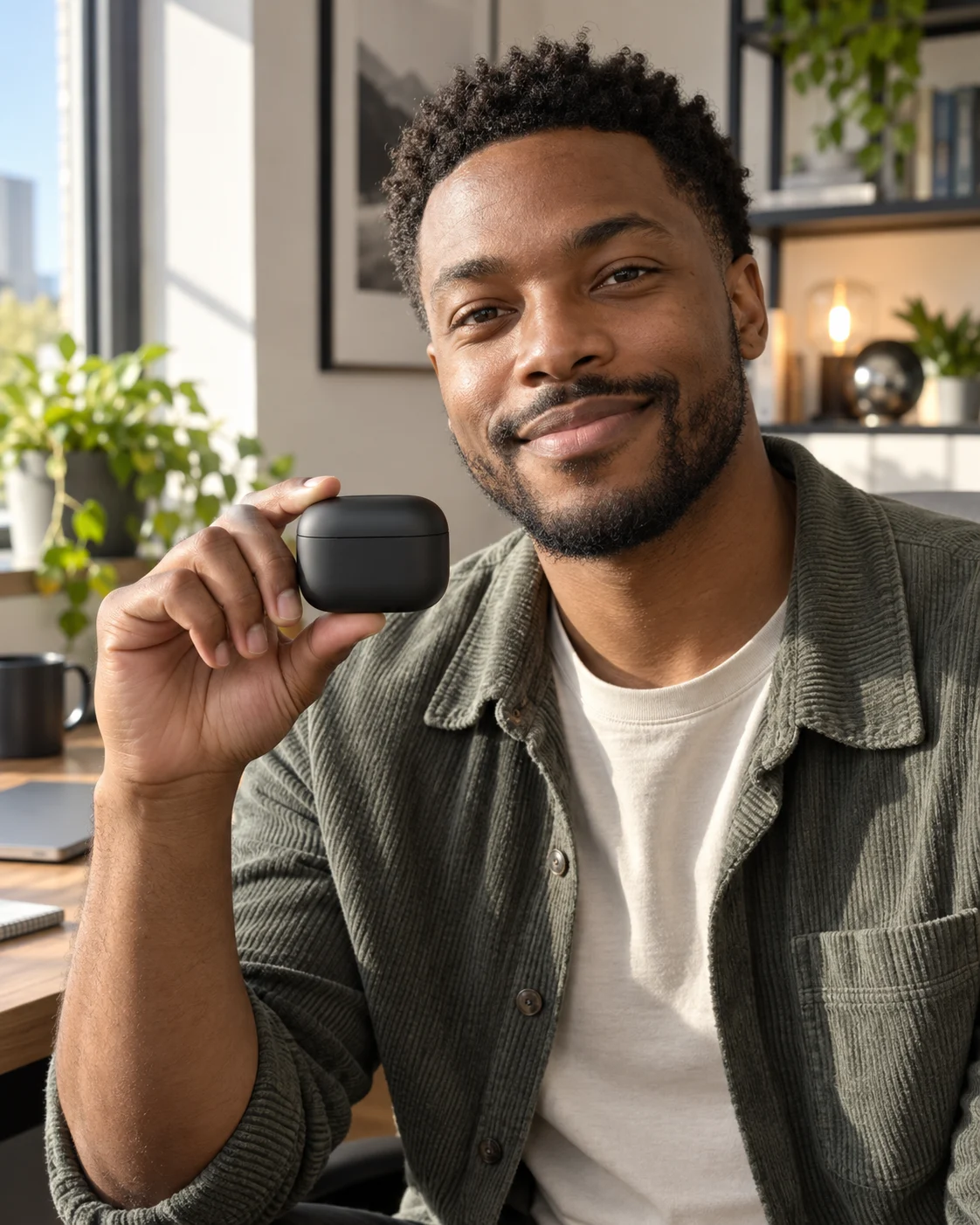
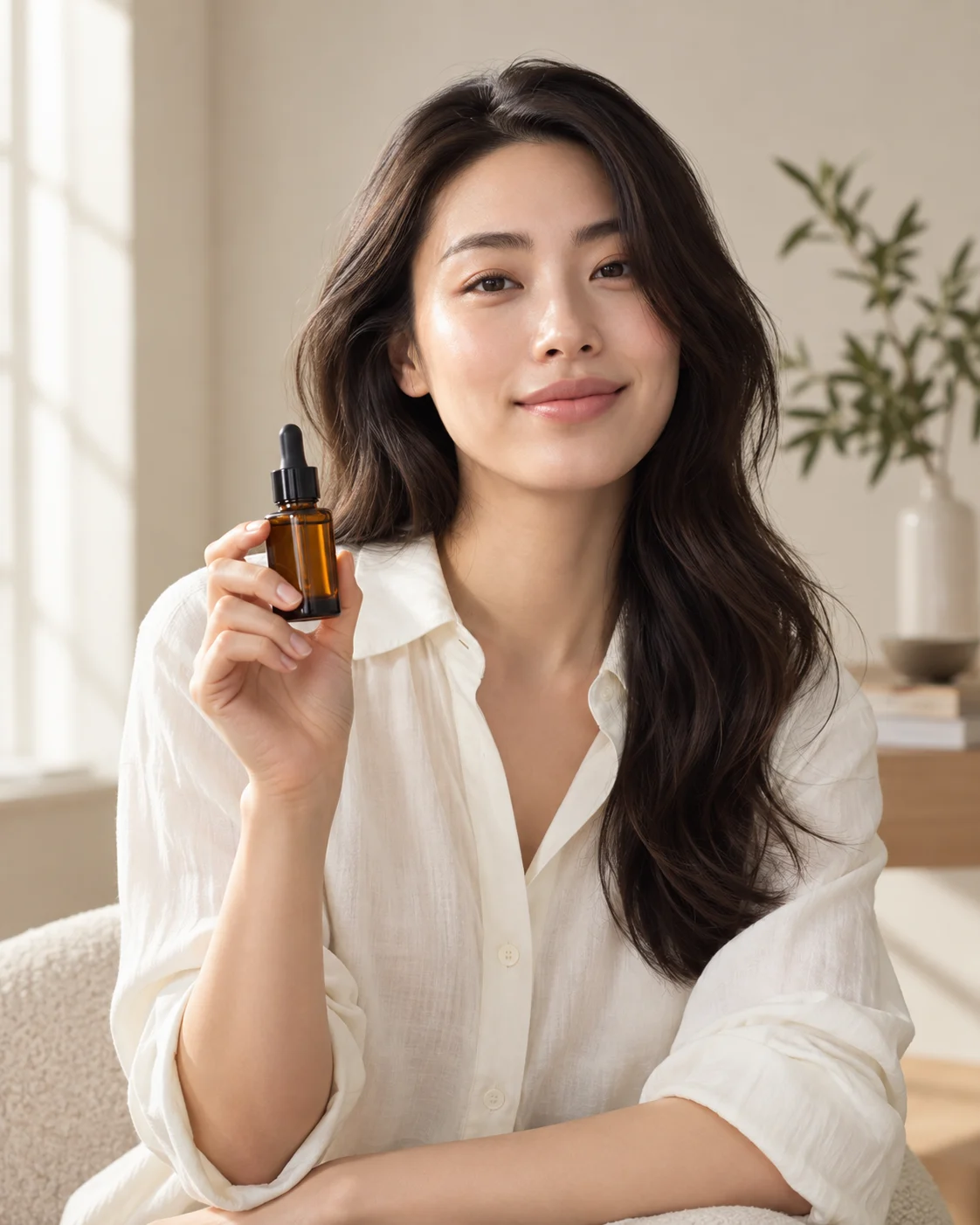

A real sense of scale for small products
A bottle, accessory or beauty product becomes easier to judge when someone holds it. Give shoppers a clear view of the item and how it fits into a real moment.
Move from product photo to campaign visual
Start with one clear item image. Create lifestyle shots for a new listing, seasonal collection or social campaign without setting up a separate photo shoot for each variation.
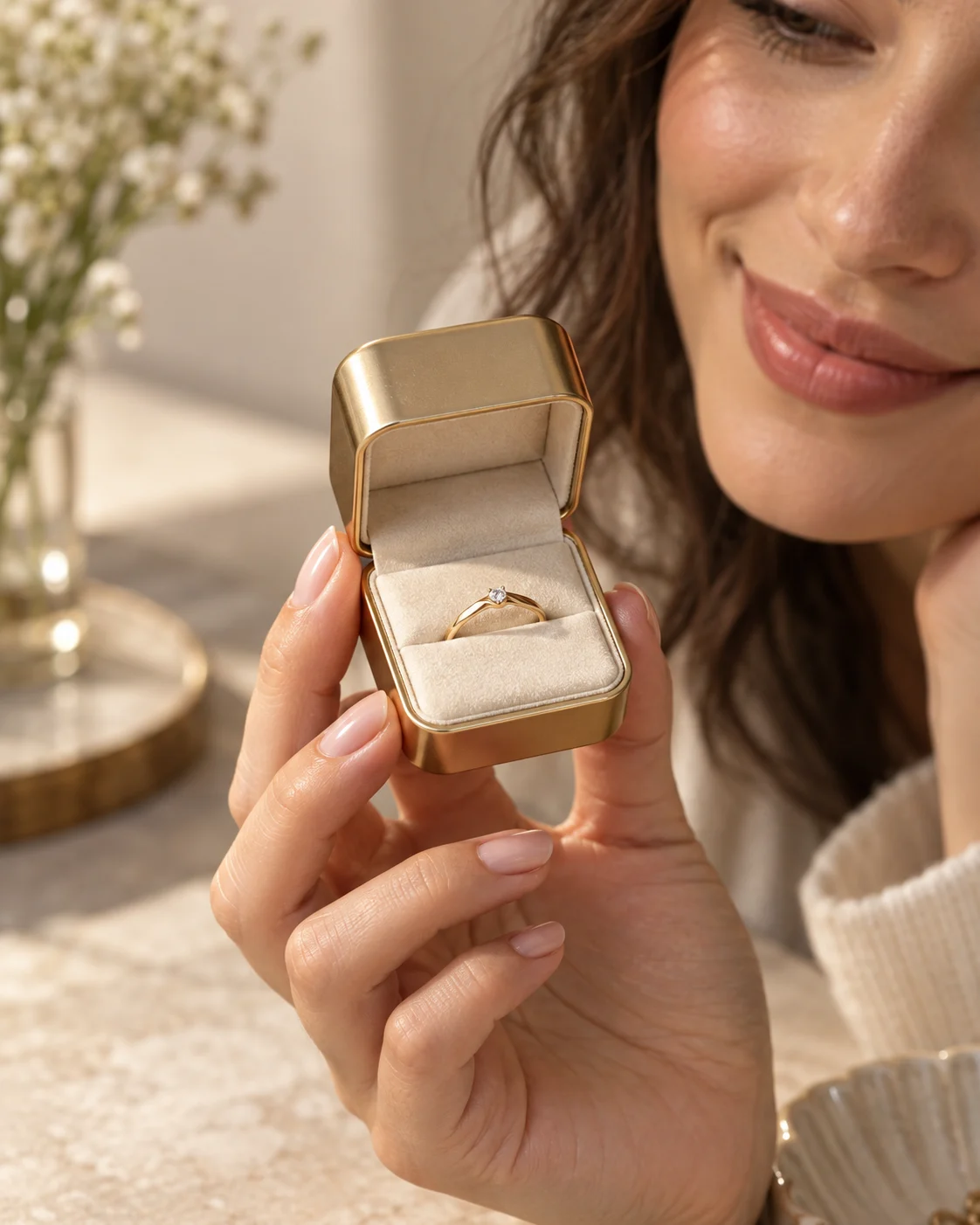
Choose the person and the framing
Upload your own model photo to keep a familiar face across a collection, or let the AI create a person for the scene. Choose a square or portrait composition for the place it will appear.
Make product stories feel close to everyday life
Hand-held imagery gives social posts and UGC-style creative a more direct point of view. Show how a drink, gadget or accessory looks when someone actually picks it up.
From product image to hand-held photo in three steps
- 01
Upload your product
Use a clear PNG, JPG or WebP photo that shows the product's shape and details.
- 02
Add a model if you want
Upload a person photo or choose an example look, then pick the image ratio and output count.
- 03
Generate and download
Review the hand-held results and download the images you want to use.
More ways to build your product visuals
AI Product Image
Generate professional product showcase images with AI. Upload your product photo and instantly create stunning scene variations for e-commerce, social media, and marketing campaigns.
AI Try-On
Try on clothes virtually with AI. Upload your photo and clothing items to generate realistic try-on images for fashion e-commerce, social media, and online retail showcases.
Clothing Set
Generate complete clothing set display images with AI. Create coordinated outfit showcases combining tops, bottoms, shoes, and accessories for e-commerce and fashion catalogs.
About AI product-in-hand images
What does the Product in Hand tool create?
It generates a new lifestyle image of a person holding the product from your uploaded reference photo.
What products work best?
Small and medium-sized items such as cosmetics, jewelry, drinkware, electronics and packaged goods are good starting points. Upload a clear product photo so its shape and details are visible.
Can I use my own model photo?
Yes. The model photo is optional. You can upload one to guide the person's appearance or select a gallery example as a starting point.
Which image ratios can I create?
Choose 1:1, 2:3 or 3:4, depending on whether the result is for a product card, portrait campaign or social post.
How are images billed?
The tool uses credits per generated image. The exact total is shown beside the Create button before you submit.
Give your next product photo a human touch
Upload the item, choose a look and create an image that shows it where it belongs: in someone's hand.