
Not a Generator. The AI Video Agent That Picks the Right Model for Every Shot.
Describe the scene in plain language. The agent routes across Veo, Kling, Seedance, Wan and Sora — sets audio, duration and references — then iterates with you shot by shot. No more model spec sheets, no more re-prompting from zero.
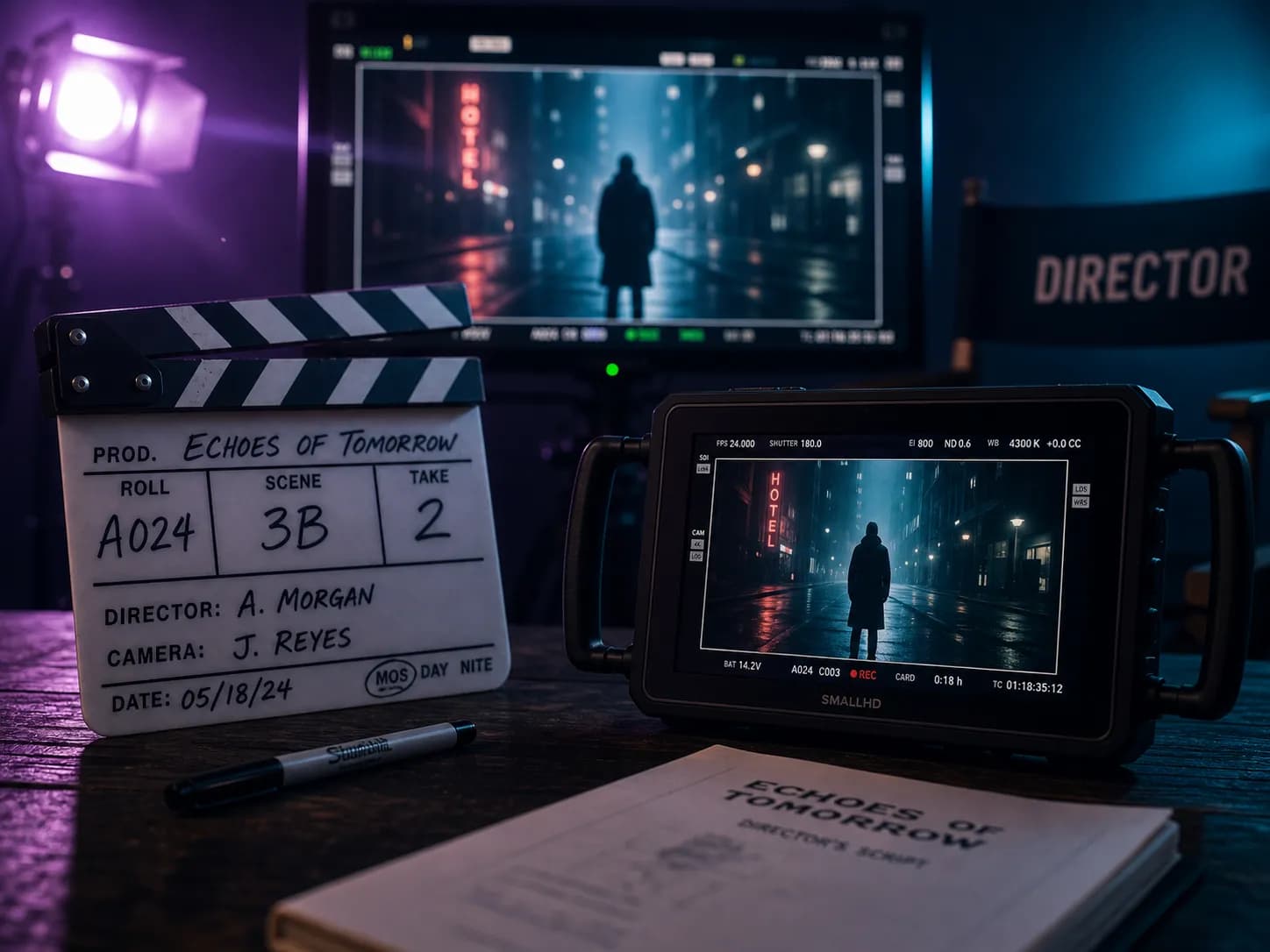
What is an AI video agent?
An AI video agent is not a text-to-video generator. It's an autonomous director that understands the scene you want, selects the right model for each shot, runs the render, and refines the cut through conversation. A generator takes one prompt and returns one clip. An agent orchestrates the full production — model selection, parameter tuning, iteration — and returns a finished scene.
AI Video Agent
- Reads the scene, not just the prompt
- Picks the right model for each shot
- Iterates — "slow the pan", "add a wide shot"
- Holds the whole edit in context
Traditional AI video generator
- You write the full prompt yourself
- You pick the model blind
- Each tweak means re-rendering from scratch
- No memory of previous shots
One agent. Every video model that matters.
The agent reads the scene and routes it to the model built for that job. You stop comparing spec sheets — the agent already did.
| Scene type | Routed to | Why |
|---|---|---|
| Cinematic shots with native audio | Veo 3.1 | Best-in-class 4K cinematic output with synchronized native sound. |
| Physics-real motion & real-world scenes | Sora 2 | Superior physical plausibility for movement, objects and natural scenes. |
| Lip-synced dialogue & character acting | Seedance 2.5 | Industry-leading lip-sync and expressive character performance. |
| Fast social & ad-ready clips | Kling 3.0 Turbo | Fast, punchy, marketing-ready motion in short durations. |
| Reference-driven shot continuity | Wan 3.0 | Strong reference-following for consistent look across shots. |
Built to replace your model-hopping workflow
Per-shot model routing
The agent picks the right model for each shot, not the whole project. Dialogue scenes and action shots can use different models in the same edit.
Direct the cut in plain language
"Slow the pan on the wide shot", "make the dialogue warmer" — the agent applies the note without a re-prompt.
Multi-model, one session
Veo for the hero, Seedance for the dialogue, Kling for the punchy social cut. The agent swaps models mid-thread so you don't.
Native audio & dialogue
Routed to Veo or Seedance when you need synchronized sound — score, dialogue, foley — without a separate audio pass.
Reference & first-last frame
Upload a reference or set first-and-last frames and the agent routes to a model with strong continuity control.
Transparent credits per render
See the cost before you generate. No black-box credit drains on dead-end renders.
Three steps. No model spec sheets.
Describe the scene
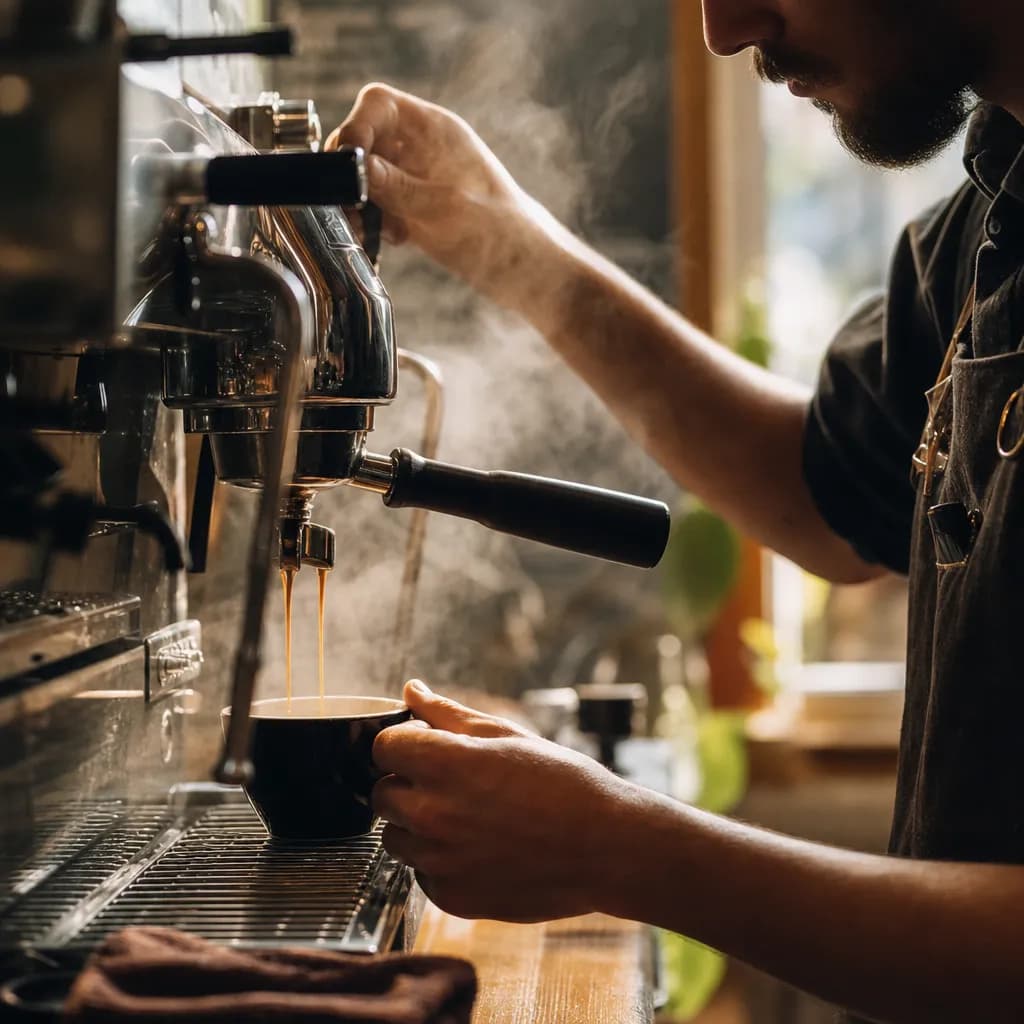
Type what you want. "A barista pulling a shot, warm morning light, slow push-in, ambient café sound." That's the whole brief.
Agent routes and renders
The agent picks the right model — Veo for cinematic, Seedance for dialogue, Wan for reference continuity — sets audio and duration, and returns a first cut.
Refine shot by shot
Direct the cut in plain language. The agent re-renders only what changed and keeps the rest of the edit stable.
Who's using the video agent
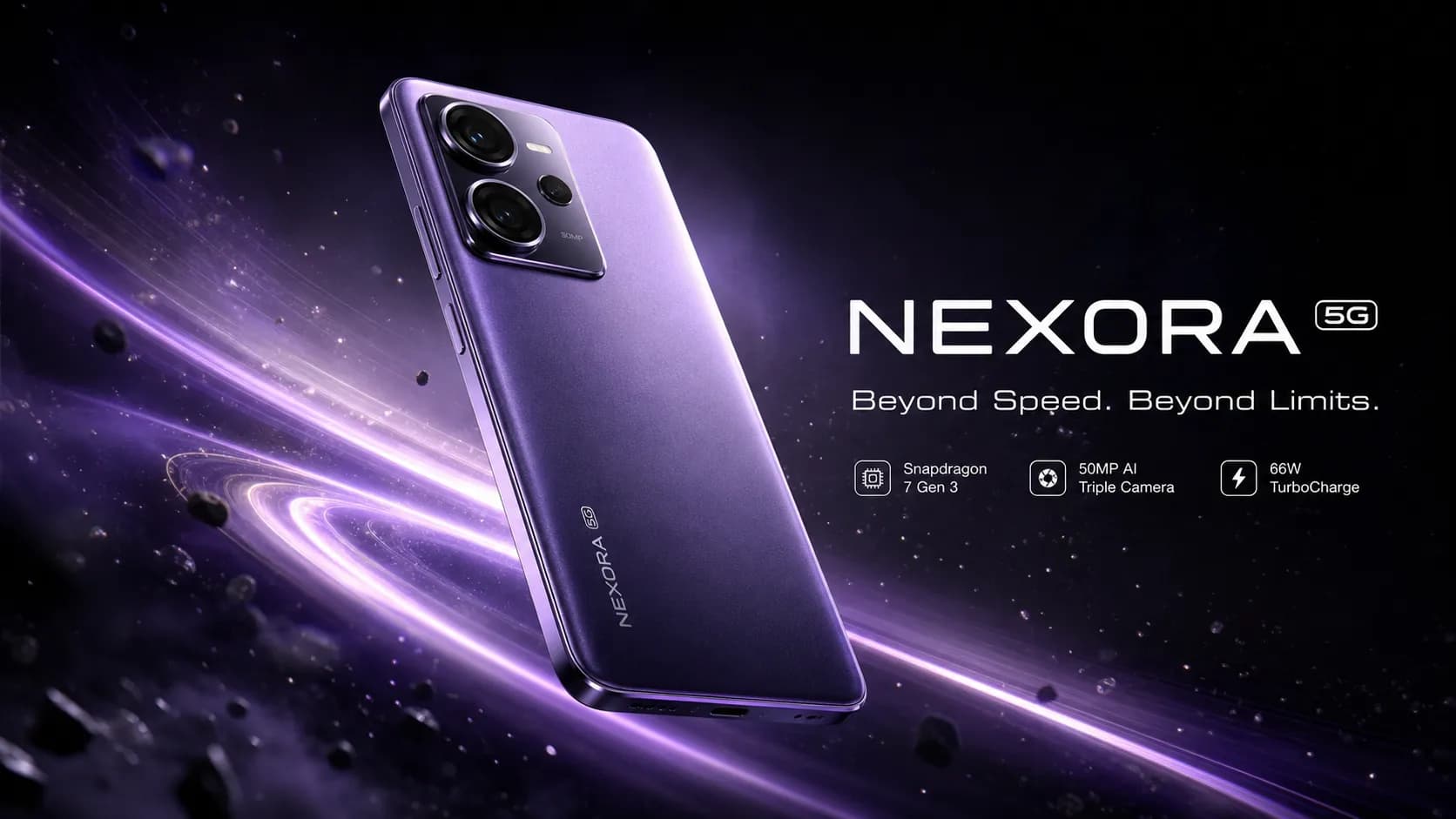
Ad creative that ships
Brief the agent on the campaign. Get hero, social and UGC-style variants — each routed to the right model — without a production queue.
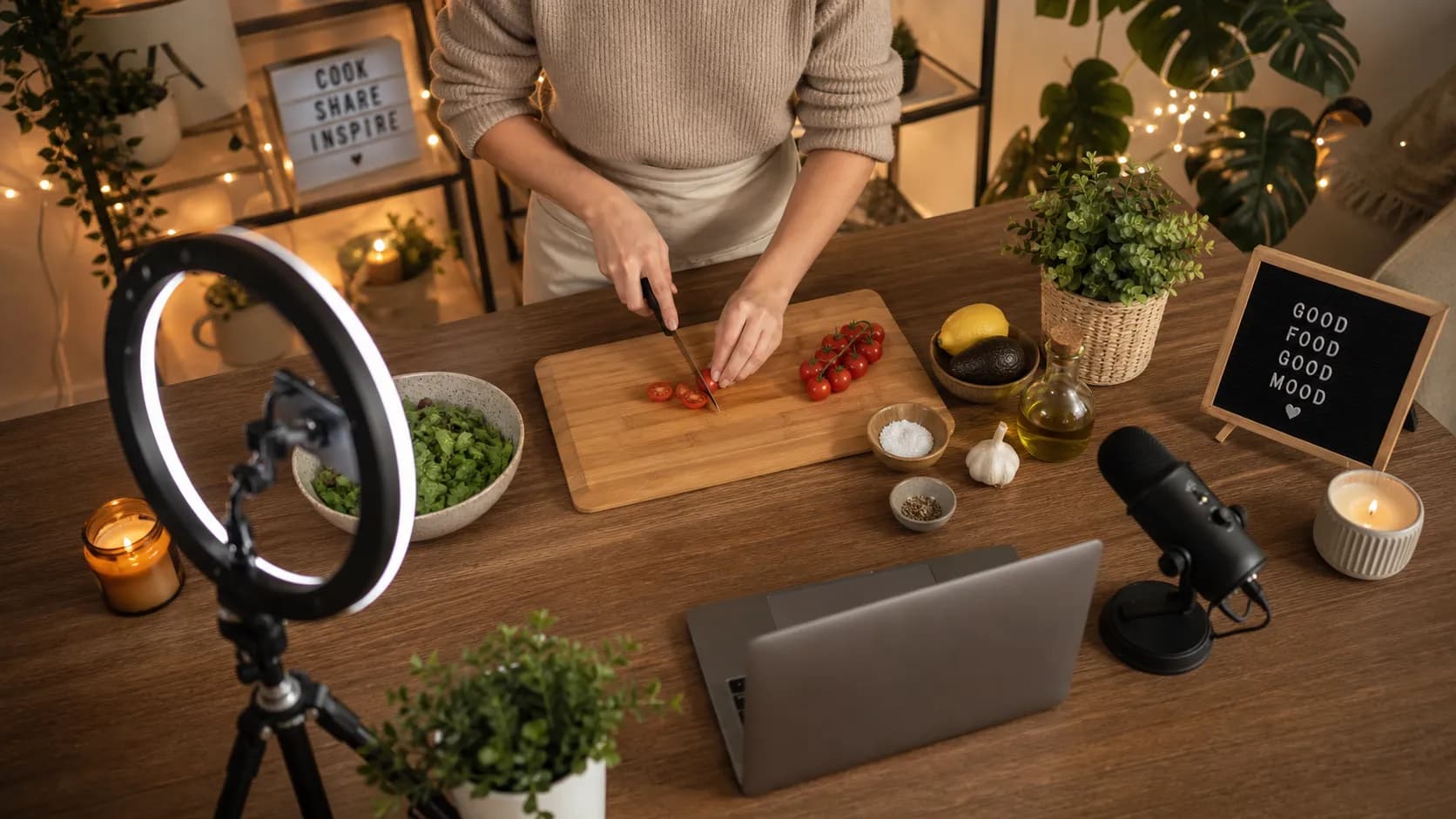
Faceless & social video
Creators spin up faceless YouTube clips, reels and shorts in minutes. The agent keeps style consistent across a whole playlist.
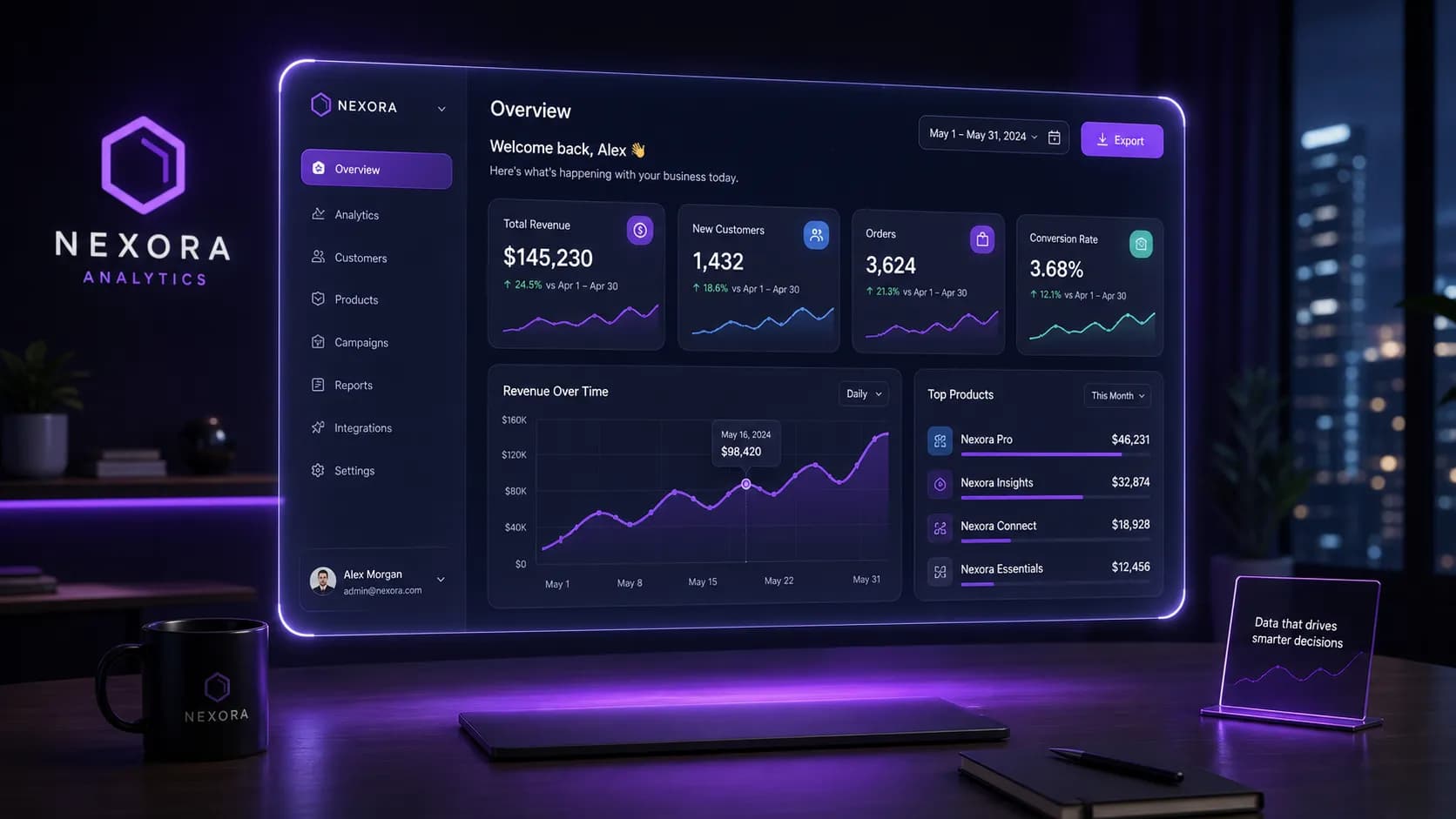
Product demos, today
Founders ship a product demo or investor clip the same day. The agent handles shot list, audio and pacing in one thread.
More clients, same headcount
Agencies use the agent as a junior director — first drafts, alt cuts, localized variants — so senior editors spend time on craft, not busywork.
Agent vs. traditional video generator
The difference between describing a scene and getting the cut.
| Capability | AI Video Agent | Video generator |
|---|---|---|
| Input | Natural language scene brief | Engineered prompt |
| Model selection | Per-shot, automatic | Manual, one per project |
| Edits | "Slow the pan" — re-renders only what changed | Rewrite prompt, re-render everything |
| Native audio | Routes to Veo / Seedance when you need sound | Separate audio pass, if at all |
| Multi-shot continuity | Holds the edit in context | Each clip is an island |
Directed by the agent
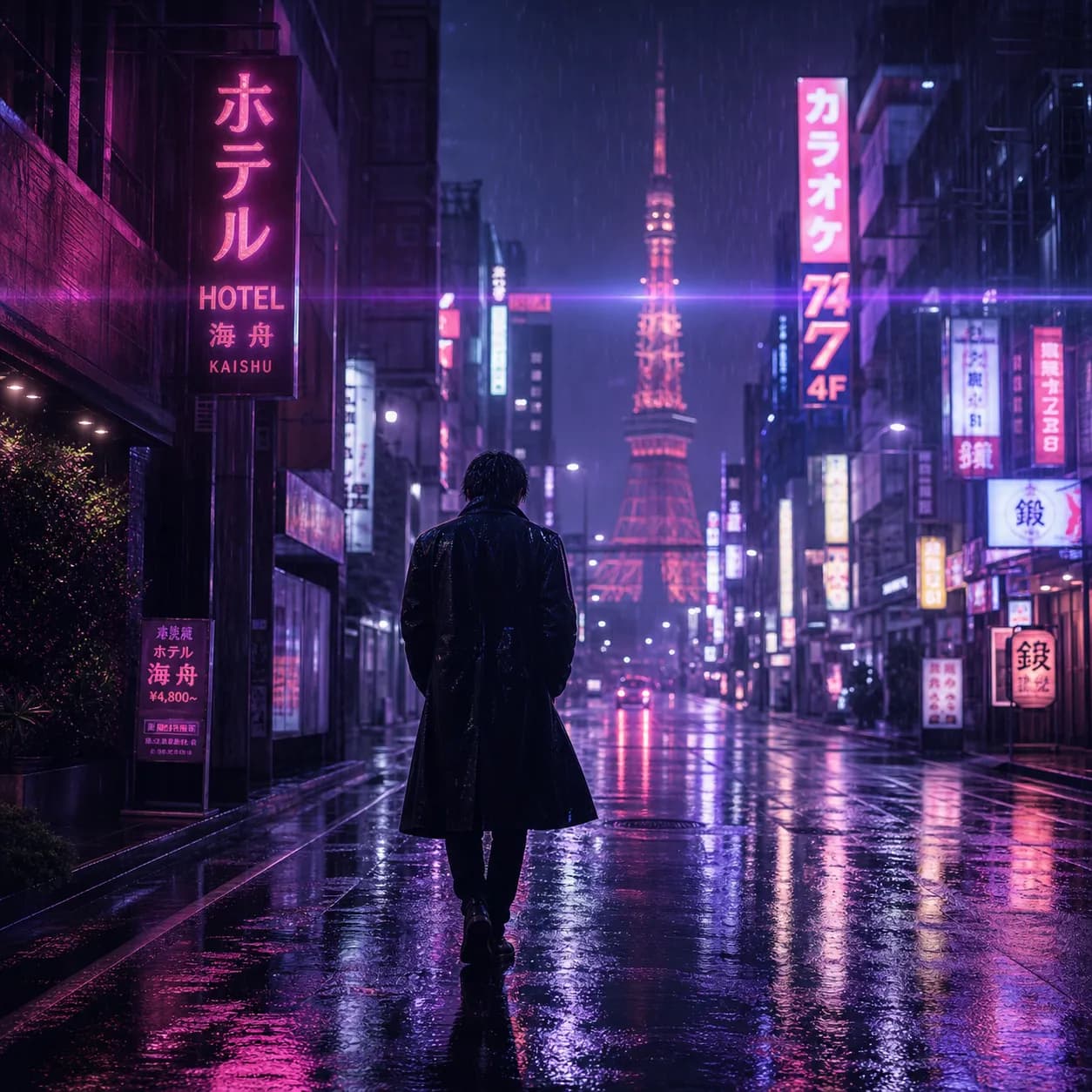
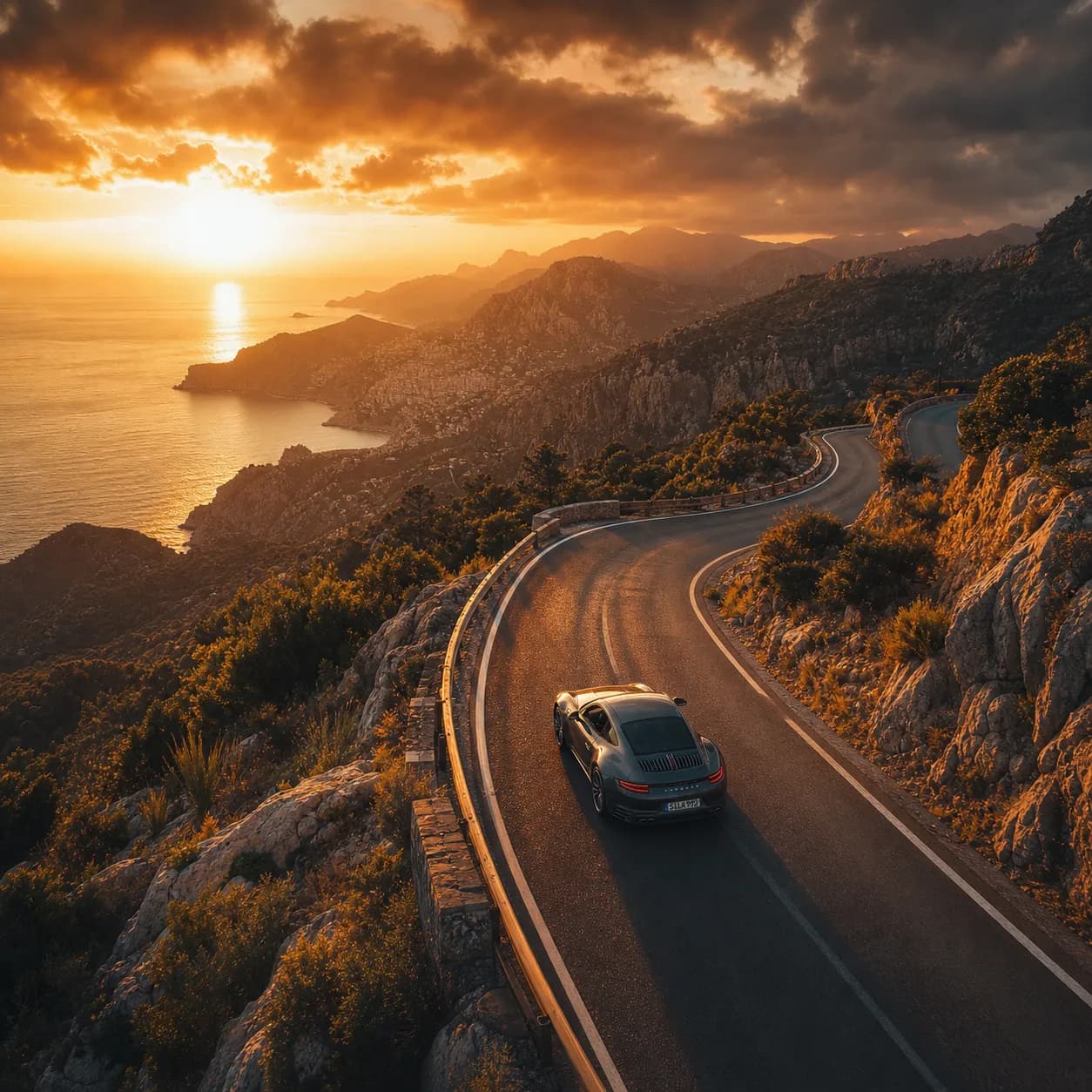
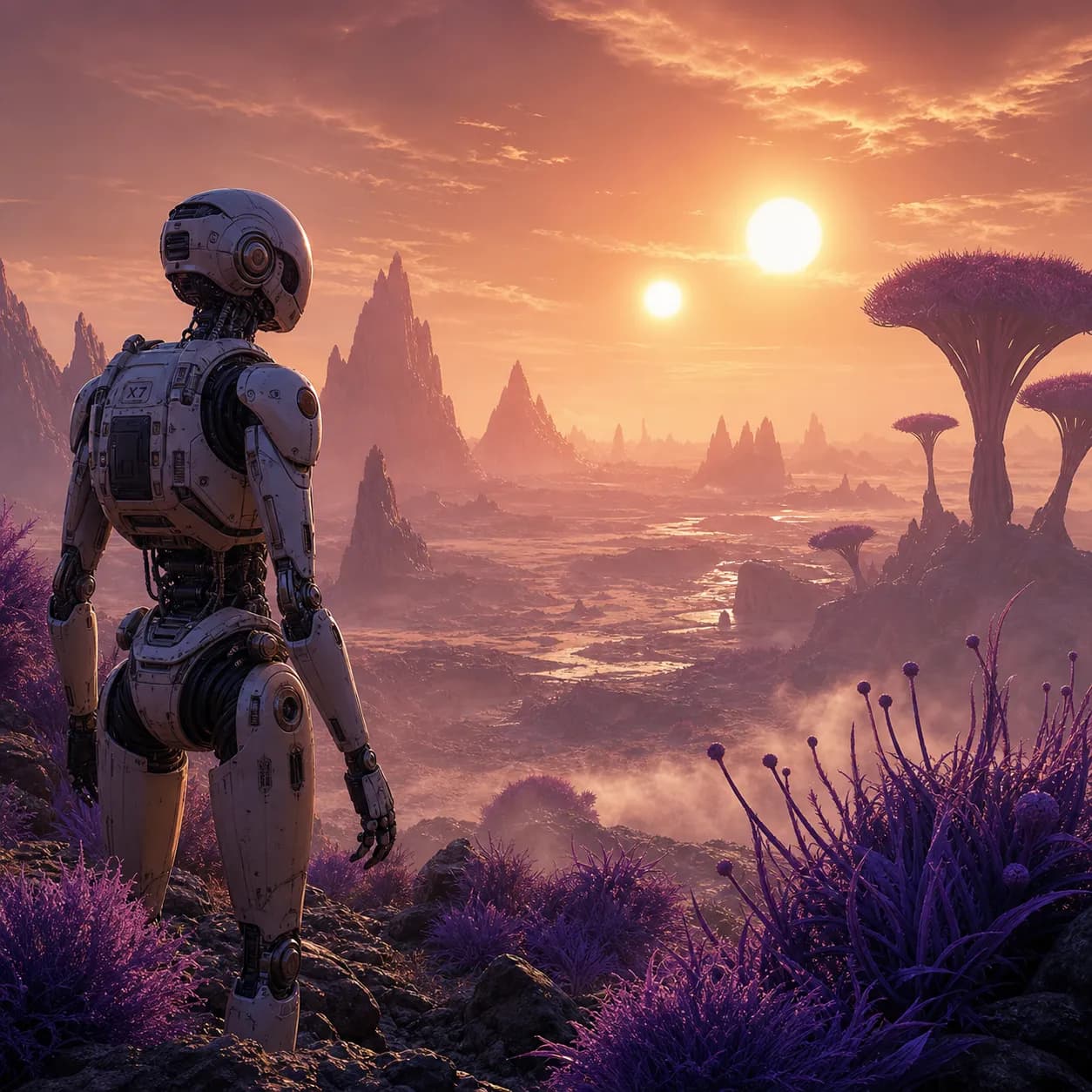
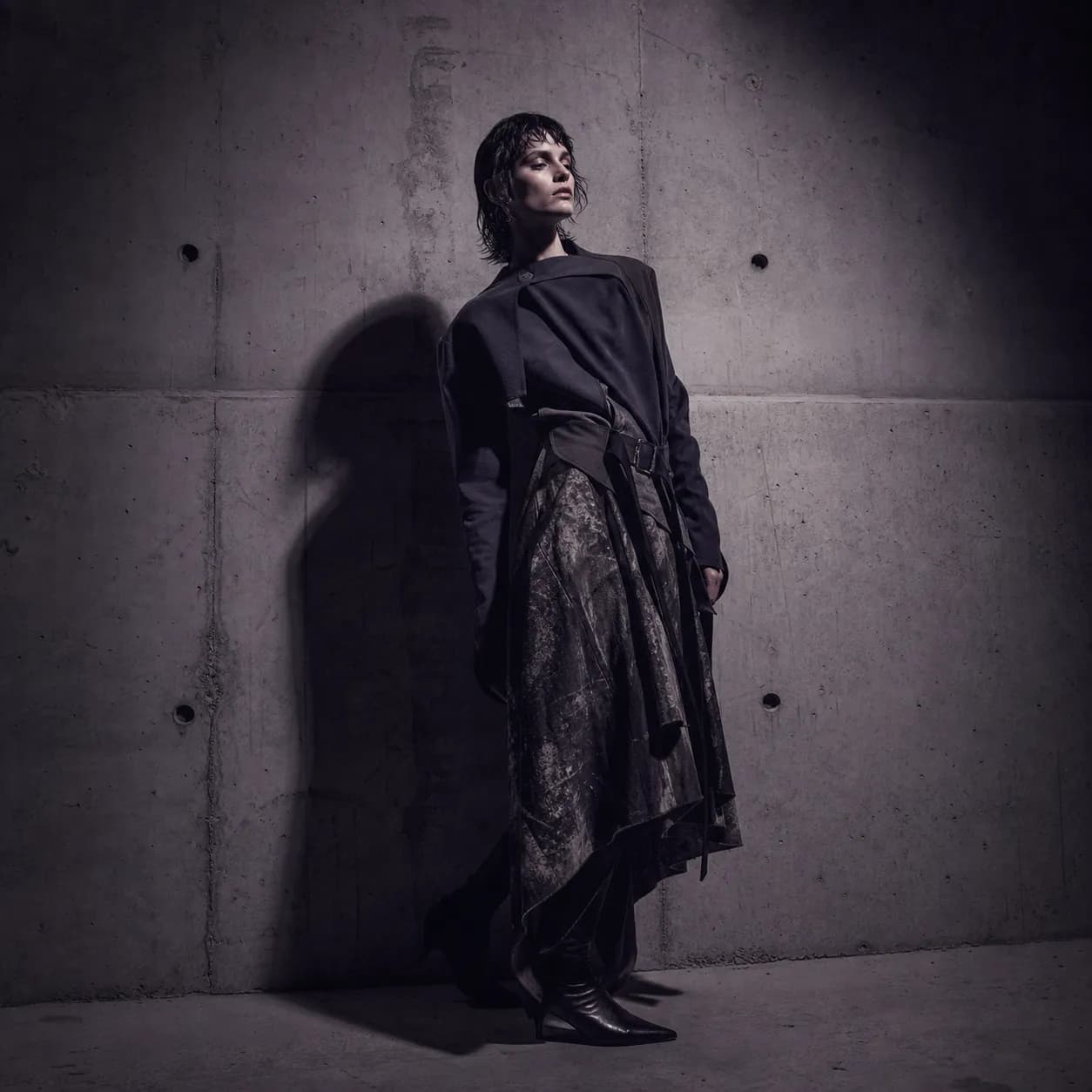
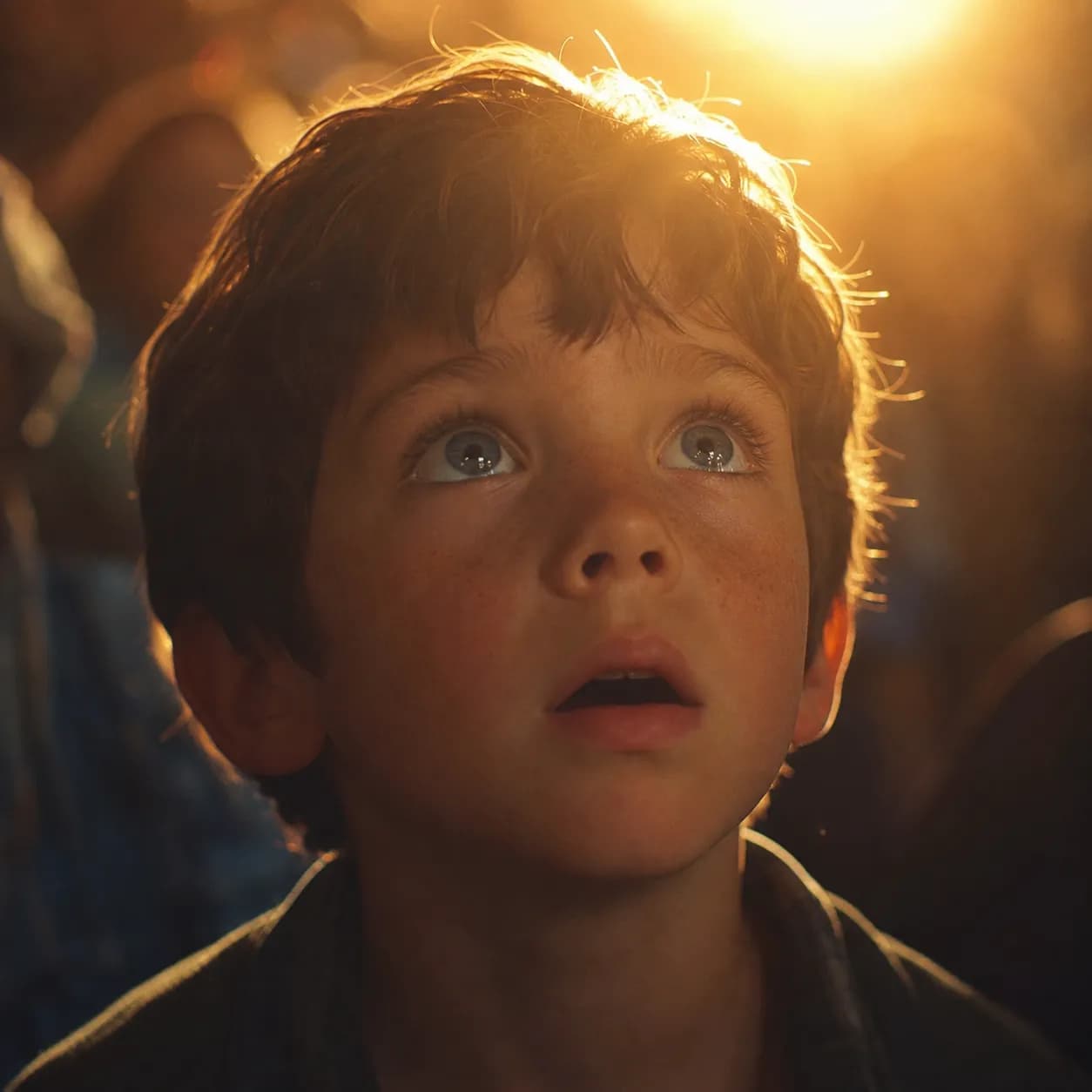
Every clip below was produced through conversation — each routed to the model the agent picked.
AI video agent, explained
What's the difference between an AI video agent and an AI video generator?
A generator takes one prompt and returns one clip — you pick the model, tune every parameter, and start over on each edit. An agent understands the scene, picks the right model per shot, handles audio and reference continuity, and refines the cut through conversation. The agent orchestrates the whole production, not just the render step.
How does the agent pick the right video model?
The agent reads the scene — cinematic vs. social, dialogue vs. action, with or without a reference — and matches it to the model's strengths. Native audio routes to Veo 3.1; physics-real motion routes to Sora 2; lip-synced dialogue routes to Seedance; reference continuity routes to Wan. You can override any pick.
Can the agent handle native audio and dialogue?
Yes. When your scene needs synchronized sound — score, dialogue, foley — the agent routes to Veo 3.1 or Seedance 2.5, both of which generate native audio with the video. You don't need a separate audio pass.
Which video models does the agent route between?
Veo 3.1, Sora 2, Seedance 2.5, Kling 3.0 Turbo, Wan 3.0, plus the broader PixMind video catalog. New models are added as soon as they go live on PixMind.
Can I upload a reference image or set first-and-last frames?
Yes. Upload a reference and the agent routes to a model with strong reference-following — typically Wan or Seedance — so the output matches your look. First-and-last-frame control is supported on the same models.
How do I iterate without re-rendering the whole video?
Tell the agent what to change in plain language — "slow the pan", "warmer grade on shot two" — and it re-renders only the affected shot, keeping the rest of the edit stable. You don't start from zero on every note.
How is this different from using Veo, Kling or Runway directly?
Each of those locks you to one model's strengths and weaknesses. The agent gives you every model in one conversation, picks between them per shot, and lets you swap mid-thread. You get the best of Veo's audio, Sora's physics and Seedance's lip-sync without learning three separate tools.
How long can the videos be?
Clip length depends on the model the agent routes to — typically 5–10 seconds per shot, with multi-shot edits assembled in the conversation. Native-audio models like Veo and Seedance can run longer per clip.
How much does it cost?
Renders cost credits, with the exact cost depending on the model the agent picks — Veo costs more than Kling, for example. You always see the cost before you generate, and failed renders don't drain credits.
Stop comparing models. Start directing scenes.
The AI video agent is live on PixMind. Open the agent, describe your scene, and let it pick the model for every shot.
Open the video agent