
The AI Image Agent That Picks the Right Model For You
Describe what you want in plain English. The agent routes your request across Seedream, Flux, gpt-image, Imagen and more — then iterates with you until the image is right. No prompt engineering, no model shopping.
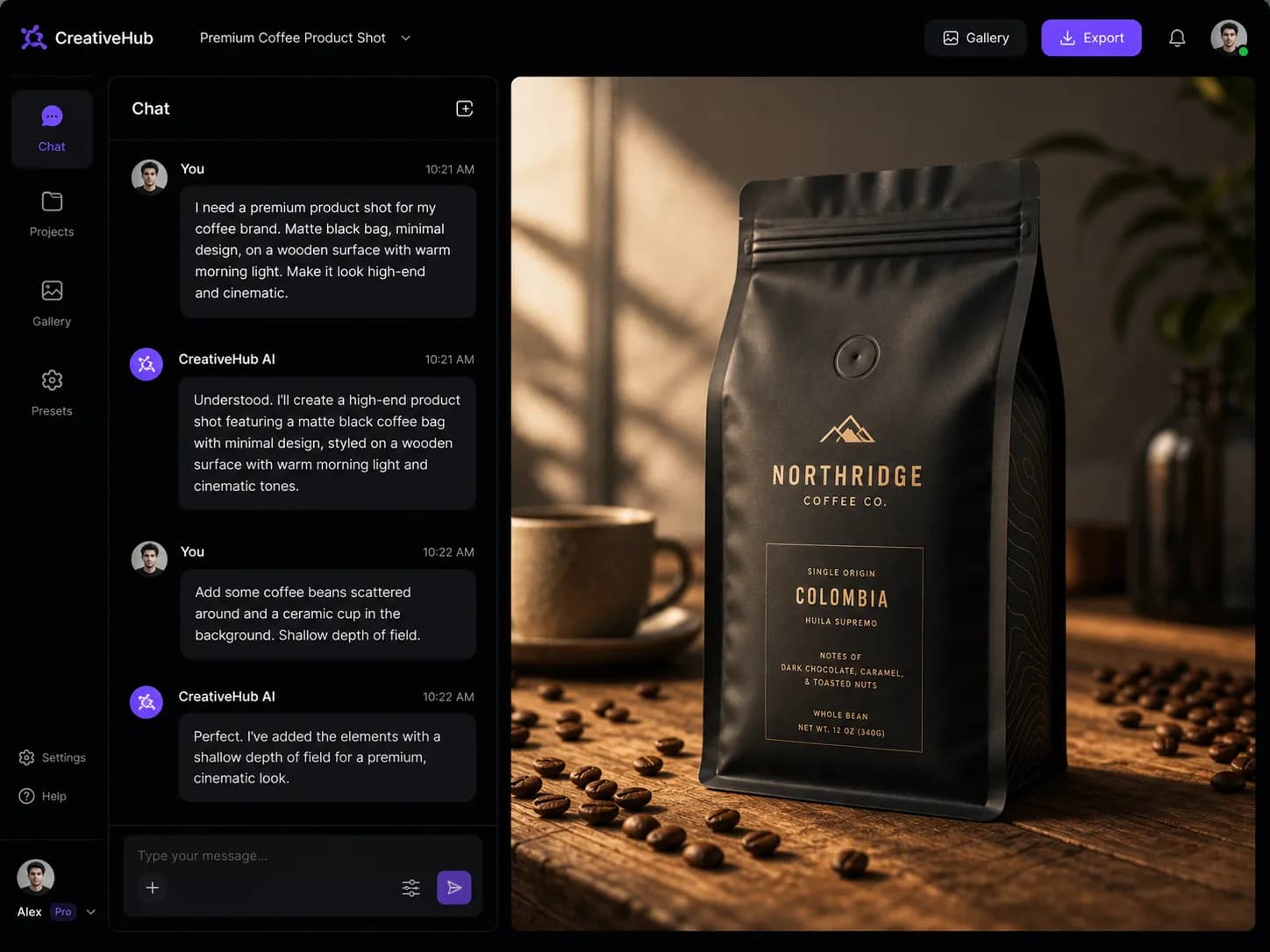
What is an AI image agent?
An AI image agent is not another image generator. It's an autonomous creative partner that understands your goal, selects the best model for the job, runs the generation, and refines the result through conversation. A plain generator takes one prompt and returns one image. An agent takes intent and returns a finished asset.
AI Image Agent
- Understands intent, not just keywords
- Picks the best model for each request
- Iterates with you — "make it darker", "swap the background"
- Holds context across the whole session
Traditional AI image generator
- You write the entire prompt yourself
- You pick the model manually
- Every change means starting over
- No memory of what you tried before
One agent. Every model that matters.
The agent reads your request and routes it to the model built for that job. You stop comparing model spec sheets — the agent already did.
| Request type | Routed to | Why |
|---|---|---|
| Photoreal product shots | Seedream 5.0 Pro | Best-in-class texture and lighting fidelity for e-commerce and brand work. |
| Stylized illustrations & art | gpt-image-2 | Strong prompt adherence for layered, stylistic compositions. |
| Editable text in images | Flux Kontext | Reliable typography and in-image text rendering. |
| Reference-based edits | Nano Banana Pro | Superior instruction-following on uploaded reference images. |
| Cinematic, high-detail scenes | Midjourney v7 | Unmatched aesthetic quality for hero and key-art visuals. |
Built to replace your prompt-writing habit
Smart model routing
The agent inspects your request and picks the model that will actually produce the best result — not the one you happened to select.
Iterate in plain language
"Make the jacket red", "push the camera in", "less saturated" — the agent applies the change without making you rewrite the prompt.
Multi-model in one session
Switch models mid-conversation. Draft in Flux, polish in Seedream, add text with gpt-image — all without leaving the thread.
Brand consistency
Lock in your palette, fonts and style once. The agent carries those constraints through every iteration.
Commercial-ready output
PixMind can be used to create commercial assets, but generation does not automatically clear every output for commercial use. Check the selected model and plan terms, and review trademarks, likeness rights, and source-image licenses.
Transparent credits
You see the cost before you generate. No opaque credit drains on failed experiments.
Three steps. No prompt engineering.
Describe the outcome
Type what you want in natural language. "A cozy coffee shop interior, warm light, shot on a 35mm lens." That's a complete request.
Agent routes and generates
The agent selects the right model, sets the parameters, and returns a first draft within seconds.
Refine through conversation
Tell the agent what to change. It applies the edit in context and re-renders. Repeat until it's right.
Who's using the image agent

Ad creative at scale
Brief the agent once. Get platform-ready ad variants — display, social, email — without briefing three designers.
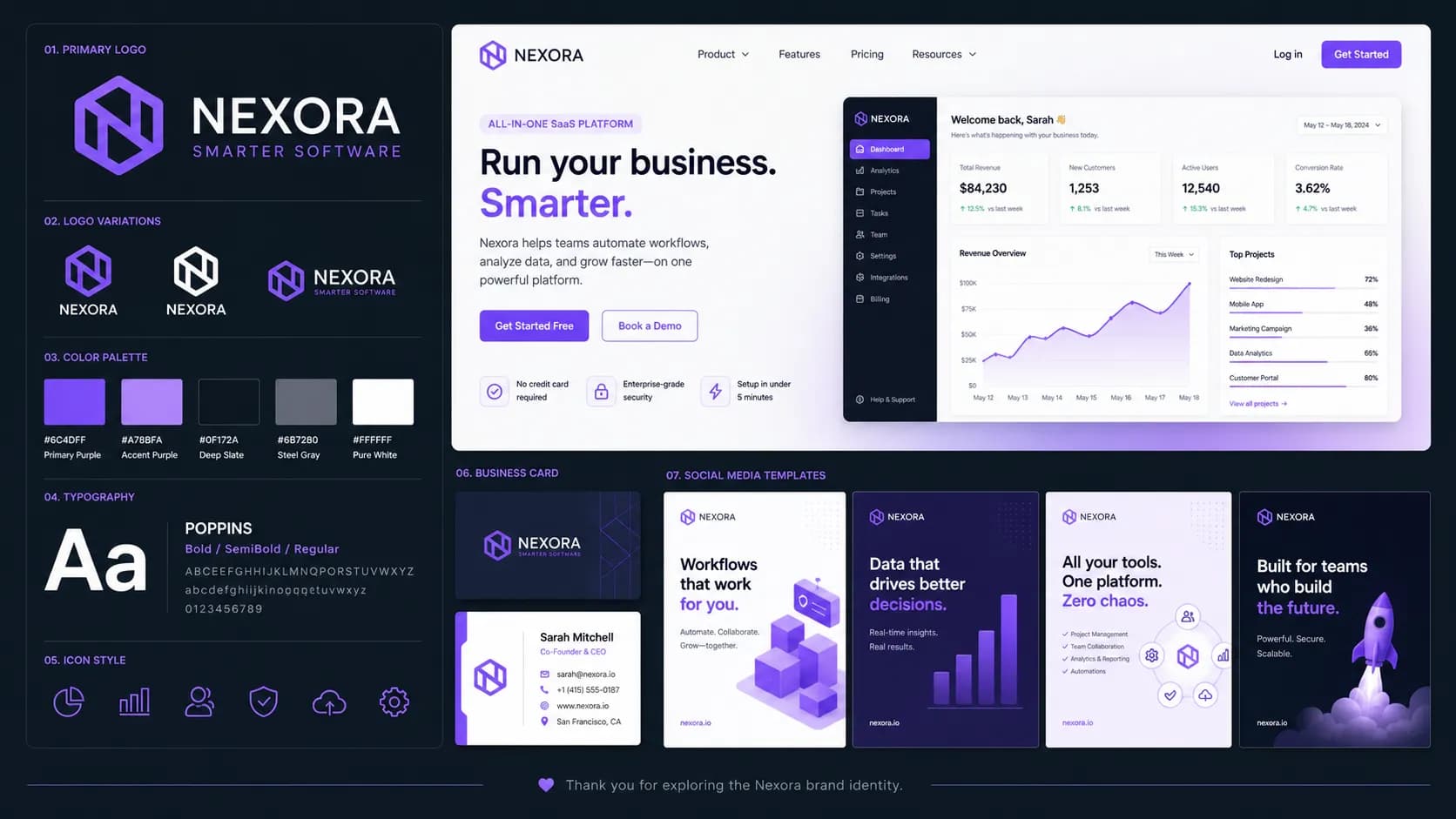
Brand assets, today
Founders ship a full visual identity — logo lockups, hero images, social cards — in an afternoon, not a sprint.
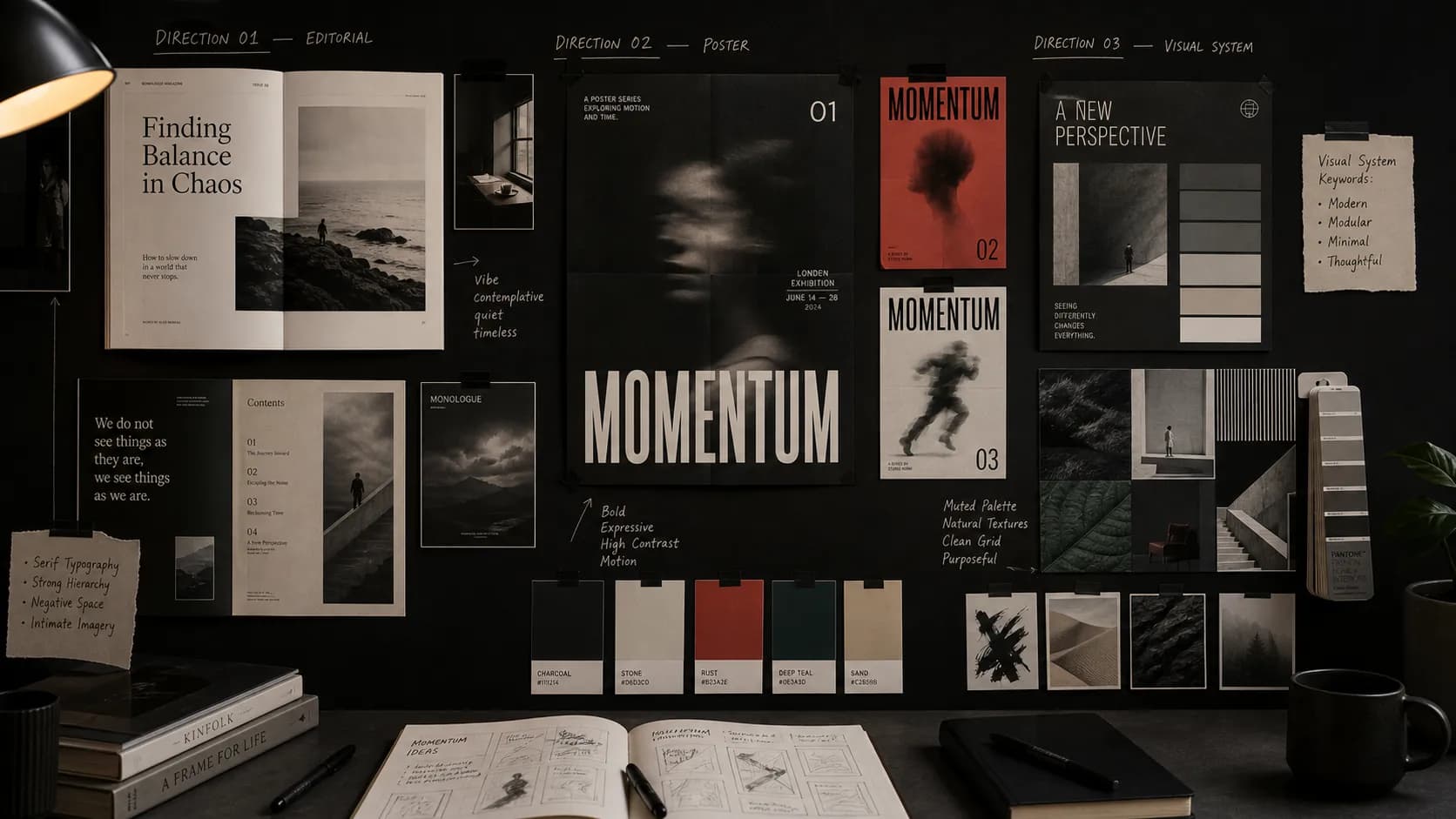
A faster first draft
Designers use the agent to generate references, explore directions and hand off polished drafts — then focus their time on the parts that matter.
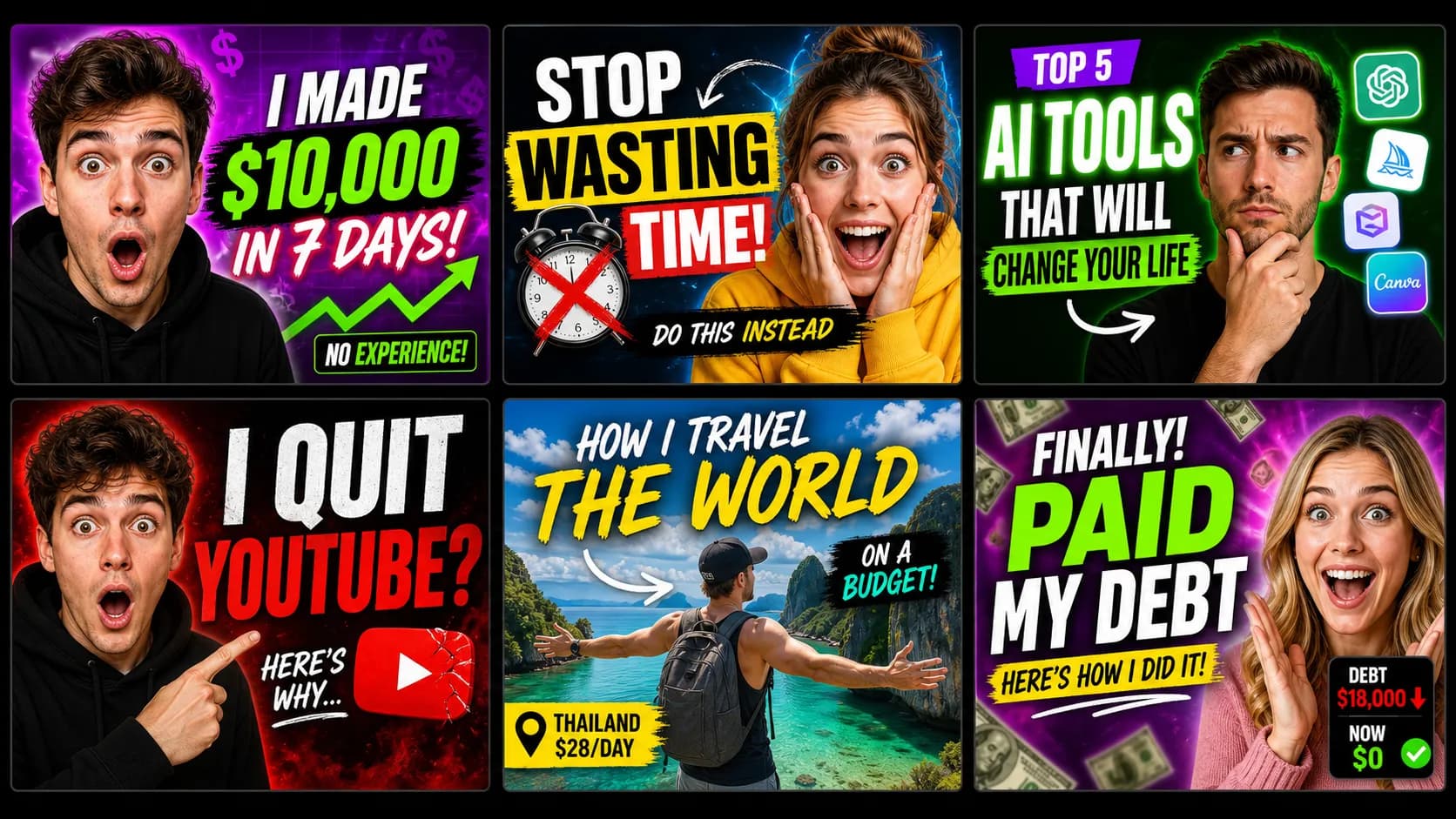
Thumbnails and channel art
Creators iterate on click-worthy thumbnails in minutes — the agent keeps the style consistent across a whole playlist.
Agent vs. traditional generator
The difference between describing what you want and getting it.
| Capability | AI Image Agent | Image generator |
|---|---|---|
| Input | Natural language intent | Engineered prompt |
| Model selection | Automatic, per request | Manual, you guess |
| Edits | "Make it darker" — applied in context | Rewrite the whole prompt |
| Session memory | Remembers your brand and preferences | None |
| Iteration speed | Seconds, via chat | Minutes, per full re-render |
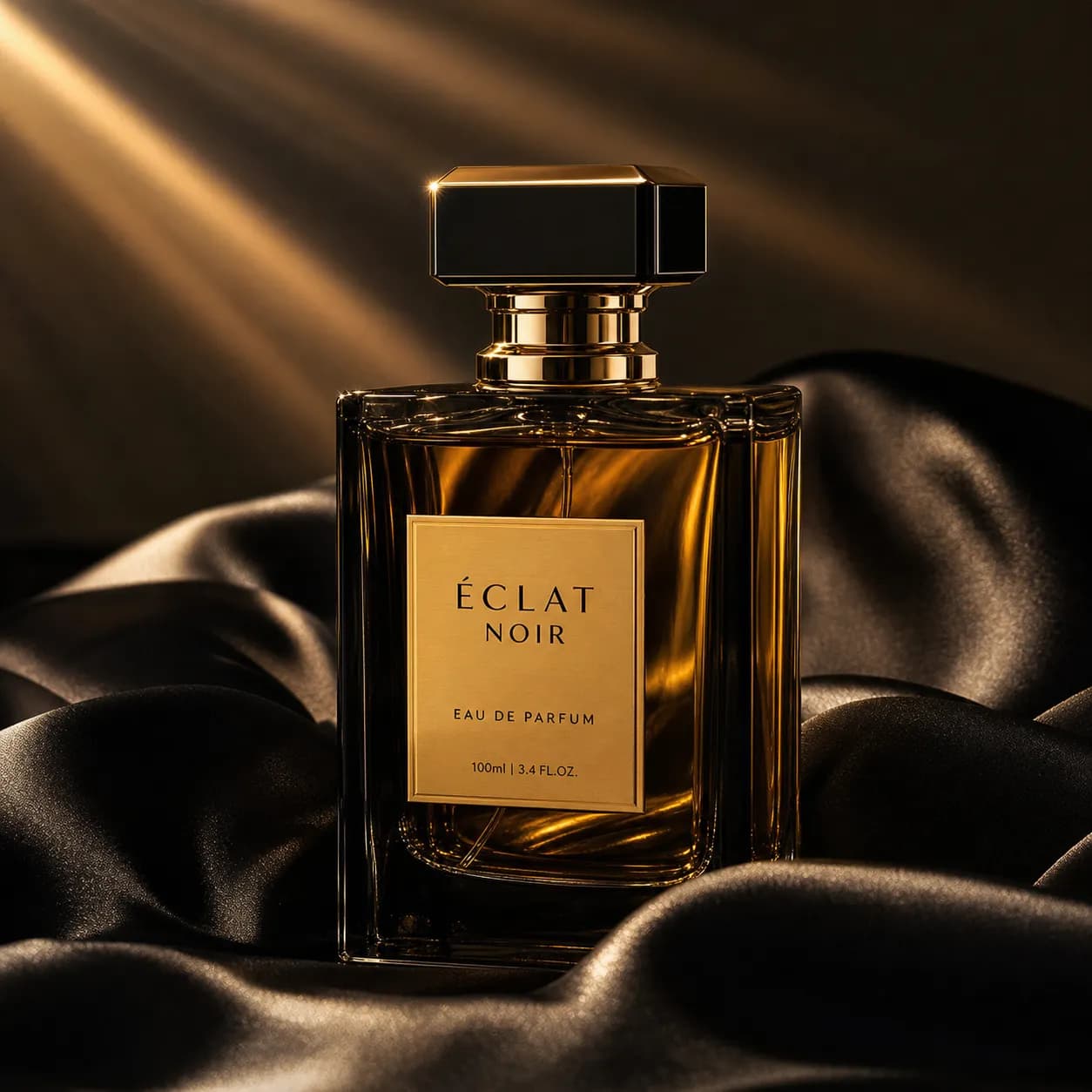
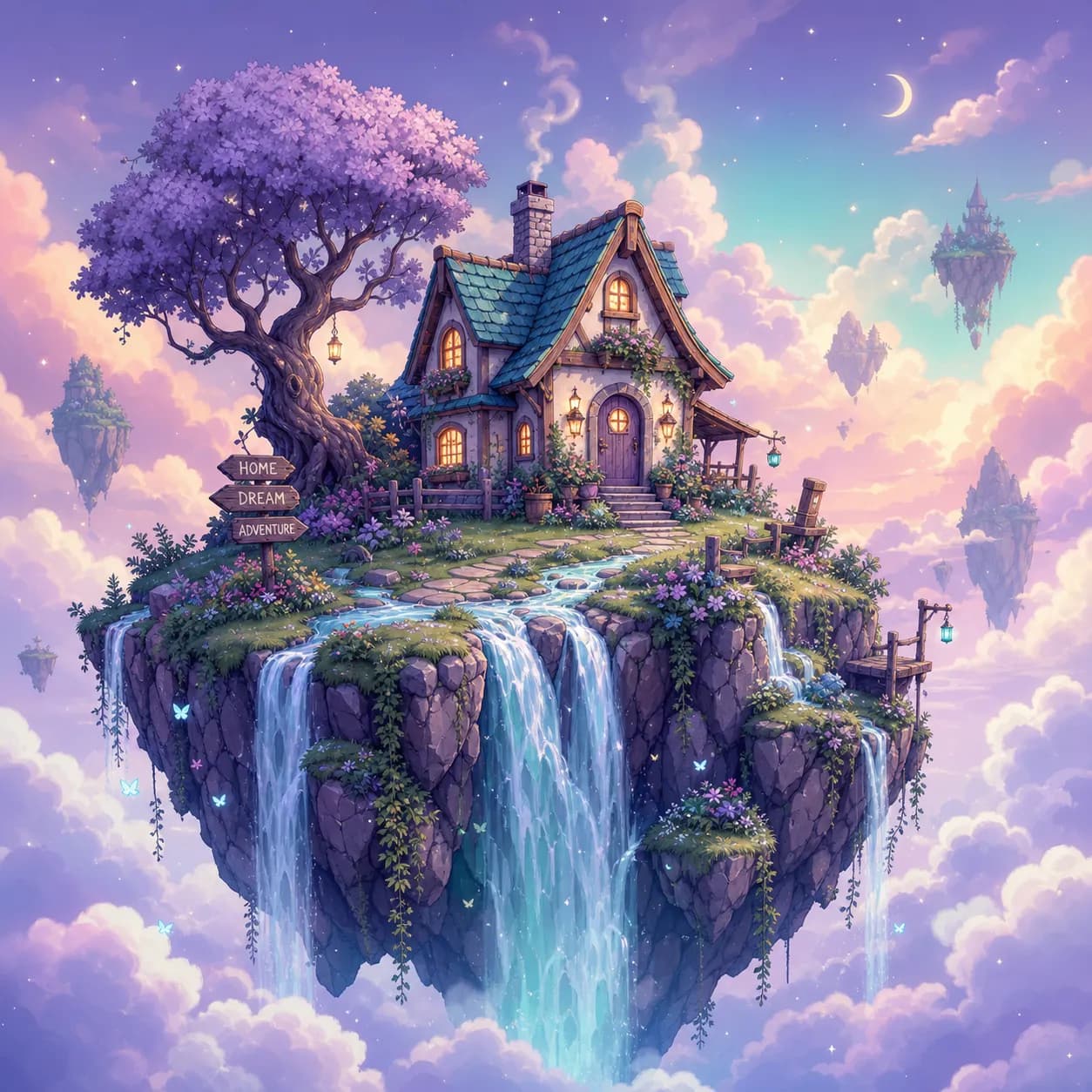
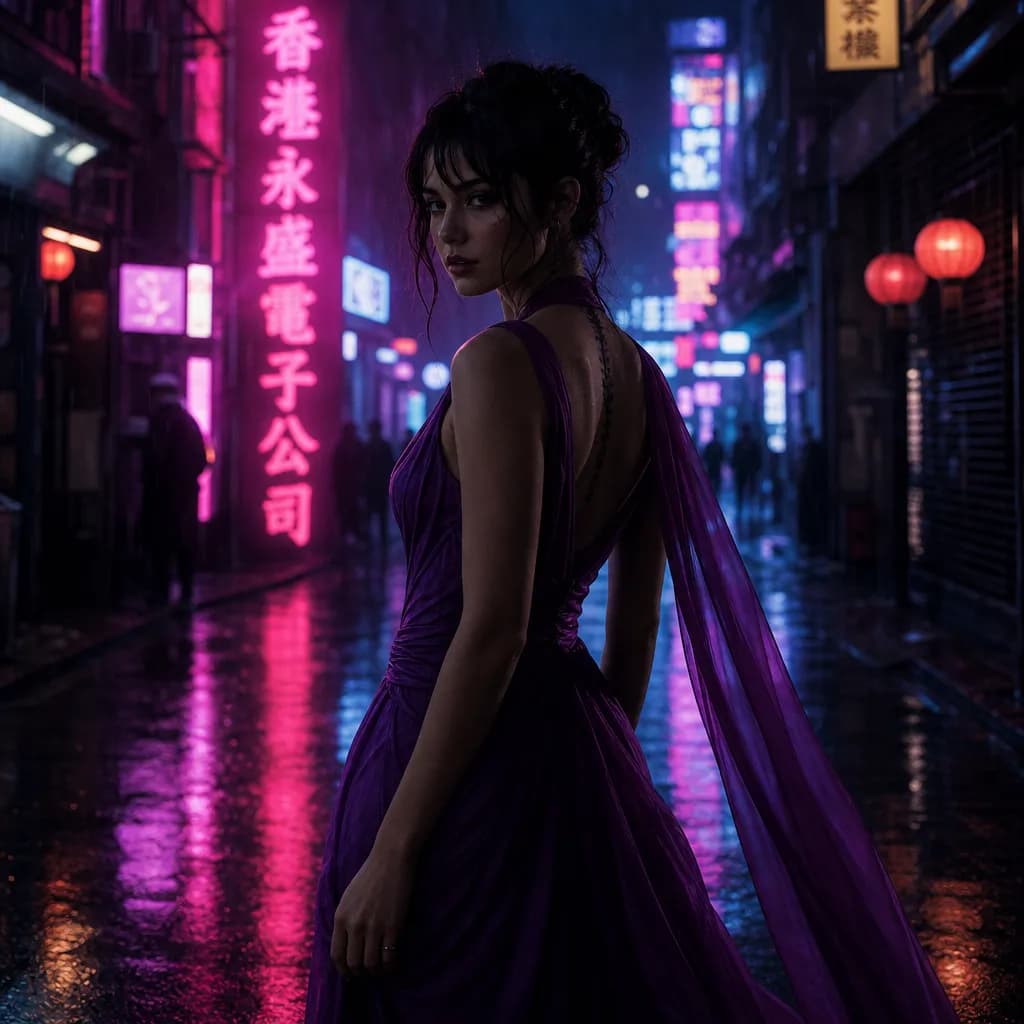
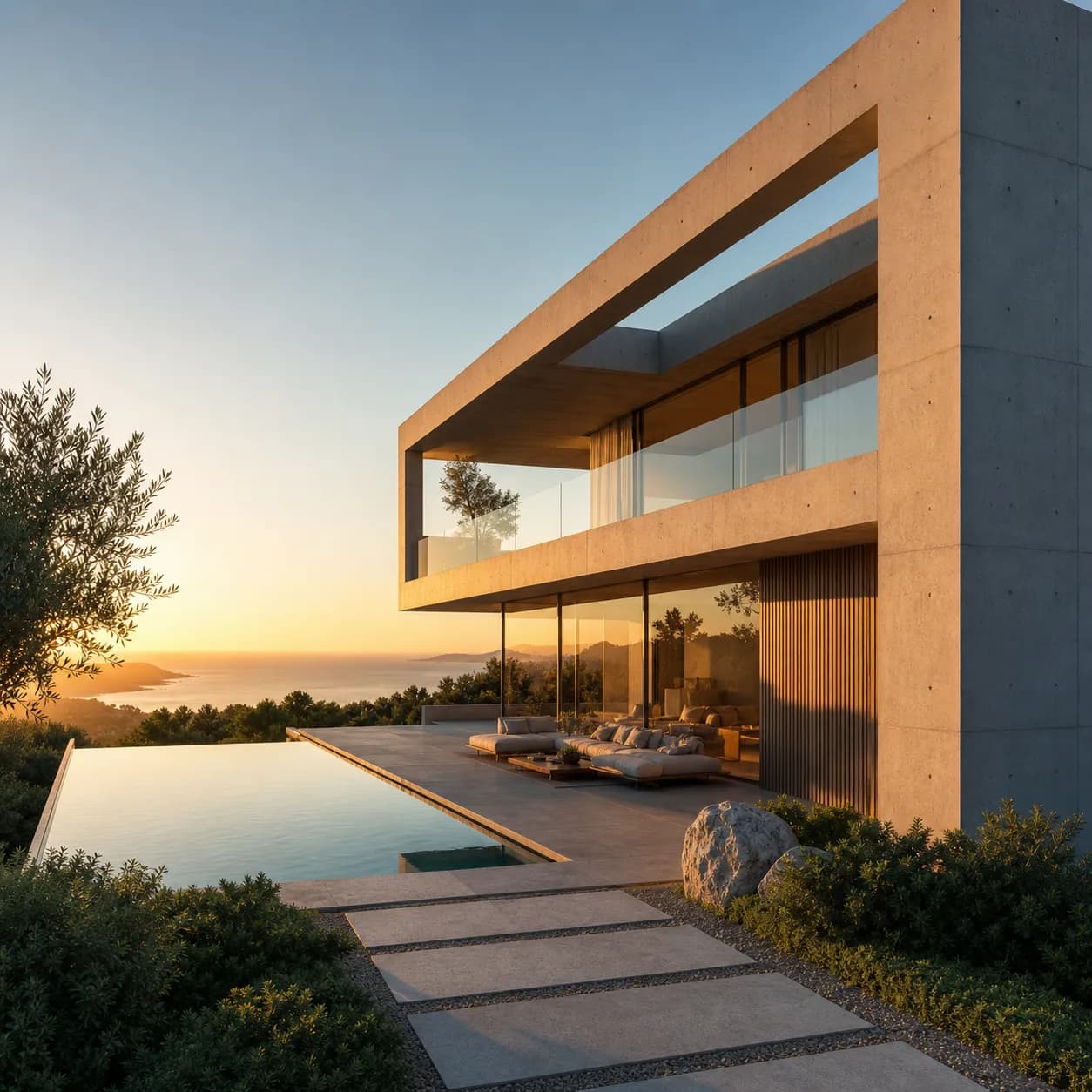
Made by the agent
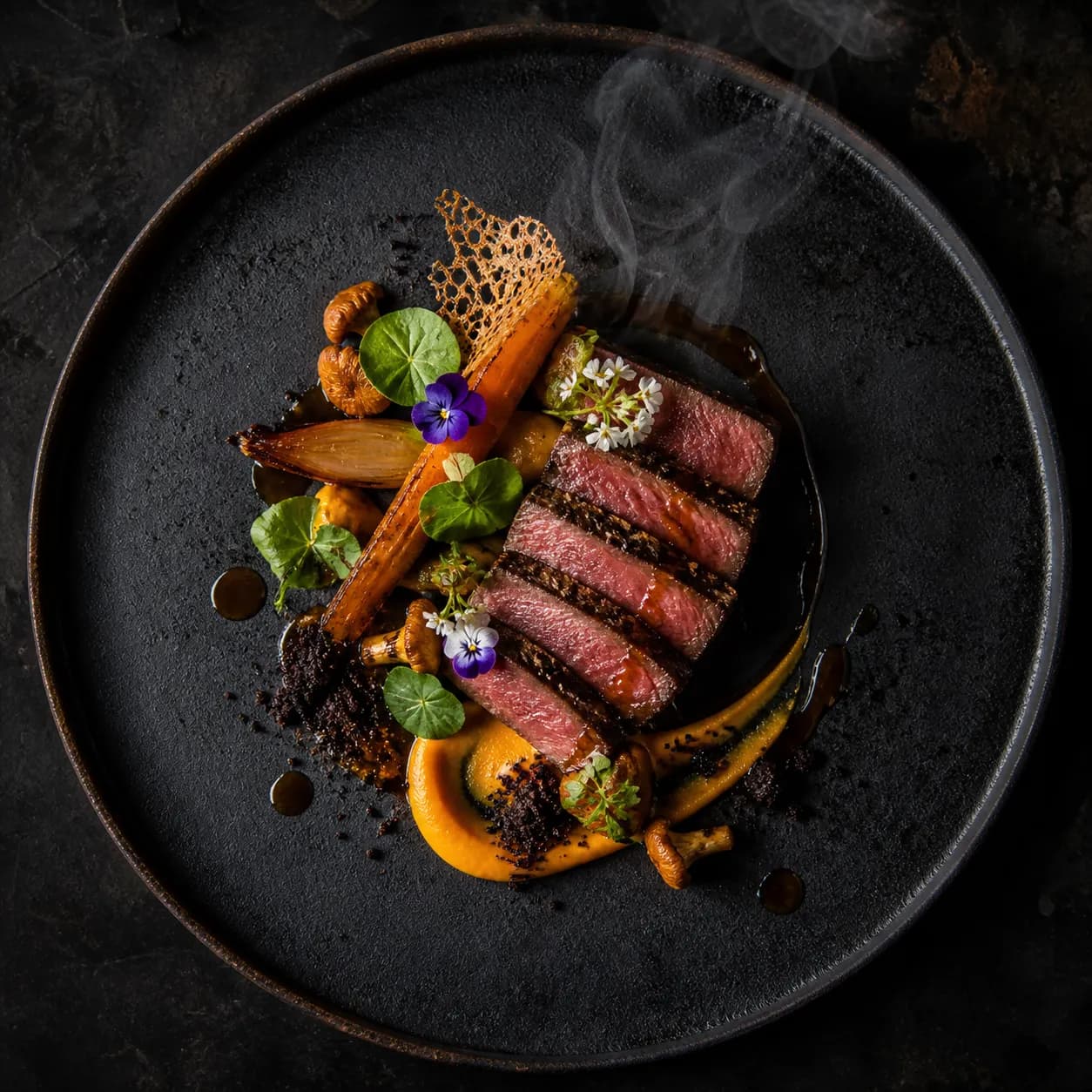
Every image below was produced through a conversation — not a hand-tuned prompt.

AI image agent, explained
What's the difference between an AI image agent and an AI image generator?
A generator takes one prompt and returns one image — you do all the work of picking the model, writing the prompt and starting over on every edit. An agent understands your intent, picks the right model for the job, and iterates with you in plain language. The agent replaces the prompt-writing workflow, not just the image step.
How does the agent decide which model to use?
The agent reads your request — subject, style, constraints, whether you uploaded a reference — and matches it to the model's known strengths. Photoreal product work routes to Seedream 5.0 Pro; in-image text routes to Flux; reference edits route to Nano Banana Pro. You can always override the pick.
Can I tell the agent to iterate without re-prompting from scratch?
Yes. That's the core of the agent. Say "make it darker", "swap the background to a city street", or "give me the same shot in portrait orientation" — the agent applies the change in context and re-renders, keeping everything else stable.
Which image models does the agent route between?
Seedream 5.0 Pro and Lite, gpt-image-2, Flux Kontext and Flux 1.1 Pro, Nano Banana Pro, Imagen 4, Midjourney v7, Recraft v4, Stable Diffusion 3 and Ideogram v2. New models are added as soon as they're live on PixMind.
Do I own the commercial rights to images the agent generates?
PixMind can be used to create commercial assets, but generation does not automatically clear every output for commercial use. Check the selected model and plan terms, and review trademarks, likeness rights, and source-image licenses.
Can I upload a reference image for the agent to riff on?
Yes. Upload a reference and tell the agent what to keep and what to change. It routes to a model with strong reference-following — typically Nano Banana Pro or Flux Kontext — and iterates from there.
How many iterations can the agent handle in one conversation?
There's no hard cap. The agent holds context across the whole session, so iteration ten builds on iteration nine. Very long sessions may hit a context window, at which point the agent tells you and you can start a fresh thread.
How is this different from using ChatGPT or Midjourney directly?
ChatGPT locks you to one image model. Midjourney locks you to its aesthetic. The agent gives you every model through one conversation, picks between them automatically, and lets you switch mid-thread. You get the best of each model without learning each model's dialect.
How much does it cost?
Generations cost credits, and the exact cost depends on the model the agent routes to. You always see the cost before you generate. There are no surprise charges for failed iterations.
Stop writing prompts. Start describing results.
The AI image agent is live on PixMind. Open the agent, describe what you want, and let it pick the model.
Open the image agent