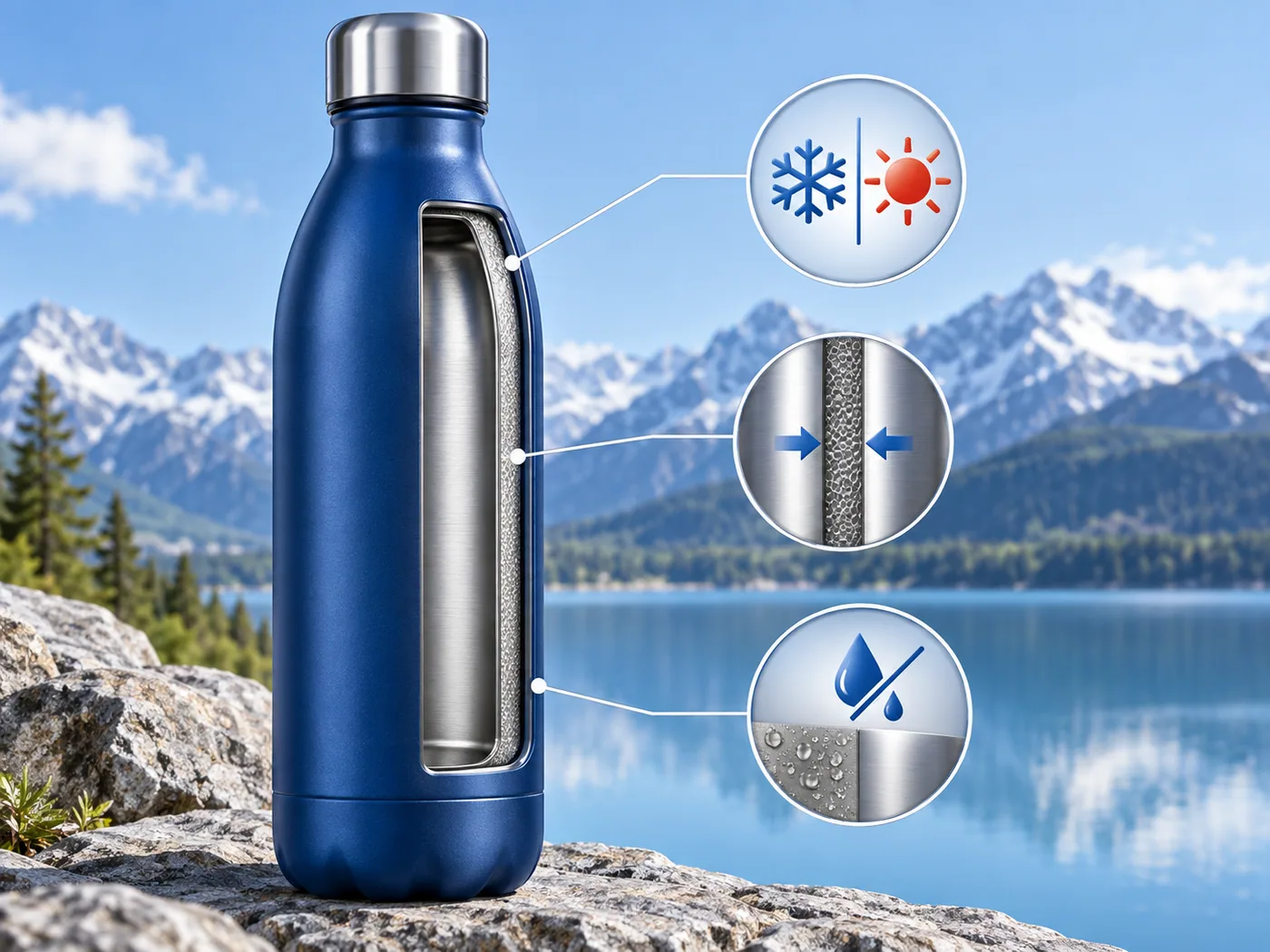
02 / Benefit infographic
Make a selling point visible
Use a dedicated image to explain a feature such as insulation, material or intended use. Give each benefit its own frame instead of crowding the main photo.

Fill in product info on the left and click Start Analysis to begin
Upload Product Image
Upload up to three product photos, then add your target audience and core selling points.
Select Theme
Review the product analysis, pick a visual theme, and create a nine-section plan.
Generate All Images
Generate individual images or the full set, then download the images you want to use.
AI ecommerce visuals
Turn product photos and selling points into a coordinated nine-image plan for your product page. Choose a visual direction, generate each image or the full set, then download the results.
Create your image set
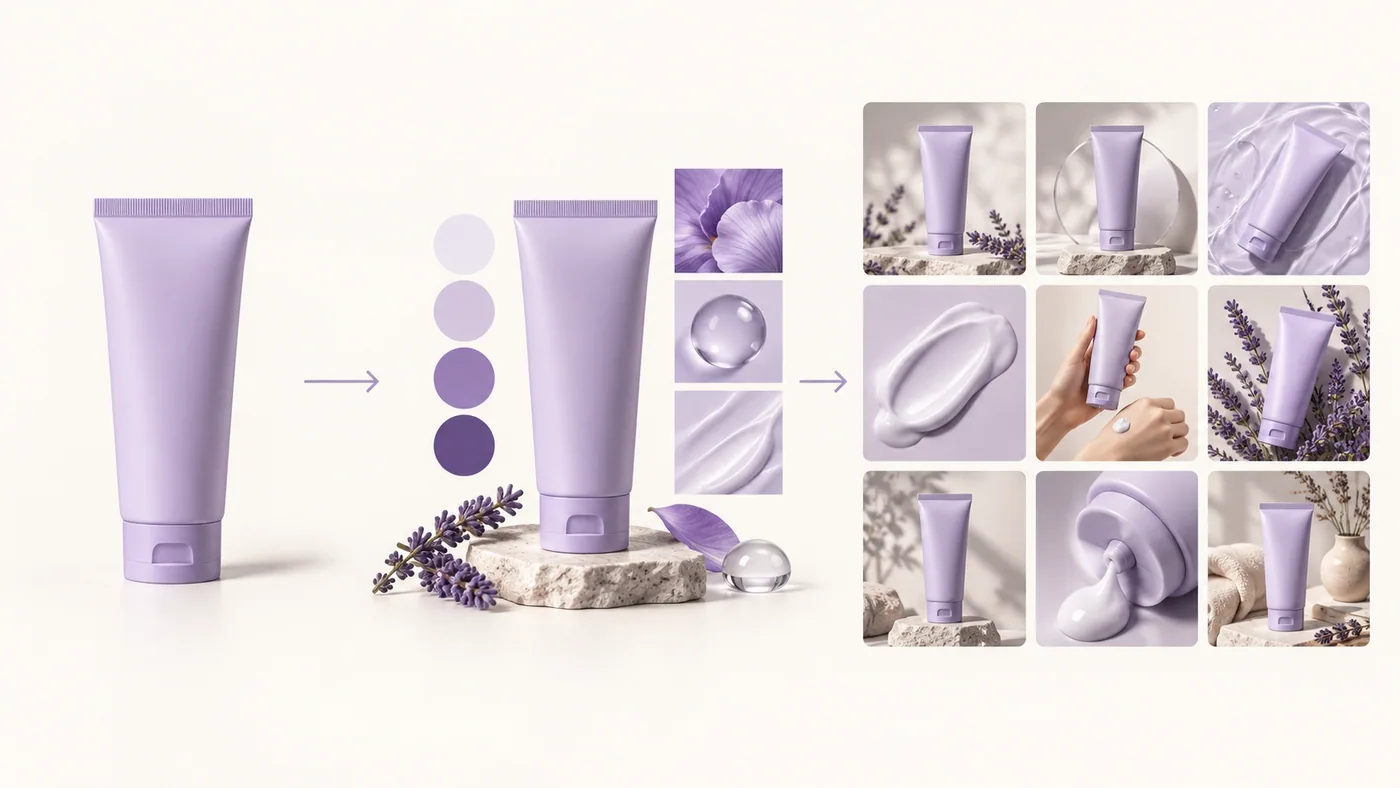
Coordinated image set · Illustrative image-set concept
Plan a hero image, texture detail, ingredients, usage and lifestyle scenes as one visual sequence. A consistent product and palette make the gallery easier to scan.
Build a sequence of ecommerce visuals instead of a collection of unrelated product photos.
02 / Benefit infographic
Use a dedicated image to explain a feature such as insulation, material or intended use. Give each benefit its own frame instead of crowding the main photo.
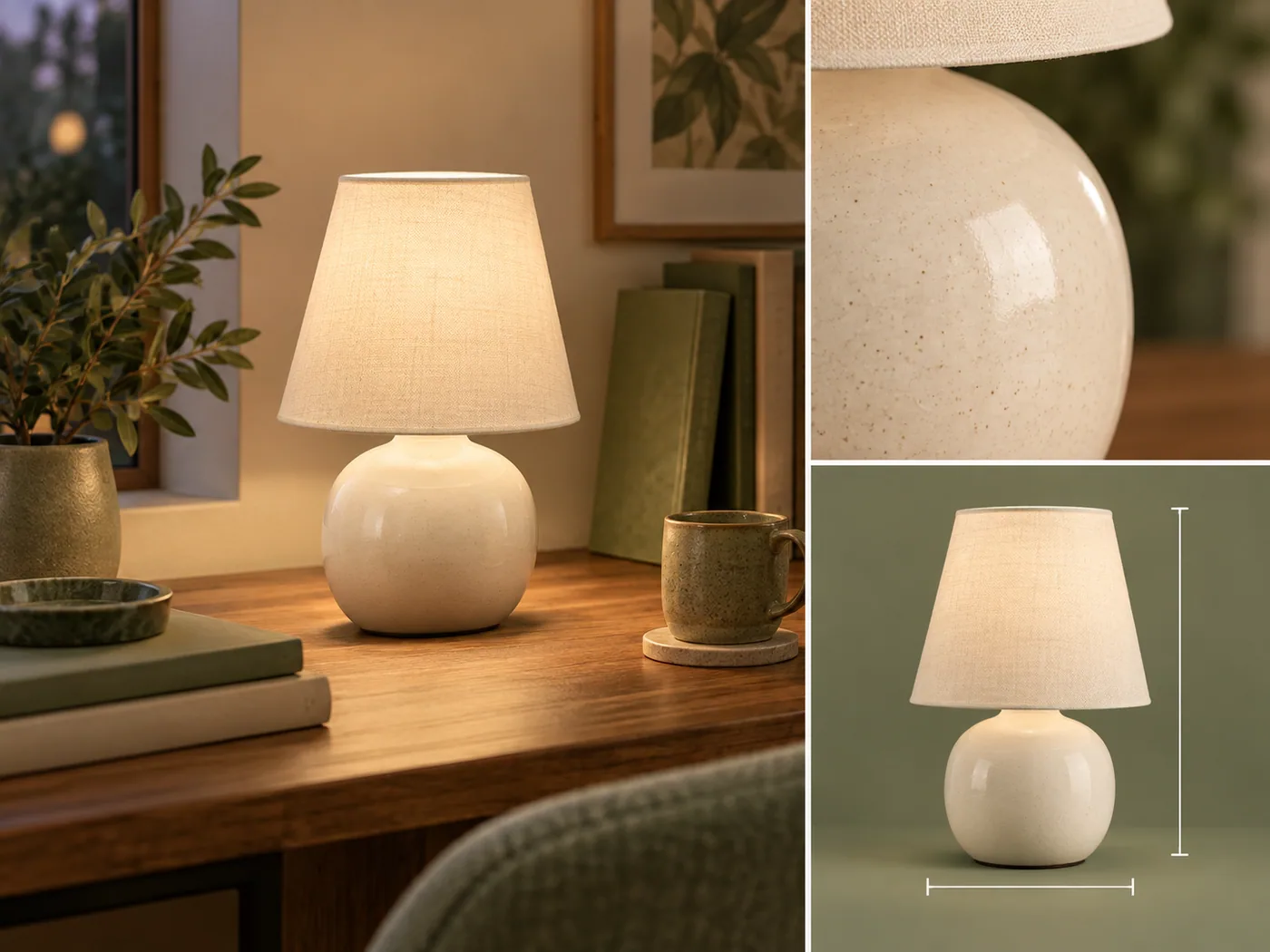
03 / Detail and dimensions
Combine a lifestyle view with close-ups and product dimensions. Add the specifications you want shoppers to see before they reach the end of the image set.
A guided workflow helps each image answer a different shopper question.
Create your image setUpload up to three product photos, then add your target audience and core selling points.
Review the product analysis, pick a visual theme, and create a nine-section plan.
Generate individual images or the full set, then download the images you want to use.
Use a focused tool for the next image task, then bring the results together on your product page.
The tool plans nine sections. You can generate each image separately or render the complete set, then download the available results.
You can export images for product listings and detail pages. Amazon A+ module layouts and platform-specific image sizes are separate steps.
Upload one to three product photos in JPG, PNG or WebP format. Each file can be up to 10 MB. You can then describe your audience and main selling points.
Yes. Select a target audience and add your core selling points before creating the nine-section plan. This context helps shape the image ideas.
Upload product photos, review the product analysis, choose a visual theme, add audience and selling points, then generate the plan and images.
Yes. After the plan is ready, generate or regenerate an individual section without rendering the entire set again.
Yes. Add specifications in the workspace to guide the final product information image. Check the generated text and details against your actual product.
It generates product listing images and a nine-section visual plan. Amazon A+ module layouts and platform-specific export sizes are separate design steps.
Give your next product page a clearer visual story.
Create your image set