01
Give your scene a starting point
Use up to nine reference images to guide subjects, visual style and composition. Add a prompt describing the movement you want to see.
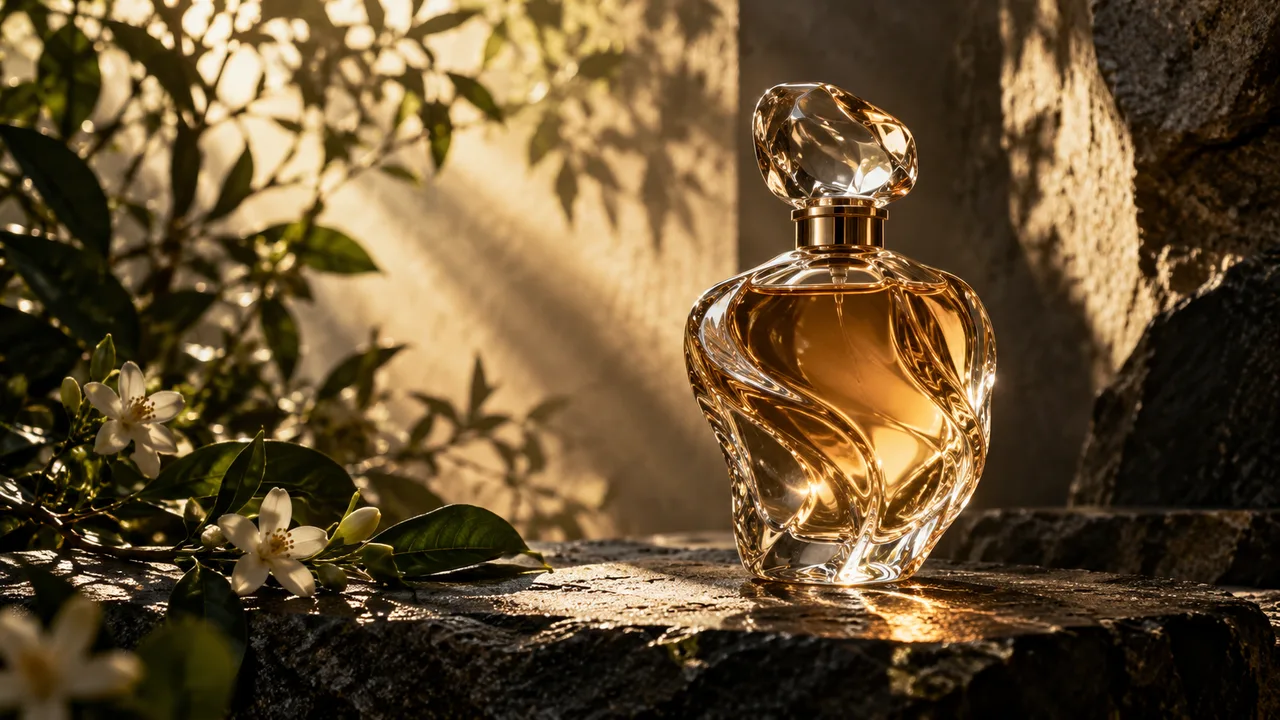

MUSE VIDEO | AI VIDEO
Turn a written scene and up to nine reference images into a short video with sound. Describe the subject, movement and atmosphere, then create in one workspace.
Write a prompt and add images to guide the scene. The generator shows the available settings and credit cost.
Use up to nine reference images to guide subjects, visual style and composition. Add a prompt describing the movement you want to see.
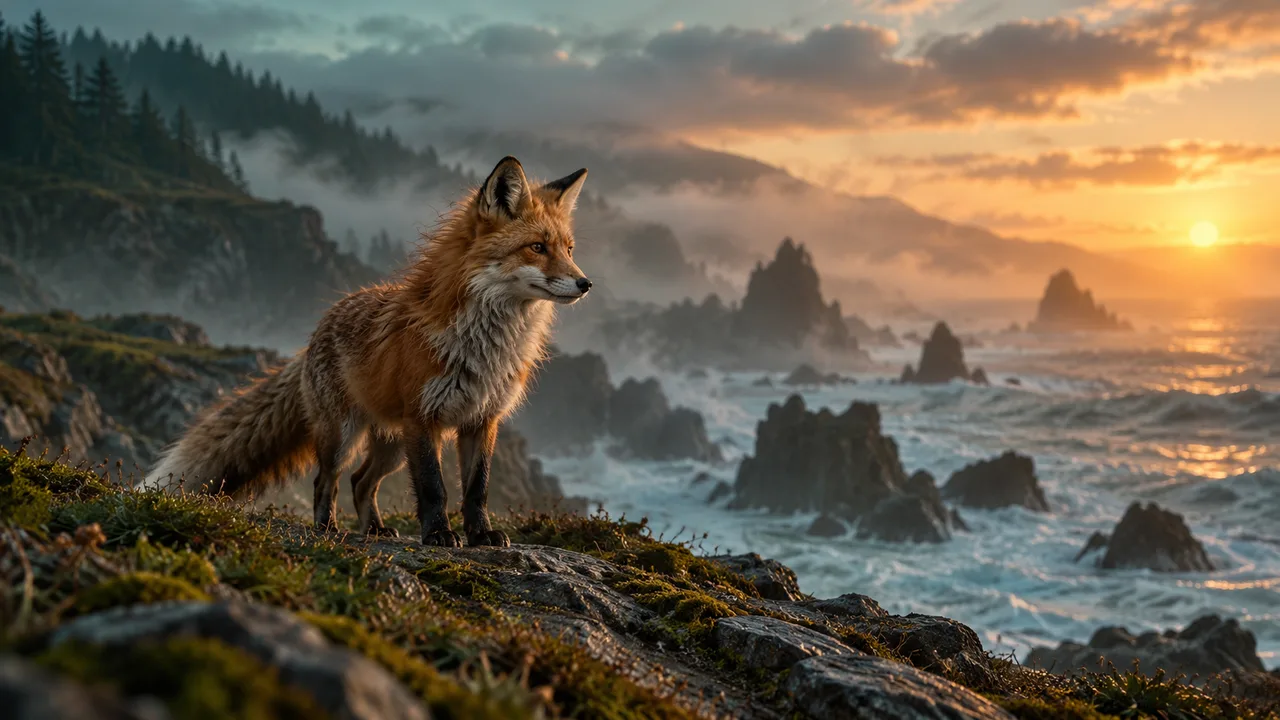
Describe the setting, action, camera movement, lighting and sound. Start with one clear shot, then refine the details in the next generation.
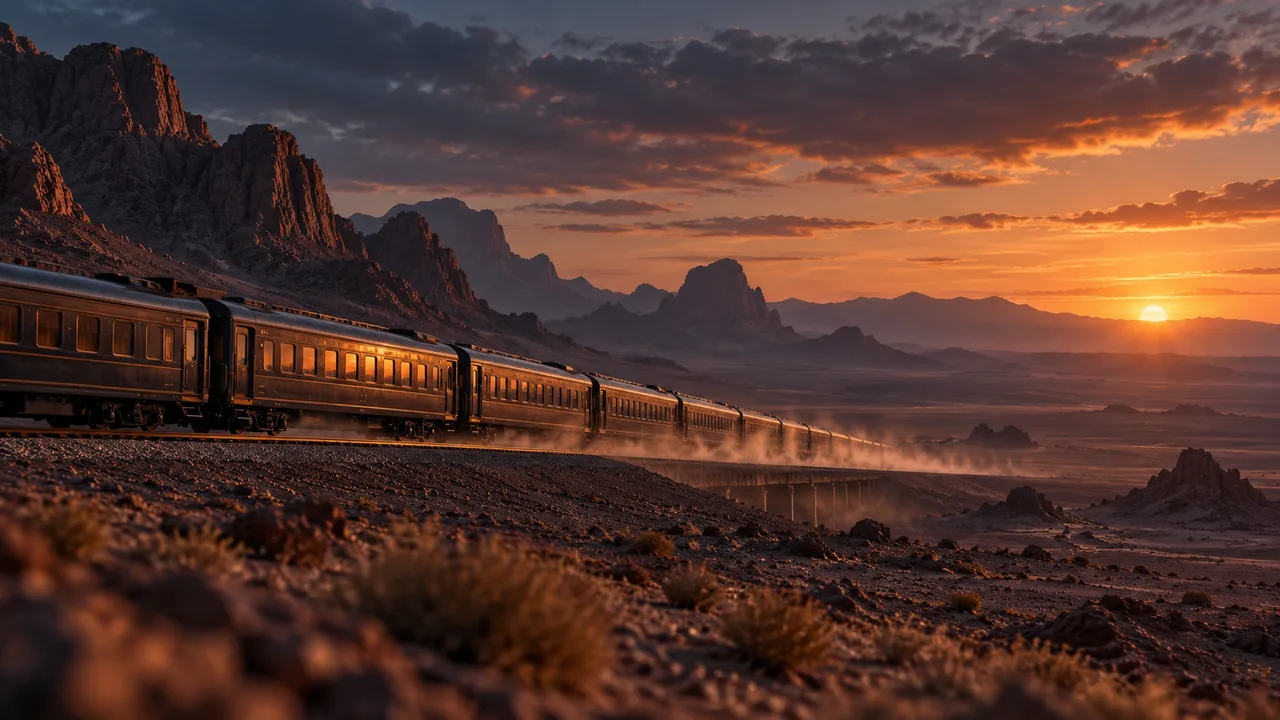
Include ambient sound in the prompt, from rain on a street to waves on a shore. Each generated clip includes sound.
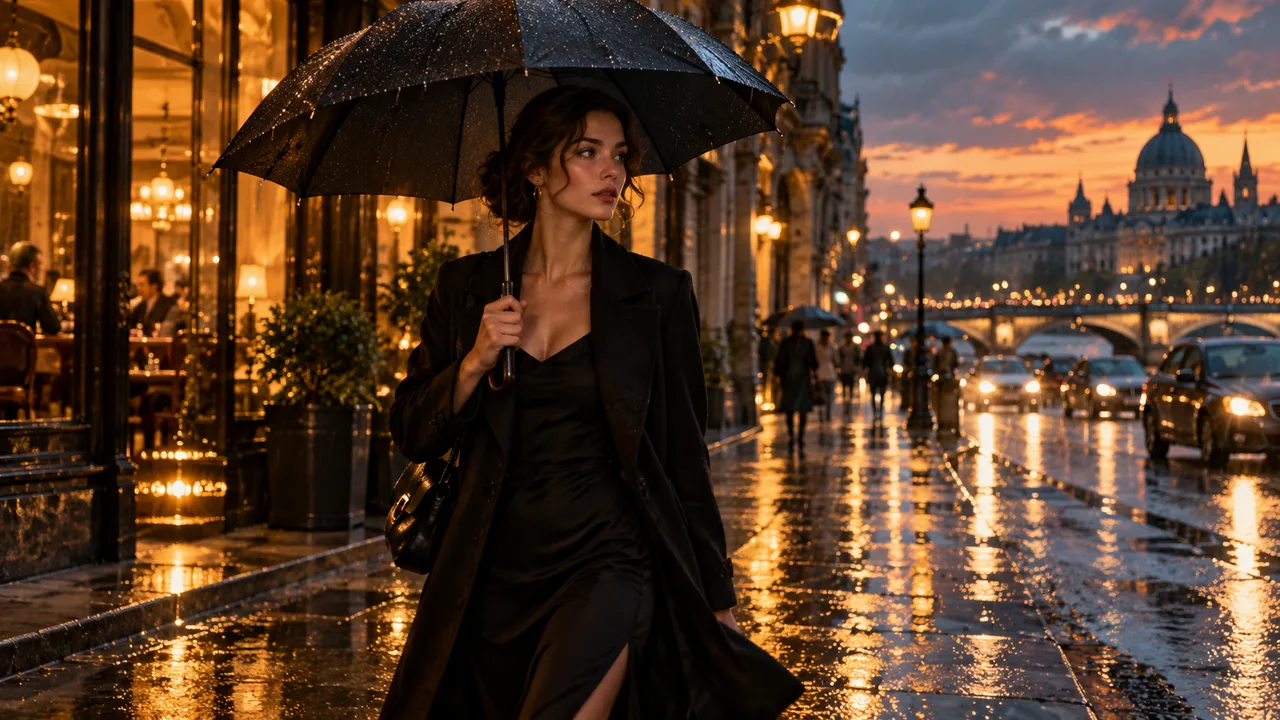
Use product references and describe a slow camera move, lighting and background.
Turn a scene description into a short moving concept for a pitch or sequence.
Choose a vertical, square or wide ratio to fit the destination of your clip.
| Model | Inputs | Output and controls |
|---|---|---|
| Muse Video | Prompt and up to nine reference images | About 10 seconds ? 720p with sound |
| Seedance 2.0 Pro ? | Prompt, images and optional video or audio references | Duration and resolution depend on the selected route |
Describe the subject, setting and motion. A prompt is required even when using images.
Optionally add up to nine images, then choose an aspect ratio or automatic composition.
Generate one video, review the result and adjust the prompt for your next take.
Muse Video generates a short video from a text prompt and optional reference images. The current route produces one approximately 10-second 720p video with sound.
Yes. Add up to nine images with a combined original size of no more than 11 MiB. Images guide the scene and are not guaranteed to become an identical first frame.
Yes. Describe the scene and the motion you want even when you provide reference images.
Choose 1:1, 16:9, 9:16, 4:3, 3:4, 3:2 or 2:3. Automatic composition follows the reference images when provided.
This route generates approximately 10-second clips at 720p. Actual playback length and dimensions depend on the returned video.
Yes. Sound is included. You can describe ambience or other sound cues in your prompt.
This route accepts reference images but does not provide first or last frame controls, reference video, reference audio, extension or remix.
The current credit cost appears in the generator before you submit. Costs and availability can change.
Check the existing task in your history. A slow status update does not mean the task was cancelled; avoid submitting the same idea again until its status is clear.
Try a more specific prompt that names one subject, the action, the camera movement, lighting and desired sound. Change one detail at a time.
Start with a scene, add references if you need them, and make your first Muse Video clip.
Create with Muse Video