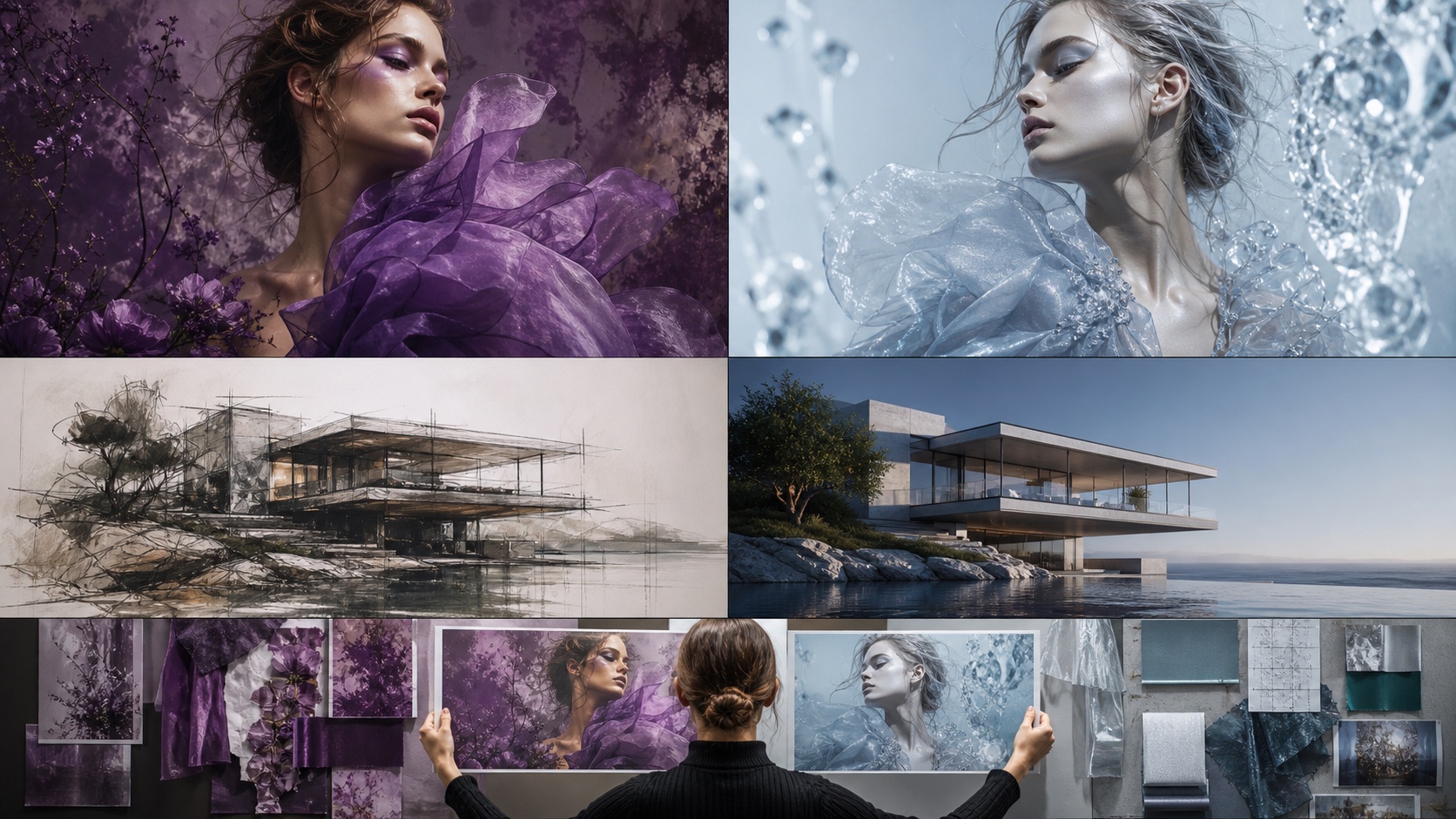
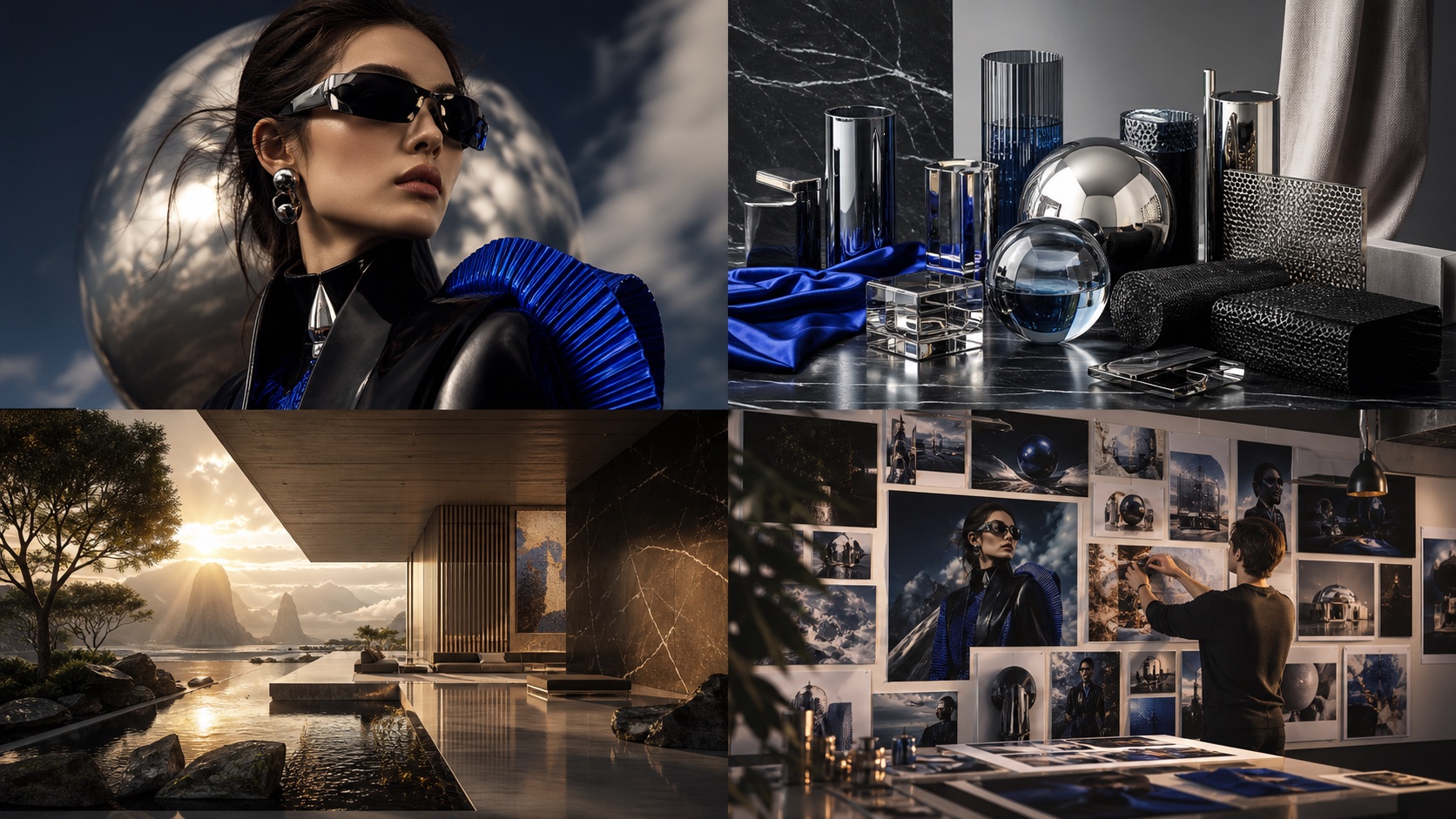
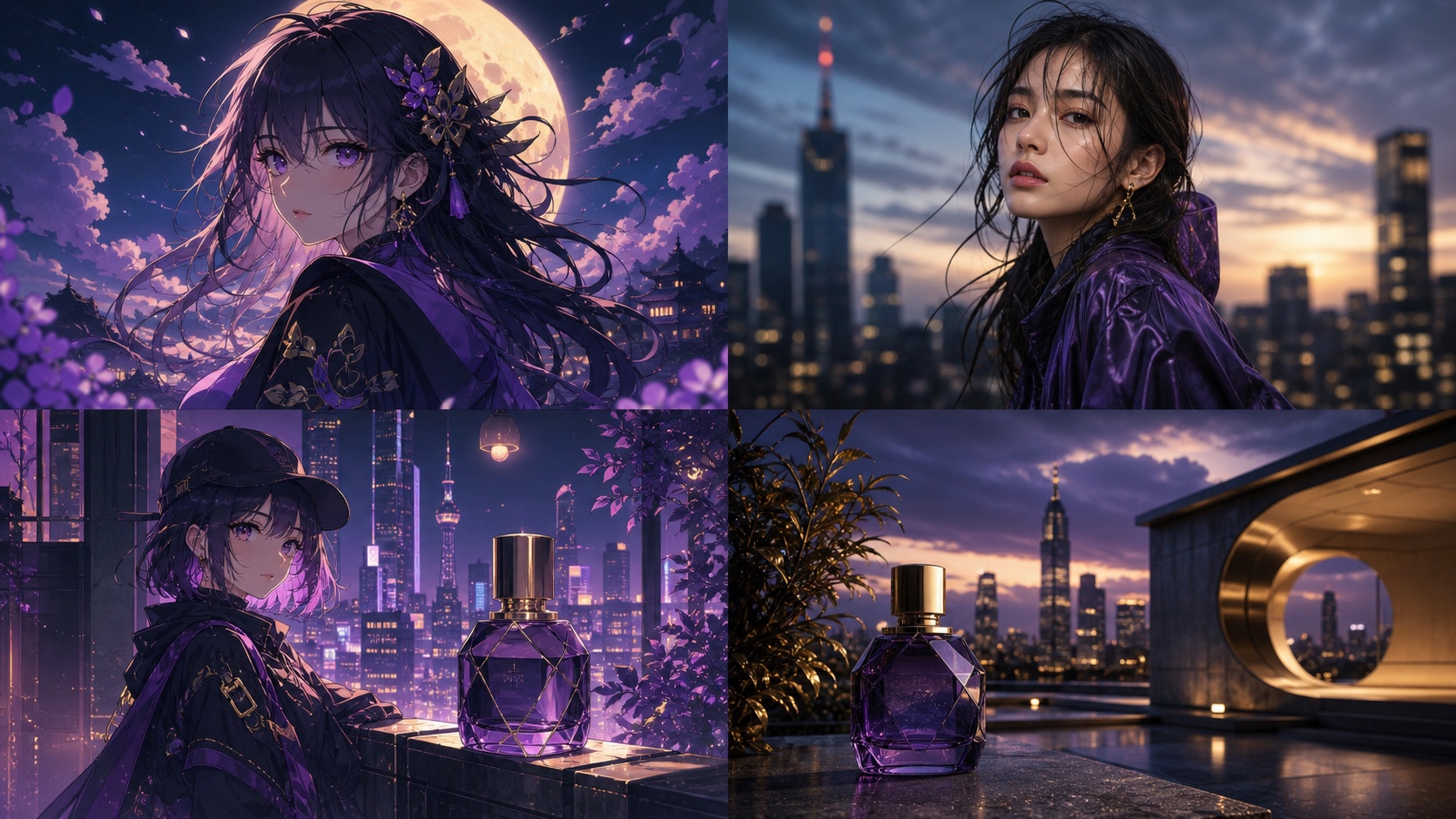
Midjourney V8.2, the current default version as of July 24, 2026 [S1], generally offers superior prompt adherence, improved coherence, and more refined aesthetic control compared to its predecessor, V8.1. For most creative and commercial applications, V8.2 is the recommended choice due to its enhanced ability to interpret and execute complex prompts with greater fidelity.
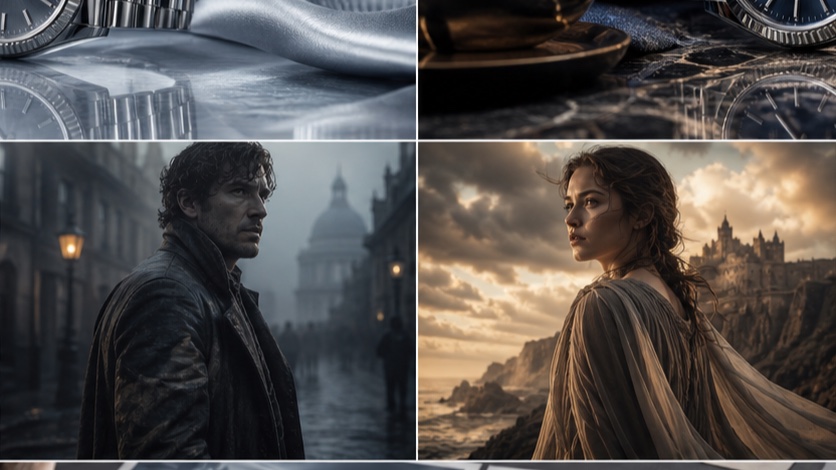
Midjourney V8.2 vs V8.1: the short verdict
V8.2 represents a significant refinement over V8.1, particularly in its ability to understand and render nuanced textual prompts. While V8.1 was a capable model, V8.2 demonstrates better consistency in character generation, more accurate scene composition, and a finer touch with lighting and material textures. Users seeking predictable and high-quality outputs will find V8.2 more reliable.
Comparison method and release context
To objectively compare Midjourney V8.2 and V8.1, we employ a controlled side-by-side testing methodology. This approach isolates the model's performance from aesthetic preferences, focusing on measurable differences in prompt adherence and technical quality.
Testing Protocol:
- Prompt Selection: Choose a diverse set of prompts covering various categories (portraits, product shots, cinematic scenes, illustrations). Each prompt should include specific details regarding subject, style, lighting, and composition.
- Version Control: Generate images using the exact same prompt for both
--v 8.1and--v 8.2. - Seed Control: Utilize the same
--seedvalue for each pair of generations to minimize random variations. - Parameter Consistency: Maintain identical parameters (e.g.,
--ar,--style,--sref) across both versions, only varying the--vparameter. - Inspection Rubric: Evaluate outputs based on a predefined rubric focusing on:
- Prompt Adherence: How accurately does the image reflect all elements of the prompt?
- Coherence: Are all elements within the image logically consistent and well-integrated?
- Lighting: Is the lighting realistic, consistent, and does it match the prompt's description?
- Texture/Materials: Are textures and materials rendered convincingly and distinctly?
- Aesthetic Quality: Subjective evaluation of overall visual appeal, composition, and artistic merit.
Release Context:
Midjourney V8.1 was released on April 14, 2026, and served as the default model from June 10 to July 23, 2026. V8.2 became the default on July 24, 2026 [S1]. Both V8.1 and V8.2 support High Definition (HD) generation, with V8.1 HD images rendering at 2048px for 1.3 GPU minutes, compared to Standard Definition (SD) at 1024px for 0.8 GPU minutes [S1]. It's important to note that editing an HD image (e.g., via Pan, Zoom Out, Edit, or Vary Region) will result in an SD output [S1].
Portrait, product, cinematic and illustration results
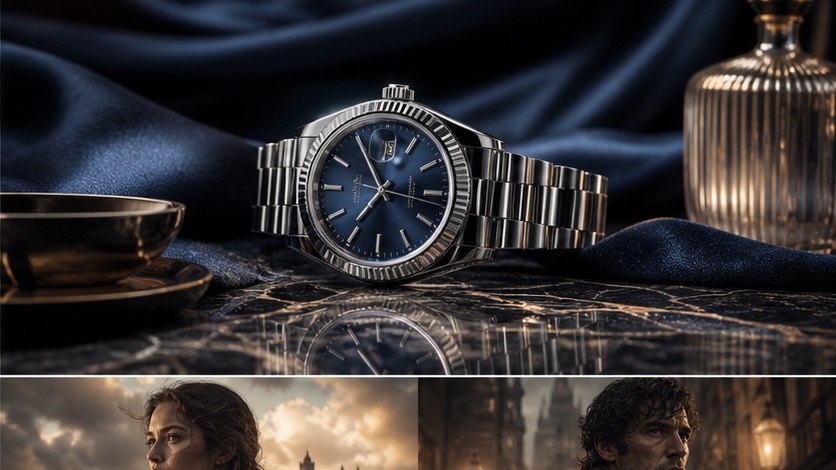
Our controlled tests reveal consistent improvements across various image categories with V8.2.
Portraits
Prompt Example:
A close-up portrait of an elderly woman with kind eyes, intricate silver jewelry, soft natural light from a window, shallow depth of field, hyperrealistic, cinematic --ar 3:2 --seed 12345
- V8.1: Often produces good portraits but can sometimes struggle with the intricate details of jewelry or the subtle nuances of "kind eyes," occasionally leading to slightly stylized or less realistic skin textures.
- V8.2: Demonstrates superior fidelity in rendering fine details like individual strands of hair, the gleam of silver, and the delicate texture of aged skin. The "kind eyes" prompt is interpreted with greater emotional depth, and the soft natural light is more convincingly diffused.
Product Photography
Prompt Example:
Studio shot of a sleek, minimalist smart speaker on a polished concrete surface, soft overhead lighting, subtle reflections, focus on texture and form, high-key, professional product photography --ar 1:1 --seed 67890
- V8.1: Can generate clean product shots, but reflections might appear less natural, and the "polished concrete" texture might lack true depth or variation.
- V8.2: Excels in rendering materials with greater realism. The polished concrete shows more convincing imperfections and light interaction, and reflections on the smart speaker are more accurate and subtle, enhancing the overall professional aesthetic.
Cinematic Scenes
Prompt Example:
A lone astronaut standing on a desolate alien planet, two moons in the twilight sky, dramatic backlighting, dust swirling around their boots, wide shot, epic, sci-fi film still --ar 16:9 --seed 11223
- V8.1: Delivers dramatic scenes but might occasionally misinterpret the scale of the moons or the direction of the backlighting, leading to minor inconsistencies in shadow placement.
- V8.2: Shows marked improvement in scene coherence. The two moons are more accurately scaled and positioned, the dramatic backlighting creates more compelling silhouettes and shadows, and the swirling dust appears more dynamic and integrated into the environment.
Illustrations
Prompt Example:
Whimsical watercolor illustration of a fox reading a book under a giant mushroom, forest background, soft pastel colors, storybook style, intricate details --ar 4:3 --seed 33445
- V8.1: Produces charming illustrations but might occasionally blend colors less distinctly or simplify intricate details in the forest background.
- V8.2: Renders watercolor effects with greater authenticity, showing more distinct brushstrokes and color blending. The intricate details of the fox's fur, the book, and the forest elements are more pronounced and consistent with a "storybook style."
Prompt adherence, coherence, light and texture
These core aspects are where V8.2 truly shines, offering a more reliable and artistically refined output.
Prompt Adherence
V8.2 demonstrates a stronger understanding of complex and multi-faceted prompts. It is better at incorporating all specified elements, even subtle ones, into the final image. For instance, if a prompt specifies "a subtle hint of melancholy" or "a worn leather texture," V8.2 is more likely to interpret and render these nuances accurately. This reduces the need for extensive re-rolling or prompt refinement.
Coherence
One of the most significant improvements in V8.2 is its enhanced coherence. This refers to the logical consistency and natural integration of all elements within an image. V8.2 is better at:
- Spatial Relationships: Objects are placed more realistically in relation to each other and the environment.
- Perspective: Maintains consistent perspective across the entire scene.
- Anatomy: Generates more anatomically correct figures, reducing common distortions seen in earlier versions.
- Interactions: When subjects interact with objects (e.g., holding a cup), the contact points and deformations are more believable.
Light and Texture
V8.2 shows a noticeable leap in rendering realistic lighting and textures.
- Lighting: The model handles complex lighting scenarios with greater sophistication. Shadows are more accurate, reflections are more nuanced, and different light sources (e.g., artificial, natural, ambient, direct) are distinguished more effectively. This leads to images with greater depth and atmosphere.
- Texture: Material rendering is significantly improved. Whether it's the sheen of metal, the softness of fabric, the roughness of stone, or the translucency of glass, V8.2 produces textures that feel more tactile and distinct.
SREF, moodboard and personalization behavior
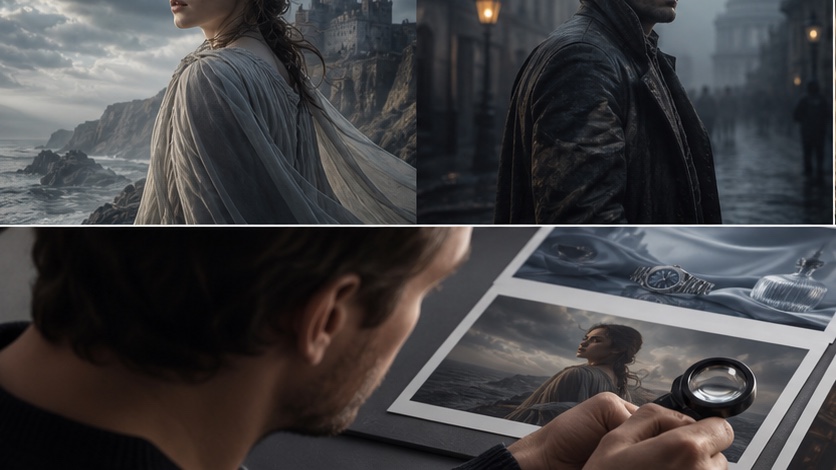
Midjourney's --sref (style reference) parameter allows users to guide the aesthetic of their generations using an image URL [S2]. While --sref is a powerful tool, its behavior can vary between model versions.
SREF Behavior:
- V8.1: When using
--sref, V8.1 often applied the general color palette and broad stylistic elements of the reference image. However, it could sometimes struggle to capture subtle textural details or the precise "mood" conveyed by the reference. - V8.2: Demonstrates a more refined interpretation of
--sref. It is better at extracting and applying nuanced stylistic elements, including specific brushwork, photographic grain, or even the emotional tone of the reference image. This makes it more effective for creating cohesive visual series or adhering to a specific brand aesthetic.
Moodboard Integration:
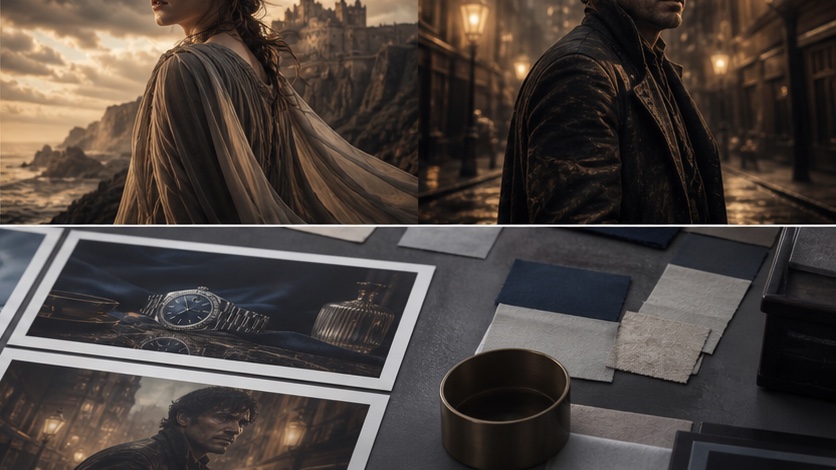
For moodboard-driven workflows, V8.2's improved --sref capabilities are a significant advantage. It can more accurately translate the overall feeling and visual language of a moodboard into generated images, requiring fewer iterations to achieve the desired result.
Personalization Behavior:
The --personalization parameter (or --p) allows users to fine-tune the model's output based on their preferences [S2]. While the core functionality remains similar, V8.2's enhanced understanding of prompts means that personalization adjustments might have a more precise and predictable impact. Users might find that their personalized settings yield more consistent results with V8.2 compared to V8.1, as the model's baseline interpretation is already stronger.
It's worth noting that Omni Reference (--or), a feature that allows referencing a person, object, vehicle, or non-human creature from a single image, is currently only compatible with V7 and not V8.1 or V8.2 [S1, S3]. Omni Reference also incurs twice the GPU time of regular V7 and is incompatible with several other parameters and modes [S3].
Which version should you use today?
Given the consistent improvements across prompt adherence, coherence, lighting, texture, and --sref behavior, Midjourney V8.2 is the unequivocally recommended version for most users today. As the current default model [S1], it offers the best balance of quality, control, and reliability.
When to consider V8.1 (or earlier versions):
- Legacy Projects: If you are working on a project that was initiated and largely developed using V8.1, and consistency with previous outputs is paramount, you might choose to continue using
--v 8.1for that specific project. - Specific Aesthetic: Very occasionally, an older model might produce a unique aesthetic or "happy accident" that is difficult to replicate in newer versions. If you have a very specific, niche look that V8.1 consistently delivers better, you might stick with it. However, this is rare.
- Troubleshooting: In rare cases of unexpected behavior with V8.2, reverting to V8.1 can be a troubleshooting step to isolate whether the issue lies with the prompt or the model version.
For all new projects and for maximizing the potential of your creative prompts, always start with V8.2. Its advancements streamline the creative process and lead to higher-quality, more predictable results.
Ready to explore the enhanced capabilities of Midjourney V8.2? PixMind offers seamless access to the latest Midjourney models, empowering you to bring your creative visions to life with unparalleled precision. Discover more and start generating at /midjourney-v8.2.
Frequently Asked Questions (FAQs)
Q1: Is V8.2 faster or slower than V8.1?
Midjourney's speed is primarily determined by your subscription tier and current server load, not typically by minor version updates like V8.2 vs V8.1. Both V8.1 and V8.2 support HD generation, with V8.1 HD images costing 1.3 GPU minutes [S1].
Q2: Can I combine V8.2 with other Midjourney features like Niji or Raw mode?
Yes, V8.2 is compatible with most standard Midjourney parameters and features, including Niji (for anime/illustration styles) and Raw mode (for less opinionated outputs). Always refer to the official Midjourney Parameter List for the most up-to-date compatibility information [S2].
Q3: Will my old V8.1 prompts work the same in V8.2?
While most V8.1 prompts will function in V8.2, you might notice subtle differences in the output due to V8.2's improved prompt adherence and coherence. In many cases, V8.2 will interpret your prompt more accurately, potentially yielding better results. Some prompts might require minor adjustments to achieve the exact same aesthetic if V8.1 had a specific "quirk" you were leveraging.