Text to video
Describe the subject, action, camera and sound as one coherent shot.
Create with Kling 4.0Prompt starter
A paper boat drifts through a rain puddle at night. Follow at water level; amber reflections, stereo rain and distant traffic.

Start with a prompt, frames or references. Build a scene with stereo sound, rework existing footage, or carry the story beyond its last frame.
Kling 4.0 is selected. Choose the input mode, duration and resolution in the workspace.
Choose the material you already have, then describe the change you want.
Describe the subject, action, camera and sound as one coherent shot.
Create with Kling 4.0Prompt starter
A paper boat drifts through a rain puddle at night. Follow at water level; amber reflections, stereo rain and distant traffic.
Set the opening image and an optional closing image. The API also accepts up to eight intermediate keyframes.
Create with Kling 4.0Prompt starter
Move slowly from the first composition to the last. Preserve the product shape and label, with one smooth camera move.
Use images for identity and setting, and video references for movement. Keep each asset’s role clear.
Create with Kling 4.0Prompt starter
The person in @Image1 walks along the coast. Follow the camera movement from @Video1 and keep the clothing consistent.
Upload one video and describe the change. Keep the source audio or generate a new soundtrack.
Create with Kling 4.0Prompt starter
Change @Video1 to a snowy winter evening. Preserve the subject, movement and camera path.
Continue from the final frame. You pay for the new segment rather than the full combined video.
Create with Kling 4.0Prompt starter
The camera continues forward as the sky darkens and the city lights turn on.

Use your product image as the visual anchor. Specify one reveal, push-in or orbit, and describe which details should stay consistent.
Create with Kling 4.0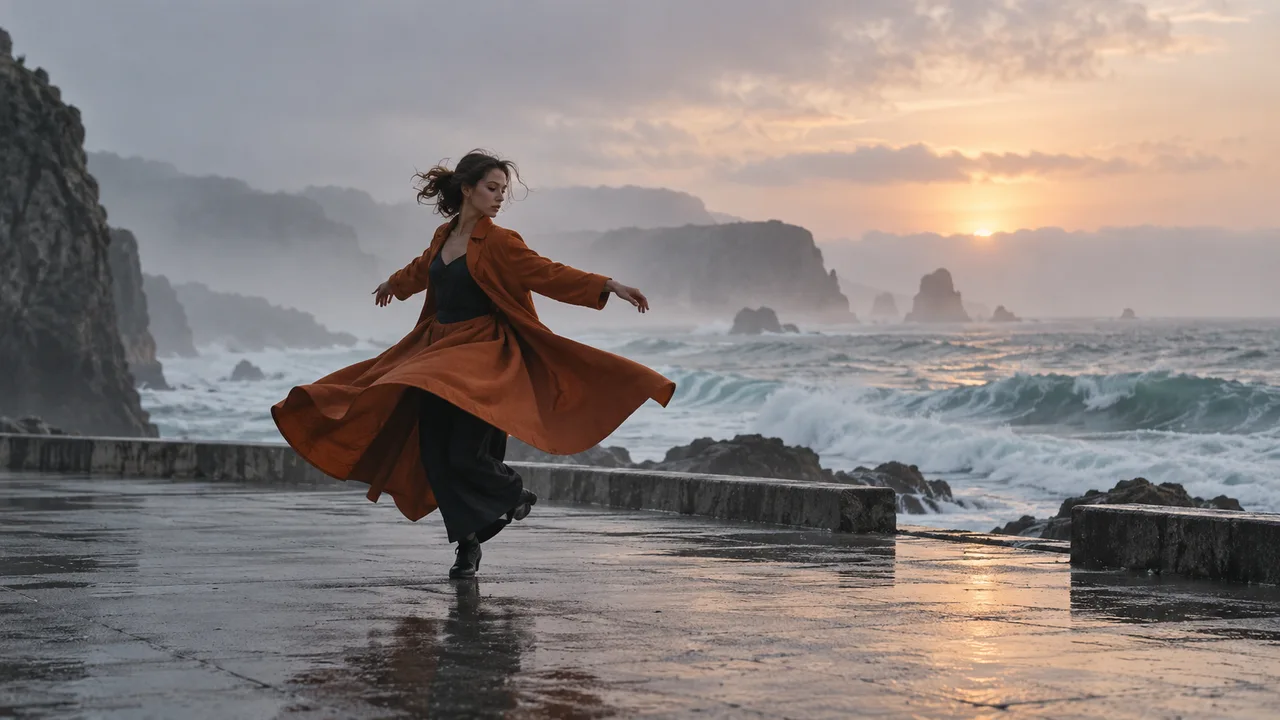
Let the image define the subject and the reference clip define the motion. A clear reference brief is easier to refine than competing instructions.
Create with Kling 4.0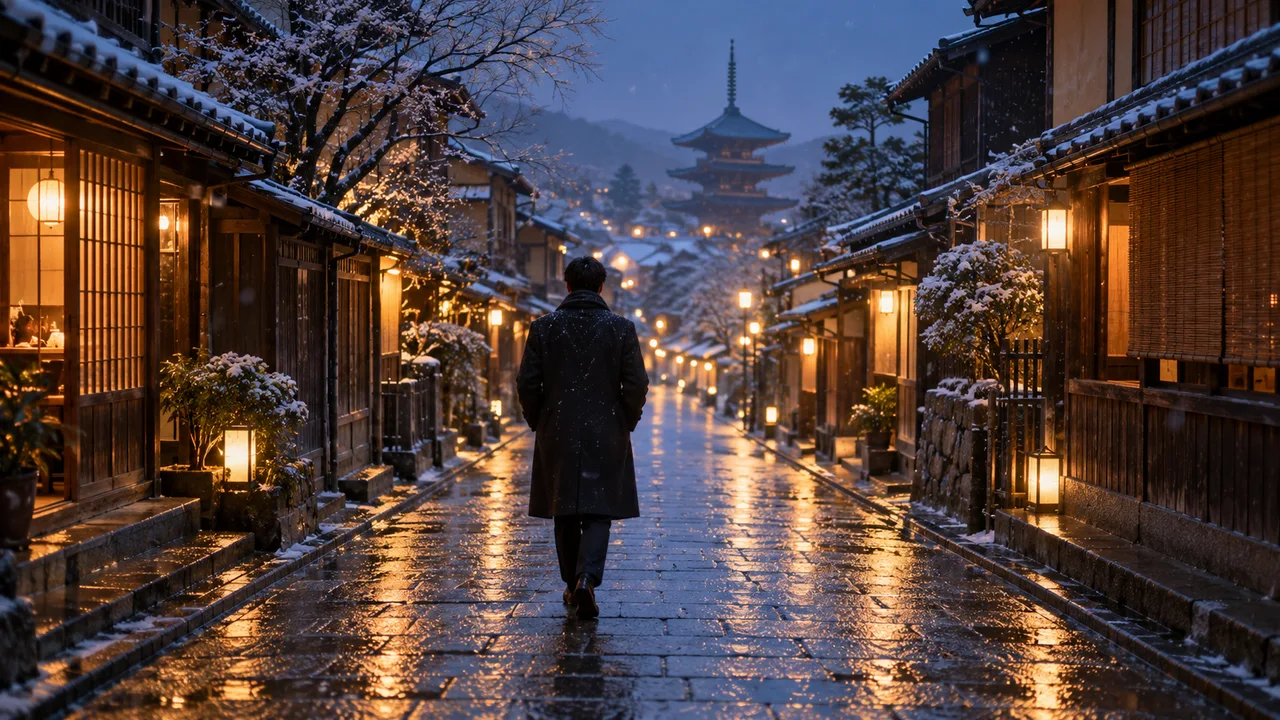
Edit the weather, setting or visual style of an existing clip. Use extension when the change belongs after its final frame.
Create with Kling 4.0PixMind route comparison, checked November 1, 2026. Other platforms may expose different controls.
| Model | Best for | Inputs | Duration |
|---|---|---|---|
| Kling 4.0 | References, editing and scene continuation | Text, frames and multimodal references | 3–30s |
| Kling 3.0 Turbo | Short text or image video drafts | Text or one starting image | 3–15s |
| Kling V3 Motion Control | Transfer a driving performance | Character image and driving video | Follows the reference workflow |
Write a text brief, upload frames, attach references or bring an existing video.
Set the action, camera, lighting and sound. Choose your duration and output resolution.
Play the result with sound. Adjust one instruction at a time, then download the take you want.
USD per billable second. Total wallet credits are rounded up once per request. The workspace confirms the current quote.
| Output tier | Studio | API |
|---|---|---|
| 720p | $0.189 | $0.175 |
| 1080p | $0.2835 | $0.2625 |
| 720p with video input | $0.1134 | $0.105 |
| 1080p with video input | $0.1701 | $0.1575 |
Editing and video-reference tasks bill output seconds + max(output seconds, input seconds). Extension bills only the new segment.
API parameters and pricingGenerate from text or images, work with references, edit an input video or extend its ending. The route supports 3–30 seconds at 720p or 1080p.
Yes. This Kling 4.0 route always produces stereo audio. Include ambient sound or dialogue direction in your prompt; silent generation is not an option.
The Studio frame mode accepts a first frame and optional last frame. For more detailed timing, the API supports up to eight middle frames, with ten frames total.
Use up to ten images and five videos, with at most thirty seconds of reference video. The API also accepts three 5–30 second audio clips; all references total at most fifteen assets.
Editing changes an existing clip. Extension continues from its final frame and returns the original plus the new segment. Only the added seconds use the extension rate.
Editing and video-reference tasks use output seconds + max(output seconds, input seconds). Input duration is measured and rounded up. Without a requested duration, editing follows the input.
Choose 4.0 for longer scenes, stereo audio, richer references, editing or extension. Choose Turbo for short text-to-video and single-image drafts. Motion Control is for transferring a performance.
Check that asset links are accessible and the counts fit the selected mode. Editing needs one video at least three seconds long. Do not mix frame and reference-image inputs.
This PixMind route currently outputs 720p or 1080p. Failed generation tasks are fully refunded. Start with a shorter clip to refine the subject and camera direction.
Choose your starting material and give Kling 4.0 a clear direction.
Create with Kling 4.0