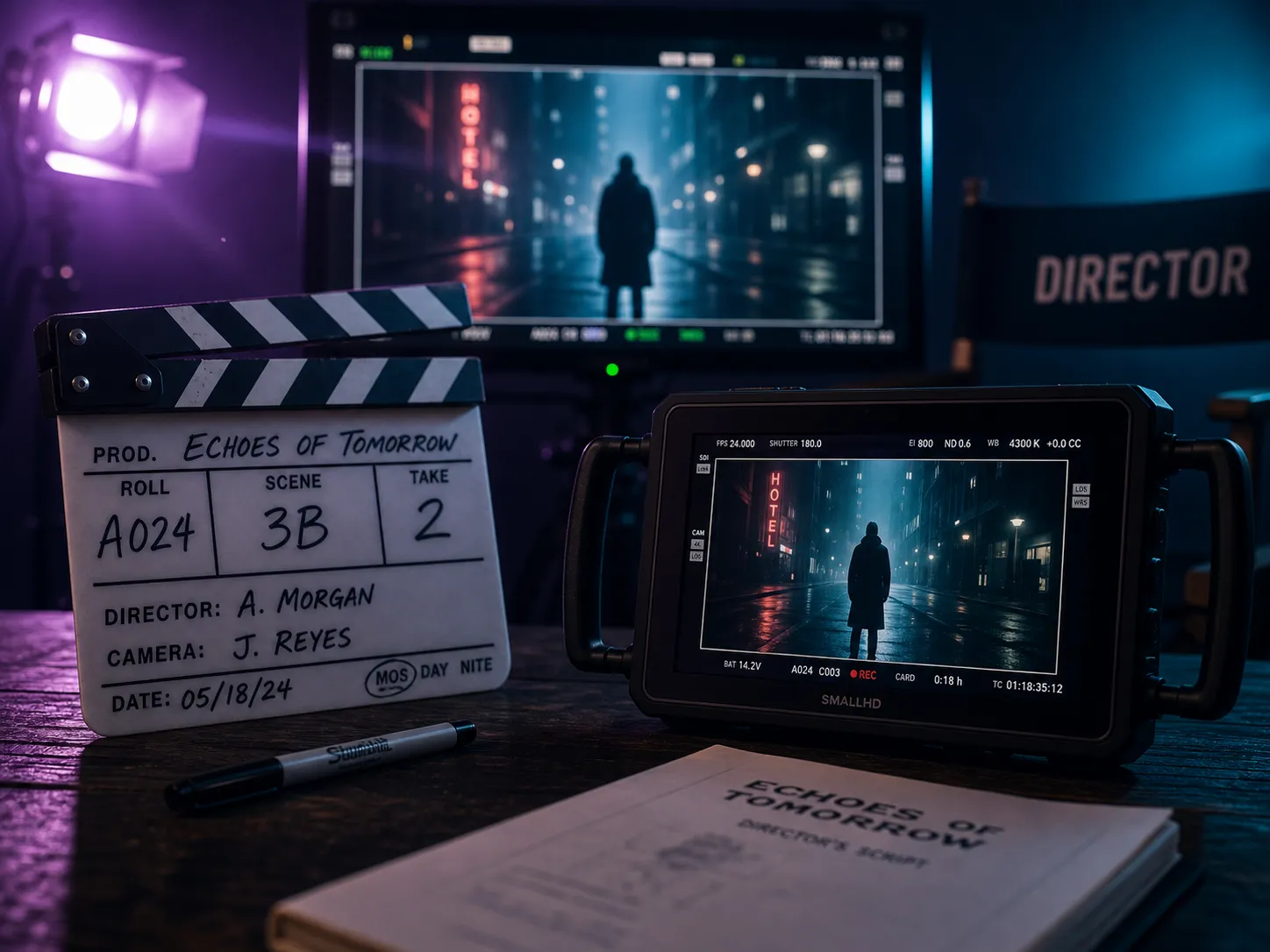
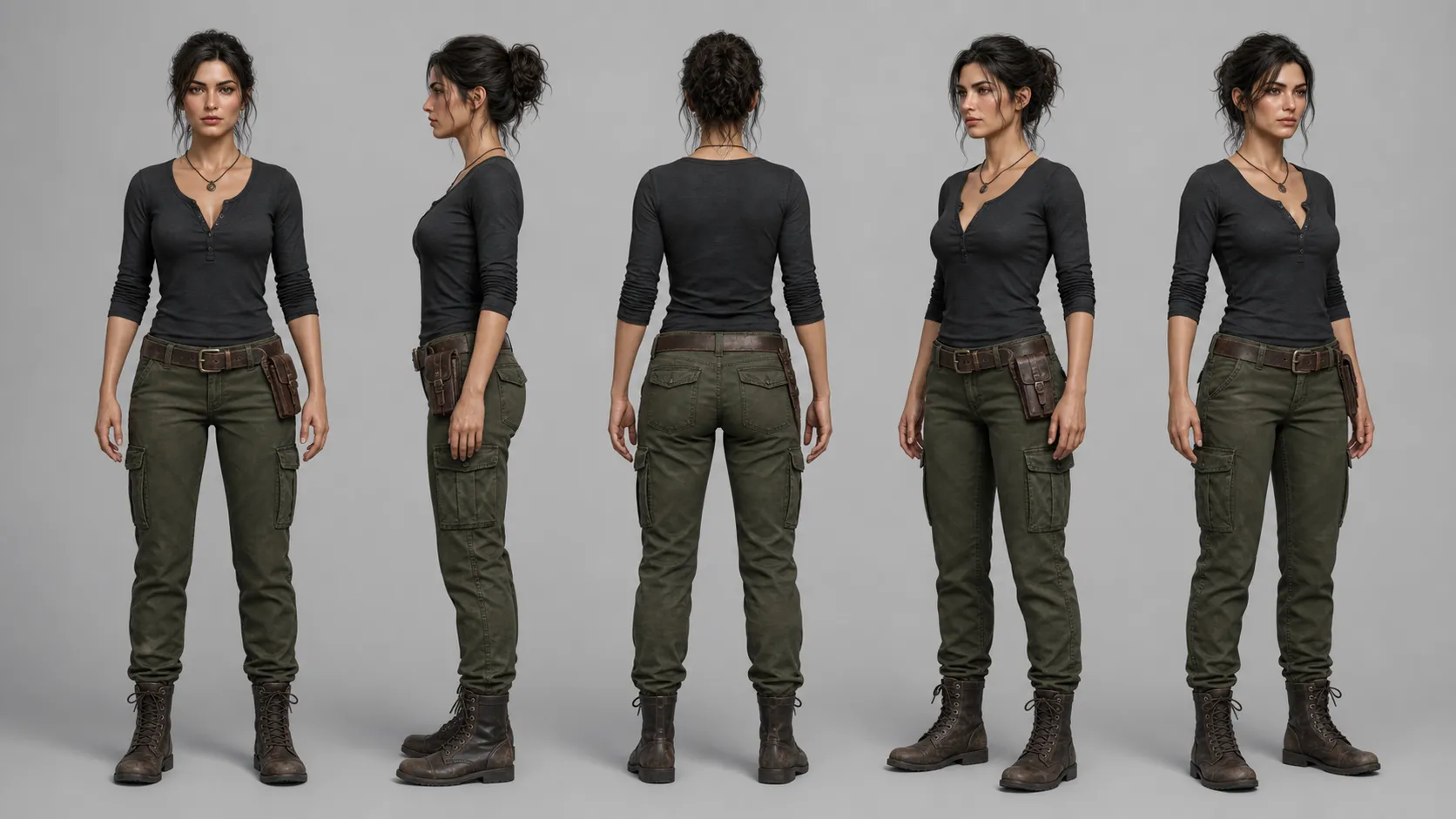
MiniMax H3: The Complete Guide to the Open-Weight 2K Video Model
MiniMax H3 is MiniMax's open-weight, general-purpose multimodal video model. It generates native 2K video at 2560×1440 with synchronized stereo audio in a single pass, accepts up to 12 multimodal references (text, images, video, and audio), and ships with open weights for self-hosting. MiniMax prices it at roughly one-third of comparable frontier video models: $0.09 per second at 768p and $0.13 per second at native 2K on standard gateways (OpenRouter, Vercel AI Gateway, EvoLink).
This pillar page consolidates the verified spec sheet, pricing, API access paths, prompting playbook, and limitations so producers can decide where H3 fits in a real workflow. For the working generator, use the PixMind MiniMax H3 route. MiniMax H3 online generator
Key Takeaways
- It outputs native 2K (2560×1440) at 24 FPS in 5-15 second clips, with synchronized native stereo audio generated in the same pass as the picture.
- A single generation accepts text plus up to 9 reference images, 3 reference videos, and 3 reference audio clips, for 12 references total.
- Pricing on third-party gateways is about $0.13/second at 2K and $0.09/second at 768p, roughly a third of comparable frontier models, according to OpenRouter, Vercel AI Gateway, and EvoLink rate cards.
- Weights are open for self-hosting, released in stages by region.
- Independent Reddit reviewer consensus describes H3 as reaching roughly 98% of Seedance-class quality with strong temporal consistency and accurate in-frame text rendering.
What Is MiniMax H3?
MiniMax H3 is a transformer-based, open-weight, general-purpose multimodal video model from MiniMax, the Beijing-founded AI lab. It is the third generation of the company's frontier video models.
The model's defining trait is unification. Instead of separate text-to-video, image-to-video, audio, and editing models, H3 ingests text, images, reference video, and reference audio in a single context window, generates the picture, and produces synchronized stereo sound in the same pass. Dialogue, sound effects, and ambient audio are all generated with the frames rather than dubbed in afterwards. (MiniMax official blog, "MiniMax H3"; MiniMax platform documentation)
MiniMax H3 in Action: Real Generation Examples
Before the spec sheet, watch what the model actually produces. The video below is a full MiniMax H3 walkthrough that takes a single prompt through the pipeline to a finished clip, which is the fastest way to see what H3's native 2K and multimodal references deliver in practice.
MiniMax launched H3 as an open-weight release with native 2K, in-pipeline stereo audio, and the 12-reference multimodal input budget, which is the capability set the tutorial above exercises end to end.
MiniMax H3 official launch announcement
Core Technical Specifications
H3's spec sheet is built around native fidelity rather than upscaled output. The headline numbers below are sourced from MiniMax's official blog and API documentation, and corroborated by the model cards published by OpenRouter, Vercel AI Gateway, and EvoLink.
| Specification | Value |
|---|---|
| Native resolution | 2560×1440 (2K) |
| Frame rate | 24 FPS |
| Clip duration | 5-15 seconds |
| Audio | Native synchronized stereo, generated in-pipeline |
| Image references | Up to 9 |
| Video references | Up to 3 |
| Audio references | Up to 3 |
| Total references per generation | Up to 12, combined with text |
| Aspect ratios | 21:9, 16:9, 4:3, 1:1, 3:4, 9:16 |
| Weights | Open-weight, staged regional release |
| Editing | Conversational, instruction-based revisions on a generated clip |
The native 2K output is the meaningful distinction. Many video models that advertise "2K" or "4K" do it through a post-hoc upscale, which sharpens edges but cannot synthesize detail that the model never produced. H3 renders at 2560×1440 inside the model, so fine texture, hair, fabric, and small text survive at delivery size without an extra upscale step. (MiniMax official blog)
Open-Weight Release and Self-Hosting
H3 is released as an open-weight model, which separates it from the closed frontier lines from Google (Veo) and most closed consumer video tools. Open weights mean an organization with sufficient GPU capacity can host the model on its own infrastructure, audit it, fine-tune it, and avoid per-second API fees.
The release is staged. MiniMax has confirmed open-weight availability but rolls weights out by region, subject to local regulation and licensing conditions. Anyone planning to self-host should treat the official MiniMax channels as the source of truth for current availability in their jurisdiction rather than relying on third-party mirrors. (MiniMax official blog)
The practical takeaway: teams that need guaranteed latency, data residency, or long-term cost predictability can plan around self-hosting once weights are available in their region. Teams that just need to produce video today should use the hosted API or a gateway like PixMind, OpenRouter, Vercel AI Gateway, or EvoLink.
Multimodal Input: How the 12-Reference System Works
H3's input system is the part most worth understanding before writing a prompt. A single generation can combine:
- One text prompt with shot direction.
- Up to 9 reference images (including first frame, last frame, character identity, product, wardrobe, or style references).
- Up to 3 reference videos (for motion language, timing, or performance).
- Up to 3 reference audio clips (for voice, music feel, or sound design timing).
That is 12 references plus the text prompt in one context. (MiniMax platform documentation)
Each reference should have one job. The most common failure mode with multimodal models is feeding conflicting references: two character images with different identities, or a motion reference video that contradicts the first and last frame. Treat each of the 12 slots as a single-purpose control. One image locks character identity, another locks wardrobe, another locks product geometry, a video reference supplies motion timing, an audio reference supplies pacing.
This is also the right place to use H3's conversational editing. Once a clip is generated, you can instruct revisions to characters, objects, scenes, sound, or pacing without rebuilding the entire shot from scratch.
Native 2K Output and Synchronized Stereo Audio
The combination of native 2K picture and in-pipeline stereo audio is the single biggest reason to consider H3 over the previous MiniMax generation.
On the picture side, native 2K means the model renders 2560×1440 pixels of real detail. Hair strands, skin texture, fine print on packaging, and small UI elements in screencast-style shots hold up at full delivery size. The 24 FPS frame rate matches cinema and high-end commercial work rather than the 30 FPS that suits social-only delivery.

On the audio side, H3 generates dialogue, sound effects, and ambient sound in the same pass as the picture, then locks them to the frames. This eliminates the post-production voiceover and foley pass that closed audio-less pipelines require. A character speaking on camera has lip movement and voice generated together; a glass hitting a table has the impact sound generated with the visual contact. (MiniMax official blog)
The limitation to keep in mind: any generated audio, especially dialogue, still needs human review for wording, pronunciation, timing, and artifacts before publication.
MiniMax H3 Pricing Across Providers
H3's price is one of its strongest competitive advantages. Across the major third-party gateways, rate cards cluster at $0.13 per second for native 2K output and $0.09 per second for 768p output. The totals below are computed directly from those per-second rates.
| Output | Rate | 5-second clip | 10-second clip | 15-second clip |
|---|---|---|---|---|
| Native 2K (2560×1440) | ~$0.13/sec | ~$0.65 | ~$1.30 | ~$1.95 |
| 768p | ~$0.09/sec | ~$0.45 | ~$0.90 | ~$1.35 |
These rates are published on OpenRouter, Vercel AI Gateway, and EvoLink, and are consistent with the pricing surface on MiniMax's own platform. (OpenRouter; Vercel AI Gateway; EvoLink; MiniMax platform)
MiniMax positions the rate card at roughly one-third of comparable frontier video models. For high-volume production workflows (social campaigns, multivariate ad creative, previsualization), that price gap compounds quickly. A studio rendering 1,000 15-second 2K clips pays on the order of $1,950 on H3 versus materially more on a higher-priced frontier route at the same volume.
MiniMax API and Integration Paths
There are four practical ways to access H3, each suited to a different kind of user.
1. PixMind generator (no-code). The fastest path for producers who want a working UI without writing code. Open the PixMind MiniMax H3 generator, upload references, write a prompt, pick duration and aspect ratio, and render. MiniMax H3 online generator
2. MiniMax platform API (direct). Developers who want the canonical API surface can call MiniMax directly through platform.minimax.io. This is the source of truth for new features, parameter support, and pricing changes, but it requires MiniMax account setup, KYC where applicable, and integration work. (MiniMax platform documentation)
3. Aggregator gateways (OpenRouter, Vercel AI Gateway, EvoLink). These expose H3 through a unified billing and SDK surface alongside other model families. They are the right choice when you want one integration across multiple video models, or when your existing application already speaks the gateway's protocol. Rates may include a small gateway margin. (OpenRouter; Vercel AI Gateway; EvoLink)
4. Self-hosted weights. Once open weights are available in your region, you can run H3 on your own GPUs. This eliminates per-second fees but shifts cost to hardware, ops, and inference infrastructure. It is the right choice only for teams with sustained volume or strict data-residency requirements.
For most readers, the right starting point is the no-code PixMind generator or a gateway integration. Move to direct MiniMax API access when you need parameters the gateways do not surface, and move to self-hosting only when the math on volume justifies the operational overhead.
How H3 Compares to the Previous MiniMax Generation and Other Video Models
H3 is a generational step change over the previous MiniMax generation, and a meaningful alternative to other frontier video models on price. The comparison points below use MiniMax's official capability claims for H3, the publicly documented previous MiniMax generation, and the published rate cards named earlier.
MiniMax H3 vs the Previous MiniMax Generation
The previous MiniMax generation output 768p or 1080p video with no native audio and a text-plus-image input surface. H3 adds native 2K, synchronized stereo audio, full multimodal reference (image plus video plus audio), in-generation conversational editing, and open weights. For anyone already on the official product, H3 is a strict superset on paper and the right default once it is available on your route.
MiniMax H3 vs Seedance 2.5 and Veo 3.1
Independent reviewer consensus on Reddit describes H3 as reaching roughly 98% of Seedance-class quality, with particularly strong temporal consistency and effectively perfect in-frame text rendering. The remaining gap shows up most in the upper end of cinematic realism and in complex physical interactions.
The tradeoff is price. H3's 2K rate card sits at roughly one-third of comparable frontier models, which makes it the default choice for high-volume work where the marginal quality gap does not justify a 3x spend. For hero campaign shots where peak realism is the entire brief, Seedance 2.5 or Veo 3.1 may still be the better call.
MiniMax H3 vs Kling 3.0 Turbo and PixVerse V6
Kling 3.0 Turbo and PixVerse V6 compete on speed and social-format breadth rather than native 2K fidelity. H3 is the stronger choice for cinematic and campaign work; Kling Turbo and PixVerse V6 remain relevant for fast iteration on short social clips, especially when native audio is not required.
Compare all connected video models
Reddit and Community Consensus
The early independent reviewer consensus on H3, drawn from Reddit threads on r/LocalLLaMA, r/aivideo, and adjacent communities, can be summarized in three points:
- Quality is close to frontier. Reviewers put H3 at roughly 98% of Seedance-class quality, with the gap concentrated in the top end of photorealism and complex physics.
- Temporal consistency is a real strength. Characters, objects, and scenes hold together across frames better than the previous MiniMax generation.
- Text rendering is effectively solved. In-frame text, which has been a persistent failure mode for video models, renders cleanly in most H3 outputs.
Reddit commentary is not a substitute for benchmarking against your own test prompts, but it is a useful directional read. Treat the "98% of Seedance quality" figure as a community shorthand, not a measurement.
A Prompting Playbook for MiniMax H3
H3 rewards directors over describers. Treat each generation as one shot with one job, and use the 12 reference slots as precise controls.
Anchor the invariants first
Before writing prose, decide which elements must not change across the clip. Call them out explicitly in the prompt: character identity, product geometry, color palette, wardrobe, label placement, composition. References that encode these invariants should each have a single job.
One main action, one camera move
Short clips read more clearly when one subject action and one camera move carry the visual idea. Stacking three transformations in a 5-second clip forces the model to race through each one, which is the leading cause of flicker.
Write audio into the shot
Because H3 generates audio in the same pass, describe sound alongside the action that produces it. Specify dialogue (with quotes), the texture of ambience, and where intentional silence sits. Do not leave audio implicit.
Four prompt starters
- Cinematic product film: "Premium hero shot of [product] on [surface]. Camera performs a slow [movement]. Lighting: [mood]. Preserve exact proportions, materials, and label placement. Audio: subtle [texture], no music, no voiceover. End on a clean hero frame."
- Character dialogue scene: "A [shot size] of [character] in [location]. They say: '[short line]'. Natural room tone, [ambient sound], realistic lip sync. Camera: [movement]. Lighting: [mood]."
- First-to-last frame transition: "Move naturally from the supplied first frame to the supplied last frame. Subject [action]. Camera follows [path] at [pace]. Preserve identity, wardrobe, and environment throughout."
- Multimodal reference lock: "Use reference image 1 for character identity, reference image 2 for wardrobe, and reference video 1 for motion timing. Audio reference 1 sets voice and pacing. Subject performs [action] in [setting]."
MiniMax H3 prompt templates and starter gallery
Best Use Cases for MiniMax H3
H3 fits cleanly into workflows where native 2K fidelity, synced audio, or multimodal reference control matter more than rock-bottom per-second cost.

- Cinematic commercials and hero product films. Native 2K plus stereo audio means a single H3 generation can deliver a near-finished shot without a separate audio post step.
- Dialogue-led scenes. The combination of generated lip movement, voice, and ambient sound in one pass makes H3 well suited to short narrative and character-led work.
- Reference-led campaign continuity. The 12-reference budget lets you carry one character, one product, one wardrobe, and one motion language across multiple campaign shots.
- High-volume multivariate creative. At roughly one-third of frontier pricing, H3 is the right tool for producing many variants of a creative direction for A/B testing and platform-specific delivery.
- Previsualization and previz pipelines. Open weights and low API cost make H3 viable for studios that want to generate large volumes of previz without per-shot budget pressure.
Limitations and Caveats
A credible guide names the things H3 does not do well.
- Audio still needs review. Generated dialogue, voice, and effects require human review for wording, pronunciation, timing, and artifacts before publication.
- Complex physical interaction can drift. Hands, contact, fast spins, occlusion, and intricate object interaction remain hard for the model class as a whole, not just H3.
- Identity and brand details need clearance. Faces, logos, product geometry, on-screen text, and licensed characters all require final rights and accuracy review.
- Weight availability is regional. Open weights are released in stages; confirm current status with official MiniMax channels before committing to a self-hosting plan.
- Capability and pricing change. Model cards and rate cards shift quickly. Verify the live generator in your route for the parameters and prices in effect when you produce.
MiniMax H3 FAQ
Is MiniMax H3 open-weight?
Yes. MiniMax has announced H3 as an open-weight model. Weights are released in stages by region and are subject to local regulation, so confirm current availability in your jurisdiction through official MiniMax channels before planning a self-hosting deployment. (MiniMax official blog)
How much does MiniMax H3 cost?
On the major third-party gateways (OpenRouter, Vercel AI Gateway, EvoLink) and on the MiniMax platform, H3 is priced at roughly $0.13 per second for native 2K output and $0.09 per second for 768p output. A 15-second 2K clip costs about $1.95; a 15-second 768p clip costs about $1.35. MiniMax positions this at roughly one-third of comparable frontier video model pricing. (OpenRouter; Vercel AI Gateway; EvoLink; MiniMax platform)
What resolution, frame rate, and duration does H3 support?
H3 outputs native 2K video at 2560×1440 and 24 FPS, in clips of 5 to 15 seconds. It supports 21:9, 16:9, 4:3, 1:1, 3:4, and 9:16 aspect ratios. (MiniMax official blog; MiniMax platform documentation)
Does MiniMax H3 generate audio?
Yes. H3 generates native synchronized stereo audio (dialogue, sound effects, and ambient sound) in the same pass as the picture, so there is no separate voiceover or foley step. Dialogue should still be reviewed for wording, timing, and artifacts before publication.
What inputs does MiniMax H3 accept?
A single generation accepts a text prompt plus up to 9 reference images, 3 reference videos, and 3 reference audio clips, for 12 references total. First and last frame control is supported through the image slots. (MiniMax platform documentation)
Can I self-host MiniMax H3?
Yes, once open weights are available in your region. Self-hosting eliminates per-second API fees but requires GPU capacity, inference infrastructure, and operational ownership. For most teams, the hosted API or a gateway like PixMind is the right starting point.
How does H3 compare to Seedance 2.5 and Veo 3.1?
Independent Reddit reviewer consensus puts H3 at roughly 98% of Seedance-class quality, with strong temporal consistency and accurate in-frame text rendering. The remaining gap shows up in top-end photorealism and complex physical interaction. H3's advantage is price: its 2K rate card is roughly one-third of comparable frontier models, which makes it the default for high-volume work.
Where can I generate MiniMax H3 videos?
The fastest no-code path is the PixMind MiniMax H3 generator. Developers can also call the MiniMax platform API directly at platform.minimax.io, or integrate through OpenRouter, Vercel AI Gateway, or EvoLink. Open the H3 generator
How should I prompt MiniMax H3?
Treat each generation as one shot with one main action and one camera move. Anchor the invariants (identity, product, wardrobe, palette, composition) first, assign each of the 12 reference slots a single job, and write sound (dialogue, ambience, silence) into the prompt alongside the action that produces it. See the prompting playbook above for starter templates.
Can I use H3-generated clips commercially?
They are suitable for most commercial projects, but faces, brand logos, product geometry, on-screen text, and licensed characters require final rights and accuracy review. Ensure you hold the rights to any real people or third-party reference assets you feed into the model.
Conclusion: Where H3 Belongs in Your Stack
MiniMax H3 is the model to default to when you need native 2K fidelity, synchronized audio, or multimodal reference control at a price point that survives high production volume. It is not the only model worth using: Seedance 2.5 and Veo 3.1 still win at the very top of cinematic realism, and faster routes like Kling 3.0 Turbo remain useful for quick social iteration. But for the broad middle of the market, where the quality bar is high and the budget is real, H3's combination of open weights, 12-reference multimodal input, native 2K, in-pipeline stereo audio, and roughly one-third frontier pricing makes it the practical default.
The next step is to run it on your own prompts. Open the PixMind MiniMax H3 generator, upload one or two references that anchor identity and product, write one shot with one camera move, and compare the output against your current model. MiniMax H3 generator Browse all connected AI video models
Specs, pricing, and capabilities in this guide were verified on 2026-08-01 against the MiniMax official blog, MiniMax platform documentation, OpenRouter, Vercel AI Gateway, and EvoLink. Model cards and rate cards change quickly; always confirm the live values in your route before producing.