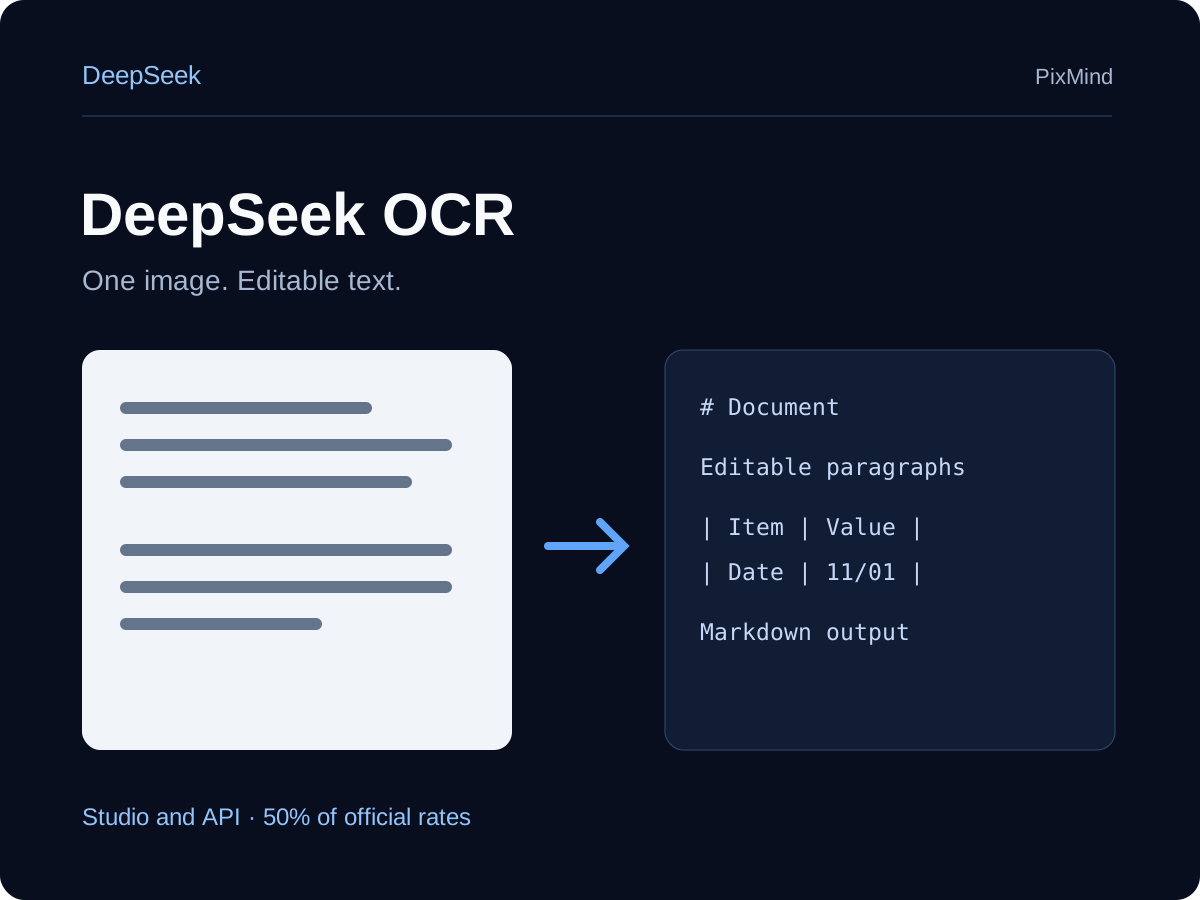
DeepSeek OCR turns one document image into editable text or Markdown. Upload a scanned page, receipt, table, or figure and choose a focused extraction prompt. Each request processes one image independently, with up to 8K input and 8K output tokens.
document images, receipts, and tables to editable text or Markdown
Context window
8,192
Maximum output
8,192
Streaming
Supported
Selected model
DeepSeek OCR
DeepSeek OCR
What this model is built to do
DeepSeek OCR turns one document image into editable text or Markdown. Upload a scanned page, receipt, table, or figure and choose a focused extraction prompt. Each request processes one image independently, with up to 8K input and 8K output tokens.
What DeepSeek OCR can handle
Text
Vision
Image input
Document OCR
Streaming
Three jobs to try first
When to choose DeepSeek OCR
1
Scanned page to Markdown
Upload one document image and recover headings, paragraphs, and table structure as editable Markdown.
Prompt starter
Convert the document to markdown.
2
Receipt and printed text extraction
Extract the text from one receipt, invoice, or printed page without preserving its layout.
Prompt starter
Free OCR.
3
Table and figure parsing
Send a single table or figure image and extract its labels and visible contents.
Prompt starter
Parse the figure.
Current PixMind route
One image in one user message per request. Images may be up to 10MB with a shortest edge of at least 5px. For a PDF, convert and recognize each page separately.
Model ID
deepseek-ocr
Endpoint
/v1/chat/completions
PixMind inputs
Text · Image input
Document extraction; no thinking or tools
Current token pricing
Studio and API have the same all-day rate: 21 credits per million input tokens and 84 per million output tokens, at 50% of official prices.
Per 1M tokens
Input21~$0.02222
Output84~$0.08889
Credits and approximate USD per 1M tokens
Choose this model or switch?
Compare the current route with nearby models before spending tokens on a long conversation.
How do I use DeepSeek OCR for “Scanned page to Markdown”?
Upload one document image and recover headings, paragraphs, and table structure as editable Markdown. Start with this template: Convert the document to markdown.
How do I use DeepSeek OCR for “Receipt and printed text extraction”?
Extract the text from one receipt, invoice, or printed page without preserving its layout. Start with this template: Free OCR.
How do I use DeepSeek OCR for “Table and figure parsing”?
Send a single table or figure image and extract its labels and visible contents. Start with this template: Parse the figure.
What inputs does DeepSeek OCR currently support in PixMind?
One image in one user message per request. Images may be up to 10MB with a shortest edge of at least 5px. For a PDF, convert and recognize each page separately. The current catalog flags: text, vision, image.
How should I prompt DeepSeek OCR?
Upload one image and use Free OCR. for plain text, Convert the document to markdown. for formatted output, or Parse the figure. for a table or figure.
How is DeepSeek OCR usage priced?
Studio and API have the same all-day rate: 21 credits per million input tokens and 84 per million output tokens, at 50% of official prices.
When should I choose another model over DeepSeek OCR?
DeepSeek OCR is positioned for document images, receipts, and tables to editable text or Markdown. Check the comparison table when lower cost, different input support, or a heavier reasoning tier matters more.
What should I do if a DeepSeek OCR response stops?
A network interruption, insufficient balance, or temporary model availability can stop a reply. Before resending, check whether token usage and points were already settled.
Start a conversation · DeepSeek OCR
Use the prompt box above to send a focused first task, then continue in the full AI Chat workspace.

 DeepSeek