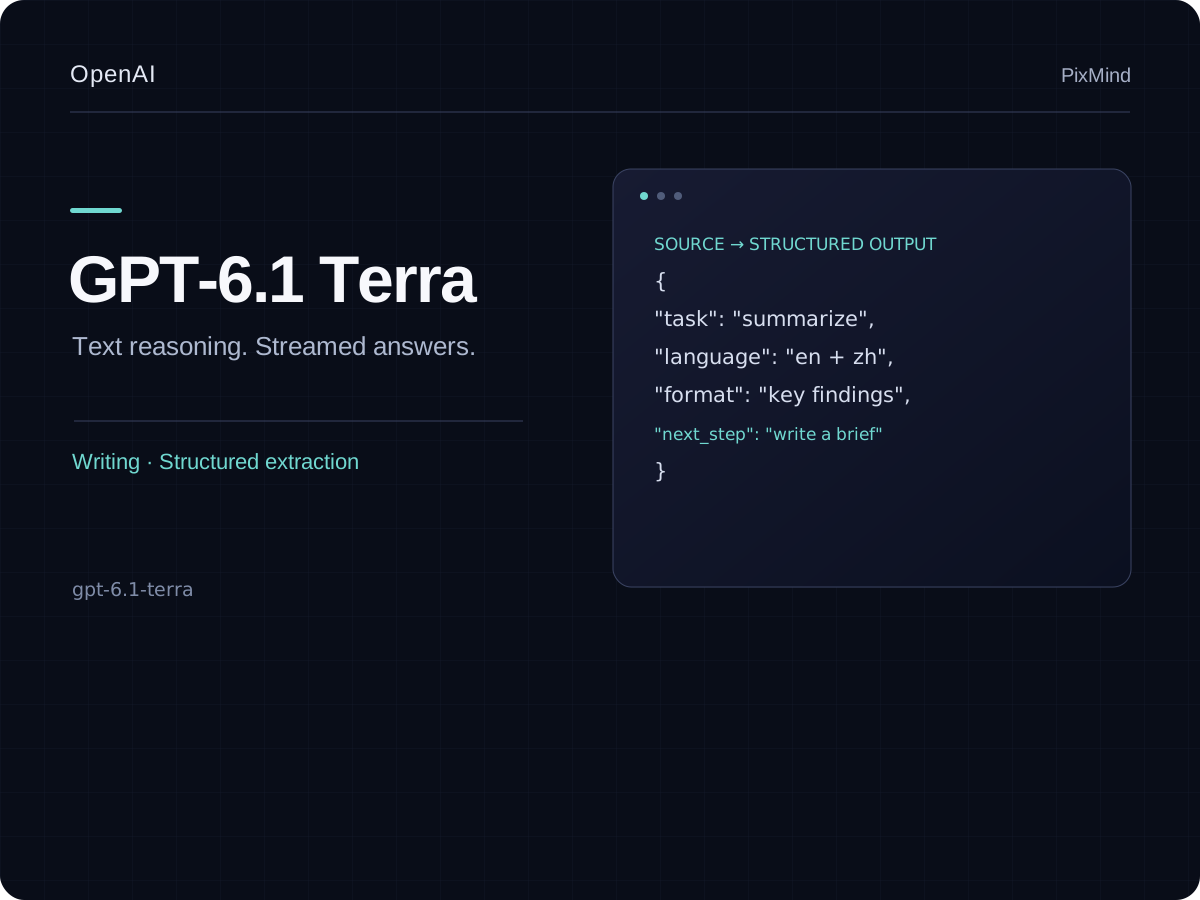
GPT-6.1 Terra turns source text into useful drafts, structured records, and bilingual summaries. Choose it for routine writing and extraction at half the Sol token rate. The current PixMind text route supports streaming, up to 922K input tokens, and up to 12.8K output tokens; chat and API both use 80% of official Standard rates.
everyday writing, structured extraction, and bilingual summaries
Context window
922,000
Maximum output
12,800
Streaming
Supported
Selected model
GPT-6.1 Terra
GPT-6.1 Terra
What this model is built to do
GPT-6.1 Terra turns source text into useful drafts, structured records, and bilingual summaries. Choose it for routine writing and extraction at half the Sol token rate. The current PixMind text route supports streaming, up to 922K input tokens, and up to 12.8K output tokens; chat and API both use 80% of official Standard rates.
What GPT-6.1 Terra can handle
Text
Reasoning
Coding
Streaming
Three jobs to try first
When to choose GPT-6.1 Terra
1
Structured professional draft
Create a usable brief, proposal, specification, or report with explicit sections and criteria.
Prompt starter
Draft a [deliverable] for [audience]. Use this source material: [context]. Required sections: [sections]. Keep claims evidence-based and end with decisions and next actions.
2
High-volume extraction
Convert repetitive text or documents into a consistent schema for downstream work.
Prompt starter
Extract [fields] from every item below. Return valid JSON matching this schema: [schema]. Use null for missing values and do not infer unsupported facts.
3
Chinese–English knowledge work
Reason across Chinese and English source material while preserving terminology and output structure.
Prompt starter
Synthesize the Chinese and English material below. Keep named entities and specialist terms consistent, flag translation ambiguity, and return a bilingual decision summary.
Current PixMind route
This PixMind chat route currently accepts text. Use a vision-enabled sibling when the task depends on screenshots or photos.
Model ID
gpt-6.1-terra
Endpoint
/v1/chat/completions
PixMind inputs
Text
Reasoning effort: none, low, medium, high, xhigh, max
Current token pricing
≤272K>272K
Input784~$0.81568~$1.6
Output3920~$45880~$6
Cache read39.2~$0.0478.4~$0.08
Cache write980~$11960~$2
Above 272K input tokens, input, output, and cache all use the >272K tier for the whole request.
Credits and approximate USD per 1M tokens
Choose this model or switch?
Compare the current route with nearby models before spending tokens on a long conversation.
How do I use GPT-6.1 Terra for “Structured professional draft”?
Create a usable brief, proposal, specification, or report with explicit sections and criteria. Start with this template: Draft a [deliverable] for [audience]. Use this source material: [context]. Required sections: [sections]. Keep claims evidence-based and end with decisions and next actions.
How do I use GPT-6.1 Terra for “High-volume extraction”?
Convert repetitive text or documents into a consistent schema for downstream work. Start with this template: Extract [fields] from every item below. Return valid JSON matching this schema: [schema]. Use null for missing values and do not infer unsupported facts.
How do I use GPT-6.1 Terra for “Chinese–English knowledge work”?
Reason across Chinese and English source material while preserving terminology and output structure. Start with this template: Synthesize the Chinese and English material below. Keep named entities and specialist terms consistent, flag translation ambiguity, and return a bilingual decision summary.
What inputs does GPT-6.1 Terra currently support in PixMind?
This PixMind chat route currently accepts text. Use a vision-enabled sibling when the task depends on screenshots or photos. The current catalog flags: text.
How should I prompt GPT-6.1 Terra?
Separate the goal, context, constraints, and output contract. Reserve the highest reasoning effort for tasks where extra latency and cost are justified.
How is GPT-6.1 Terra usage priced?
Current directory pricing is 784 input points and 3920 output points per 1 million tokens.
When should I choose another model over GPT-6.1 Terra?
GPT-6.1 Terra is positioned for everyday writing, structured extraction, and bilingual summaries. Check the comparison table when lower cost, different input support, or a heavier reasoning tier matters more.
What should I do if a GPT-6.1 Terra response stops?
A network interruption, insufficient balance, or temporary model availability can stop a reply. Before resending, check whether token usage and points were already settled.
Start a conversation · GPT-6.1 Terra
Use the prompt box above to send a focused first task, then continue in the full AI Chat workspace.

 OpenAI