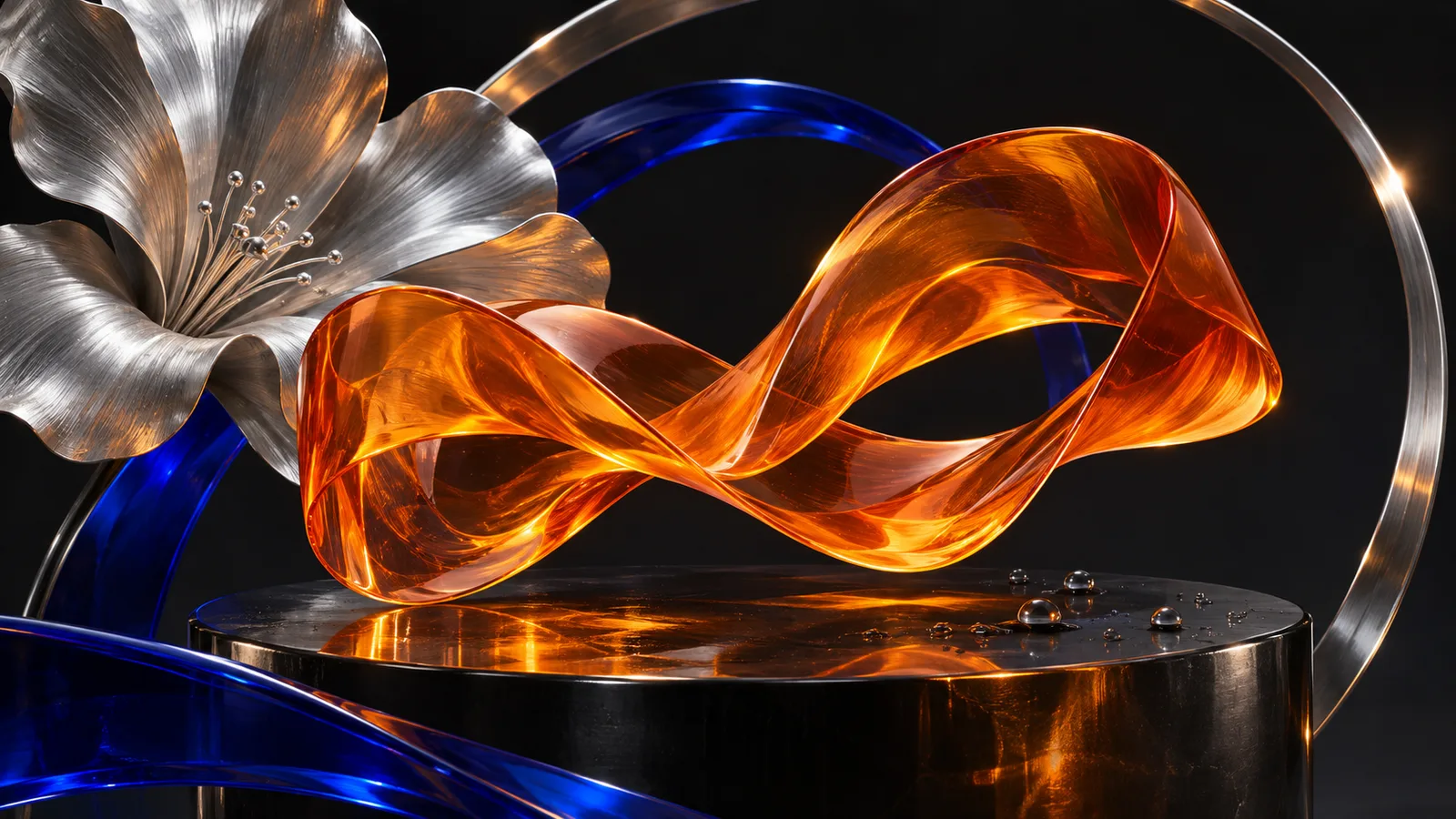
Explore still images, short GIF loops and scalable SVG graphics with GPT Image 2.6. Draft with Flare, refine with Sunburst, and choose the file your next project needs.
Create product scenes, editorial posters and campaign visuals as PNG, JPEG or WebP. Choose the quality, ratio and resolution, then refine the brief with reference images.
01PNG / JPEG / WebP
Make the image. Keep the details.
Create product scenes, editorial posters and campaign visuals as PNG, JPEG or WebP. Choose the quality, ratio and resolution, then refine the brief with reference images.
Describe your image
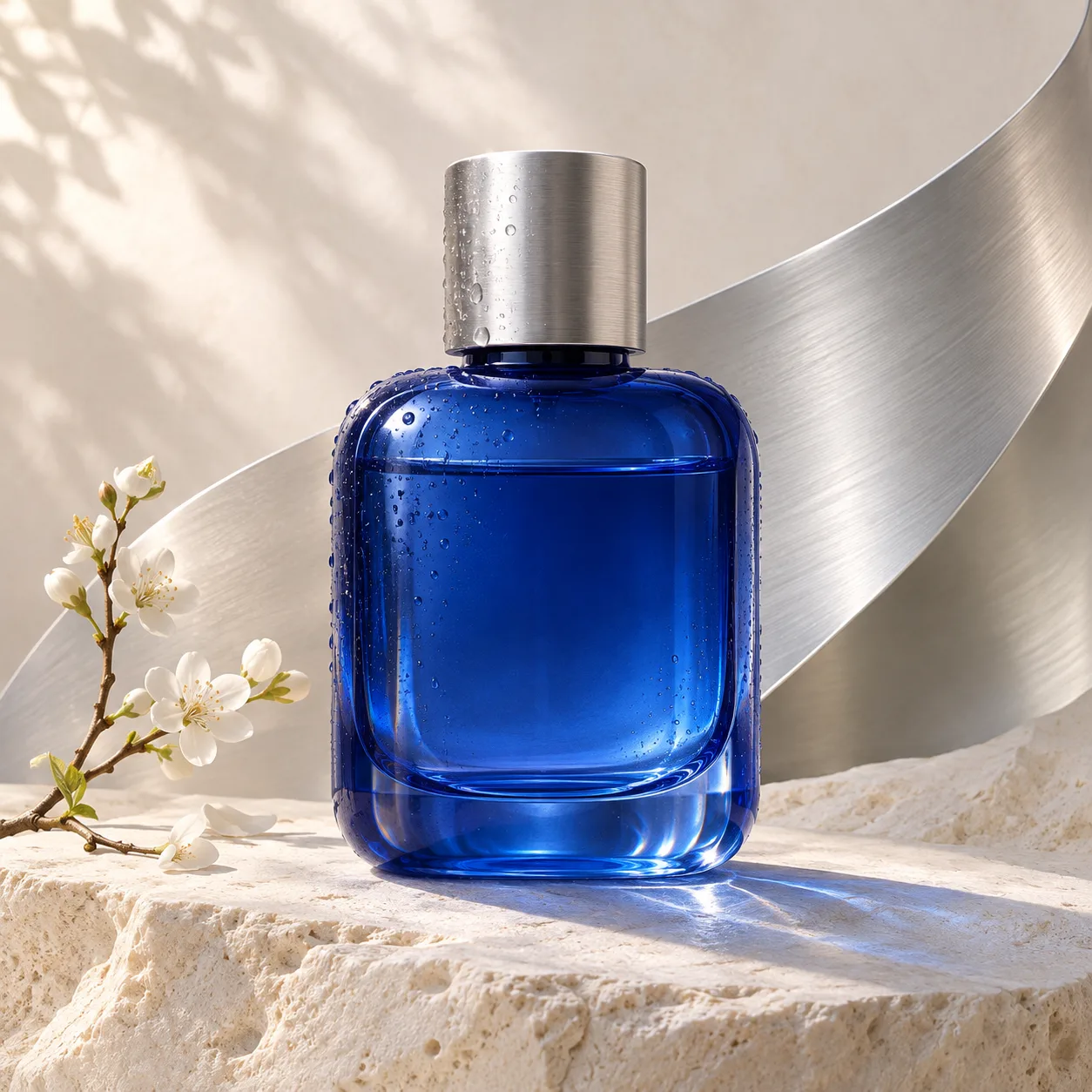
Photograph a cobalt-blue glass perfume bottle with a silver cap on pale limestone, soft daylight, realistic reflections, no logo or text.
Refine detail and preserve the direction of an image through successive edits.
Describe your image
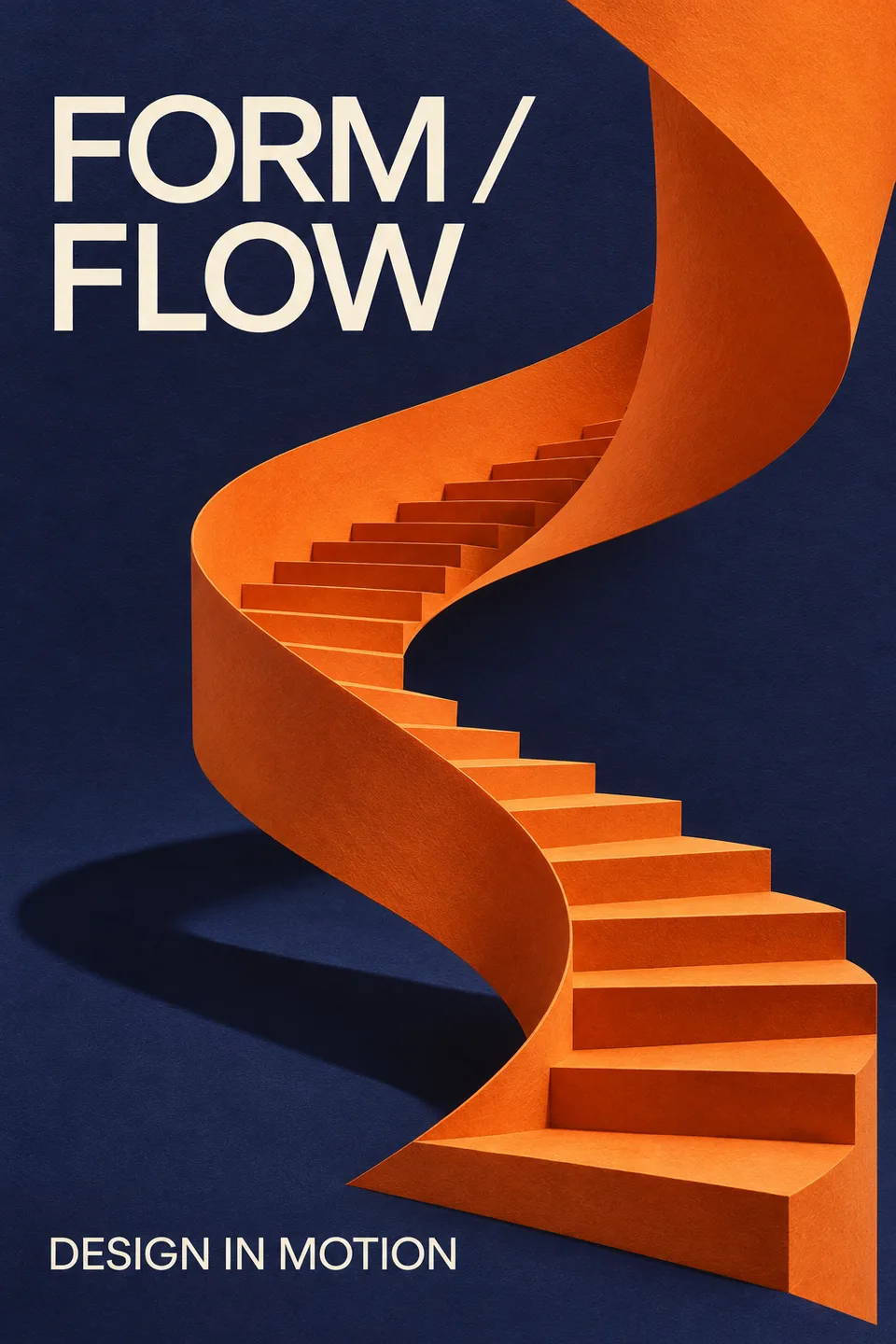
Create an indigo and orange design exhibition poster with a sculptural paper staircase. Use the exact headline FORM / FLOW and the small caption DESIGN IN MOTION.
Turn a prompt or reference image into a short GIF loop. Choose 2–16 frames at 512 × 512, or up to 12 at 768 × 768, and set the time per frame. The frame sheet determines the credit estimate.
Describe your image
A small orange satellite circles a cobalt-blue planet in a smooth seamless orbit. Clean graphic shapes on a dark background, fixed camera, return to the first pose.
Generate one scalable SVG from a text prompt for a logo concept, icon or simple graphic. A text model authors the vector after the image stage. SVG uses one output and no reference images.
Describe your image
Design a minimal flower emblem with three orange petals, a cobalt-blue stem and leaves. Clean vector paths, flat colors, transparent background, no text.
Add up to 16 references and state what should stay or change. For focused edits, use a PNG mask or a separate transparent annotation overlay with matching dimensions. Planning detail is independent of image quality.
Two models. Different priorities.
Model
Best starting point
File format
GPT Image 2.6 Flare
Explore compositions and everyday concepts with the recommended starting model.
PNG / JPEG / WebP / GIF / SVG
GPT Image 2.6 Sunburst
Refine detail and preserve the direction of an image through successive edits.
Name the subject, purpose, composition and mood. Put essential wording in quotation marks.
02
Anchor the image
For editing, add your reference in the workspace and spell out the details that must stay the same.
03
Refine with intent
Review the result, request one focused change and use the latest image as the next reference.
Before your next creation
Should I choose Flare or Sunburst?+
Start with Flare to explore ideas. Choose Sunburst for detailed results and consistent follow-up edits. Both use the same rate at matching settings; the result and waiting time depend on your request.
Which output formats can I generate?+
Choose PNG, JPEG, WebP, GIF or SVG in the output settings. PNG and WebP support an explicit transparent background. JPEG and WebP also offer an output-quality setting from 0 to 100.
Can I animate a photo as a GIF?+
Yes. Add references and describe one simple repeating action. GIF accepts 2–16 frames at 512 × 512 or up to 12 at 768 × 768. Time per frame starts at 20 ms and is rounded to 10 ms increments. Masks and annotations are for still images.
Can SVG use reference images?+
SVG is text-to-image with one output. Remove references and select a text model, such as gpt-5.4-mini, to author the vector. The downloaded file remains an SVG rather than a raster preview.
How do masks and annotations work?+
Add a reference and choose a mask or annotation guide in advanced options. Supply a separate transparent PNG at the same dimensions as the first image. Use only one guide type per request; describe both the intended change and what to preserve.
How many reference images can I use?+
Still-image editing and GIF generation accept up to 16 references. Give each image a role in the prompt, such as the subject, palette or scene. SVG accepts text only.
How are credits calculated?+
The workspace estimates credits from quality, size, output count and references before submission. GIF uses the whole frame sheet. Failed tasks use the existing refund flow. API SVG usage includes the additional text-model cost.
How do I keep working after generation?+
Download the original file, or bring a still image back as a reference for the next edit. Regenerate keeps the selected format and its settings. A GIF stays animated, and an SVG stays scalable when downloaded.
2.6
GPT Image 2.6
Your imagination has a next chapter.
Start with one idea. Give it a point of view. Make it yours.