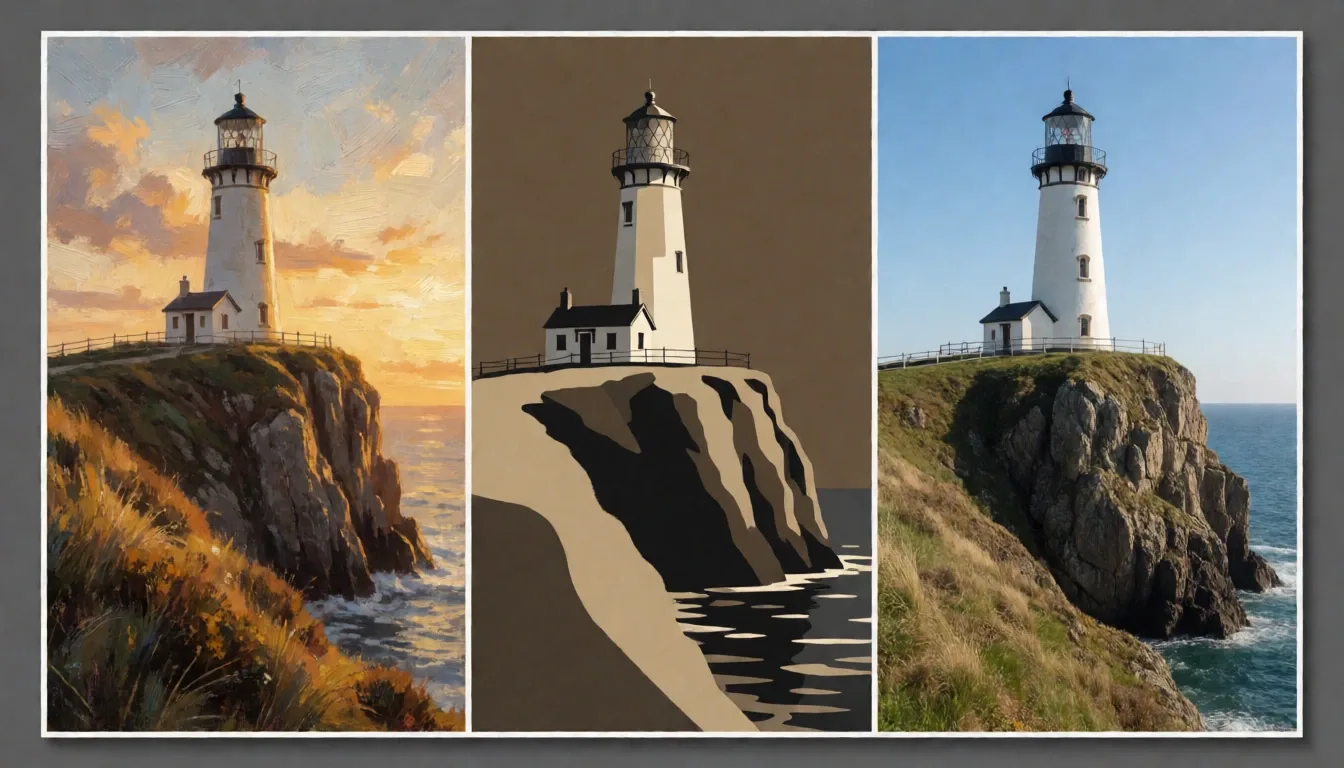
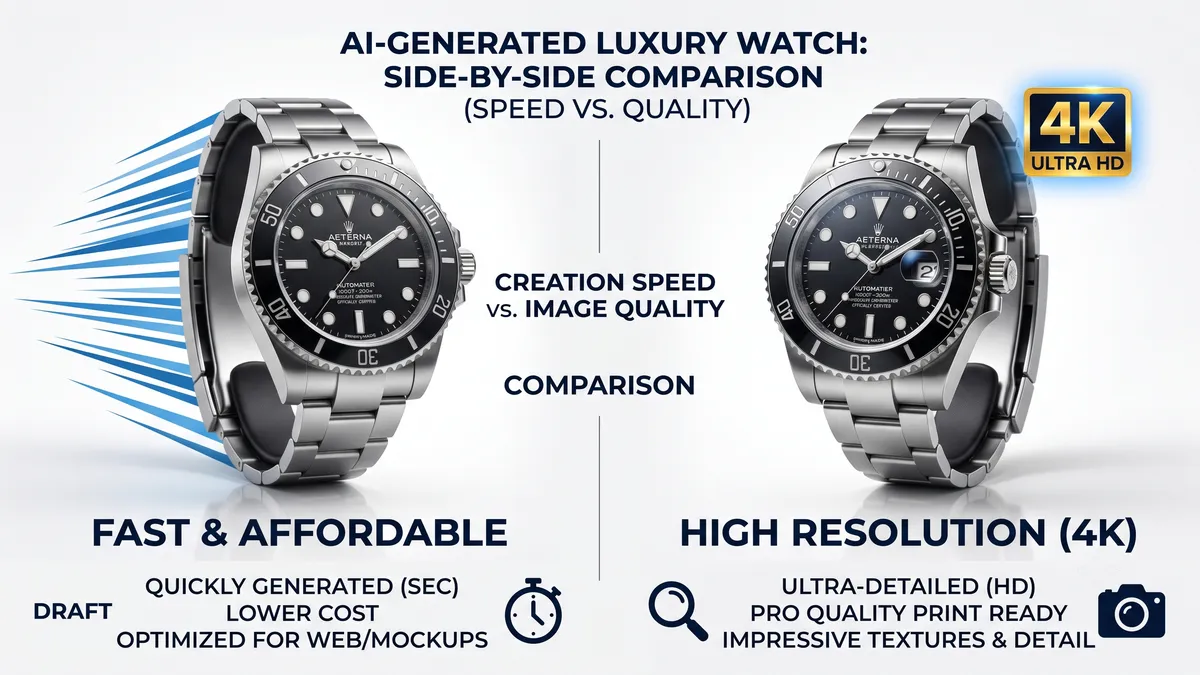
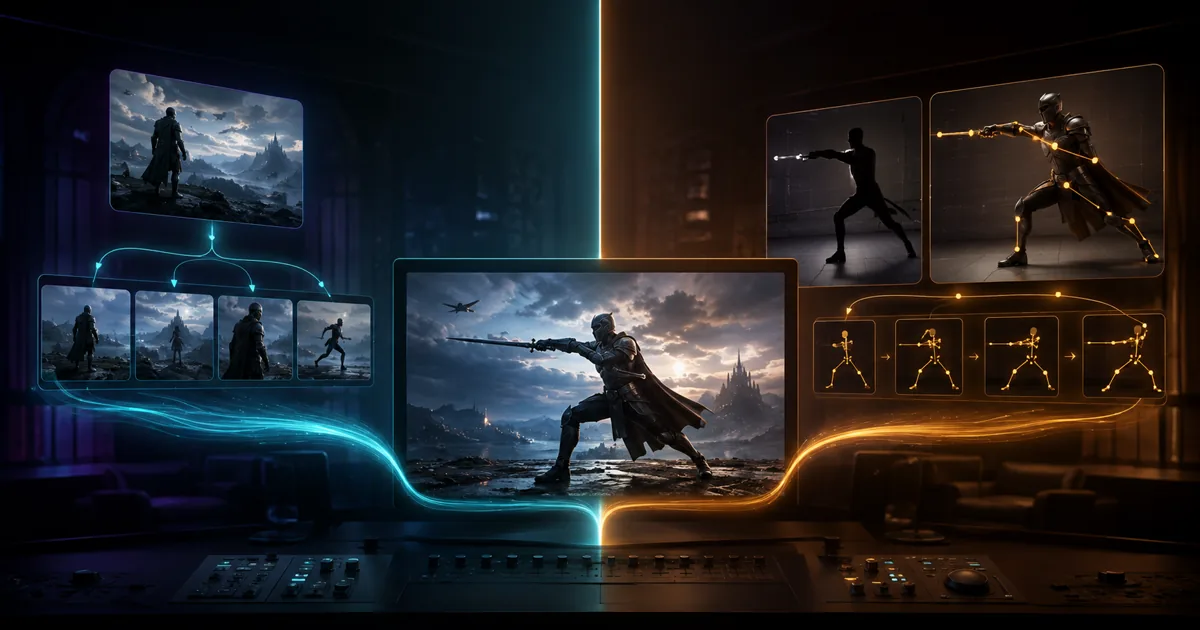
For anime image generation, choose Niji 7 for its literal prompt adherence, enhanced coherence, and clearer fine detail, especially when precise control over characters and scenes is paramount. Opt for Niji 6 if you prefer a model that offers more creative interpretation of your prompts and has a broader, established range of --style controls.
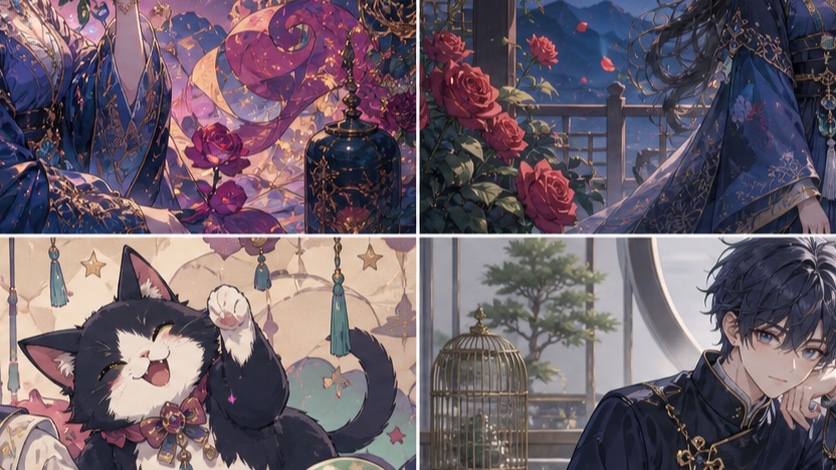
Niji 7 vs Niji 6: The Short Answer
Niji 7, launched in January 2026, is the newer and more literal of the two models, designed for greater prompt adherence and fine detail [S6, S7]. It excels at following explicit instructions for characters, poses, and environments. Niji 6, while still highly capable, tends to interpret prompts more creatively, sometimes adding unexpected elements or stylistic flourishes.
Here's a quick decision guide:
| Feature / Goal | Choose Niji 7
Prompt Adherence and Creative Interpretation
Niji 7 is designed to be more literal and coherent, making it an excellent choice when you need your output to closely match your prompt [S6, S7]. This means if you specify a character with specific features, in a particular pose, and with a detailed background, Niji 7 is more likely to deliver exactly that.
Niji 6, on the other hand, offers more creative interpretation. While this can sometimes lead to delightful and unexpected results, it can also mean the model takes more liberties with your instructions. If you're looking for a starting point that you can then refine, or if you appreciate a model that adds its own artistic flair, Niji 6 might be more suitable.
Prompting Tip for Niji 7: Be explicit with your details. If you want a specific background, describe it. If you want a full-body shot, mention footwear or the full figure [S7].
Example Prompt:
A young woman with long, flowing silver hair, wearing a futuristic armored suit, standing on a rooftop overlooking a neon-lit cyberpunk city at night, full body shot, dynamic pose, cinematic lighting --niji 7
For Niji 6, the same prompt might yield a similar scene but with potentially more stylistic embellishments or variations in the armored suit design or city architecture.
Character Detail, Line Work, and Backgrounds
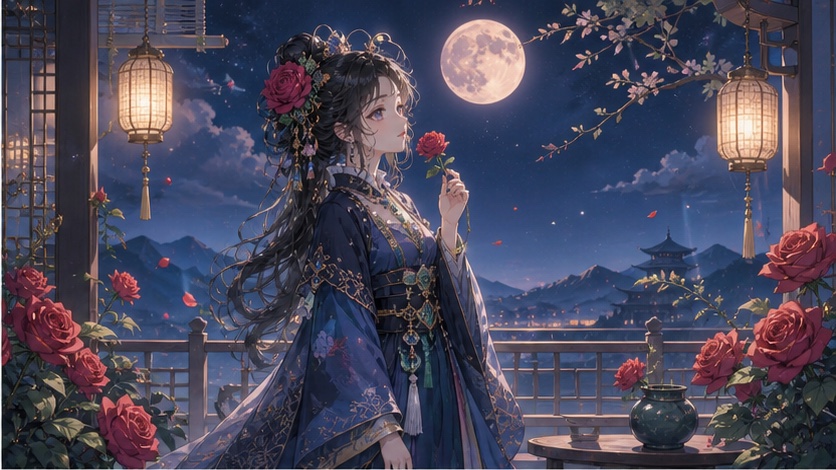
Niji 7 boasts clearer fine detail and improved coherence, which is particularly noticeable in character features, intricate line work, and the rendering of backgrounds [S6]. This makes it ideal for generating characters with specific facial expressions, detailed clothing, or complex accessories.
Niji 6 also produces high-quality results, but its line work might be slightly softer, and its backgrounds can sometimes be less distinct unless explicitly prompted.
Key Differences in Detail:
- Facial Features: Niji 7 tends to render more consistent and detailed facial expressions.
- Line Work: Niji 7 often produces sharper, more defined lines, contributing to overall clarity.
- Backgrounds: Niji 7 requires explicit background descriptions to avoid flatness, but when provided, it renders them with greater detail and depth [S7].
Prompting Tip for Backgrounds: Always describe your desired background for Niji 7. For example, instead of just "forest," try "dense, ancient forest with dappled sunlight filtering through the canopy."
Close-up of a determined female knight, intricate silver armor, sharp blue eyes, light reflecting off her helmet, detailed background of a crumbling castle wall, dramatic lighting --niji 7
Style Range and Reference Controls
Niji 6 has a well-established set of --style parameters (e.g., --style cute, --style expressive, --style scenic, --style original) that allow for broad stylistic shifts. These styles have been refined over time and offer predictable results for many users.
Niji 7, being newer, is more literal and relies heavily on textual descriptions for style. While it doesn't have the same explicit --style parameters as Niji 6, it can achieve a wide range of styles through detailed prompting. It also supports the newer Omni Reference (--or) and Style Reference (--sref) features, which are powerful tools for controlling visual properties [S2, S3, S5].
Reference Control Compatibility:
- Style Reference (
--sref): Both Niji 6 and Niji 7 support--sreffor carrying overall visual properties from reference images [S5]. This is excellent for maintaining a consistent aesthetic. - Omni Reference (
--or): Niji 7 is compatible with Omni Reference, which allows you to carry a person, object, or non-human creature from a reference image [S3]. This is a significant advantage for character consistency. Note that Omni Reference automatically uses V7 and costs twice the regular V7 GPU time [S3]. - Moodboards: Both models can benefit from Moodboards, which are personalization profiles built from selected images, though they are incompatible with
--svor--sw[S4].
Using Style Reference with Niji 7:
To achieve specific styles with Niji 7, combine detailed textual prompts with --sref images. You can even use the Niji Style Explorer and Style Creator to find and reuse --sref codes [S8].
A whimsical fantasy illustration of a cat wizard casting a spell, vibrant colors, soft lighting, detailed magical effects --sref [URL_TO_WHIMSICAL_ART_STYLE] --niji 7
Same-Prompt Results by Anime Job
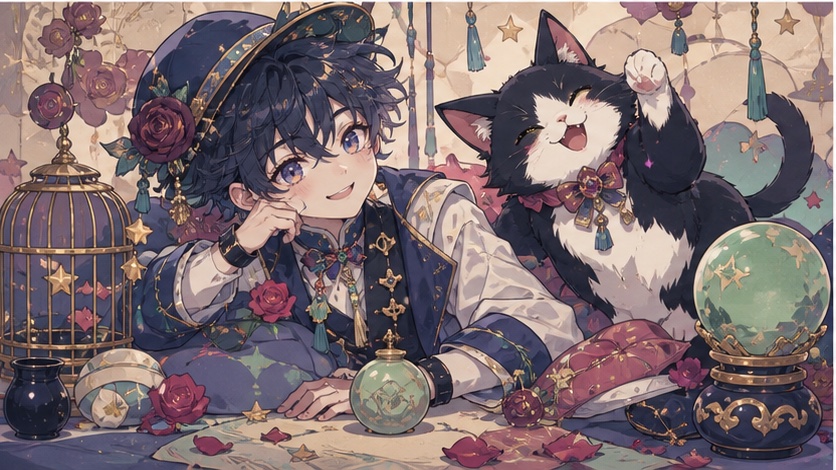
Let's look at how Niji 7 and Niji 6 handle similar prompts, highlighting their strengths.
Character Design
Prompt: A stoic samurai warrior, intricate traditional armor, cherry blossoms falling, dramatic lighting, full body shot --ar 2:3
- Niji 7: Expect highly detailed armor, a clear and consistent facial expression, and a well-defined background of falling cherry blossoms. The pose will likely be exactly as described.
- Niji 6: Might offer a more stylized interpretation of the armor or a slightly different artistic rendering of the cherry blossoms. The overall mood might be more pronounced, but details could be less literal.
Action Scene
Prompt: Dynamic battle scene, two anime characters clashing swords in mid-air, sparks flying, city skyline in background, high energy, cinematic --ar 16:9
- Niji 7: Will likely produce a coherent and detailed depiction of the action, with clear character forms and a readable sense of motion. The city skyline will be rendered with precision.
- Niji 6: Could lean into a more exaggerated or expressive style for the action, potentially sacrificing some literal detail for a stronger emotional impact or dynamic flow.
Landscape/Environment
Prompt: Serene Japanese garden, koi pond, stone lanterns, lush greenery, soft morning light, tranquil atmosphere --ar 3:2
- Niji 7: Expect a highly detailed and realistic (within the anime style) rendering of the garden, with distinct koi, intricate lantern designs, and varied foliage.
- Niji 6: Might present a more painterly or atmospheric version of the garden, with a focus on overall mood rather than minute details.
Stylized Portrait
Prompt: Anime portrait of a girl with glowing eyes, cyberpunk aesthetic, neon reflections, rain-slicked street background, close-up --ar 9:16
- Niji 7: Will likely deliver a precise interpretation of the cyberpunk elements, with sharp neon reflections and clear details on the girl's face and the background.
- Niji 6: Could offer a more artistic or abstract take on the cyberpunk style, potentially with more dramatic lighting or a less literal interpretation of the neon and rain.
Which Version Should You Choose?
The choice between Niji 7 and Niji 6 ultimately depends on your specific needs and workflow.
Choose Niji 7 if:
- You require literal prompt adherence and want your output to closely match your instructions.
- You need fine detail in characters, objects, and backgrounds.
- You plan to use Omni Reference (
--or) for character consistency [S3]. - You prefer to control style primarily through detailed textual prompts and
--sref[S5, S7]. - You are generating complex scenes where coherence is critical.
Choose Niji 6 if:
- You prefer a model that offers creative interpretation and can surprise you with artistic flourishes.
- You rely on the established
--styleparameters (e.g.,--style cute,--style expressive) for stylistic control. - You are looking for a broader range of pre-defined styles without extensive textual prompting.
- You prioritize mood and atmosphere over strict literalness.
General Advice:
- Experiment: The best way to understand the nuances of each model is to try them both with similar prompts.
- Start with Niji 7 for precision: If your project demands accuracy, begin with Niji 7. If it's too literal, you can always switch to Niji 6 or adjust your Niji 7 prompt to be less restrictive.
- Use Niji 6 for exploration: If you're brainstorming or looking for unexpected artistic directions, Niji 6 can be a great starting point.
Remember that Niji 7 is more literal, so explicit instructions are key [S7]. For example, if you want a full-body shot, include details like "full body shot" or "wearing boots" to guide the framing [S7]. Similarly, explicitly describe backgrounds to avoid flatness [S7].
Frequently Asked Questions
Can I use Niji 7 and Niji 6 together in the same prompt?
No, you must select either --niji 7 or --niji 6 for a given prompt. You cannot combine them.
Does Niji 7 cost more GPU time than Niji 6?
The GPU cost for Niji 7 is comparable to Niji 6 for standard image generation. However, using Omni Reference (--or) with Niji 7 will cost twice the regular V7 GPU time [S3].
Are there specific --style parameters for Niji 7 like there are for Niji 6?
Niji 7 does not have the same explicit --style parameters (like --style cute or --style expressive) as Niji 6. Instead, Niji 7 relies more on detailed textual descriptions and --sref for style control [S7]. You can use the Niji Style Explorer to find --sref codes for Niji 7 [S8].
What is the current default Midjourney version, and how does it relate to Niji?
As of July 24, 2026, Midjourney Version 8.2 is the current default [S1]. Niji models (Niji 6, Niji 7) are specialized anime models that run alongside the main Midjourney versions and are selected using the --niji parameter [S2].