
Product Background Remover
Product Background Remover
Cut products out of any photo and export a transparent cutout or a clean white background that meets marketplace listing requirements.
Upload Images
Click or drag to upload images, background will be removed automatically
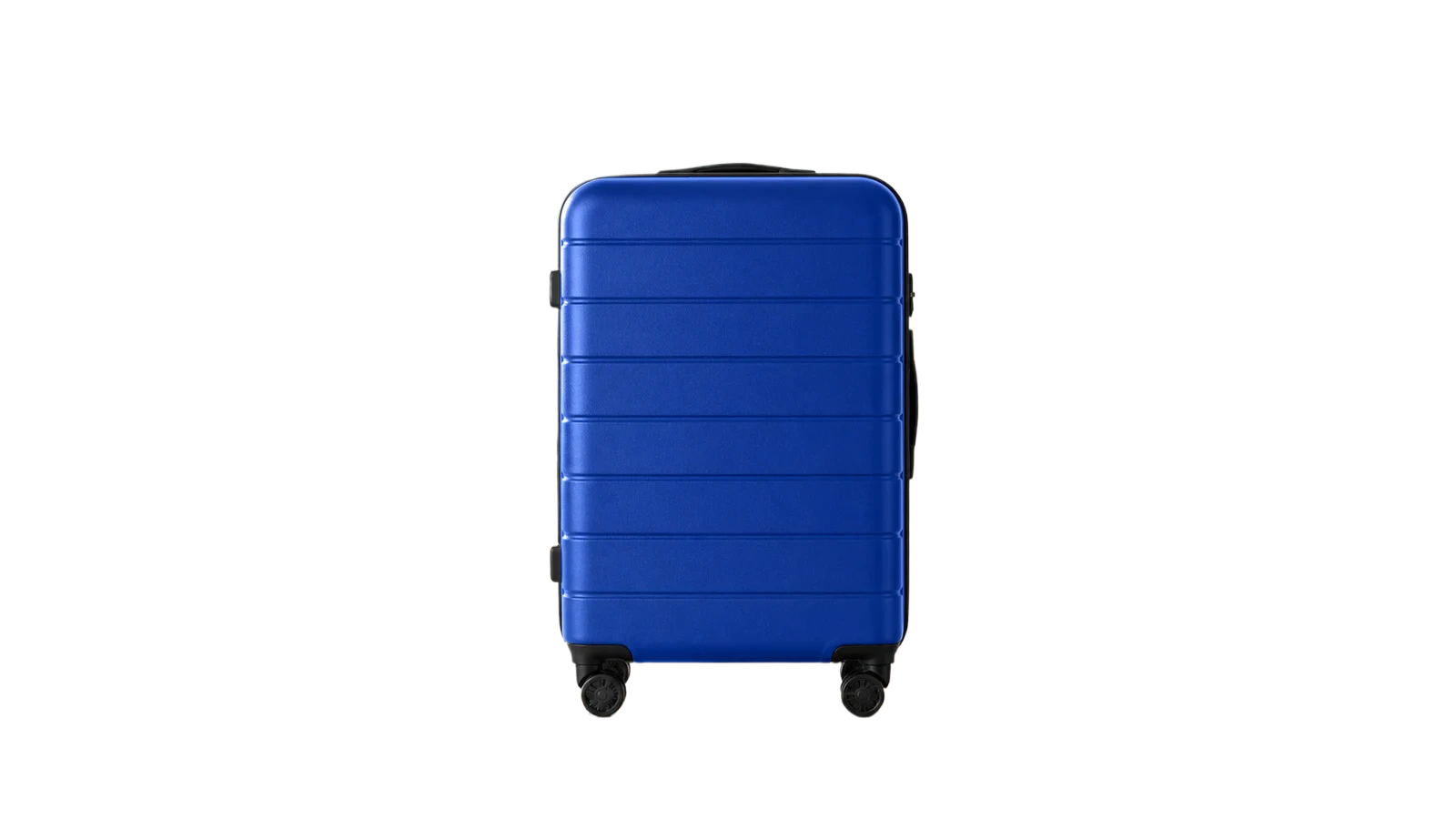
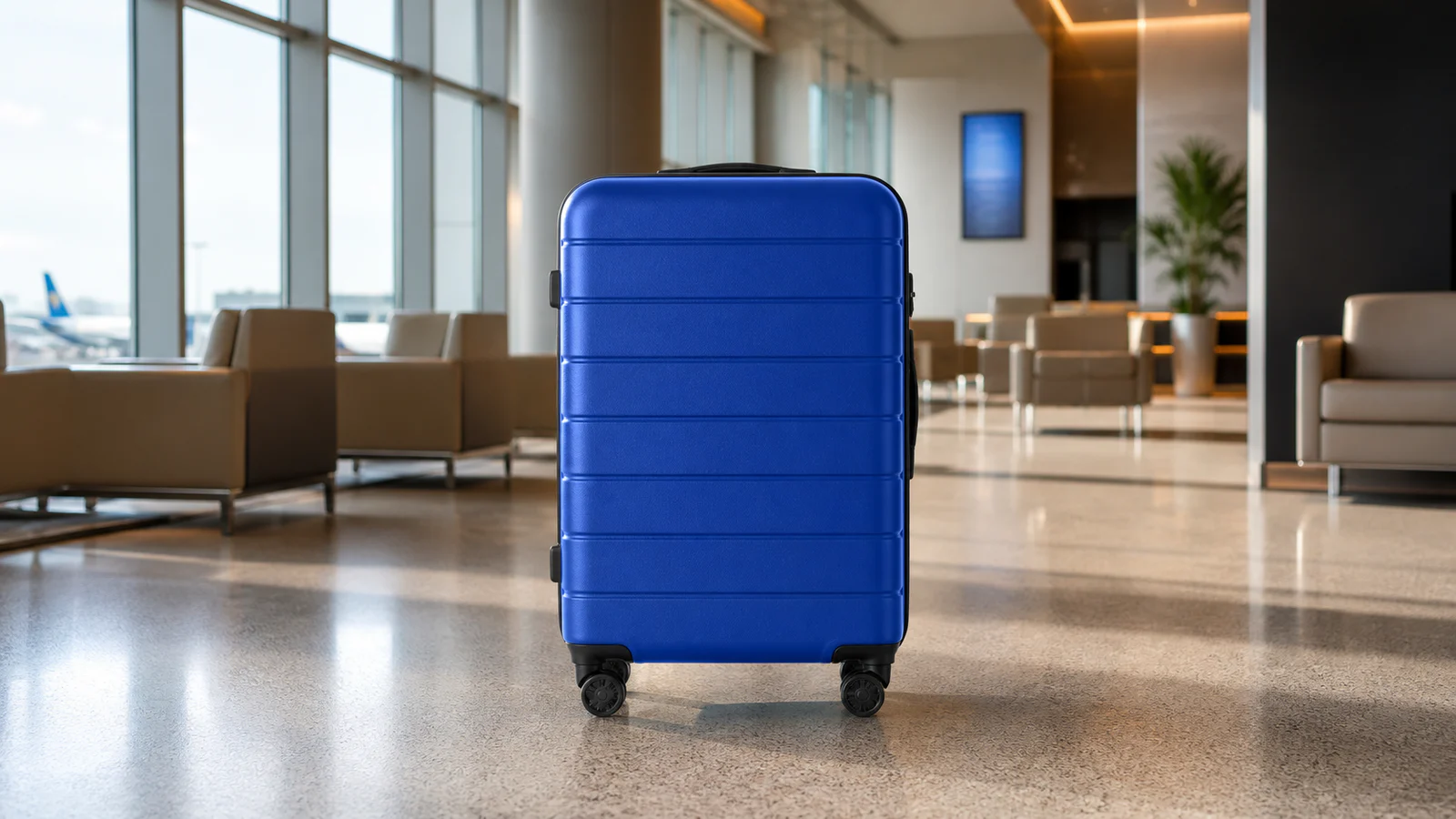
Click or drag to upload images, background will be removed automatically
Supports JPEG, JPG, PNG, BMP, WebP (max 3MB per file), resolution under 2000x2000.
See the real cutout quality
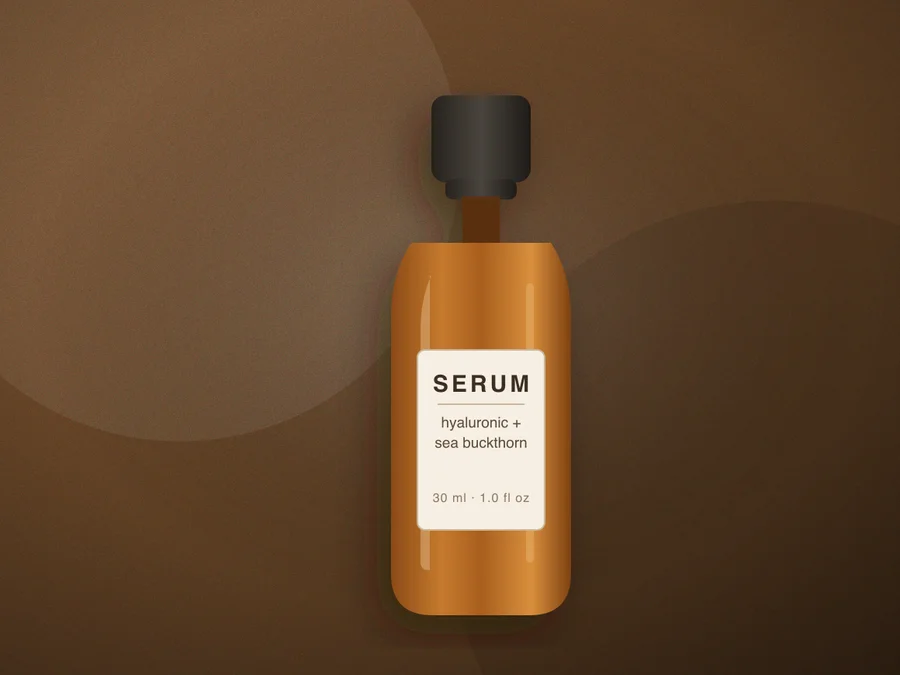 Before
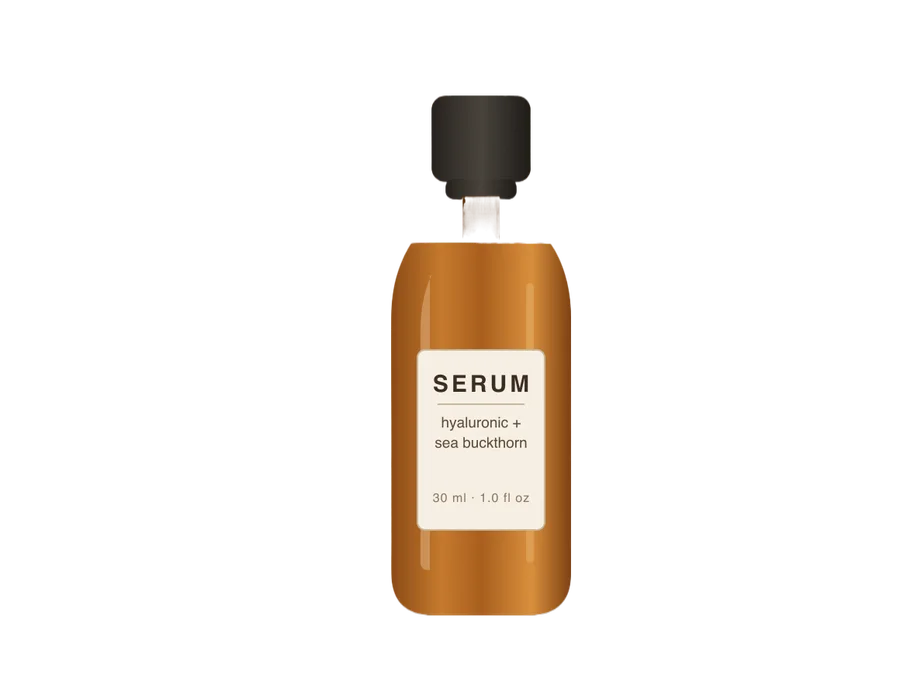 After
How to remove a product photo background
- 1
Upload the product photo
Works best with the product filling the frame on a plain background, under 2000×2000 pixels and 3MB.
- 2
Choose transparent or white output
Pick White background before uploading for marketplace main images, or keep the transparent default for design work and ad layouts.
- 3
Download and list
Check edges and reflections in the before/after view, then download. Paid members can batch up to five shots at once.
Product photo FAQ
Does the white background meet marketplace requirements?
The White background option returns a solid white backdrop, which matches how Amazon and Shopify expect main images. Always give the final file a quick check against the current rules of your marketplace before uploading.
Transparent or white background — which do I need?
Marketplace main images usually require pure white; transparent PNGs are for design composites, ad layouts, and anywhere the product sits on your own background.
What product photos work best?
Even lighting, a plain background, and the product fully inside the frame. Reflective or fuzzy materials may need a retry to get clean edges.
Can I process product photos in batch?
Paid members can upload up to five images per task and download them together; free accounts process one image at a time.