

Pixmind
AI Lifestyle Product Photography

Show Your Product in a Real-Life Context

Help shoppers understand where a product belongs, how it is used, and what it feels like to own—without arranging a new location shoot for every creative direction.

Morning coffee ritual
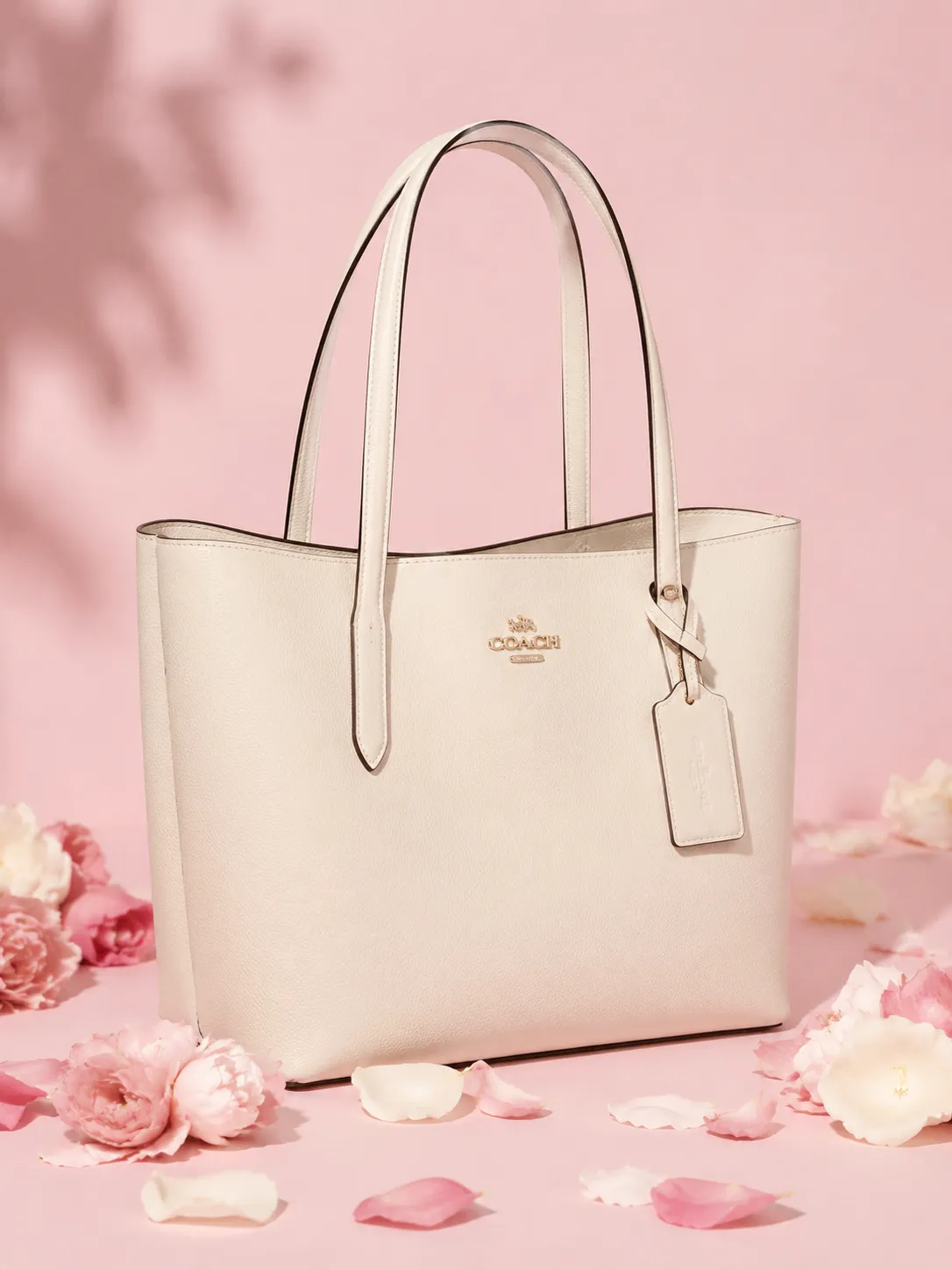
Everyday fashion setting
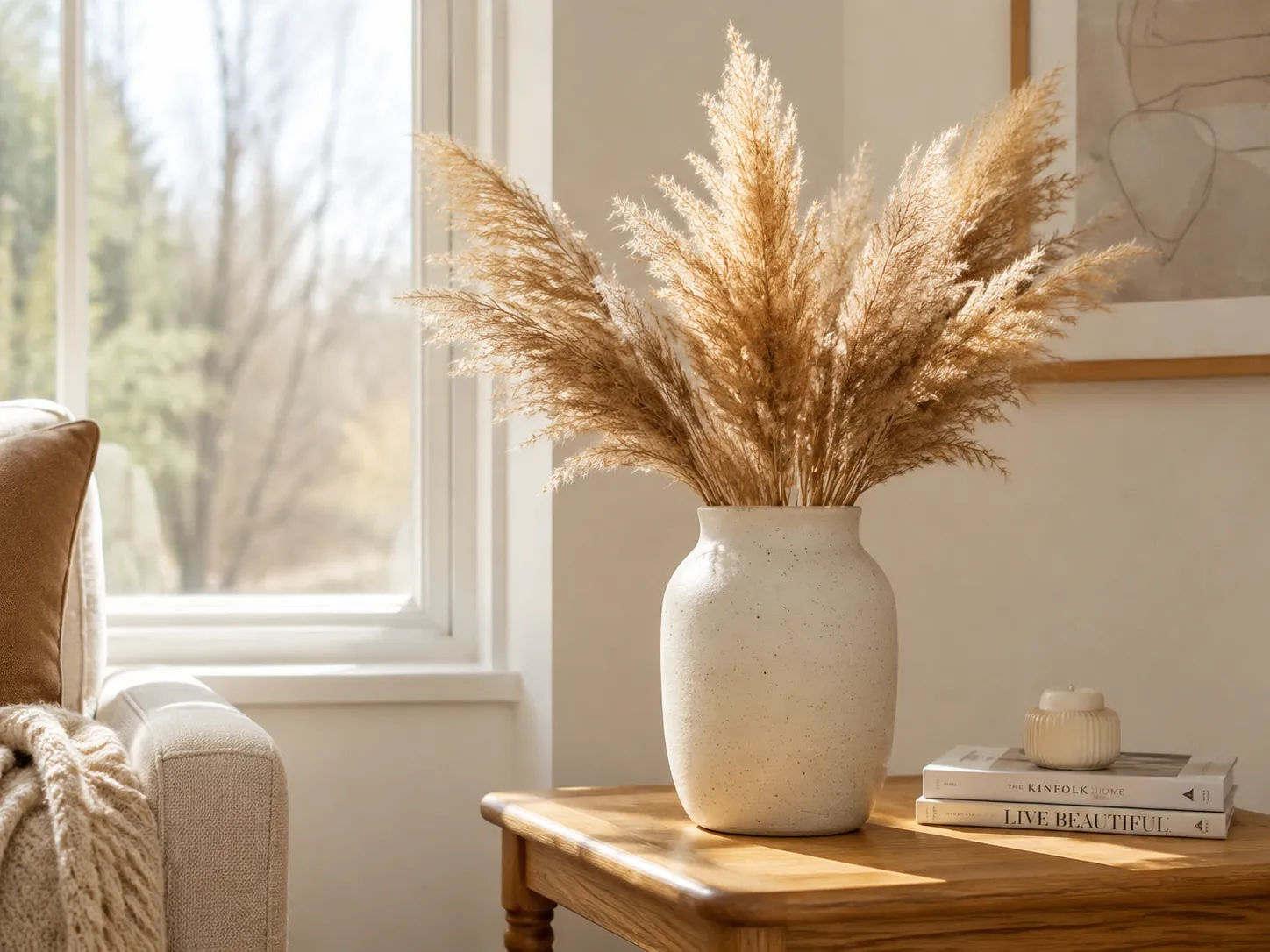
Cozy home routine
Cozy home routine
Product-in-context scenesNatural-language directionPortrait and landscape formats

Lifestyle scenes organized by customer job

Each prompt explains a use context rather than relying on generic style words.

Morning coffee ritual
01

Morning coffee ritual

Show food and beverage products as part of a familiar daily moment.

Prompt starter

Keep the packaged coffee product unchanged beside a fresh latte on a wooden breakfast table, warm morning window light, a few coffee beans, realistic home lifestyle photography.

Everyday fashion setting
02

Everyday fashion setting

Give bags and accessories scale, styling context, and a clear occasion.

Prompt starter

Keep the handbag unchanged on a bench in a refined hotel lobby, soft natural light, understated neutral styling, realistic editorial lifestyle photography.

Cozy home routine
03

Cozy home routine

Connect home products with atmosphere and expected placement.

Prompt starter

Keep the candle unchanged on a bedside table in a calm evening bedroom, linen textures, warm practical lighting, realistic cozy home photography.

Turn a packshot into a visual story

Build useful context instead of generating another decorative background.

Explain the use environment

Place kitchen, beauty, travel, home, or technology products where customers naturally expect to use them.

Direct mood and audience

Describe the customer, time of day, location, camera framing, and brand mood in ordinary language.

Create more secondary images

Generate supporting lifestyle options for product detail pages, marketplace galleries, emails, and social campaigns.

How to create lifestyle product images

1

Start with a reliable source image

Upload a sharp product photo with visible packaging, complete edges, and a useful viewing angle.

2

Describe a customer moment

State where the product is, who uses it, what is happening, and the intended camera framing.

3

Build a believable customer moment

Use realistic scale, natural contact points, grounded shadows, and props that support the product story.

Lifestyle product photography FAQ

What is an AI lifestyle product photo?

It is a generated image that places an uploaded product into a realistic use environment, helping customers understand context, scale, mood, or occasion.

Can I describe the customer or location?

Yes. You can describe the location, audience, time of day, props, lighting, composition, and intended sales channel in natural language.

Where can I use lifestyle product images?

Use them across product detail pages, secondary listing galleries, campaign pages, email, and social ads to show context and scale.

Which source photos work best?

Clear, high-resolution images with good lighting, unobstructed edges, readable labels, and a natural product angle generally provide the strongest starting point.

Turn a simple product photo into a customer moment

Open PixMind with the lifestyle workflow and a reusable prompt starter ready to edit.