Automatically isolate the product
Enable AI Matting when uploading to remove the source background before creating the new product presentation.

Remove distracting surroundings, isolate the product, and generate a consistent square presentation for catalogs, marketplaces, and ecommerce product pages.
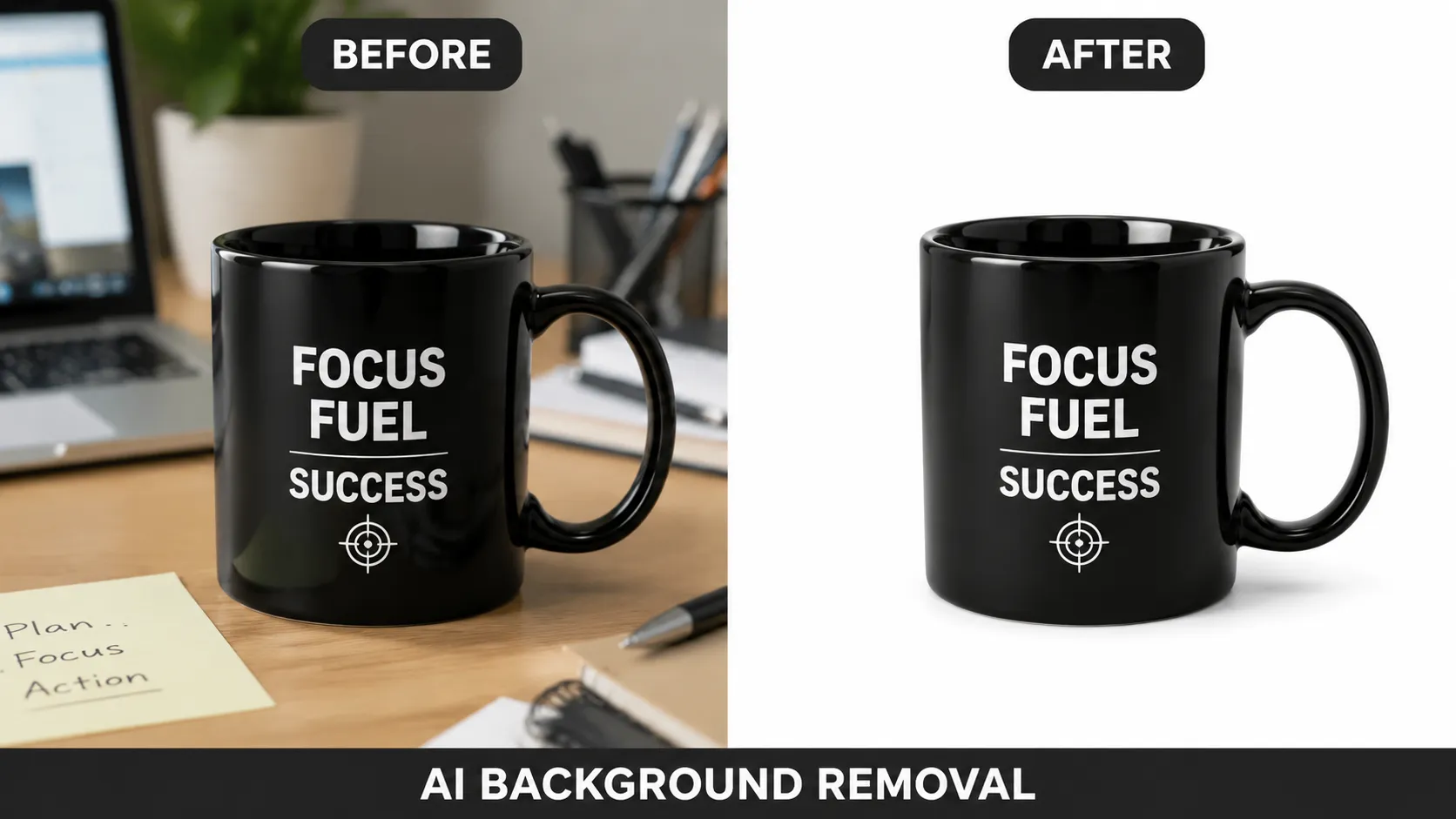 BeforeWhite result
A useful listing image also needs clean edges, balanced framing, and believable grounding.
Enable AI Matting when uploading to remove the source background before creating the new product presentation.
Use a square preset and repeat the same direction across related products for a more coherent category or catalog page.
Describe whether you need a completely flat background or a subtle contact shadow that gives the product realistic weight.
The right edge, shadow, and framing treatment depends on the product material and sales channel.
Clean, centered, and free of decorative elements.

A restrained contact shadow makes solid products feel grounded.
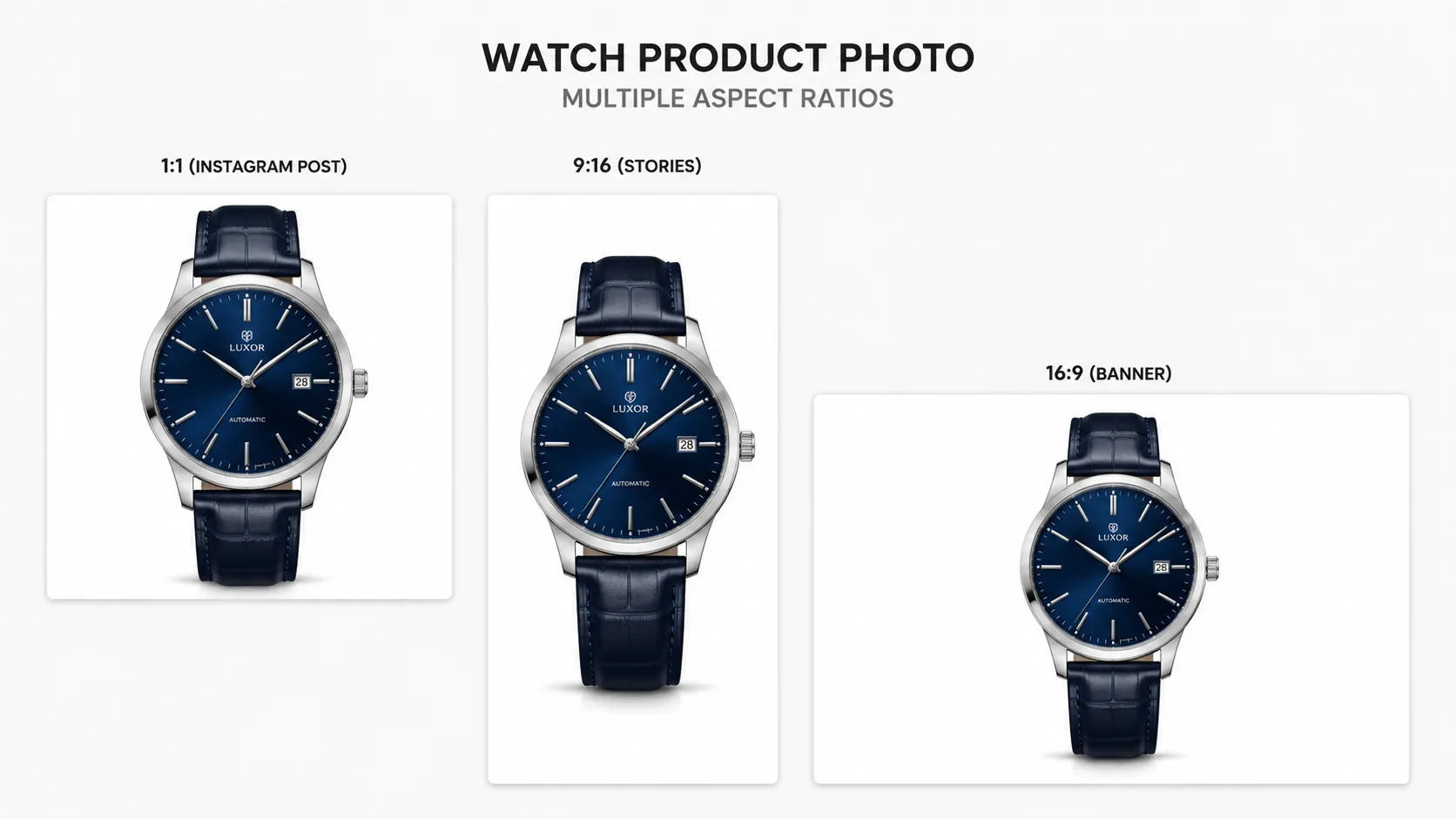
Repeat visual coverage and spacing across a set of related SKUs.
Choose an image with visible edges, accurate color, readable packaging, and minimal motion blur.
The white-background preset opens with matting enabled so the existing surroundings can be removed first.
Zoom in on hairline edges, glass, reflective metal, labels, shadows, and small accessories before export.
Yes. Enable AI Matting before upload to isolate the product before generating the new presentation.
Yes. Add a subtle contact shadow in the prompt to ground the product while keeping the background visually clean.
Yes. Start with a high-contrast source photo and use a clean studio-lighting prompt to preserve transparent, reflective, and fine-edge details.
Yes. The square white-background workflow is designed for ecommerce listings, product catalogs, and consistent storefront grids.
Open a square workspace with AI Matting and the white-background direction selected.