Match lighting and contact shadows
Describe the surface, light direction, mood, and props so the generated setting feels connected to the uploaded product.

Upload a product photo and build studio, lifestyle, seasonal, or campaign-ready scenes around it. Start from a task preset, a written direction, or a visual reference.
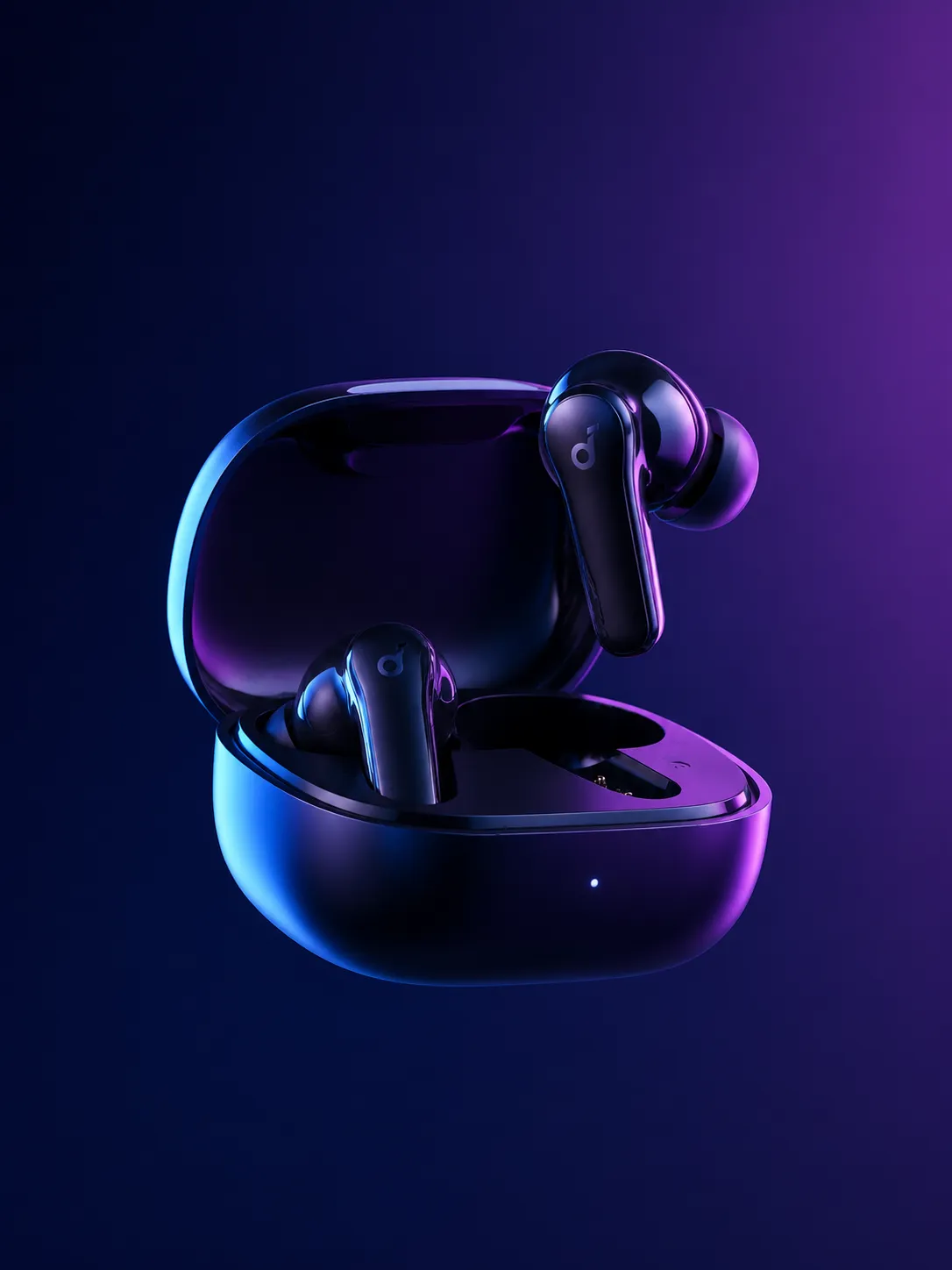
Dark technology backdrop
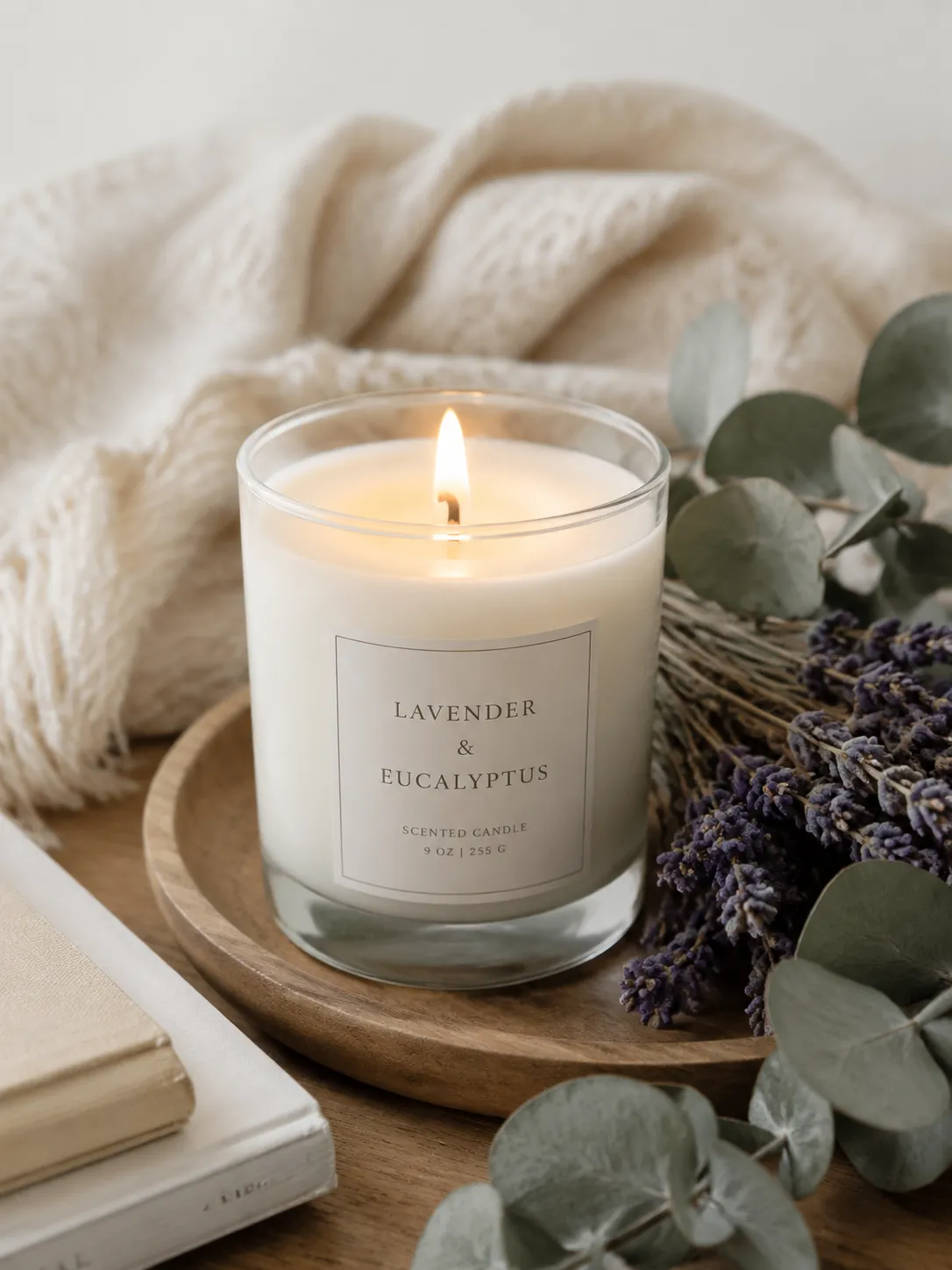
Warm home setting
Create a new environment without losing sight of the item customers are buying.
Describe the surface, light direction, mood, and props so the generated setting feels connected to the uploaded product.
Upload a visual reference in Advanced Create to guide palette, materials, atmosphere, and photographic style.
Choose square, portrait, or landscape formats for product pages, marketplace listings, ads, and social posts.
Use these directions as starting points, then replace the materials, colors, and mood with your brand language.
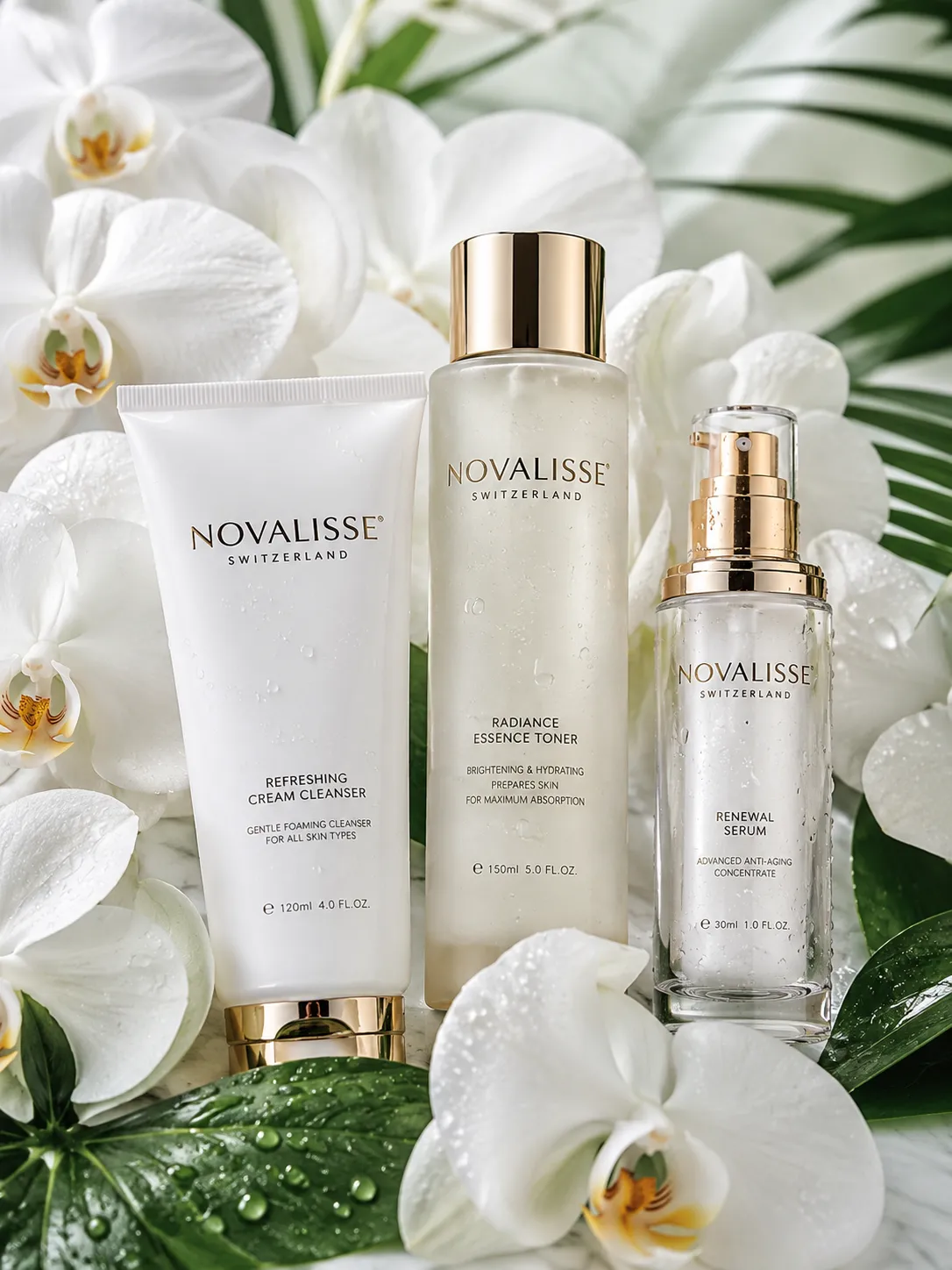
A polished hero scene for skincare, fragrance, and premium packaged goods.
Keep the product unchanged on a light marble surface, soft window light from the left, realistic contact shadow, restrained beige palette, premium commercial product photography.
Controlled reflections and contrast for electronics and accessories.
A softer environment for candles, decor, and everyday products.
Use a well-lit image where the complete shape, label, edges, and important details are visible.
Start with the background preset, edit the generated direction, or add a style reference image.
Reuse the strongest direction across product pages, campaign banners, social posts, and catalog images.
Yes. Advanced Create accepts a style reference so you can guide the scene's palette, materials, lighting, and overall visual direction.
Yes. Enable AI Matting before generation to isolate the product from a cluttered source photo and place it into a new scene.
The product image workspace currently offers 1:1, 16:9, 9:16, 4:3, and 3:4 outputs.
Start with a sharp, well-lit source photo and describe the elements that should stay unchanged, such as packaging, logo placement, material, and color.
Open the workspace with the product background workflow already selected.