
Limited timeAnnual membership:30% offplus unlimited access to GPT Image, MiniMax H3, and more
Seedance 2.5, Wan 3.0 & GPT Image 2.5 now live · Limited-time 50% off
Upgrade now
Pixmind
Amazon Product Image Generator

Create Amazon Product Images from One Photo

Prepare clean square main-image concepts and supporting lifestyle visuals from a single product photo with presets for each listing image role.

Square 1:1 presetWhite-background workflowMain and secondary image ideas
Clean main-image concept
Main image preset · 1:1
Listing image roles

Amazon listing image directions

Use each image slot to answer a different buying question.

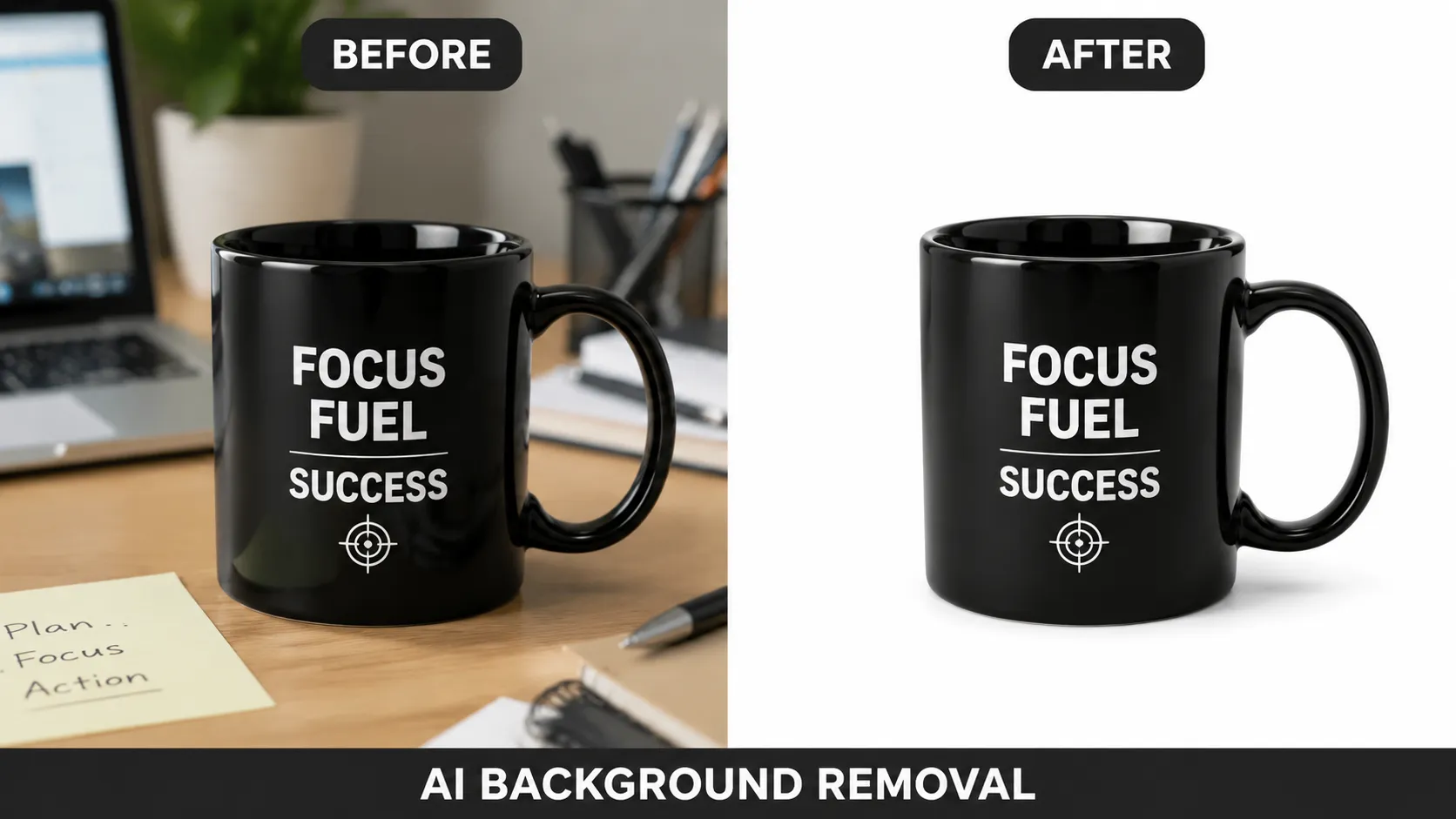
Clean main-image concept
IMAGE 1

Clean main-image concept

A centered product, pure white visual field, and restrained natural shadow.

Prompt starter

Keep the product unchanged, centered on a pure white background, even studio lighting, crisp edges, subtle realistic contact shadow, no decorative props or added text, square composition.

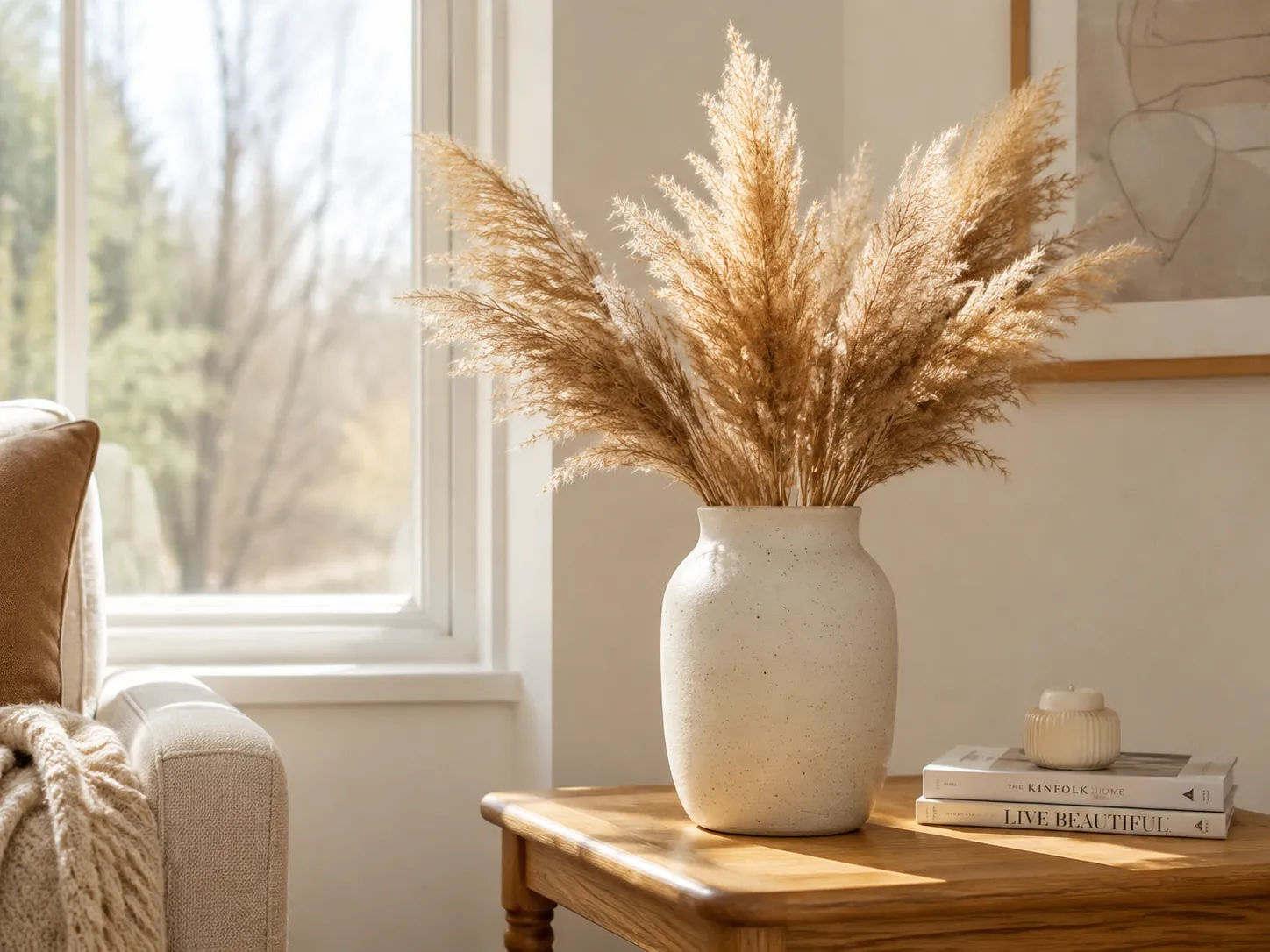
Secondary lifestyle image
IMAGE 2

Secondary lifestyle image

Show the product in a plausible environment without obscuring important details.

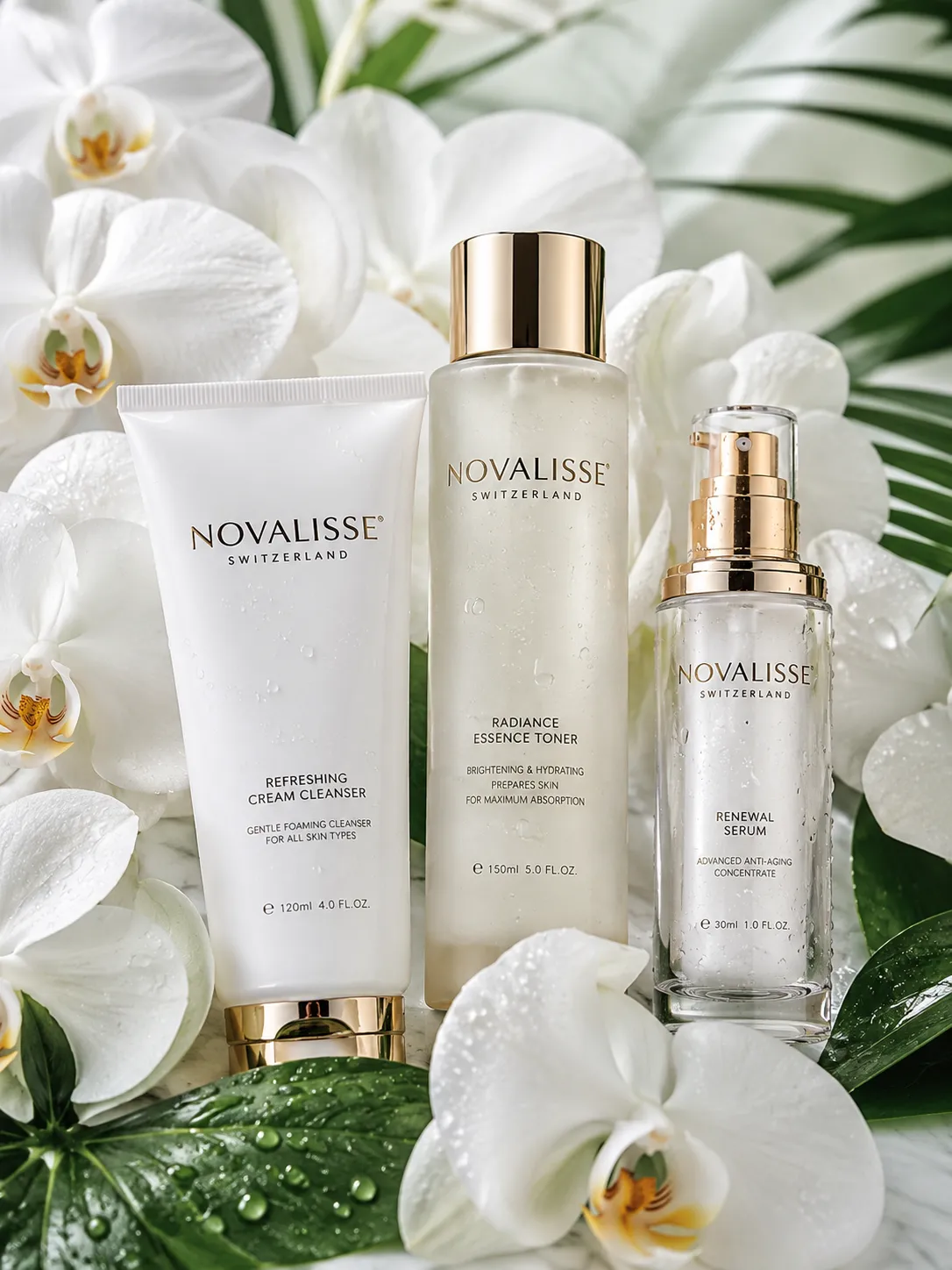
Premium product hero
IMAGE 3

Premium product hero

A campaign-style image suitable for brand content outside the main image slot.

Build a more useful Amazon image set

Treat the main image and secondary gallery as different customer jobs.

Start with a clean main image

Use the white-background workflow for a centered, distraction-free product presentation with balanced framing and clean edges.

Add product context

Create lifestyle options for secondary positions so shoppers can understand use, scale, environment, and product benefits visually.

Keep a consistent catalog look

Reuse the same scene direction, lighting language, and aspect ratio across related SKUs for a cohesive storefront.

How to prepare Amazon product image concepts

1

Upload the real product photo

Start from a current product image with accurate packaging, color, accessories, and included components.

2

Generate by image role

Create a clean main-image option first, then produce separate lifestyle or campaign directions for supporting slots.

3

Complete the listing image set

Export the main-image direction, then add lifestyle and campaign visuals that answer different shopper questions.

Amazon product image generator FAQ

Can PixMind create a white-background Amazon main image?

Yes. PixMind combines AI Matting, a dedicated main-image workflow, and a square preset for clean white-background product images.

Can I generate Amazon lifestyle images too?

Yes. Use the lifestyle or scene workflow for supporting images that show use context, scale, and environment where your category permits them.

Which Amazon listing image roles can I create?

Create a clean white-background main image, product-in-use lifestyle images, premium hero visuals, and supporting gallery concepts.

How do I keep an Amazon image set consistent?

Reuse the same product source, square framing, lighting language, product scale, and brand palette across every image role.

Start with an Amazon-ready workflow

Open a square product image workspace with AI Matting and the main-image direction selected.