
Seedance 2.5 Flash · direct the next variation
Seedance 2.5 Flash AI video generator
Find the shot before committing to a larger render. Turn a brief, product image or mixed references into 4–30 seconds of video at 480p or 720p, with optional generated audio.
Configured route specifications and confirmed prices, checked on 17 November 2026. The generator uses only this exact model when its live route is available.
Create with Seedance 2.5 Flash
Choose the video resolution and clip length. Give every reference a role and review the required PixMind credits before creating the video.
Choose your starting point
One model, several ways to direct a shot
Use text for an open composition, an image for a visual anchor, or mixed references for motion and sound. Flash also supports source-video editing and extension through the same workflow.
Start from a shot brief
Describe the subject, one main action, camera movement and ending. Add the sound you want, or turn generated audio off.
Give a product image movement
Animate a source image or set first and last frames. Frame-driven shots use an adaptive aspect ratio.
Assign references distinct jobs
Use up to 10 images, 5 videos and 5 audio clips. Audio-only references are supported; keep video and audio totals within 30 seconds each.
Build a useful first version
Three briefs for repeatable creative tests
Change one direction at a time: the product movement, reference composition or camera path. The illustrations below visualize the prompt ideas.
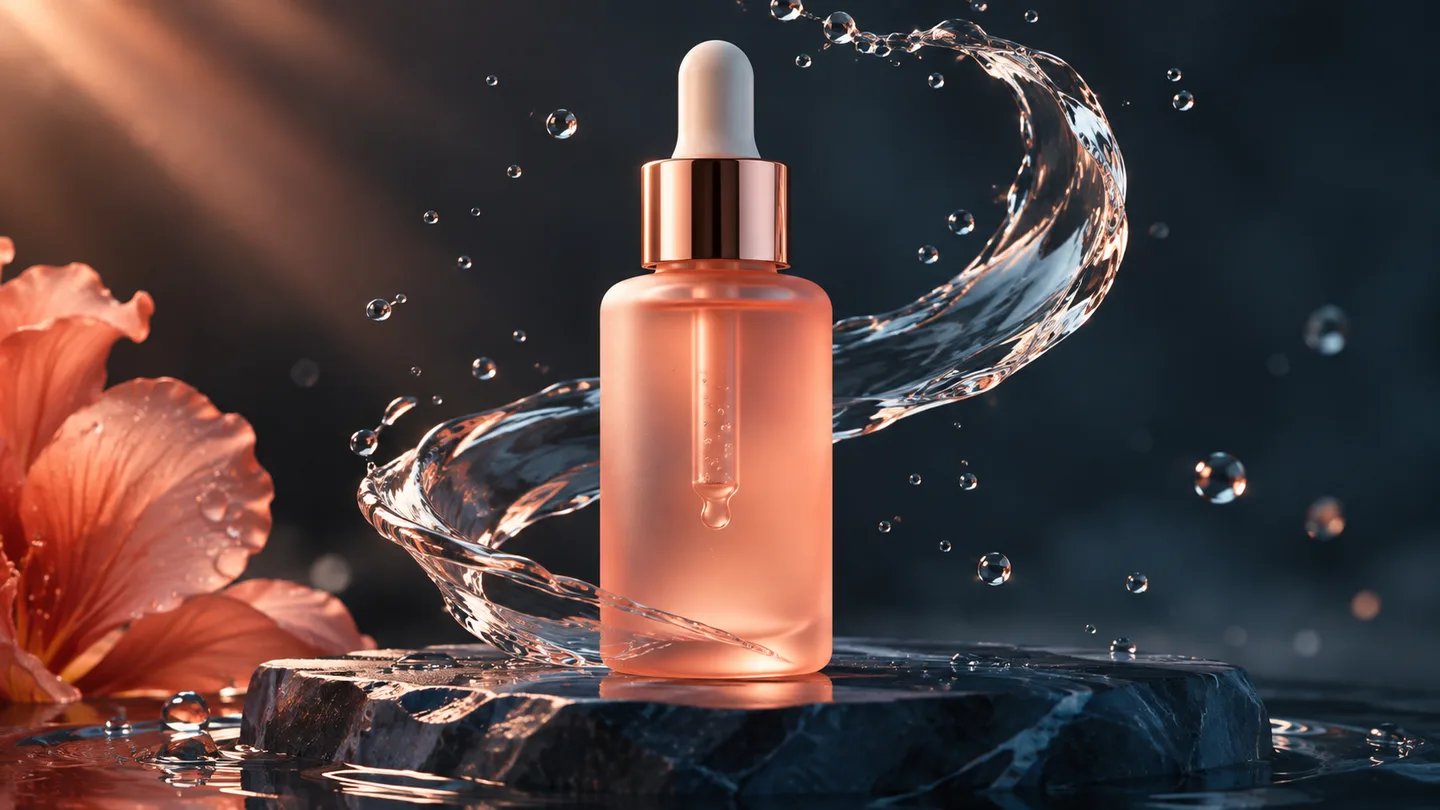
Compare product reveal directions
Keep the bottle and set fixed. Test a camera orbit, a water ripple or a lighting change separately, then keep the variation that serves the product.
An unlabelled coral glass serum bottle remains still on dark polished stone. The camera makes one shallow, slow orbit while a thin ribbon of water curls behind it. Warm side light, clean bottle silhouette, no cuts, no text, quiet water sounds.
Separate identity from camera direction
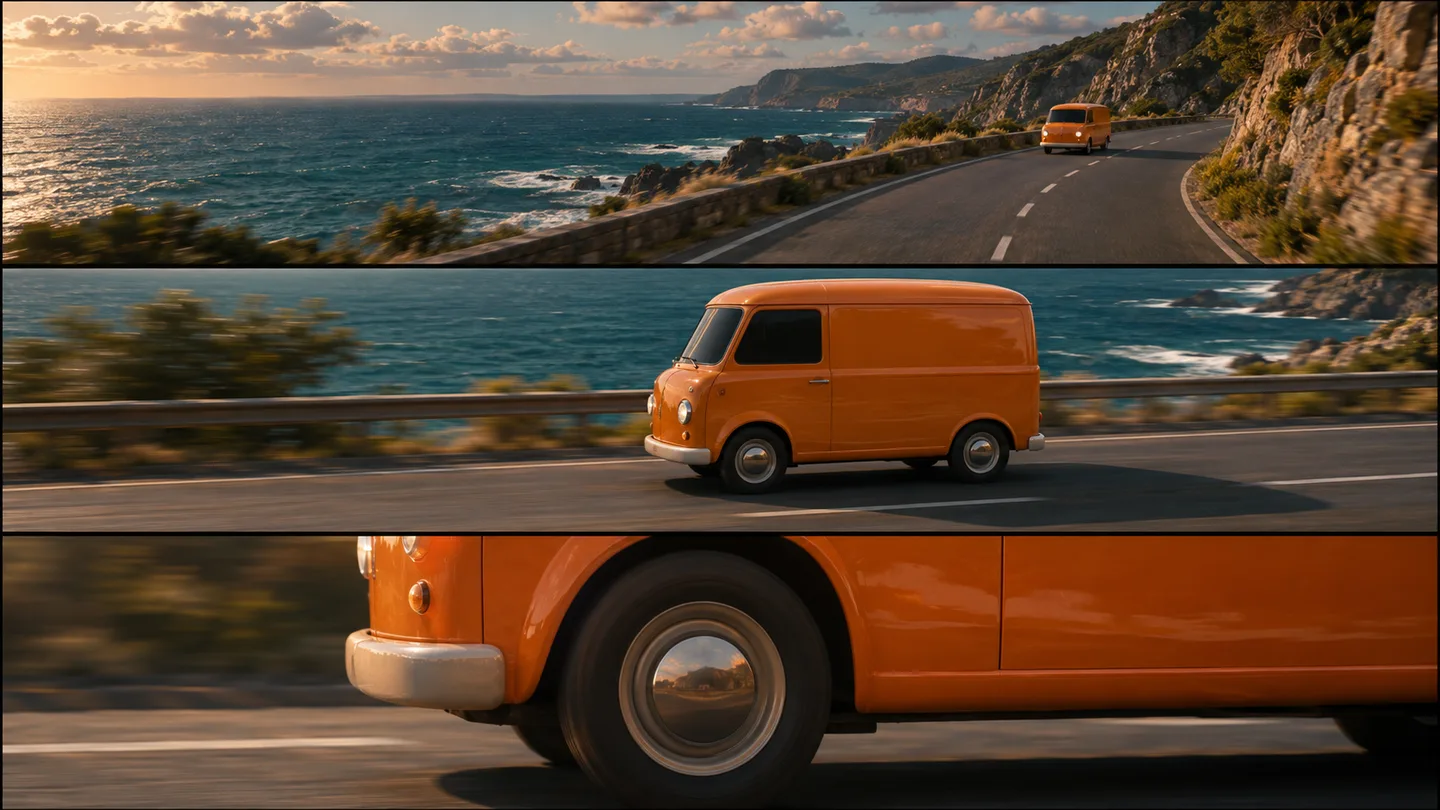
Use an image to anchor a vehicle's appearance and a video to guide its movement. Name each reference in the prompt so composition, motion and sound have distinct roles.
Use @图片1 for the orange van's shape and color, and @视频1 for the smooth lateral tracking movement. Drive along the coast in warm afternoon light. Keep one consistent van, no scene cuts and no added lettering.
Plan a continuous camera move
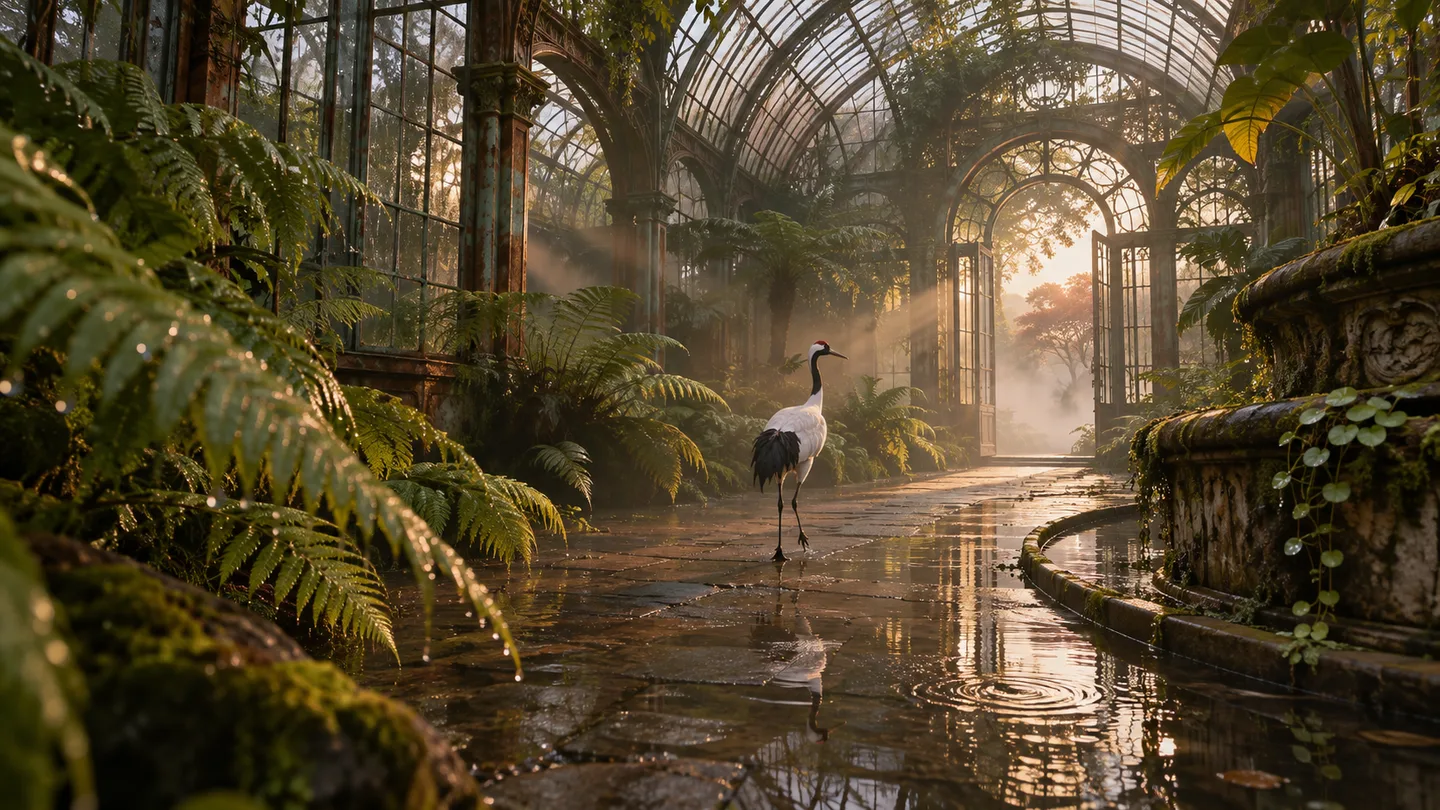
Describe a beginning, a visible action and a clean ending for a longer take. Reduce competing motion so the camera path remains easy to follow.
One uninterrupted low tracking shot inside a botanical greenhouse at dawn. A crane walks past a stone lantern and gently spreads its wings beside a shallow pool. The camera tracks sideways at a steady speed. Soft mist, warm sunlight, realistic feathers, no other birds and no cuts.
Choose Flash or the wider Seedance 2.5 route
Choose by delivery resolution, reference count and the next production step. These are configured workflow differences, not a speed or quality benchmark.
| Model | Start here for | Build the brief around | Next step |
|---|---|---|---|
| Seedance 2.5 Flash | Product-motion tests, social variations and 480p/720p deliverables. | Up to 10 images, 5 videos and 5 audio clips; clips up to 30 seconds. | Compare variations at 480p, then generate the selected direction at 720p. |
| Seedance 2.5 | Projects that need more references or higher-resolution settings. | The regular 2.5 route has its own reference limits, resolutions and draft workflow. | Open Seedance 2.5 and check its available controls and quote. |
| Seedance 2.0 Pro | Existing 2.0 workflows and shorter reference-led shots. | Up to 15 seconds, with resolution and references determined by the selected 2.0 route. | Keep an established 2.0 workflow when it already fits the brief. |
Flash supports 480p/720p and has no draft mode. Regular Seedance 2.5 is a separate model with separate prices.
How to use Seedance 2.5 Flash
Choose a starting point
Write a scene, upload an image or assign references. Images need both sides between 300 and 6000 pixels and an aspect ratio from 0.4 to 2.5.
Direct one clear change
Specify the action, camera and sound. For frame, edit and extend workflows, use adaptive framing; editing follows the source video's duration.
Keep and refine a variation
Compare movement and subject continuity, change one instruction, then choose the resolution for the next version.
Seedance model pricing comparison
Compare application and API credits per second across Seedance 2.5 Flash, 2.5, 2.0 Pro, Fast and Mini at the same resolution. A dash means no separate API rate is configured.
| Model | Resolution | Studio credits / second | API credits / second |
|---|---|---|---|
| Seedance 2.5 Flash | 480p | 85 | 68 |
| Seedance 2.5 Flash | 720p | 175 | 140 |
| Seedance 2.5 | 480p | 140 | 112 |
| Seedance 2.5 | 720p | 318 | 250 |
| Seedance 2.5 | 1080p | 700 | 628 |
| Seedance 2.0 Pro | 480p | 90 | 72 |
| Seedance 2.0 Pro | 720p | 220 | 176 |
| Seedance 2.0 Pro | 1080p | 420 | 336 |
| Seedance 2.0 Pro | 4K | 1050 | 840 |
| Seedance 2.0 Fast | 480p | 80 | 80 |
| Seedance 2.0 Fast | 720p | 160 | 160 |
| Seedance 2.0 Mini | 480p | 49 | — |
| Seedance 2.0 Mini | 720p | 105 | — |
Fixed-duration cost is the per-second rate multiplied by generated seconds. Flash automatic duration reserves 30 seconds, then settles actual output seconds rounded up.
Seedance 2.5 Flash questions
What is Seedance 2.5 Flash best suited to?
Use Flash to explore product movement, social variations and reference-led shots that can be delivered at 480p or 720p. It supports clips from 4 to 30 seconds. Start with a small test that makes the subject, action and camera movement easy to assess.
Does Flash support 1080p, 4K or draft mode?
Flash supports 480p and 720p only and does not accept draft fields. For higher-resolution settings or the draft-to-final workflow, open the separate Seedance 2.5 page and check its current generator.
How many reference images, videos and audio clips can I use?
Use up to 10 images across the image fields, 5 videos and 5 audio clips. Video and audio clips must each be 2–30 seconds, with no more than 30 seconds combined per media type. Editing source videos must be at least 4 seconds.
Why is a reference image rejected before generation?
Each image must be smaller than 30MB, with width and height each between 300 and 6000 pixels and a width-to-height ratio from 0.4 to 2.5. Replace or resize the image that fails validation; adding extra references will not correct its dimensions.
Can I use audio without an image or video?
Yes. Flash accepts audio-only references. Reference audio guides the input; the generated-audio switch separately controls whether the output includes sound. Describe how the requested sound relates to the visible action.
How do first and last frames work?
Supply a first frame and optionally a last frame, then describe the motion between them. A last frame needs a first frame. Frame-only tasks use adaptive aspect ratio. If video or audio references are also present, those frames become reference images for the multimodal task.
Can Flash edit or extend an existing video?
Yes. Editing and extension need a source video and adaptive framing. Editing follows the source duration and uses automatic duration; extension can request 4–30 seconds or automatic duration. Write a prompt that matches the selected task.
What does an 8-second clip cost?
At the confirmed Studio rates, 8 seconds costs 680 credits at 480p or 1400 at 720p. The API costs 544 or 1120 credits. Automatic-duration requests first reserve 30 seconds and later settle the actual rounded-up output duration.
What should I change when a shot does not follow the brief?
Reduce the shot to one subject, one main action and one camera direction. Give each reference a named role, and avoid mixing an editing instruction with a generation-only task. Compare one change at a time and keep the reference that anchors the intended subject.
Make the next shot direction concrete
Start with a clear action and a small reference set. Compare the result, then refine the version that fits your brief.
Open the generator