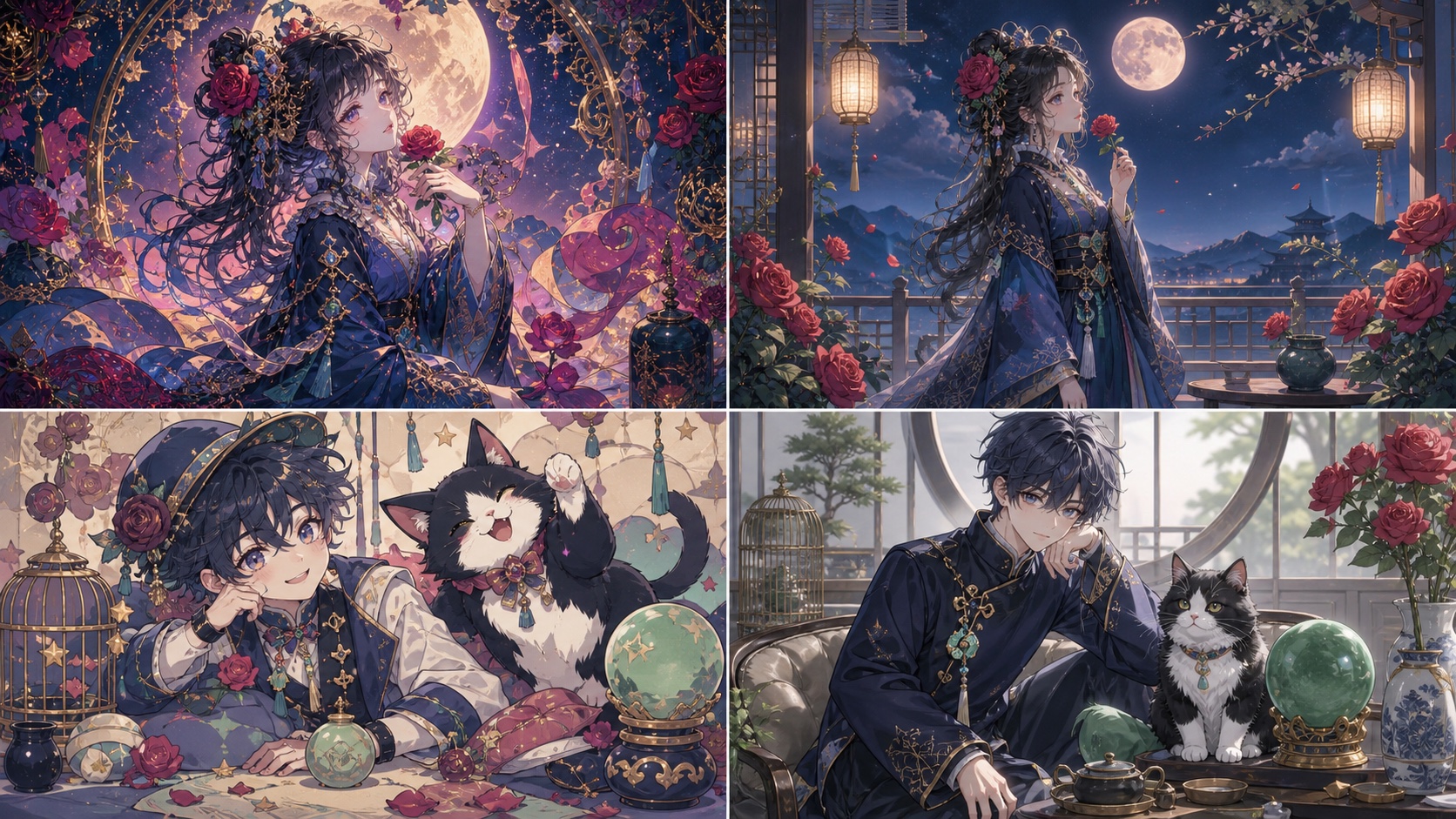
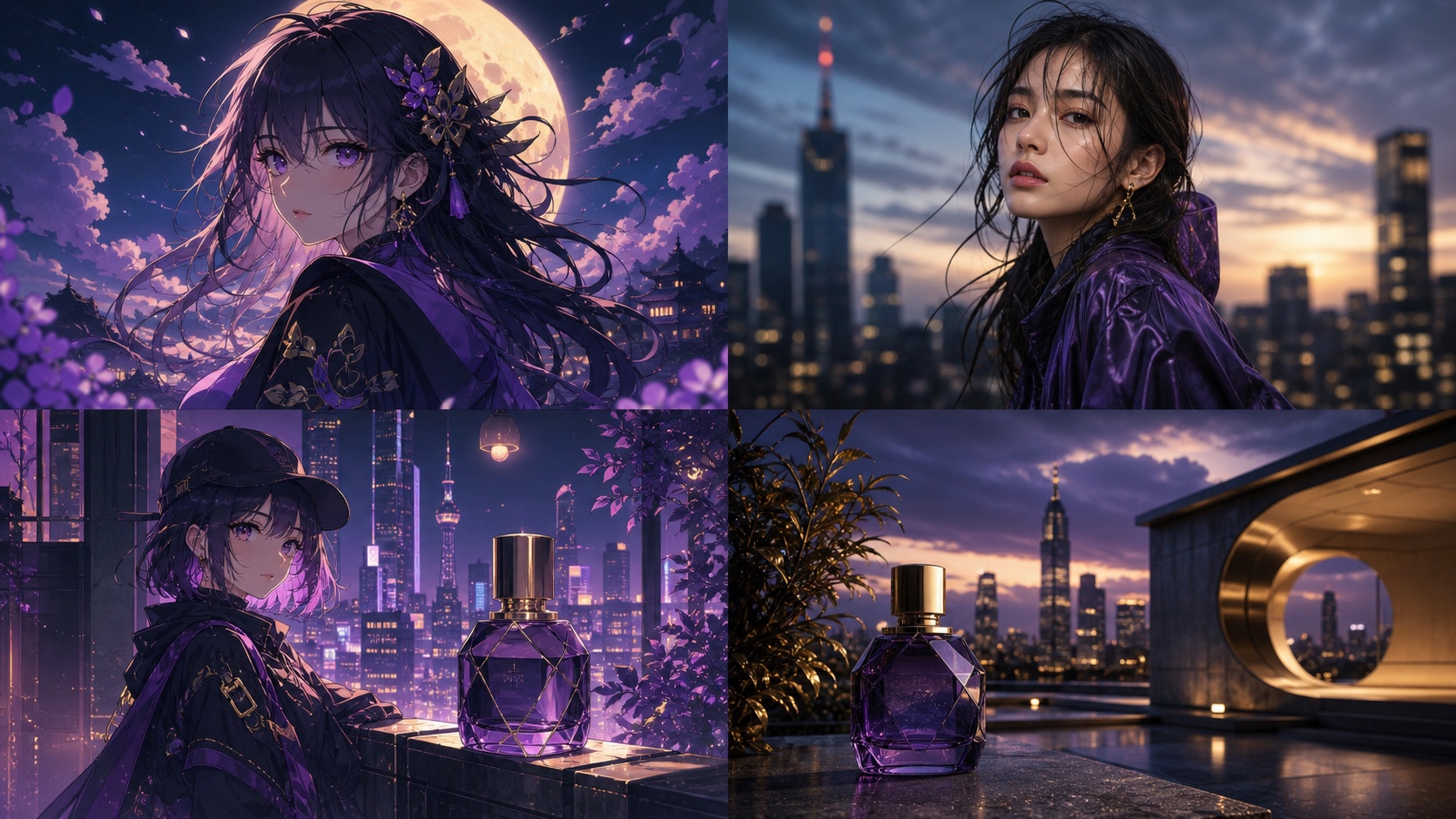
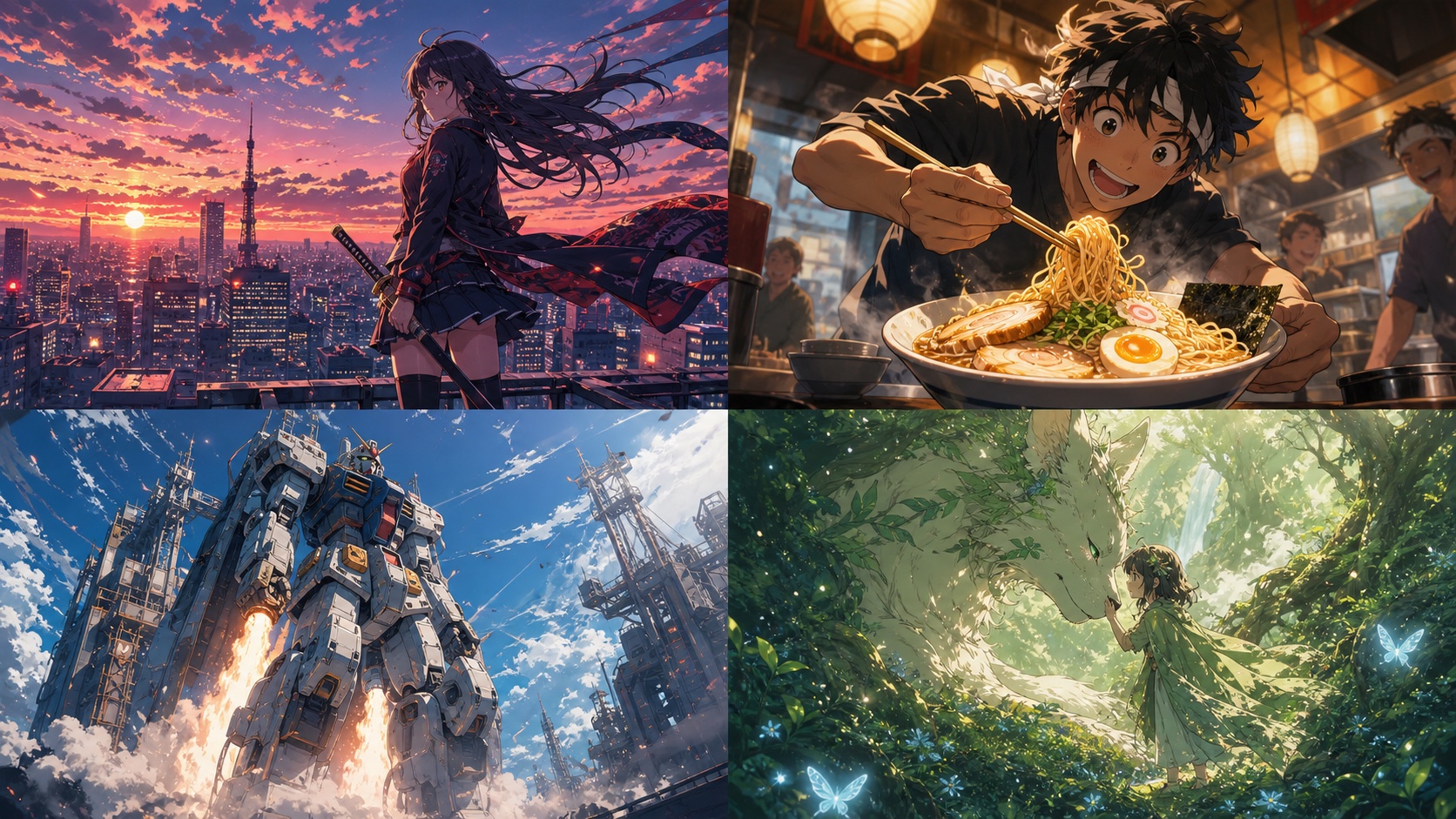
Use Niji 7’s Style Explorer to browse visual directions, then use Style Creator to refine one into a reusable SREF code. Before selecting anything, set the creator version to Niji 7. Keep one simple control prompt, retrieve promising codes from your Create history, and test each code across a person, place, and object. A useful style should describe a visual world—not work only on one attractive character portrait.
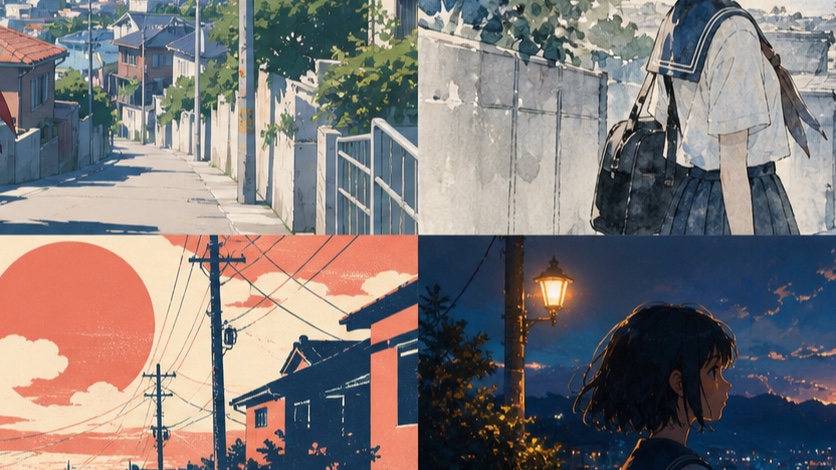
What styles can Niji 7 create?
Niji 7 is the anime and Eastern-illustration branch developed by Midjourney and Spellbrush. Its January 2026 launch emphasized stronger coherence, closer prompt following, clearer fine details, and a flatter default that exposes line quality rather than hiding structure under heavy rendering.
The model is also more literal than Niji 6. The official Niji 7 prompting guide describes it as giving more of exactly what the prompt requests and less of the unrequested cinematic framing that an older model might add automatically.
That behavior changes style work. A short phrase such as “retro anime” may not be enough to define:
- line weight;
- cel-shading depth;
- palette saturation;
- background density;
- lens or panel composition;
- paper, ink, film, or digital texture.
You can write all of those attributes repeatedly, or encode much of the visual direction in a Style Reference code and keep the text prompt focused on content.
Style Explorer vs Style Creator vs SREF
These three names describe different parts of one workflow:
| Tool/control | Job | Output |
|---|---|---|
| Style Explorer | Browse visual directions and find nearby looks | A style ID/code you can try or save |
| Style Creator | Refine a direction by selecting toward preferred examples | One or more generated SREF codes |
| SREF | Apply the saved aesthetic to a new content prompt | Styled generations |
A Style Reference affects look and feel: color, medium, texture, lighting, rendering, and related aesthetic properties. Midjourney’s Style Reference documentation explicitly distinguishes this from copying the people or objects in the source.
That distinction prevents a common disappointment:
SREF can help three characters appear to belong to the same show. It does not, by itself, guarantee that all three images contain the same character.
Character identity still depends on a stable character specification, suitable reference controls, and careful review. This article is about style continuity, not exact identity preservation.
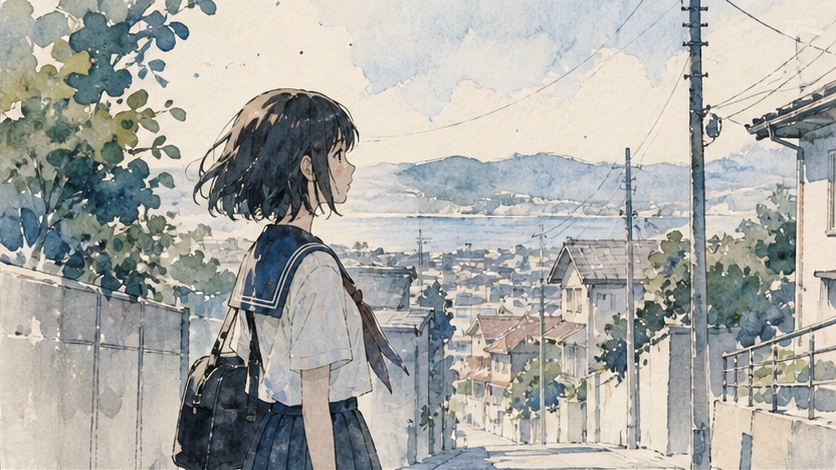
How to find and save a Niji 7 style
The Niji Style Explorer/Creator announcement provides the current interface flow.
Set the version before choosing
Open Niji’s styles view:
https://nijijourney.com/explore?tab=styles_random
Then:
- Open Style Creator from a style that moves in the right direction.
- Open the creator settings.
- Set the model/version to Niji 7.
- Confirm the preview bar is rendering your test prompt with the Niji version.
The sample images on the left are not supposed to contain your prompt subject. They represent areas of style space. Your control prompt appears in the generated preview strip on the right.
Use one control prompt
Use a prompt that exposes line, skin, fabric, a prop, and a background without becoming a full production scene:
anime key visual of a courier with short black hair and an orange jacket,
standing beside a silver bicycle at a quiet coastal train station,
morning light, full-body composition, one travel bag --niji 7
Keep it unchanged throughout the creator session. If the prompt changes, the visual movement may come from content rather than style selection.
Select styles that move toward the target. As you continue, the creator narrows the displayed options and periodically renders the control prompt with a new custom code.
The official Niji article shows codes in this general form:
--sref 6083237654::1
--sref 7296523329::1
Those are official examples, not universal recommendations. A code that fits one subject may fail your visual world test.
Retrieve and name the code
When you leave the creator, go to the Create tab and review the images from the session. The generated codes appear in the prompt history.
Do not save a naked number in a notes app. Use a record:
name: "flat coastal adventure"
model: "Niji 7"
sref: "YOUR_CODE"
created: "2026-07-26"
control_prompt: "courier at coastal train station"
strength_or_weight: "record exact syntax used"
passes:
  - "character key visual"
  - "train-station environment"
fails:
  - "reflective mecha surfaces become too soft"
notes: "clean navy outlines, warm paper texture, restrained shadows"
Style-reference systems can change between model versions. Midjourney warns that older codes may not produce the same style after reference updates, so the model and date belong beside the code.
How to test whether a style is reusable
A character portrait can make almost any style look convincing. A reusable production style must survive different geometry, scale, and subject categories.
Person/place/thing matrix
Run the same code through three prompts:
| Test | Control prompt | What it reveals |
|---|---|---|
| Person | anime character key visual, courier in an orange jacket, full body, neutral pose |
Face, anatomy, line weight, fabric and palette |
| Place | empty coastal train station at sunrise, tracks, platform roof, sea in distance |
Perspective, atmosphere, background density and light |
| Thing | silver city bicycle with an orange travel bag, three-quarter product view |
Shape clarity, mechanical detail and material behavior |
Append the same model and code to every prompt:
--niji 7 --sref YOUR_CODE
Then check five shared properties:
- Line language: Does the outline stay recognizably related?
- Palette: Do accent and neutral colors follow the same logic?
- Shading: Does the code use flat cel blocks, soft gradients, ink texture, or another consistent system?
- Space: Do figures and environments feel as if they belong to one production?
- Detail budget: Does the style remain readable in both a face and a wide scene?
The “person, place, thing” method extends a pattern visible in Niji’s own Style Creator explanation: a world becomes convincing when its style holds across different kinds of images.
Hard-subject stress test
Add one subject that the style may resist:
- reflective mecha for a soft watercolor code;
- a crowd scene for a minimalist code;
- night lighting for a bright flat-color code;
- an architectural interior for a portrait-heavy code.
You are not trying to prove that the style handles everything. You are finding its production boundary.
Record one of three outcomes:
- Pass: visual system survives without losing subject readability.
- Conditional: useful after a prompt correction.
- Fail: code fights the subject enough that another style should be used.
That note is more valuable than calling a code “good.”
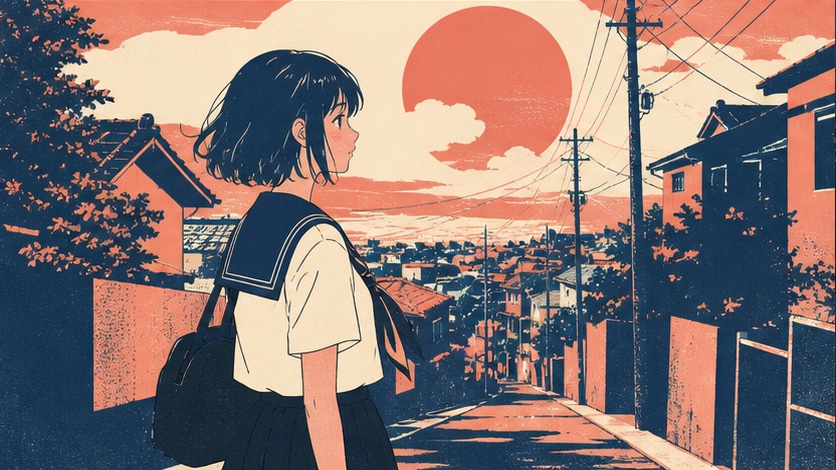
Niji 7 style recipes
The recipes below use placeholders because a style code should be selected and validated, not copied from an unverified list.
Retro anime
anime screencap of an overnight radio host in a compact studio,
1980s broadcast equipment, midnight city lights through the window,
simple cel shading, readable silhouette, cinematic medium shot
--niji 7 --sref YOUR_RETRO_CODE
Validate the code on a character, a city exterior, and a radio/cassette object. A retro code that only adds dust and orange tint is a filter, not a complete style system.
Chibi
chibi character sheet of a young botanist,
green field jacket, yellow rain boots, round sample case,
front view, side view, three expressions, clean white background
--niji 7 --sref YOUR_CHIBI_CODE
Check whether proportions, face simplification, and accessory detail remain readable. Keep the content prompt literal; Niji 7 rewards specific color and outfit assignments.
Mecha
anime mecha concept sheet,
compact rescue robot with white ceramic armor and orange joints,
front three-quarter view, rear detail view, clear mechanical silhouette
--niji 7 --sref YOUR_MECHA_CODE
Stress-test on reflective metal and an environment scene. A code can create excellent line art but erase mechanical separation with excessive glow or painterly blending.
Manga
black-and-white manga panel,
a cyclist stopping at an empty seaside platform during heavy wind,
low camera angle, strong speed lines, readable foreground silhouette,
large quiet sky area for dialogue
--niji 7 --sref YOUR_MANGA_CODE
Check black/white balance, screentone consistency, facial readability, and whether the code preserves space for lettering.
Why old Cute, Expressive and Scenic advice is outdated
--style cute, --style expressive, and --style scenic are tied to Niji 5 named-style workflows documented in 2023. They are useful historical references, but they are not a current Niji 7 style menu.
| Advice you find | Correct version context | Current Niji 7 approach |
|---|---|---|
--niji 5 --style cute |
Niji 5 | Choose/refine a Niji 7 SREF or describe the graphic qualities explicitly |
--niji 5 --style expressive |
Niji 5 | Use Niji 7 + a validated SREF and precise content prompt |
--niji 5 --style scenic |
Niji 5 | Test the chosen Niji 7 style on an environment prompt |
Do not silently remove --niji 5 from an old recipe and expect the named style to transfer. Preserve the old version when you want that old model behavior, or rebuild the aesthetic using Niji 7’s current style workflow.
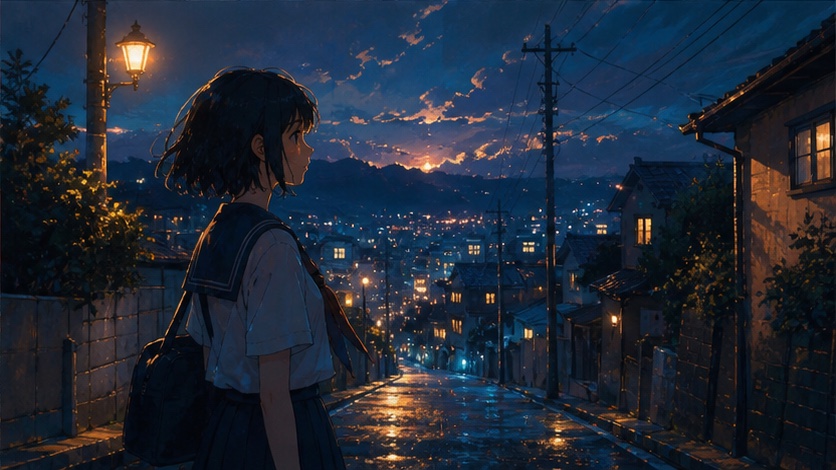
How to keep one style across a series
Use a short “series contract”:
model: Niji 7
sref: YOUR_CODE
line: "clean navy outline, medium weight"
palette: "warm cream, navy, orange accent"
shading: "two-step cel shading"
background: "simplified geometry, low texture"
camera: "35-50mm equivalent, restrained foreshortening"
character_spec: "repeat exact hair, eyes, outfit and accessories"
Then create prompts in three layers:
- Fixed style layer: model, SREF, line/palette/shading rules.
- Fixed identity layer: exact character specification when the same character returns.
- Variable scene layer: action, location, camera, and expression.
Change only the scene layer during the first series pass. If identity drifts, fix the character specification or reference workflow; do not immediately replace the SREF. If the palette or rendering drifts, investigate the style layer.
This separation turns “inconsistent” into a diagnosable problem.
Frequently asked questions
Why does Niji Style Creator show Midjourney styles?
The creator can remember a previous version choice. Open its settings and select Niji 7 before continuing.
Where do I find the SREF code I created?
Return to the Create tab and inspect the prompt history for images produced during the creator session. The generated codes are included there.
Why are the sample images not using my prompt?
The left-side samples represent styles you can select toward; they are not generated from your prompt. Your prompt is rendered in the preview strip on the right.
Can a Niji 7 SREF keep the same character?
Not by itself. SREF carries aesthetic properties rather than copying a person or object. Reuse an exact character specification and an appropriate reference workflow alongside the style code.
Why is Style Explorer blank?
The official Niji guide identifies ad blocking as a known cause. Temporarily disable the blocker for the page and reload before assuming the service is unavailable.
Can I mix two SREF codes?
Midjourney supports multiple style references and weighted code syntax, but combined codes stay active rather than becoming one new merged code. Record every code and weight, then rerun the person/place/thing matrix because combinations can narrow where the style works.
Build one reusable Niji 7 style
Start with one control prompt and choose a style for a real project. Validate it on a person, a place, an object, and one difficult subject. Save the code with its model, date, and failure notes.
Then open the dedicated Niji 7 route in PixMind and apply the selected visual system to the first production prompt. If the target is photoreal rather than illustrative, use the Midjourney family selector before forcing Niji toward the wrong job.