
Product Photo Background Requirements: Amazon, Shopify, and Etsy (2026)
Background rules are one of the most common reasons product listings get flagged or quietly underperform. The requirements differ by platform, but they share one practical consequence: you need a fast, repeatable way to convert real photos into pure-white main images and transparent cutouts. This post summarizes what each marketplace expects and the workflow that gets you there.
Amazon: pure white for the main image
Amazon's long-standing rule for the primary image in most categories is a pure white background (RGB 255, 255, 255), with the product filling roughly 85% of the frame, no logos, no watermarks, no props, and no additional text. Secondary images can show lifestyle scenes, scale references, and detail shots with any background.
What this means in practice: your studio shot does not need to be shot on white — it needs to finish on white. A photo taken in a real scene can be cut out and placed on a solid white backdrop, which is exactly what the White background output mode in the Product Background Remover does.
Shopify: your store, your rules — with one technical note
Shopify does not enforce a white background; the look is up to your brand. The one technical detail worth knowing is that Shopify supports transparent PNGs, and themes render them correctly — which makes a transparent cutout the most flexible asset to upload, since the same file works on light and dark sections. Many stores still standardize on white for product grids because it reads as clean and consistent.
Etsy: white or light, first photo especially
Etsy recommends a white or light neutral background for the first photo and allows lifestyle images after it. Since Etsy thumbnails are cropped square in many placements, center the product and keep key detail away from the edges.
The conversion workflow
Whatever the platform, the pipeline is the same:
- Shoot the product well-lit on any clean background. Even lighting and a plain backdrop give the cleanest edges.
- Cut out the product. Upload to the Product Background Remover; the AI removes the background automatically. Keep the transparent PNG as your master asset.
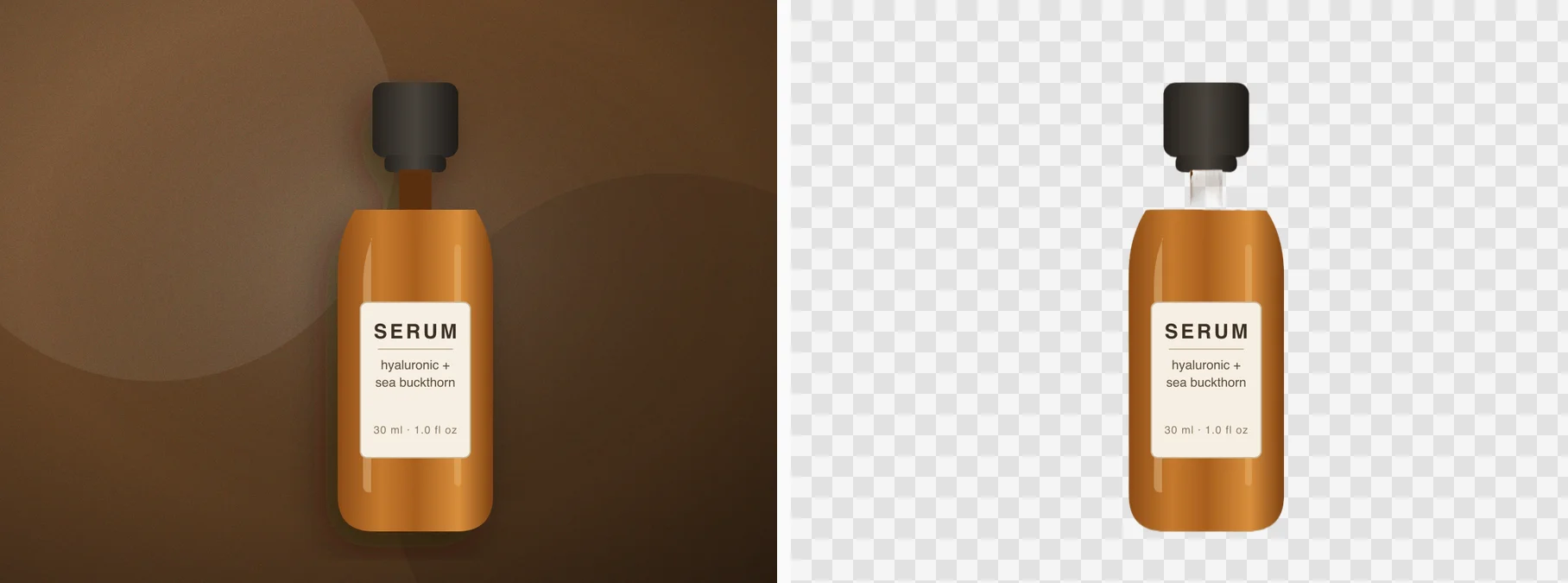
- Export per platform. Use the transparent master for design work and Shopify uploads where you want flexibility; produce the pure-white version for Amazon main images. Check edges and reflections in the before/after view before downloading.
- Batch when you can. Paid members can process up to five images per task and download them together, which matters when a catalog refresh means forty photos.
Common review failures and their fixes
- Off-white backgrounds. A wall that reads as white to the eye can be RGB 240. Cutout-and-replace on solid white removes the guesswork.
- Drop shadows baked into the shot. Shadows crossing onto the backdrop often survive the cutout. Keep the product farther from the backdrop or retake with flatter light.
- Props and borders inside the main image. Amazon rejects inset borders, logos, and promo text on the primary image; save those for secondary slots.
Marketplace rules shift over time and vary by category, so give the final files a quick check against the current guidelines in your seller dashboard before a bulk upload.
Frequently asked questions
Do I need a studio to pass background rules? No. A cutout from a well-lit phone photo on a plain surface converts to a compliant white main image.
Transparent PNG or white background — which should I keep? Keep both: the transparent PNG is the reusable master, the white version is the Amazon-format export. The tool produces either in the same pass.
How many photos do I need per listing? Platforms reward multiple angles. One hero on white plus detail and lifestyle shots is a sensible minimum; batch processing keeps the conversion fast.